

-
Empieza a usar el elemento model de HTML
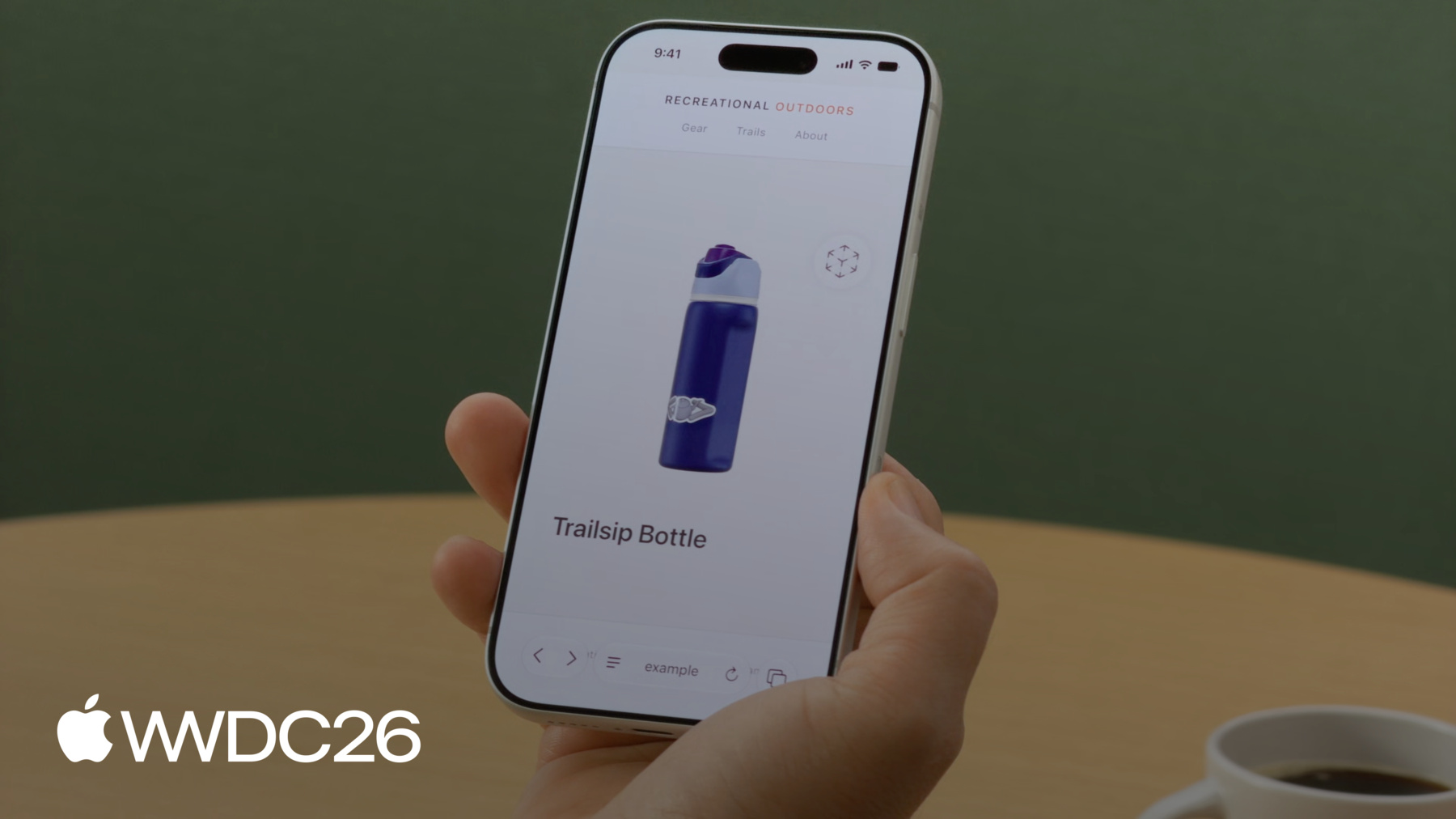
Descubre cómo el elemento model aporta contenido 3D interactivo a tus sitios web, ahora en iOS, iPadOS, macOS y visionOS. Descubre herramientas para crear y optimizar recursos 3D. Explora las funcionalidades del elemento model y descubre cómo los estándares web están dando forma al futuro del 3D en la web.
Capítulos
- 0:00 - Introducción
- 2:22 - Prepara el activo de modelo USDZ
- 4:18 - Carga y alternativas
- 6:14 - El fondo del modelo
- 6:48 - Interacciones
- 8:26 - Animación de transición
- 10:08 - Reproducción de animaciones
- 10:52 - Realidad aumentada y espacial
- 12:29 - Optimiza los recursos para producción
- 14:53 - Próximos pasos
Recursos
- WebKit.org - Theater Ticket Sales immersive website environment demo for Apple Vision Pro
- The HTML model element in Apple Vision Pro
- GitHub: model element samples
- WebKit.org – Report issues to the WebKit open-source project
- AOUSD – Alliance for OpenUSD
- w3.org – Model element
- Submit feedback
Videos relacionados
WWDC26
WWDC25
WWDC24
-
Buscar este video…
-
-
4:19 - Load a model
<!-- Using the src attribute --> <model src="mallet.usdz"></model> <!-- Using a <source> child for MIME type --> <model> <source src="mallet.usdz" type="model/vnd.usdz+zip"> </model> -
4:39 - Image fallback
<model id="mallet" src="mallet.usdz"> <img src="mallet.png" alt="Rubber mallet with wooden handle"> </model> -
5:09 - Ready promise
<model id="mallet" src="mallet.usdz"></model> <script> const model = document.getElementById("mallet"); model.ready.then(result => { // Hide the loading indicator }).catch(error => { // Loading failed, show fallback }); </script> -
5:39 - Polyfill fallback
<script type="module"> if (!window.HTMLModelElement) { import("model-element-polyfill.js").then(() => { // Polyfill ready to use }); } </script> -
6:13 - Model background
<model id="mallet" src="mallet.usdz"></model> <style> model { background-color: #f4f1ec; } </style> -
6:47 - Stage mode
<model id="mallet" src="mallet.usdz" stagemode="orbit"> </model> -
7:31 - Custom transforms
<model id="boot" src="boot.usdz"></model> <button id="button-side">Side</button> <button id="button-reset">Reset</button> <script> const model = document.getElementById("boot"); const initialTransform = model.entityTransform; document.getElementById("button-side") .addEventListener("click", () => { const transform = new DOMMatrix(); transform.rotateSelf(0, 135, 0); model.entityTransform = transform; }); document.getElementById("button-reset") .addEventListener("click", () => { model.entityTransform = initialTransform; }); </script> -
8:35 - Transition animation
<script> const model = document.getElementById("boot"); const duration = 500; let currentAngle = 0; let animationId = null; function animateTo(targetAngle) { if (animationId) cancelAnimationFrame(animationId); const startAngle = currentAngle; const startTime = performance.now(); function step(now) { const progress = Math.min((now - startTime) / duration, 1); const ease = 1 - Math.pow(1 - progress, 3); currentAngle = startAngle + (targetAngle - startAngle) * ease; model.entityTransform = new DOMMatrix().rotateSelf(0, currentAngle, 0); if (progress < 1) animationId = requestAnimationFrame(step); } requestAnimationFrame(step); } document.getElementById("button-side").addEventListener("click", () => animateTo(135)); document.getElementById("button-reset").addEventListener("click", () => animateTo(0)); </script> -
10:07 - Animation playback
<model id="bottle" src="bottle.usdz"></model> <button id="button-play" onclick="play(5)"> Play </button> <button id="button-reverse" onclick="play(-5)"> Reverse </button> <script> const model = document.getElementById("bottle"); function play(rate) { model.playbackRate = rate; model.play(); } </script> -
11:06 - AR Quick Look
<a rel="ar" href="bottle.usdz">
    <model id="boot" src="bottle.usdz"></model>
</a>
-