

View in English

  • Apple Developer
    • Get Started

    Explore Get Started

    • Overview
    • Learn
    • Apple Developer Program

    Stay Updated

    • Latest News
    • Hello Developer
    • Platforms

    Explore Platforms

    • Apple Platforms
    • iOS
    • iPadOS
    • macOS
    • tvOS
    • visionOS
    • watchOS
    • App Store

    Featured

    • Design
    • Distribution
    • Games
    • Accessories
    • Web
    • Home
    • CarPlay
    • Technologies

    Explore Technologies

    • Overview
    • Xcode
    • Swift
    • SwiftUI

    Featured

    • Accessibility
    • App Intents
    • Apple Intelligence
    • Games
    • Machine Learning & AI
    • Security
    • Xcode Cloud
    • Community

    Explore Community

    • Overview
    • Meet with Apple events
    • Community-driven events
    • Developer Forums
    • Open Source

    Featured

    • WWDC
    • Swift Student Challenge
    • Developer Stories
    • App Store Awards
    • Apple Design Awards
    • Apple Developer Centers
    • Documentation

    Explore Documentation

    • Documentation Library
    • Technology Overviews
    • Sample Code
    • Human Interface Guidelines
    • Videos

    Release Notes

    • Featured Updates
    • iOS
    • iPadOS
    • macOS
    • watchOS
    • visionOS
    • tvOS
    • Xcode
    • Downloads

    Explore Downloads

    • All Downloads
    • Operating Systems
    • Applications
    • Design Resources

    Featured

    • Xcode
    • TestFlight
    • Fonts
    • SF Symbols
    • Icon Composer
    • Support

    Explore Support

    • Overview
    • Help Guides
    • Developer Forums
    • Feedback Assistant
    • Contact Us

    Featured

    • Account Help
    • App Review Guidelines
    • App Store Connect Help
    • Upcoming Requirements
    • Agreements and Guidelines
    • System Status
  • Quick Links

    • Events
    • News
    • Forums
    • Sample Code
    • Videos
 

Videos

Abrir menú Cerrar menú
  • Colecciones
  • Todos los videos
  • Información

Más videos

  • Información
  • Resumen
  • Código
  • Novedades en la comprensión de imágenes

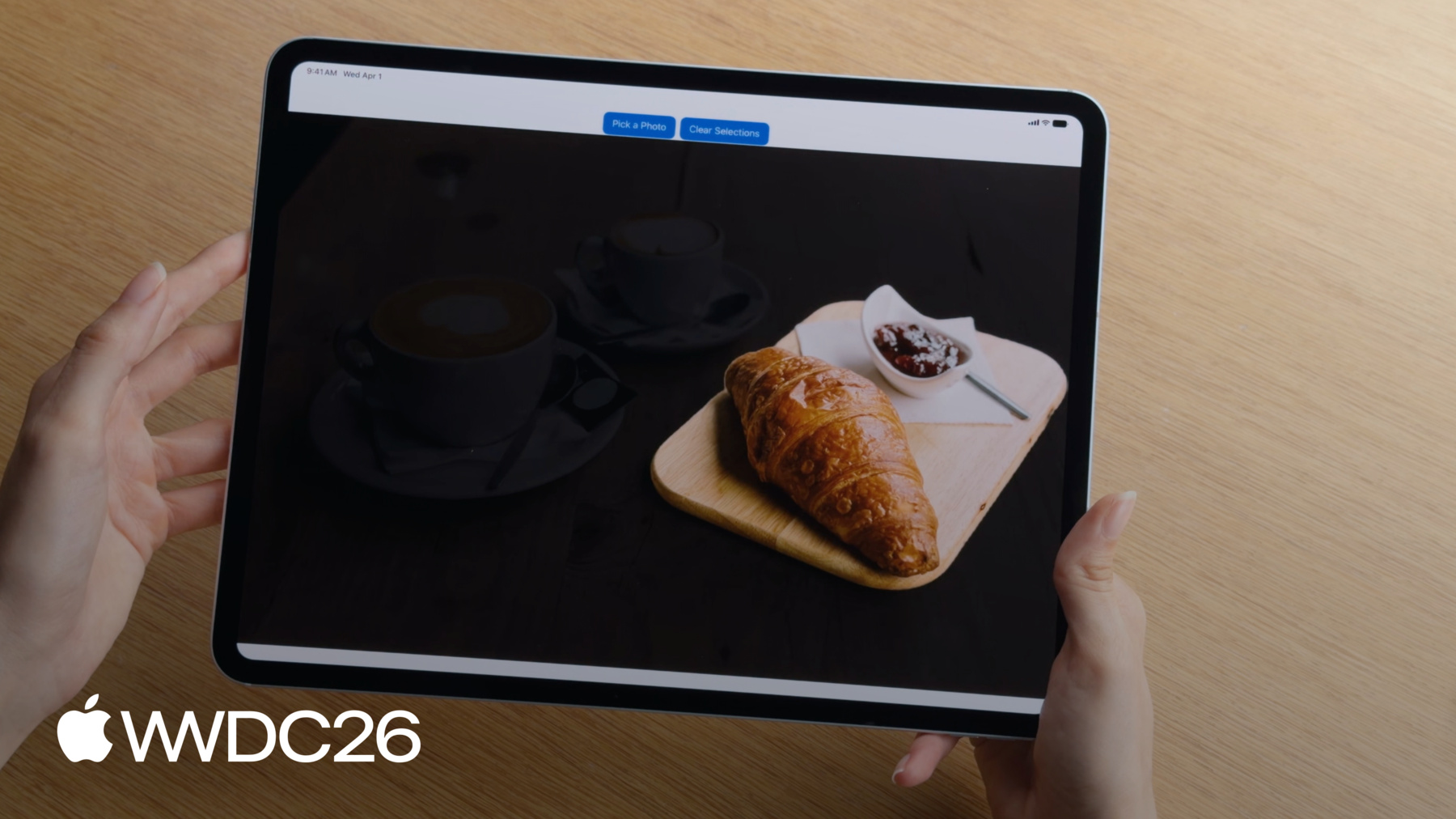
    Aprovecha las potentes capacidades de comprensión de imágenes con las últimas actualizaciones del framework Vision y del framework Foundation Models. La nueva solicitud de segmentación mediante toque te permite segmentar imágenes de nuevas maneras, y Vision ahora es compatible con watchOS. Combina la nueva compatibilidad con imágenes de Apple Foundation Model con OCR, el escaneo de códigos de barras y tus propias herramientas para ofrecer una comprensión visual basada en LLM en tu app.

    Capítulos

    • 0:00 - Introduction
    • 1:36 - Segment images with tap-to-segment
    • 5:50 - Image inputs for Foundation Models
    • 7:57 - Image-based tool calling
    • 13:09 - Vision on watchOS
    • 14:39 - Next steps

    Recursos

    • Segmenting objects using taps, scribbles or rectangles
    • Implementing saliency-based image cropping in iOS and watchOS
      • Video HD
      • Video SD

    Videos relacionados

    WWDC26

    • Novedades del framework Foundation Models

    WWDC25

    • Profundización en la estructura Foundation Models

    WWDC24

    • Discover Swift enhancements in the Vision framework
  • Buscar este video…
    • 4:15 - Segment images (tap-to-segment)

      // Generate a segmentation mask of an object with a seed point
      let handler = ImageRequestHandler(image)
      let request = GenerateIterativeSegmentationRequest(seed: point)
      let observation = try await handler.perform(request)
      let mask = observation?.pixelBuffer
      
      // Refine the mask with a new point
      request.addIncludedPoint(newPoint)
      let refinedObservation = try await handler.perform(request)
    • 6:41 - Generate an image caption with Foundation Models

      // Generate an image caption with Foundation Models
      import FoundationModels
      
      let prompt = Prompt {
          "Generate a caption for this image"
          Attachment(image)
      }
      let response = try await session.respond(to: prompt)
      let caption = response.content
    • 9:55 - Create an image-based tool

      // Create an image-based tool
      struct PlantIdentifierTool: Tool {
          @SessionProperty(\.history) var history
      
          @Generable
          struct Arguments {
              var image: ImageReference
          }
      
          func call(arguments: Arguments) async throws -> String {
              let imageReference = arguments.image
              let transcript = Transcript(history)
              guard let imageAttachment = imageReference.resolve(in: transcript) else {
                  throw AppError.imageNotFound
              }
              let image = try imageAttachment.pixelBuffer()
              return classifyPlant(image)
          }
      }
    • 12:09 - Use Vision tools

      // Use Vision tools
      import FoundationModels
      import Vision
      
      let session = LanguageModelSession(model: model, tools: [BarcodeReaderTool()])
      let response = try await session.respond(generating: EventInfo.self) {
          "Get the date, location, and website from this flyer"
          Attachment(image)
              .label("flyer")
      }
    • 13:54 - Create a crop that highlights a prominent subject (watchOS / saliency)

      // Create a crop that highlights a prominent subject
      func generateImageCrop(in image: CGImage) async throws -> NormalizedRect? {
          let request = GenerateObjectnessBasedSaliencyImageRequest()
          let observation = try await request.perform(on: image)
          let prominentObjects = observation.salientObjects
          return prominentObjects.first
      }
    • 0:00 - Introduction
    • An overview of the new image understanding capabilities in Vision and Foundation Models this year: the tap-to-segment API, image inputs for large language models, image-based tool calling, and Vision on watchOS.

    • 1:36 - Segment images with tap-to-segment
    • How to use Vision's new tap-to-segment API to interactively isolate any object in an image using point taps, lasso strokes, or combinations. Covers the ImageRequestHandler setup, normalized coordinate system, lasso stroke width best practices, and the on-device model download requirement.

    • 5:50 - Image inputs for Foundation Models
    • How to pass images directly to large language models using the Foundation Models framework for tasks like caption generation, scene understanding, recipe creation, and interior design suggestions. Includes a comparison of when to use Vision versus Foundation Models for image analysis.

    • 7:57 - Image-based tool calling
    • How to extend LLM capabilities with tool calling that accepts image arguments. Covers defining tools conforming to the Tool protocol with image parameters, accessing image references via session history transcripts, and using built-in Vision tools — including the barcode reader and saliency tool — to give models capabilities they cannot perform on their own.

    • 13:09 - Vision on watchOS
    • How to use Vision on watchOS to enhance watch apps. Demonstrates using saliency analysis to automatically identify and crop the subject of interest from wildlife photos, so the most relevant part of an image is always displayed in the compact watch UI.

    • 14:39 - Next steps
    • A recap of all four new image understanding capabilities and links to downloadable sample apps for tap-to-segment and watchOS Vision from the Apple Developer website.

Developer Footer

  • Videos
  • WWDC26
  • Novedades en la comprensión de imágenes
  • Open Menu Close Menu
    • iOS
    • iPadOS
    • macOS
    • tvOS
    • visionOS
    • watchOS
    • App Store
    Open Menu Close Menu
    • Swift
    • SwiftUI
    • Swift Playground
    • TestFlight
    • Xcode
    • Xcode Cloud
    • Icon Composer
    • SF Symbols
    Open Menu Close Menu
    • Accessibility
    • Accessories
    • Apple Intelligence
    • Audio & Video
    • Augmented Reality
    • Business
    • Design
    • Distribution
    • Education
    • Games
    • Health & Fitness
    • In-App Purchase
    • Localization
    • Maps & Location
    • Machine Learning & AI
    • Security
    • Safari & Web
    Open Menu Close Menu
    • Documentation
    • Downloads
    • Sample Code
    • Videos
    Open Menu Close Menu
    • Help Guides & Articles
    • Contact Us
    • Forums
    • Feedback & Bug Reporting
    • System Status
    Open Menu Close Menu
    • Apple Developer
    • App Store Connect
    • Certificates, IDs, & Profiles
    • Feedback Assistant
    Open Menu Close Menu
    • Apple Developer Program
    • Apple Developer Enterprise Program
    • App Store Small Business Program
    • MFi Program
    • Mini Apps Partner Program
    • News Partner Program
    • Video Partner Program
    • Security Bounty Program
    • Security Research Device Program
    Open Menu Close Menu
    • Meet with Apple
    • Apple Developer Centers
    • App Store Awards
    • Apple Design Awards
    • Apple Developer Academies
    • WWDC
    Read the latest news.
    Get the Apple Developer app.
    Copyright © 2026 Apple Inc. All rights reserved.
    Terms of Use Privacy Policy Agreements and Guidelines