

-
Perfil, corrección y verificación: Mejora la capacidad de respuesta de tu app con Instruments
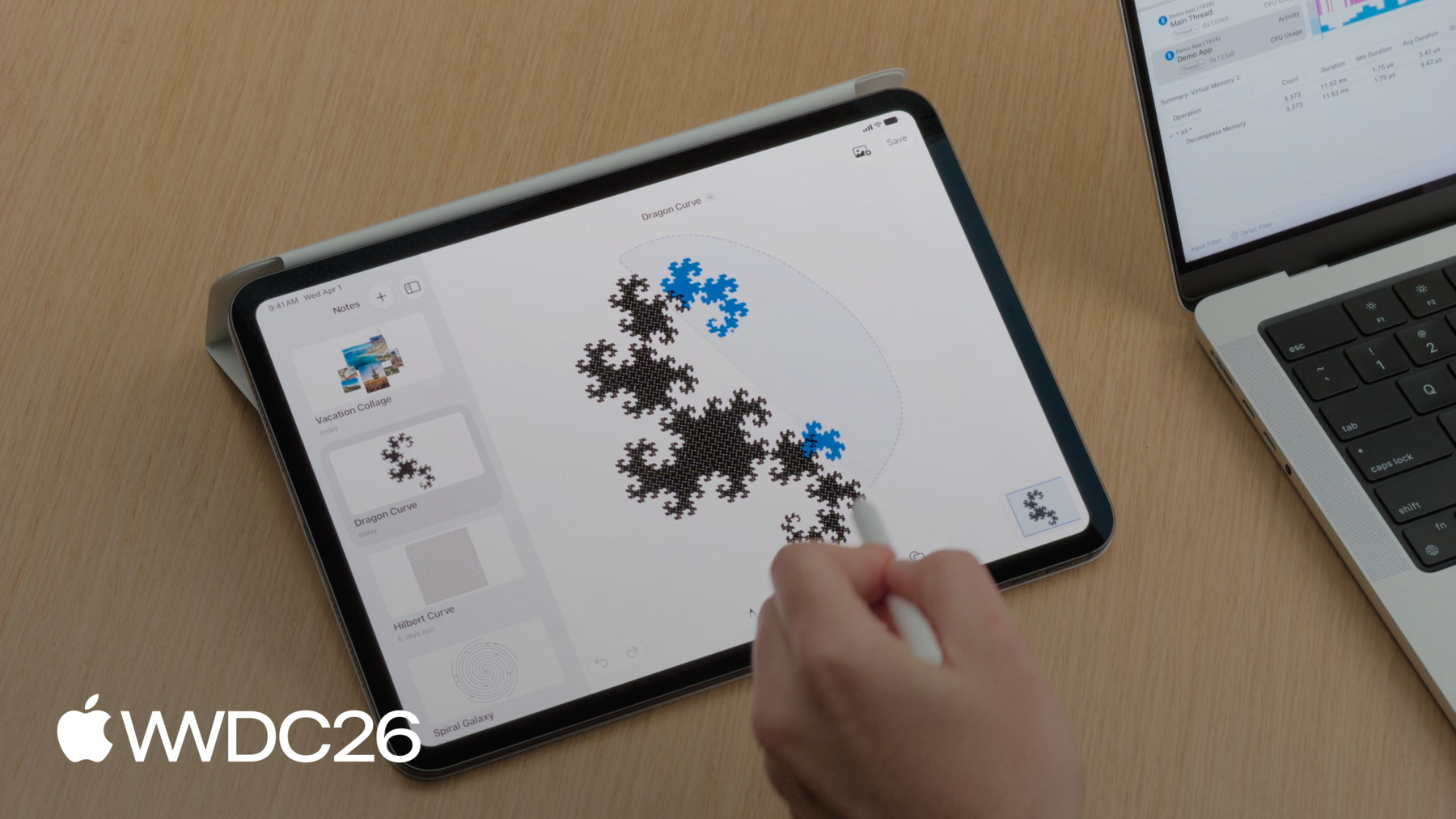
Resuelve los problemas de capacidad de respuesta de las apps con un flujo de trabajo claro. Explora el instrumento de concurrencia de Swift, Time Profiler y System Trace para identificar los cuellos de botella. Descubre cómo utilizar las funciones más importantes y realizar comparaciones para medir tus mejoras y verificar que las correcciones funcionen. Conoce otras mejoras de Instruments que agilizan más que nunca cada iteración de este ciclo, para que puedas ofrecer una experiencia de usuario más fluida en menos tiempo.
Capítulos
- 0:00 - Introducción
- 1:12 - Flujo de diagnóstico
- 7:06 - Visualización de datos de muestreo
- 16:01 - Contención de ejecución
- 20:29 - Bloqueo del sistema
- 26:07 - Próximos pasos
Recursos
Videos relacionados
WWDC26
WWDC25
WWDC23
WWDC22
-
Buscar este video…
-
-
5:41 - Add signpost interval around Lasso Selection
// Add signpost interval around Lasso Selection import os.signpost let signposter = OSSignposter(subsystem: “Demo App", category: .pointsOfInterest) var lassoIntervalState: OSSignpostIntervalState? = nil func lassoSelectionUpdated() { lassoIntervalState = signposter.beginInterval("Lasso Selection") // Update selection in canvas… } func lassoSelectionEnded() { // Finalize lasso selection... signposter.endInterval("Lasso Selection", lassoIntervalState!) } -
12:11 - Existentials
// Existentials protocol Foo { } struct TypeA: Foo { } struct TypeB: Foo { } func bar(_ foo: any Foo) { } -
12:39 - Concrete Types
// Concrete types protocol Foo { } struct TypeA: Foo { } struct TypeB: Foo { } func bar(_ a: TypeA) { } func bar(_ b: TypeB) { } -
12:46 - Concrete Types + Generics
// Concrete types protocol Foo { } struct TypeA: Foo { } struct TypeB: Foo { } func bar(_ a: TypeA) { } func bar(_ b: TypeB) { } // Generics protocol Foo { } struct TypeA: Foo { } struct TypeB: Foo { } func bar<T: Foo>(_ generic: T) { } -
12:49 - Concrete Types + Generics + Enums
// Concrete types protocol Foo { } struct TypeA: Foo { } struct TypeB: Foo { } func bar(_ a: TypeA) { } func bar(_ b: TypeB) { } // Generics protocol Foo { } struct TypeA: Foo { } struct TypeB: Foo { } func bar<T: Foo>(_ generic: T) { } // Enums enum Foo { case a(TypeA) case b(TypeB) } struct TypeA { } struct TypeB { } func bar(_ enum: Foo) { } -
18:24 - Thumbnail Rendering
// Thumbnail rendering let drawingData = note.drawingData let canvasImages = note.decodeCanvas() thumbnail = await Task(name: "Render Thumbnail") { await renderThumbnail(drawingData: drawingData, canvasImages: canvasImages, size: CGSize(width: 300, height: 240)) }.value -
18:29 - Thumbnail Rendering Off Main Actor
// Thumbnail rendering off Main Actor let drawingData = note.drawingData let canvasImages = note.decodeCanvas() thumbnail = await Task(name: "Render Thumbnail") { @concurrent in await renderThumbnail(drawingData: drawingData, canvasImages: canvasImages, size: CGSize(width: 300, height: 240)) }.value -
24:12 - File Saving
// File saving let encoder = PropertyListEncoder() encoder.outputFormat = .binary guard let data = try? encoder.encode(snapshots) else { return } let id = signposter.beginInterval("Writing To File") try? data.write(to: fileURL, options: .atomic) signposter.endInterval("Writing To File", id) -
24:25 - File Saving off Main thread
// File saving

Task { @concurrent in
	let encoder = PropertyListEncoder()
	encoder.outputFormat = .binary
	guard let data = try? encoder.encode(snapshots) else { return }
	let id = signposter.beginInterval("Writing To File")
	try? data.write(to: fileURL, options: .atomic)
	signposter.endInterval("Writing To File", id)
}
-