

-
Descubre las novedades de RealityKit
Descubre las últimas novedades de RealityKit, diseñadas para que tus apps y juegos sean más envolventes y realistas que nunca. Descubre nuevas y potentes capacidades, como simulaciones interactivas de telas, búsqueda de rutas con NavMesh, iluminación de realidad mixta y mallas de reverberación personalizables para un audio espacial mejorado. Mejora la calidad visual con sombras optimizadas, mejoras en el renderizado de personajes y compatibilidad con el splatting gaussiano.
Capítulos
- 0:00 - Introducción
- 2:00 - Iluminación y sombras
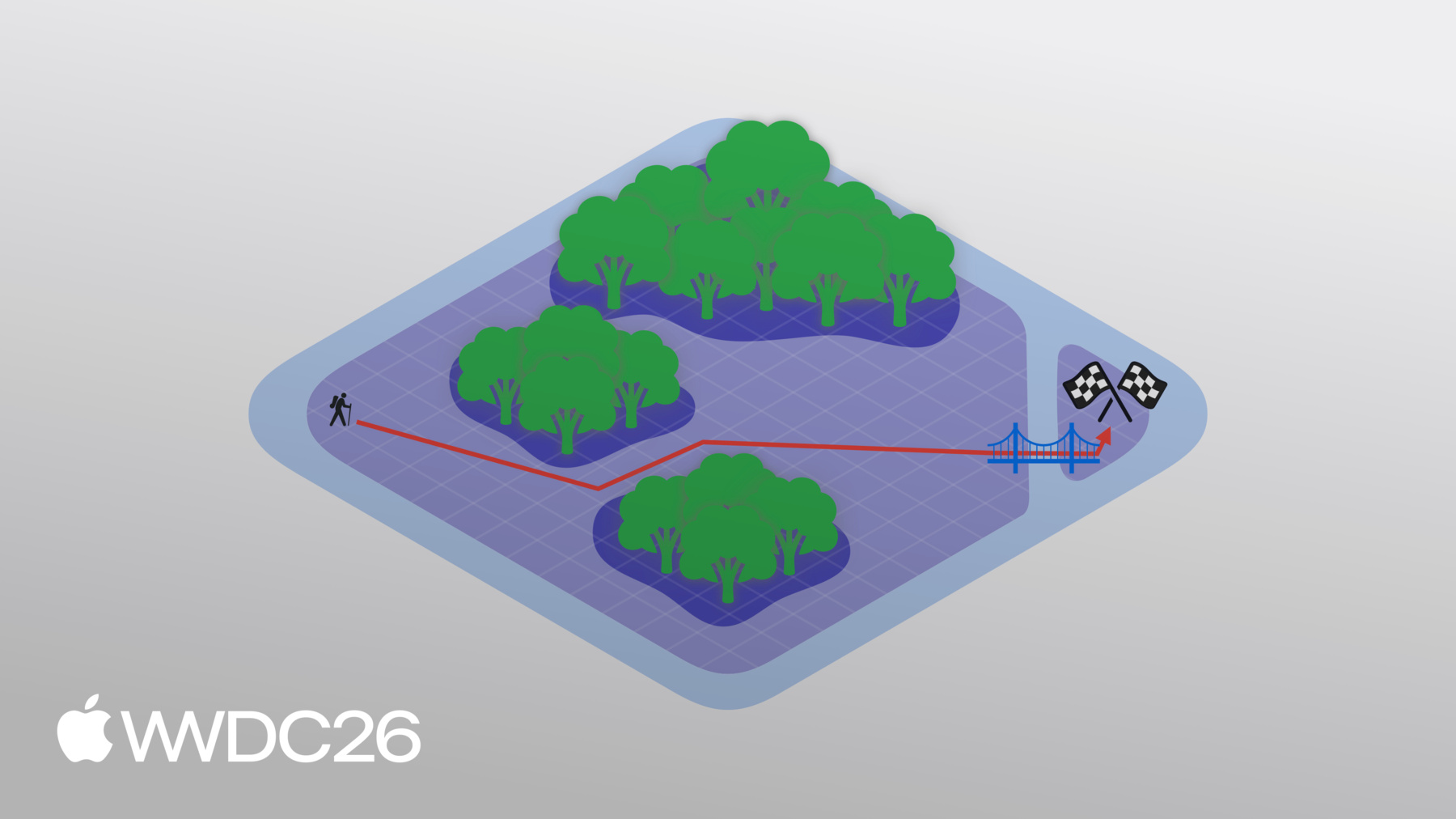
- 7:44 - Malla de navegación
- 11:01 - Simulación de telas
- 13:42 - Rendimiento
- 17:09 - Splats gaussianos 3D
- 19:08 - Audio envolvente
- 22:42 - Próximos pasos
Recursos
Videos relacionados
WWDC26
-
Buscar este video…
-
-
4:02 - Soft shadows
// Enable soft shadows for the hearth spotlight guard var shadow = hearthSpotlight.components[SpotLightComponent.Shadow.self] else { // handle error } shadow.lightSize = 0.7 // meters shadow.quality = .medium // or .high // shadow.quality = .low // will result in hard shadows hearthSpotlight.components.set(shadow) -
6:13 - Projective textures
// Create one of the planetarium spotlights let spotLightEntity = Entity() spotLightEntity.components.set(SpotLightComponent( color: .white, intensity: intensity, innerAngleInDegrees: innerAngle, outerAngleInDegrees: outerAngle, attenuationRadius: attenuationRadius, )) let projectiveTexture: TextureResource = generateStarsAndNebulaeTexture() spotLightEntity.components.set(SpotLightComponent.ProjectiveTexture( texture: projectiveTexture )) -
7:13 - Physical space lighting
// Enable physical space lighting spotLightEntity.components.set(SpotLightComponent.SurroundingsLight()) -
9:46 - Querying the navigation mesh
// Querying the navigation mesh in Chaparral Village extension Entity { public func navigate(/* ... */) async { let navigator = try! NavigationController(entity: self) guard let result = await navigator.computePath(from: fromPosition, to: toPosition) else { return } if result.isEmpty { return } for node in result { switch node.category { case .meshPoint: finalPath.append(node.position) case .offMeshConnection: // handle ladders } } } } -
12:51 - Pinning cloth to anchor points
// Pin the curtains to the Alchemist's lab for (pin, pinComponent) in pins { let position = pin.position(relativeTo: event.entity) let selectionSphere = ClothSphereShape(radius: pinComponent.radius) let vertices = clothMesh.vertices(in: .sphere(selectionSphere), center: position) clothBody.motionTypes.set(vertexIndices: vertices, value: .kinematic) } -
14:42 - LOD by camera distance
// Create entity with LODs let lod0 = [ModelEntity(mesh: lodMesh0)] let lod1 = [ModelEntity(mesh: lodMesh1)] let lod2 = [ModelEntity(mesh: lodMesh2)] let entity = Entity() LevelOfDetailComponent.addByCameraDistance(to: entity, levels: [ (entities: lod0, maxDistance: 1.0 /* meters */), // highest detail (entities: lod1, maxDistance: 5.0), // medium detail (entities: lod2, maxDistance: .infinity), // lowest detail ]) -
15:58 - LOD by screen area
// Create entity with LODs let lod0 = [ModelEntity(mesh: lodMesh0)] let lod1 = [ModelEntity(mesh: lodMesh1)] let lod2 = [ModelEntity(mesh: lodMesh2)] let entity = Entity() LevelOfDetailComponent.addByScreenArea(to: entity, levels: [ (entities: lod0, minArea: 0.2 /* fraction of screen area */), // highest detail (entities: lod1, minArea: 0.1), // medium detail (entities: lod2, minArea: 0.01), // lowest detail ]) -
16:26 - Responding to thermal state changes
// Respond to changes in device thermal state NotificationCenter.default.addObserver(of: ProcessInfo.self, for: .thermalStateDidChange) {_ in switch ProcessInfo.processInfo.thermalState { case .nominal, .fair: // Stay the course case .serious, .critical: // Improve performance by: // More aggressive LOD switching // Lower shadow quality } } -
18:44 - Creating a Gaussian splat
// Create Gaussian splat resource and component let resource = try GaussianSplatResource.BufferResource(count: splatCount, position: positionBuffer, scale: scaleBuffer, rotation: rotationBuffer, opacity: opacityBuffer, sphericalHarmonics: (sphericalHarmonicsBuffer, degree)) let splatResource = GaussianSplatResource(resource) let splatComponent = GaussianSplatComponent(splatResource) splatEntity.components.set(splatComponent) -
20:49 - Creating a custom reverb mesh
// Create and use custom reverb mesh let mesh: ReverbMeshResource = .shoebox(size: [5, 4, 6]) let reverb: Reverb = .simulated(mesh: mesh, materials: [.dryWall]) entity.components.set(ReverbComponent(reverb: reverb)) -
21:33 - Creating custom reverb materials
// Create custom materials for custom reverb mesh

let thickCarpet: Audio.Material = .carpet.scalingAbsorption {freq in 0.1 }

let bookshelf: Audio.Material

// Absorption coefficients by center frequency:
// 31.5Hz, 63Hz, 125Hz, 250Hz, 500Hz, 1kHz, 2kHz, 4kHz, 8kHz, 16kHz
let bookshelfAbsorption = Audio.Absorption(
    [0.10, 0.15, 0.28, 0.20, 0.15, 0.10, 0.10, 0.07, 0.07, 0.05])

// Scattering coefficients for: 500Hz, 1000Hz, 4000Hz
let bookshelfScattering = Audio.Scattering([500: 0.5, 1000: 0.6, 4000: 0.7])

bookshelf = .init(absorption: bookshelfAbsorption,
              scattering: bookshelfScattering)
-