

-
Colabora en modelos 3D estructurados en visionOS
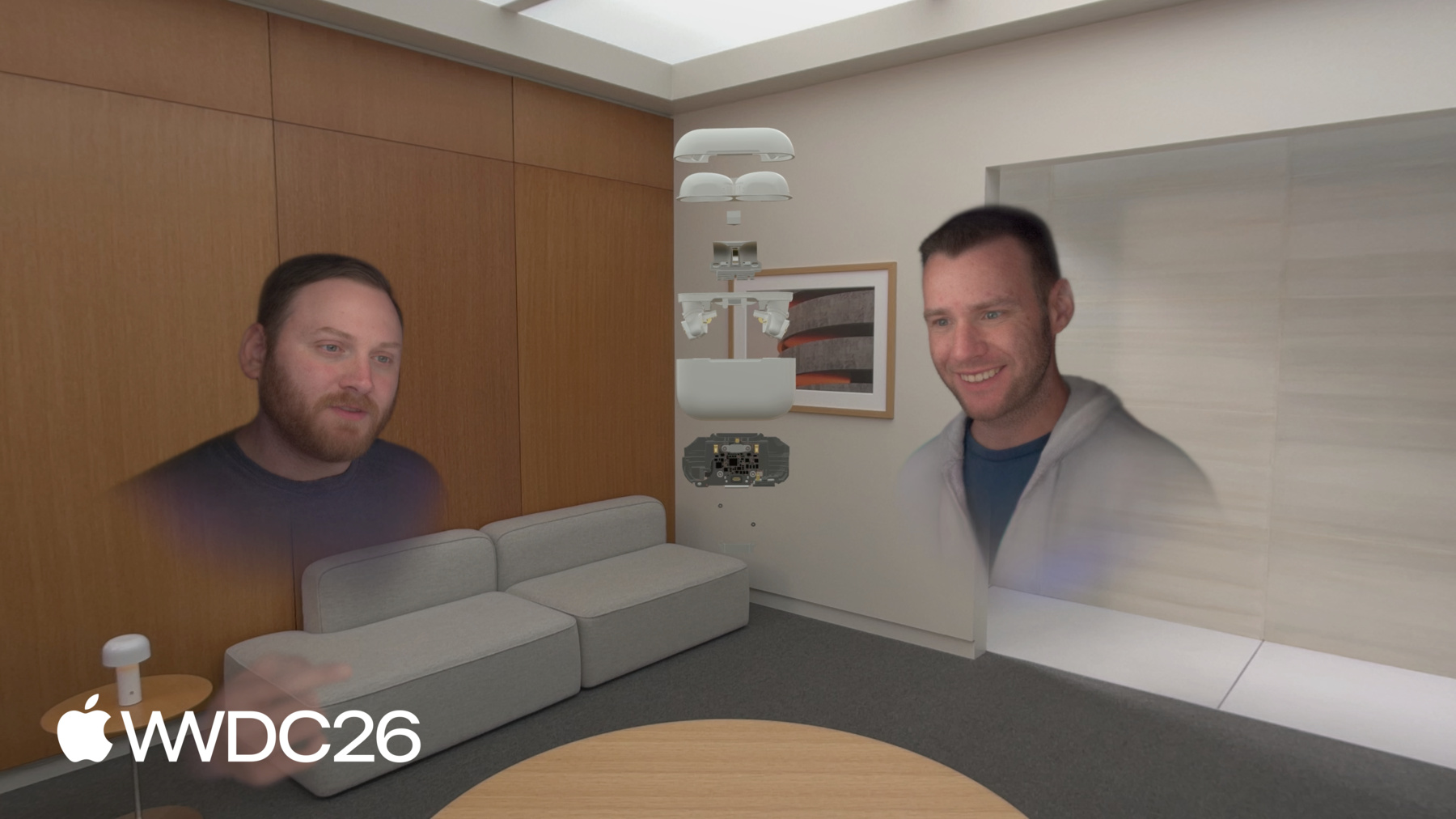
Obtén información sobre cómo dar vida a modelos 3D estructurados en visionOS. Abordaremos la preparación de USDZ, te mostraremos cómo manipular entidades individuales dentro de ensamblajes jerárquicos y cómo inspeccionar los componentes internos de un modelo mediante un plano transversal. Crea animaciones impresionantes con vistas explosionadas para revisar diseños y colaborar en Apple Vision Pro.
Capítulos
- 0:00 - Introducción
- 2:55 - Preparación de recursos
- 5:05 - Manipulación de la jerarquía
- 8:15 - Recorte interactivo
- 18:16 - Autoexpansión
- 24:10 - Próximos pasos
Recursos
Videos relacionados
WWDC26
WWDC25
- Comparte experiencias de visionOS con personas cercanas
- Mejor juntos: SwiftUI y RealityKit
- Novedades de RealityKit
WWDC24
-
Buscar este video…
-
-
7:10 - Opening an assembly
func openAssembly() { components[ManipulationComponent.self] = nil components[InputTargetComponent.self] = nil for child in assemblyChildren { child.components.set(InputTargetComponent()) var manipulation = ManipulationComponent() manipulation.releaseBehavior = .stay child.manipulationComponent = manipulation } } -
7:11 - Closing an assembly
func closeAssembly() {
    for child in assemblyChildren {
        child.manipulationComponent = nil
        child.components[InputTargetComponent.self] = nil
    }

    components.set(InputTargetComponent())
    var manipulation = ManipulationComponent()
    manipulation.releaseBehavior = .stay
    manipulationComponent = manipulation
}
-