

-
Usa streaming foveado para llevar contenido envolvente a visionOS
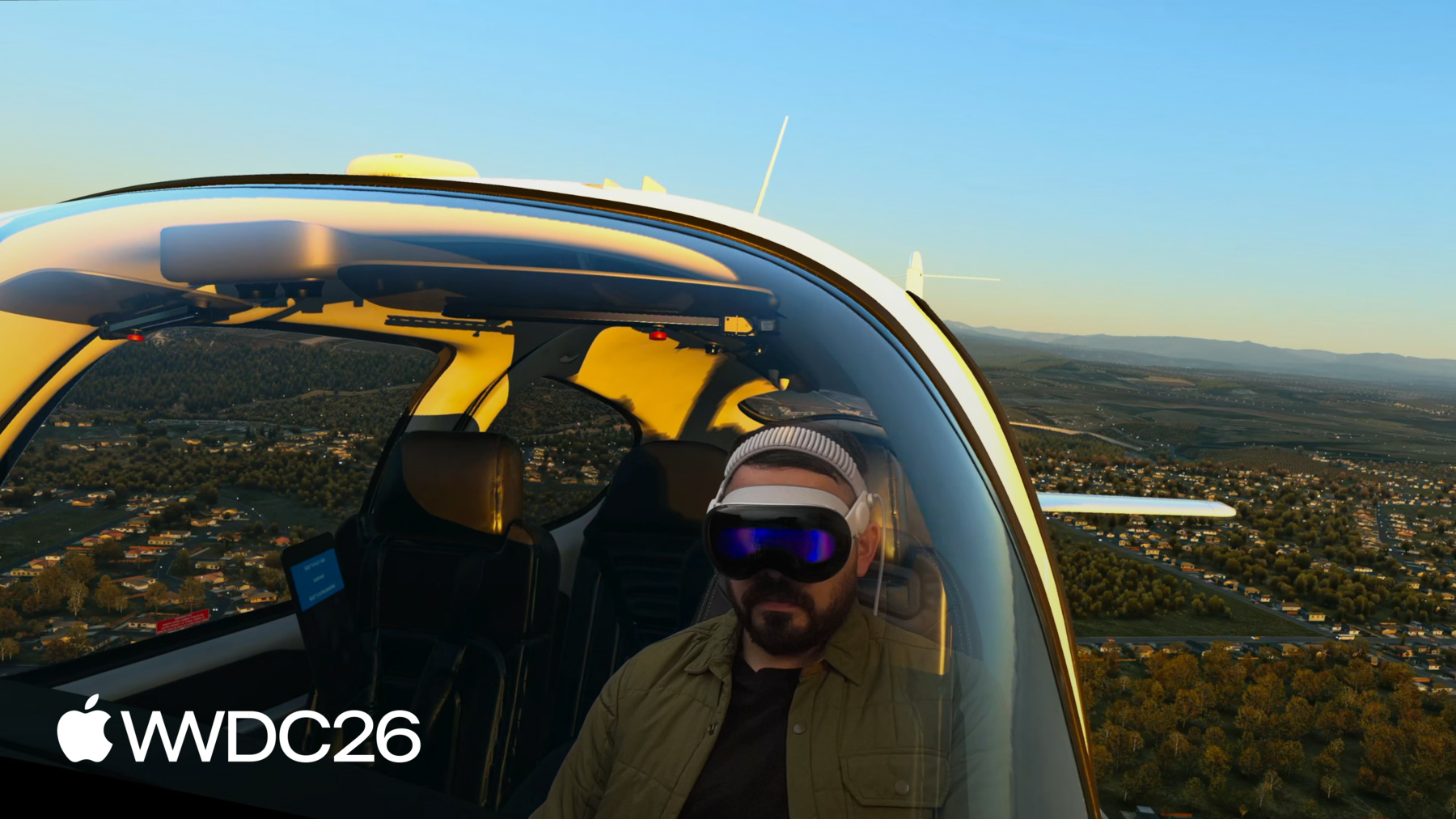
Descubre cómo el streaming foveado transmite escenas renderizadas de forma remota a Apple Vision Pro con total fidelidad. Explora cómo este framework combina las capacidades nativas de visionOS con tecnologías de streaming de terceros de forma totalmente inalámbrica, tal y como se muestra en una escena de OpenXR y NVIDIA CloudXR. Obtén información sobre el framework FoveatedStreaming, su integración con el SDK de NVIDIA CloudXR y cómo el streaming foveado dinámico ofrece ventajas sin dejar de preservar la privacidad.
Capítulos
- 0:00 - Introducción
- 4:08 - Cómo funciona Foveated Streaming
- 4:46 - Configura el endpoint de streaming
- 5:18 - Crea una app receptora para visionOS
- 8:02 - Integración con el endpoint de streaming
- 11:28 - Evalúa el rendimiento
- 11:56 - Mejora con funcionalidades de visionOS
- 13:56 - Próximos pasos
Recursos
- Analyzing the performance of a foveated streaming session
- Establishing foveated streaming sessions with Apple Vision Pro
- Streaming a CloudXR application to Apple Vision Pro with foveation
- Creating a foveated streaming client on visionOS
- Foveated Streaming
- StreamingSession: Streaming immersive content from a CloudXR™ application to visionOS and iOS
Videos relacionados
WWDC26
-
Buscar este video…
-
-
6:03 - Connect to a streaming endpoint
// Connect to a streaming endpoint import SwiftUI import FoveatedStreaming struct ConnectView: View { let session: FoveatedStreamingSession var body: some View { Button("Connect") { Task { try await session.connect() } } } } -
6:44 - Display a Foveated Streaming session in your immersive space
// Display a Foveated Streaming session in your immersive space import SwiftUI import FoveatedStreaming @main struct FoveatedStreamingSampleApp: App { private let session = FoveatedStreamingSession() var body: some SwiftUI.Scene { ImmersiveSpace(foveatedStreaming: session) } } -
6:55 - Compose SwiftUI content with Foveated Streaming
// Compose SwiftUI content with Foveated Streaming import SwiftUI import FoveatedStreaming @main struct FoveatedStreamingSampleApp: App { private let session = FoveatedStreamingSession() private let appModel = AppModel() var body: some SwiftUI.Scene { Window("Main", id: appModel.mainWindowId) { ContentView(session: session) .environment(appModel) .environment(session) // ... } ImmersiveSpace(foveatedStreaming: session) { SpatialContainer { ReopenMainWindowView().environment(appModel) TransformStreamWidgetView().environment(session) } } } } -
13:42 - Compose RealityKit content with Foveated Streaming
// Compose RealityKit content with Foveated Streaming

import SwiftUI
import RealityKit
import FoveatedStreaming

@main struct FoveatedStreamingSampleApp: App {
    private let session = FoveatedStreamingSession()
    private let appModel = AppModel()

    var body: some SwiftUI.Scene {
        ImmersiveSpace(foveatedStreaming: session) {
            RealityView { content in
                // ...
            }
        }

    }
}
-