

View in English

  • Apple Developer
    • Get Started

    Explore Get Started

    • Overview
    • Learn
    • Apple Developer Program

    Stay Updated

    • Latest News
    • Hello Developer
    • Platforms

    Explore Platforms

    • Apple Platforms
    • iOS
    • iPadOS
    • macOS
    • tvOS
    • visionOS
    • watchOS
    • App Store

    Featured

    • Design
    • Distribution
    • Games
    • Accessories
    • Web
    • Home
    • CarPlay
    • Technologies

    Explore Technologies

    • Overview
    • Xcode
    • Swift
    • SwiftUI

    Featured

    • Accessibility
    • App Intents
    • Apple Intelligence
    • Games
    • Machine Learning & AI
    • Security
    • Xcode Cloud
    • Community

    Explore Community

    • Overview
    • Meet with Apple events
    • Community-driven events
    • Developer Forums
    • Open Source

    Featured

    • WWDC
    • Swift Student Challenge
    • Developer Stories
    • App Store Awards
    • Apple Design Awards
    • Apple Developer Centers
    • Documentation

    Explore Documentation

    • Documentation Library
    • Technology Overviews
    • Sample Code
    • Human Interface Guidelines
    • Videos

    Release Notes

    • Featured Updates
    • iOS
    • iPadOS
    • macOS
    • watchOS
    • visionOS
    • tvOS
    • Xcode
    • Downloads

    Explore Downloads

    • All Downloads
    • Operating Systems
    • Applications
    • Design Resources

    Featured

    • Xcode
    • TestFlight
    • Fonts
    • SF Symbols
    • Icon Composer
    • Support

    Explore Support

    • Overview
    • Help Guides
    • Developer Forums
    • Feedback Assistant
    • Contact Us

    Featured

    • Account Help
    • App Review Guidelines
    • App Store Connect Help
    • Upcoming Requirements
    • Agreements and Guidelines
    • System Status
  • Quick Links

    • Events
    • News
    • Forums
    • Sample Code
    • Videos
 

Videos

Abrir menú Cerrar menú
  • Colecciones
  • Todos los videos
  • Información

Más videos

  • Información
  • Resumen
  • Código
  • Crea una app de cámara con una gran capacidad de respuesta que se inicie rápidamente

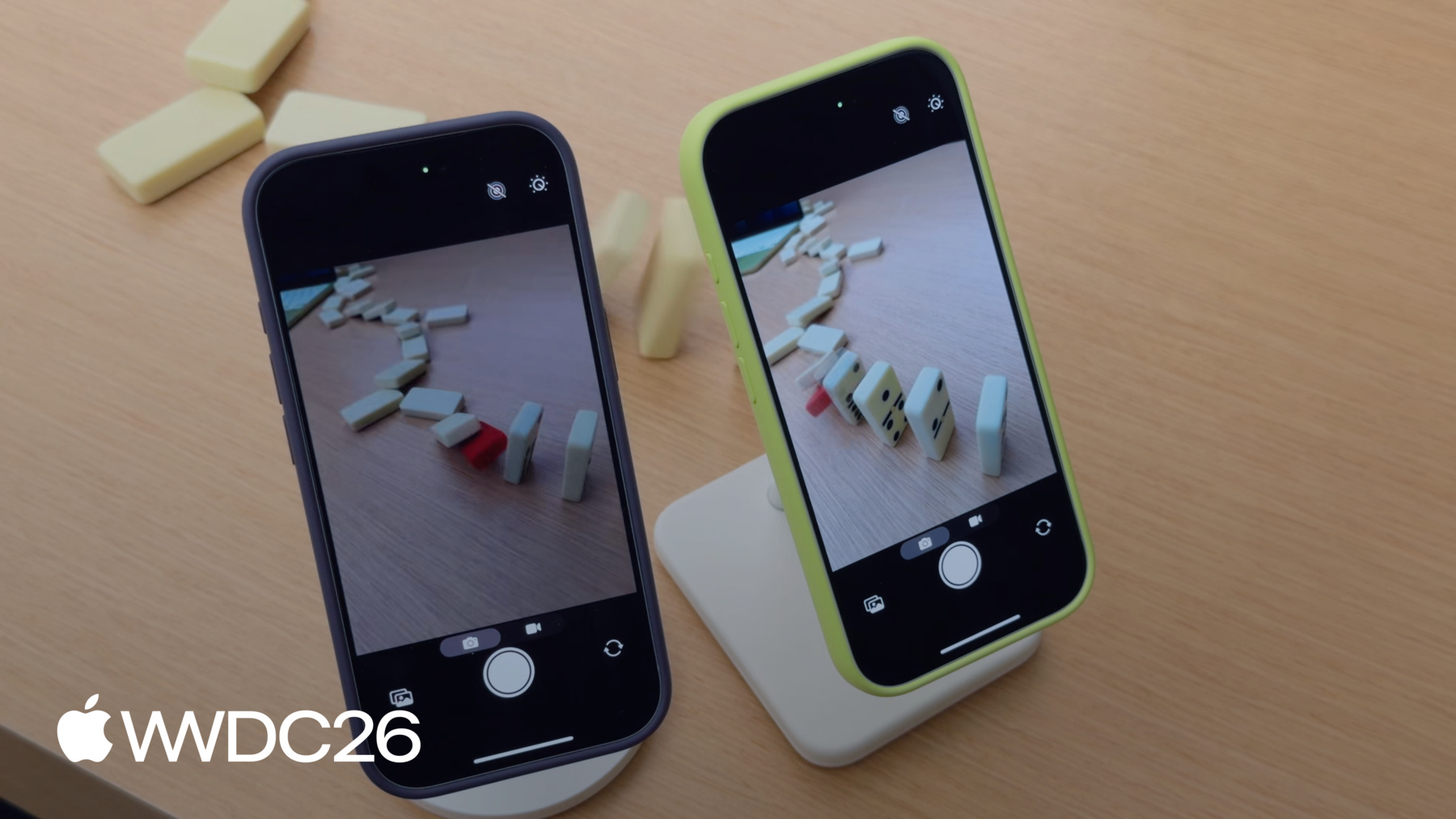
    Descubre cómo crear una app de cámara que se abra al instante para que las personas nunca se pierdan la foto perfecta. Descubre cómo optimizar toda la secuencia de inicio de la cámara, desde que se abre la app hasta que aparece el primer fotograma de vista previa. Asegúrate de que tu app ofrezca una experiencia de cámara optimizada: obtén información sobre las nuevas API que permiten un inicio más rápido, así como las mejores prácticas para una visualización fluida de las vistas previas y para mantener un rendimiento constante.

    Capítulos

    • 0:00 - Introduction
    • 2:02 - Fast Launch
    • 6:52 - Adopt deferred start
    • 15:06 - Steady preview
    • 18:04 - Sustained performance
    • 21:14 - Deterministic file writing

    Recursos

    • Performance and metrics
    • AVCam: Building a camera app
      • Video HD
      • Video SD

    Videos relacionados

    WWDC26

    • Implementa la captura de fotos en alta resolución

    WWDC23

    • Create a more responsive camera experience
  • Buscar este video…
    • 9:14 - Automatic deferred start delegate

      import AVFoundation
      
      class DeferredStartDelegate: NSObject, AVCaptureSessionDeferredStartDelegate {
          func sessionWillRunDeferredStart(_ session: AVCaptureSession)
          {
              // This is called before deferred start begins for the deferred outputs
          }
      
          func sessionDidRunDeferredStart(_ session: AVCaptureSession)
          {
              // This is called after deferred start completes for all outputs
          }
      }
    • 9:46 - Adopt automatic deferred start

      import AVFoundation
      
      let captureSession = AVCaptureSession()
      captureSession.beginConfiguration()
      captureSession.automaticallyRunsDeferredStart = true
      
      let videoPreviewLayer = AVCaptureVideoPreviewLayer(session: captureSession)
      videoPreviewLayer.isDeferredStartEnabled = false
      
      let photoOutput = AVCapturePhotoOutput()
      photoOutput.isDeferredStartEnabled = true
      captureSession.addOutput(photoOutput)
      
      captureSession.setDeferredStartDelegate(deferredStartDelegate, deferredStartDelegateCallbackQueue: sessionQueue)
      
      captureSession.commitConfiguration()
      captureSession.startRunning()
    • 11:30 - Adopt manual deferred start

      import AVFoundation
      
      let captureSession = AVCaptureSession()
      captureSession.beginConfiguration()
      captureSession.automaticallyRunsDeferredStart = false
      
      let videoOutput = AVCaptureVideoDataOutput()
      captureSession.addOutput(videoOutput)
      videoOutput.isDeferredStartEnabled = false
      
      let photoOutput = AVCapturePhotoOutput()
      photoOutput.isDeferredStartEnabled = true
      captureSession.addOutput(photoOutput)
      
      captureSession.setDeferredStartDelegate(deferredStartDelegate, deferredStartDelegateCallbackQueue: sessionQueue)
      
      captureSession.commitConfiguration()
      captureSession.startRunning()
    • 11:53 - Manage runDeferredStartWhenNeeded

      import AVFoundation
      import QuartzCore
      
      private var firstFramePresented = false
      guard let drawable = layer.nextDrawable()
      if (!firstFramePresented) {
          drawable.addPresentedHandler({ drawable in
              // Set up postponed UI elements
              captureSession.runDeferredStartWhenNeeded()
          })
          firstFramePresented = true
      }
    • 14:07 - Enable responsive capture

      import AVFoundation
      
      func configurePhotoOutput(for session: AVCaptureSession, device: AVCaptureDevice) {
          let photoOutput = AVCapturePhotoOutput()
      
          guard session.canAddOutput(photoOutput) else { return }
          session.addOutput(photoOutput)
      
          photoOutput.maxPhotoQualityPrioritization = .quality
          // Responsive capture lets the photo output capture immediately
          photoOutput.isResponsiveCaptureEnabled = photoOutput.isResponsiveCaptureSupported
      }
    • 20:16 - Monitor for system pressure

      import AVFoundation
      
      let captureSession = AVCaptureSession()
      let device = activeVideoInput?.device
      captureSession.beginConfiguration()
      // ...
      captureSession.commitConfiguration()
      
      guard captureSession.hardwareCost <= 1.0 else {
          print("hardwareCost \(captureSession.hardwareCost) — cannot start session. Reconfiguring.")
          setupLowCostConfiguration()
      }
      
      captureSession.startRunning()
      let systemPressureObserver = device?.observe(\.systemPressureState,
                                                     options: [.initial, .new],
                                                     changeHandler: { /* Handle state change */ })
    • 22:17 - Manage pro video storage

      import AVFoundation
      
      func configureProVideoStorage() {
          guard AVProVideoStorage.isSupported else { return }
          let storage = AVProVideoStorage.shared
          guard storage.remainingCapacity != 0 else {
              storage.openSettings()
              return
          }
      }
    • 22:43 - Adopt AVProVideoStorage for deterministic file write speeds

      import AVFoundation
      
      guard AVProVideoStorage.isSupported else { return }
      guard let pvs = AVProVideoStorage.shared else { return }
      
      // Configure and set up AVCaptureSession, AVCaptureConnections and format
      // ...
      let movieOutput = AVCaptureMovieFileOutput()
      
      guard movieOutput.isProVideoStorageSupported else { return }
      guard !pvs.isBusy else { return }
      
      let movieFileURL = FileManager.default.temporaryDirectory
                  .appendingPathComponent(UUID().uuidString)
                  .appendingPathExtension("mov")
      
      movieOutput.usesProVideoStorage = true // Also available with AVAssetWriter
      movieOutput.startRecording(to: movieFileURL, recordingDelegate: delegate)
    • 0:00 - Introduction
    • Why a fast-appearing preview frame is the single biggest factor in a camera launch feeling responsive, and what the session covers — accelerating launch, rendering best practices, and capturing the moment without missing it.

    • 2:02 - Fast Launch
    • Learn how to minimize UI overhead and explore best practices for creating and configuring AVCaptureSession to get the camera preview on screen faster.

    • 6:52 - Adopt deferred start
    • Discover the deferred start API that allows you to defer the initialization of expensive capture outputs until after the preview is running, featuring both automatic and manual modes.

    • 15:06 - Steady preview
    • Explore best practices for rendering preview frames, comparing the simplicity of AVCaptureVideoPreviewLayer against the flexibility of AVCaptureVideoDataOutput.

    • 18:04 - Sustained performance
    • Learn how to assess hardware cost and adapt to system pressure using new APIs to maintain a smooth and responsive camera experience under demanding conditions.

    • 21:14 - Deterministic file writing
    • Adopt the AVProVideoStorage API to achieve sustained high-bandwidth input/output required for high data-rate video captures like ProRes.

Developer Footer

  • Videos
  • WWDC26
  • Crea una app de cámara con una gran capacidad de respuesta que se inicie rápidamente
  • Open Menu Close Menu
    • iOS
    • iPadOS
    • macOS
    • tvOS
    • visionOS
    • watchOS
    • App Store
    Open Menu Close Menu
    • Swift
    • SwiftUI
    • Swift Playground
    • TestFlight
    • Xcode
    • Xcode Cloud
    • Icon Composer
    • SF Symbols
    Open Menu Close Menu
    • Accessibility
    • Accessories
    • Apple Intelligence
    • Audio & Video
    • Augmented Reality
    • Business
    • Design
    • Distribution
    • Education
    • Games
    • Health & Fitness
    • In-App Purchase
    • Localization
    • Maps & Location
    • Machine Learning & AI
    • Security
    • Safari & Web
    Open Menu Close Menu
    • Documentation
    • Downloads
    • Sample Code
    • Videos
    Open Menu Close Menu
    • Help Guides & Articles
    • Contact Us
    • Forums
    • Feedback & Bug Reporting
    • System Status
    Open Menu Close Menu
    • Apple Developer
    • App Store Connect
    • Certificates, IDs, & Profiles
    • Feedback Assistant
    Open Menu Close Menu
    • Apple Developer Program
    • Apple Developer Enterprise Program
    • App Store Small Business Program
    • MFi Program
    • Mini Apps Partner Program
    • News Partner Program
    • Video Partner Program
    • Security Bounty Program
    • Security Research Device Program
    Open Menu Close Menu
    • Meet with Apple
    • Apple Developer Centers
    • App Store Awards
    • Apple Design Awards
    • Apple Developer Academies
    • WWDC
    Read the latest news.
    Get the Apple Developer app.
    Copyright © 2026 Apple Inc. All rights reserved.
    Terms of Use Privacy Policy Agreements and Guidelines