

View in English

  • Apple Developer
    • Get Started

    Explore Get Started

    • Overview
    • Learn
    • Apple Developer Program

    Stay Updated

    • Latest News
    • Hello Developer
    • Platforms

    Explore Platforms

    • Apple Platforms
    • iOS
    • iPadOS
    • macOS
    • tvOS
    • visionOS
    • watchOS
    • App Store

    Featured

    • Design
    • Distribution
    • Games
    • Accessories
    • Web
    • Home
    • CarPlay
    • Technologies

    Explore Technologies

    • Overview
    • Xcode
    • Swift
    • SwiftUI

    Featured

    • Accessibility
    • App Intents
    • Apple Intelligence
    • Games
    • Machine Learning & AI
    • Security
    • Xcode Cloud
    • Community

    Explore Community

    • Overview
    • Meet with Apple events
    • Community-driven events
    • Developer Forums
    • Open Source

    Featured

    • WWDC
    • Swift Student Challenge
    • Developer Stories
    • App Store Awards
    • Apple Design Awards
    • Apple Developer Centers
    • Documentation

    Explore Documentation

    • Documentation Library
    • Technology Overviews
    • Sample Code
    • Human Interface Guidelines
    • Videos

    Release Notes

    • Featured Updates
    • iOS
    • iPadOS
    • macOS
    • watchOS
    • visionOS
    • tvOS
    • Xcode
    • Downloads

    Explore Downloads

    • All Downloads
    • Operating Systems
    • Applications
    • Design Resources

    Featured

    • Xcode
    • TestFlight
    • Fonts
    • SF Symbols
    • Icon Composer
    • Support

    Explore Support

    • Overview
    • Help Guides
    • Developer Forums
    • Feedback Assistant
    • Contact Us

    Featured

    • Account Help
    • App Review Guidelines
    • App Store Connect Help
    • Upcoming Requirements
    • Agreements and Guidelines
    • System Status
  • Quick Links

    • Events
    • News
    • Forums
    • Sample Code
    • Videos
 

Videos

Abrir menú Cerrar menú
  • Colecciones
  • Todos los videos
  • Información

Más videos

  • Información
  • Resumen
  • Código
  • Mejora el procesamiento de imágenes RAW con Core Image

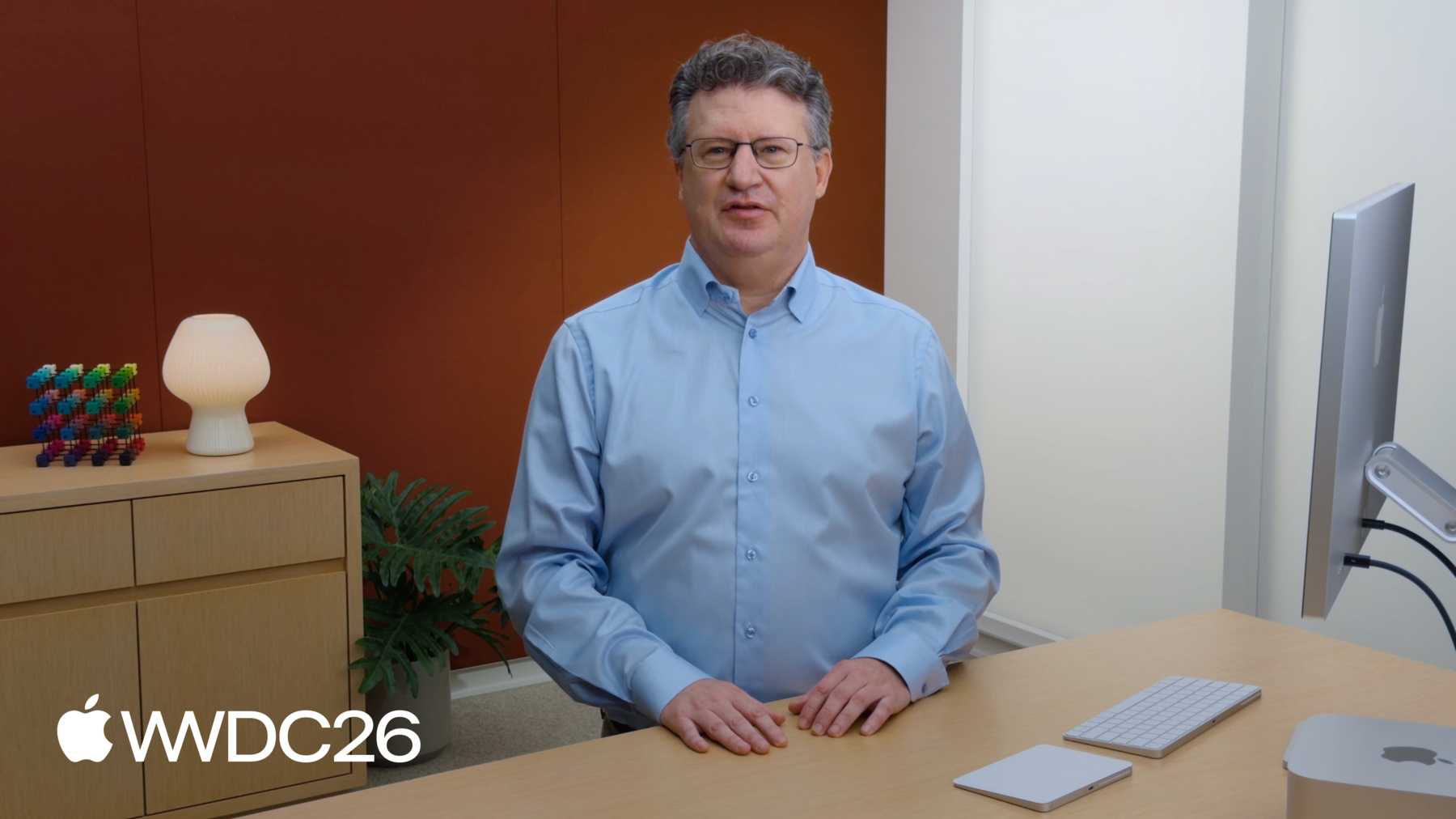
    Aprovecha la potencia de la versión 9 de las API de procesamiento RAW de Core Image para mejorar notablemente la calidad de imagen en tus apps, con una nitidez mejorada y colores más definidos, y utiliza el Neural Engine de Apple para obtener un rendimiento óptimo. Aprovecha la API CIRAWFilter para que los usuarios puedan editar fotos RAW modificando la exposición, la reducción de ruido, la nitidez, el contraste y mucho más. Además, explora las nuevas API CIImageProcessor, que optimizan el rendimiento gracias a un control preciso sobre el tamaño de los mosaicos y la administración del búfer.

    Capítulos

    • 0:00 - Introduction
    • 0:52 - How Core Image supports RAW
    • 2:48 - The evolution of RAW support
    • 3:33 - RAW 9 overview
    • 3:56 - RAW 9 quality improvements
    • 5:50 - Enable and edit RAW 9 with CIRAWFilter API
    • 8:33 - RAW 9 performance overview
    • 9:19 - Interactive editing
    • 10:52 - Exporting to other formats
    • 11:50 - New CIImageProcessor features

    Recursos

    • Extended Virtual Addressing Entitlement
      • Video HD
      • Video SD

    Videos relacionados

    WWDC22

    • Display EDR content with Core Image, Metal, and SwiftUI

    WWDC21

    • Capture and process ProRAW images
  • Buscar este video…
    • 11:08 - Contact for exports

      let exportCtx = CIContext(options : [
        .cacheIntermediate : false,
        .memoryLimit : 512 ])
    • 12:23 - CIImageProcessor with explicit output tile sizes

      import CoreImage
      
      class MyProcessor: CIImageProcessorKernel {
          override class func roi(forInput input: Int32,
                                  arguments: [String : Any]?,
                                  outputRect: CGRect) -> CGRect { return outputRect }
          
          override class func process(with inputs: [CIImageProcessorInput]?,
                                      arguments: [String : Any]?,
                                      output: CIImageProcessorOutput) throws {
              guard let input = inputs?.first,
                    let iBuffer = input.pixelBuffer,
                    let oBuffer = output.pixelBuffer else { return }
              
              let iRegion = input.region
              let oRegion = output.region // controlled by Core Image
              
              // MyCopyBuffer(iBuffer,iRegion, oBuffer,oRegion)
          }
      }
      
      let extent = inImg.extent
      let tileSize = 512.0 // whatever tile size you want
      var tiles: [CIVector] = []
      for y in stride(from: extent.minY, to: extent.maxY, by: tileSize) {
          for x in stride(from: extent.minX, to: extent.maxX, by: tileSize) {
              let tile = CGRect(x: x, y: y,
                                width: min(tileSize, extent.maxX - x),
                                height: min(tileSize, extent.maxY - y))
              tiles.append(CIVector(cgRect: tile))
          }
      }
      
      let result = try MyProcessor.apply(withTiledExtent: tiles, inputs: [inImg], arguments: [:])
    • 14:24 - CIImageProcessor using temporary PixelBuffer

      import CoreImage
      
      class MyProcessor: CIImageProcessorKernel {
          override class func process(with inputs: [CIImageProcessorInput]?,
                                      arguments: [String: Any]?,
                                      output: CIImageProcessorOutput) throws {
              guard let input = inputs?.first,
                    let srcPixelBuffer = input.pixelBuffer,
                    let dstPixelBuffer = output.pixelBuffer else { return }
              
              // Get a scratch buffer from Core Image's cache
              guard let scratch = output.temporaryPixelBuffer(identifier : "myScratch",
                         format: kCVPixelFormatType_64RGBAHalf,
                         width: Int(output.region.width),
                         height: Int(output.region.height),
                         pixelBufferAttributes: nil) else { return }
              
              // Step 1: copy input CVPixelBuffer → scratch
              // Step 2: process pixels in scratch
              // Step 3: copy scratch → output CVPixelBuffer
          }
      }
    • 0:00 - Introduction
    • Enhancements to Core Image and its support for RAW image files across Apple platforms.

    • 0:52 - How Core Image supports RAW
    • An overview of the RAW processing stages, including demosaic, denoising, convolution, and color adjustments, and their support in Apple's operating systems and developer frameworks.

    • 2:48 - The evolution of RAW support
    • A look at how Apple's RAW processing pipeline has evolved across nine versions, now supporting 784 camera models.

    • 3:33 - RAW 9 overview
    • Explore the new RAW 9 processing pipeline, which leverages a Core ML model to significantly improve demosaic and denoise for the highest image quality.

    • 3:56 - RAW 9 quality improvements
    • A side-by-side comparison of RAW 8 and RAW 9 demonstrating significant improvements in sharpness, color accuracy, and noise reduction.

    • 5:50 - Enable and edit RAW 9 with CIRAWFilter API
    • How to opt in to RAW 9 using CIRAWFilter's decoderVersion property, check which camera models are supported, and use the CIRAWFilter editing properties to give people full control over how their RAW images appear.

    • 8:33 - RAW 9 performance overview
    • Best practices for optimizing performance when using RAW 9.

    • 9:19 - Interactive editing
    • Best practices for rendering a RAW file repeatedly at screen resolution, including using the scaleFactor property, enabling cacheIntermediates, the Extended Virtual Addressing entitlement, and rendering to Metal-backed MTKViews.

    • 10:52 - Exporting to other formats
    • Best practices for exporting multiple RAW files to HEIF or JPEG at full resolution, including disabling cacheIntermediates, tuning the memoryLimit option, and using Core Image's heifRepresentation and jpegRepresentation methods.

    • 11:50 - New CIImageProcessor features
    • Discover new API features added to CIImageProcessor, including explicit output tile sizes and temporary buffers.

Developer Footer

  • Videos
  • WWDC26
  • Mejora el procesamiento de imágenes RAW con Core Image
  • Open Menu Close Menu
    • iOS
    • iPadOS
    • macOS
    • tvOS
    • visionOS
    • watchOS
    • App Store
    Open Menu Close Menu
    • Swift
    • SwiftUI
    • Swift Playground
    • TestFlight
    • Xcode
    • Xcode Cloud
    • Icon Composer
    • SF Symbols
    Open Menu Close Menu
    • Accessibility
    • Accessories
    • Apple Intelligence
    • Audio & Video
    • Augmented Reality
    • Business
    • Design
    • Distribution
    • Education
    • Games
    • Health & Fitness
    • In-App Purchase
    • Localization
    • Maps & Location
    • Machine Learning & AI
    • Security
    • Safari & Web
    Open Menu Close Menu
    • Documentation
    • Downloads
    • Sample Code
    • Videos
    Open Menu Close Menu
    • Help Guides & Articles
    • Contact Us
    • Forums
    • Feedback & Bug Reporting
    • System Status
    Open Menu Close Menu
    • Apple Developer
    • App Store Connect
    • Certificates, IDs, & Profiles
    • Feedback Assistant
    Open Menu Close Menu
    • Apple Developer Program
    • Apple Developer Enterprise Program
    • App Store Small Business Program
    • MFi Program
    • Mini Apps Partner Program
    • News Partner Program
    • Video Partner Program
    • Security Bounty Program
    • Security Research Device Program
    Open Menu Close Menu
    • Meet with Apple
    • Apple Developer Centers
    • App Store Awards
    • Apple Design Awards
    • Apple Developer Academies
    • WWDC
    Read the latest news.
    Get the Apple Developer app.
    Copyright © 2026 Apple Inc. All rights reserved.
    Terms of Use Privacy Policy Agreements and Guidelines