

-
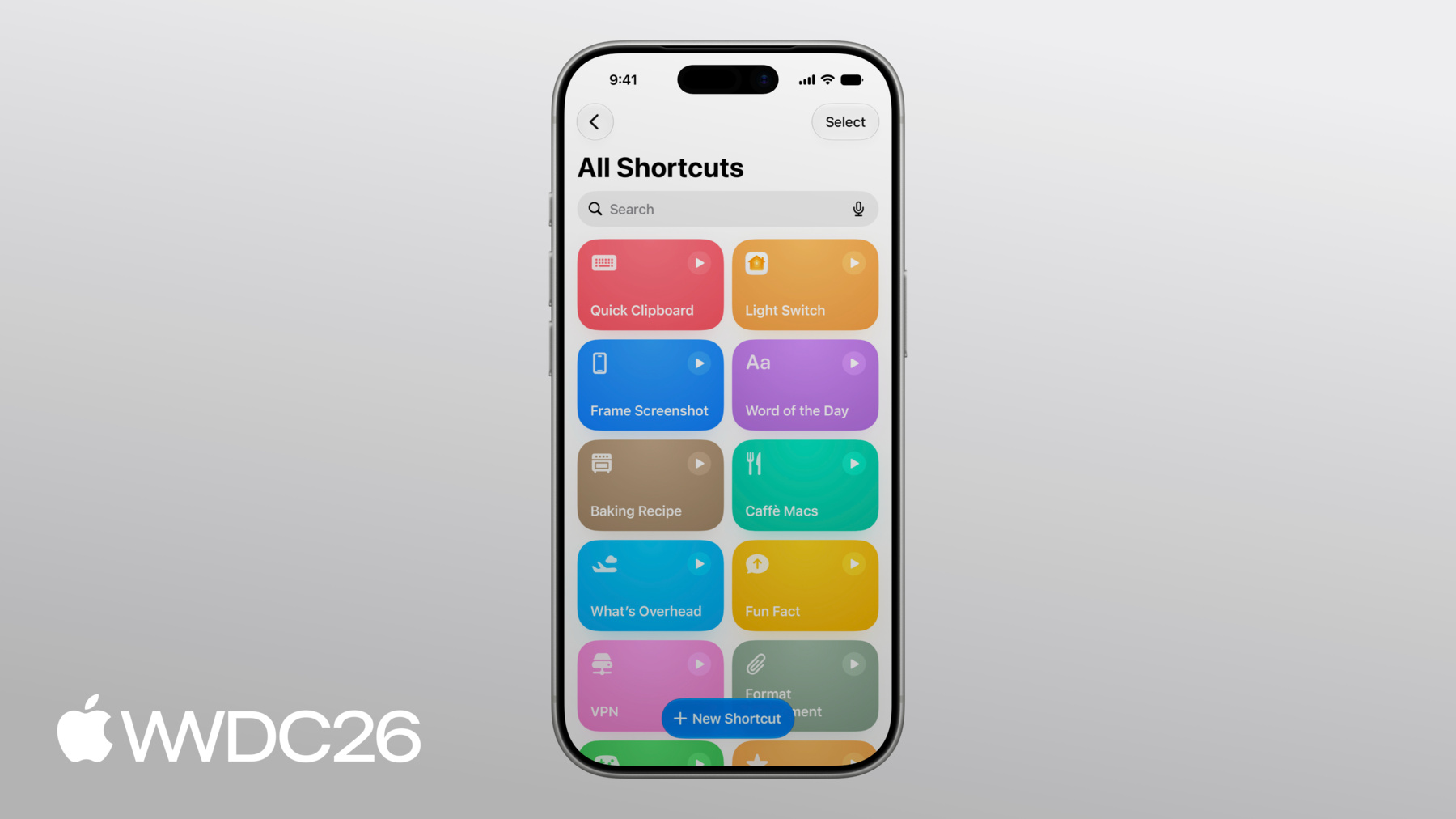
Novedades en Atajos
Explora técnicas para crear atajos potentes utilizando el contenido de tu app. Las nuevas automatizaciones ofrecen nuevas formas de integrar tu app con el sistema. Perfecciona la forma en que tu App Entity se presenta a los LLM utilizando la nueva funcionalidad de transcripción de modelo de uso. Guarda información detallada de tu app en atajos que se sincronizan en todos los dispositivos. Obtén información sobre cómo combinar estas funcionalidades para crear automatizaciones inteligentes y potentes que se integren a la perfección con el contenido y las funcionalidades de tu app.
Capítulos
- 0:01 - Introducción
- 0:57 - Automatizaciones
- 3:25 - La acción Use Model
- 6:58 - Almacenamiento
Recursos
Videos relacionados
WWDC25
-
Buscar este video…
-
-
6:12 - Soup Entity Example
// MARK: - Soup Entity import AppIntents struct SoupEntity: AppEntity, Identifiable { static var typeDisplayRepresentation = TypeDisplayRepresentation( name: "Soup", numericFormat: "\(placeholder: .int) soups" ) static var defaultQuery = SoupEntityQuery() var id: Soup.ID @Property var name: String @Property(title: "Available Today") var isAvailableToday: Bool @Property(title: "Ingredients") var ingredients: String var displayRepresentation: DisplayRepresentation { DisplayRepresentation(title: "\(name)", subtitle: SoupStore.description(for: id)) } } -
10:05 - Soup Entity Example
// MARK: - Soup Entity

import AppIntents

struct SoupEntity: AppEntity, Identifiable {
    static var typeDisplayRepresentation = TypeDisplayRepresentation(
        name: "Soup",
        numericFormat: "\(placeholder: .int) soups"
    )
    static var defaultQuery = SoupEntityQuery()

    var id: Soup.ID

    @Property var name: String

    @Property(title: "Available Today")
    var isAvailableToday: Bool

    @Property(title: "Ingredients")
    var ingredients: String

    var displayRepresentation: DisplayRepresentation {
        DisplayRepresentation(title: "\(name)", subtitle: SoupStore.description(for: id))
    }
}
-