

-
Crea scripts basados en IA con la CLI de fm y el SDK de Python
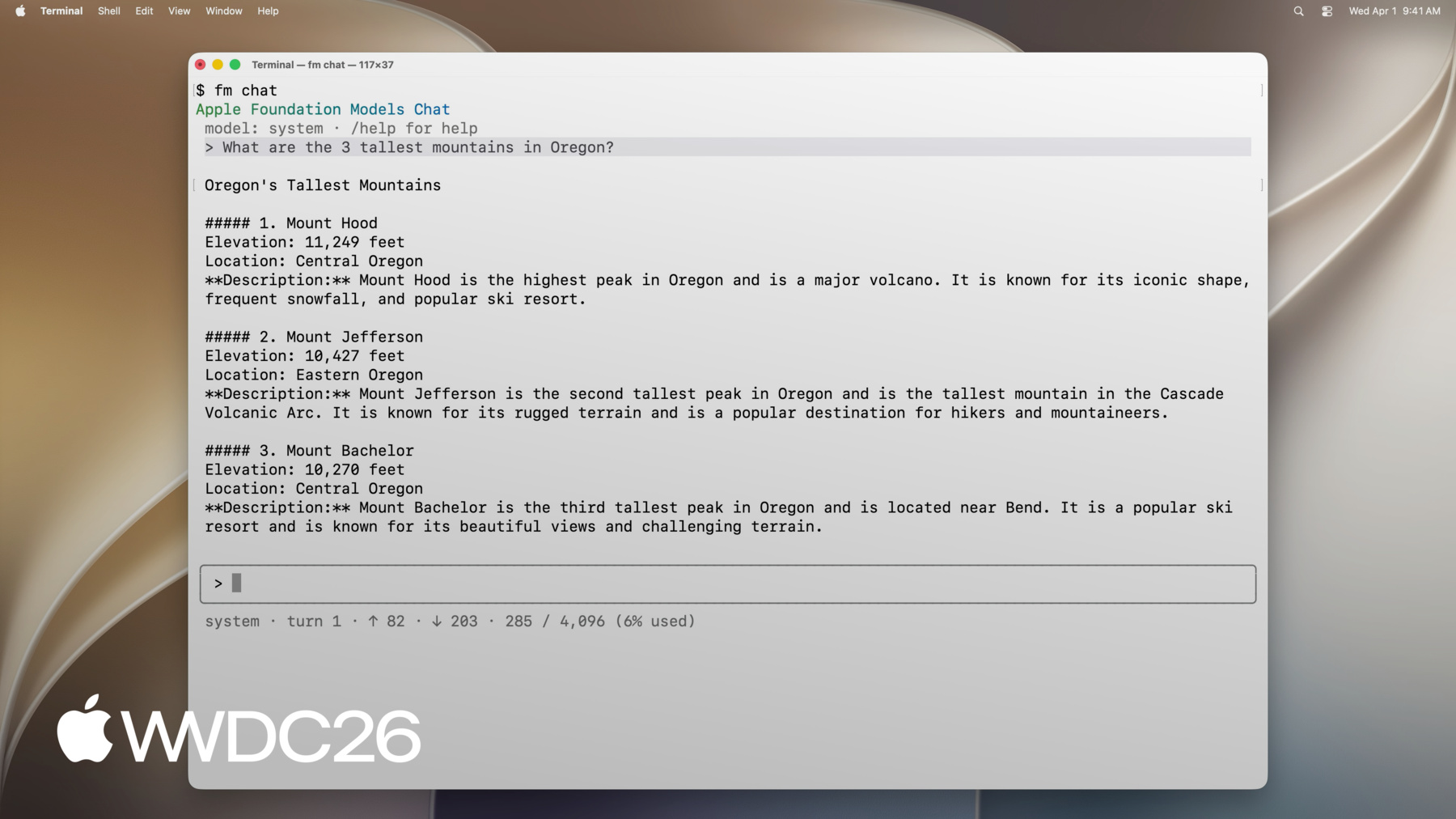
Explora todas las nuevas formas de aprovechar Apple Foundation Models en macOS. El SDK de Foundation Models para Python te permite integrarlo con las herramientas y los paquetes de evaluación más populares del ecosistema de Python. Descubre cómo utilizar el nuevo comando “fm”, presentado en macOS 27, para optimizar la creación de scripts, automatizar los flujos de trabajo de modelos y acelerar tu proceso de desarrollo.
Capítulos
- 0:00 - Introducción
- 1:22 - Presentamos la CLI fm y el SDK de Python
- 3:23 - Herramienta de línea de comandos
- 5:02 - La opción fm respond y los resultados estructurados
- 6:11 - Automatización de la administración de archivos con fm
- 8:52 - SDK de Python
- 9:42 - Generación de prompts, llamada a herramientas y generación guiada
- 10:44 - Creación de un flujo de evaluación en Python
- 15:20 - Próximos pasos
Recursos
Videos relacionados
WWDC26
-
Buscar este video…
-
-
5:07 - Prompt the on-device model with fm respond
$ fm respond "Provide a basic regex in Swift to parse an email address" # Here is a basic regex to parse an email address in Swift: [...] $ fm respond "Provide a comprehensive regex in Swift to parse an email address" --model pcc # [...] Here's a robust Swift implementation using 'NSRegularExpression' to validate a typical email address: $ fm respond "What app is the user using in this screenshot?" --model pcc \ --image Screenshot.png # The user is using the Mail app. $ fm schema object --name AppsIdentified --string app_names --array > schema.json $ fm respond "What apps are the user actively using in this screenshot?" \ --image Screenshot.png --model pcc --schema schema.json # {"app_names": ["Messages", "Mail", "Calendar"]} $ fm respond --help -
7:55 - Sort files with fm respond and a schema
fm schema object --name "TriagedFileList" \ --string 'final_files' --array \ --string 'draft_files' --array > /tmp/schema.json output=$(fm respond \ --instructions "I just completed a project, and I need help triaging the latest version of the files from the previous versions. I will give you a list of files. Return a list of the latest files (i.e., all files that, you can infer from their name in the list, are the latest versions), and then return separately a list of all draft files (i.e., all files that weren't considered final)." \ "This is the list of all files:\n\n${files_list}" \ --schema /tmp/schema.json ) echo "${output}" | jq -r '.final_files[]' | while read -r file; do cp "${DIRECTORY_TO_TRIAGE}/${file}" "${FINAL_FILES_STORAGE_DIRECTORY}" done echo "${output}" | jq -r '.draft_files[]' | while read -r file; do mv "${DIRECTORY_TO_TRIAGE}/${file}" "${DRAFT_FILES_STORAGE_DIRECTORY}" done -
8:54 - Install the Foundation Models Python SDK
pip install apple_fm_sdk -
10:00 - Create a session and respond to a prompt
import apple_fm_sdk as fm INSTRUCTIONS = "You're an AI assistant for Cupertino Mart, a grocery store with in-app ordering." async def answer_question(prompt: str) -> str: session = fm.LanguageModelSession(instructions=INSTRUCTIONS) return await session.respond(prompt) -
10:21 - Define a Tool for the language model
class GetPastOrdersTool(fm.Tool): name = "get_past_orders" description = "Retrieves information about this user's past orders." @fm.generable("Past orders query parameter") class Arguments: number_orders: str = fm.guide("How many of the last orders to retrieve") @property def arguments_schema(self) -> fm.GenerationSchema: return self.Arguments.generation_schema() async def call(self, args: fm.GeneratedContent) -> str: number_orders = args.value(int, for_property="number_orders") return await Orders.load_last_orders(user_id=user_id, amount=number_orders) -
10:35 - Generate structured output with @fm.generable
@fm.generable("Suggested items")
class ItemsSuggestion:
	item_names: list[str] = fm.guide("Names of the suggested items")

INSTRUCTIONS = "You're an AI assistant tasked with returning potential grocery items that the user might be interested in."

async def generate_suggested_cart_items(user_input: Optional[str]) -> ItemsSuggestion:
	session = fm.LanguageModelSession(instructions=INSTRUCTIONS, tools=load_tools())
	prompt = """Using the tools to load the user's previous orders, \
              return a list of items the user has already ordered \
              and that they might be interested in again \
              as they're getting ready to place a new grocery order."""
	if user_input is not None:
    prompt += f"\nAccount for the following request from the user: {user_input}"
    return await session.respond(prompt, generating=ItemsSuggestion)
-