

-
Mejora la experiencia de lectura de tu app con TextKit
Descubre cómo combinar la comodidad de las vistas de texto integradas con el control que ofrece TextKit. Te mostraremos cómo las nuevas API facilitan la ampliación de UITextView y NSTextView con comportamientos personalizados, como números de línea y secciones plegables. También analizaremos la arquitectura de TextKit y repasaremos las nuevas políticas de almacenamiento en caché y reutilización para los archivos adjuntos de texto. Para sacar el máximo provecho de esta sesión, mira “Meet TextKit 2” (Conoce TextKit 2) de la WWDC21 y “What's New in TextKit and text views” (Novedades de TextKit y las vistas de texto) de la WWDC22.
Capítulos
- 0:00 - Introducción
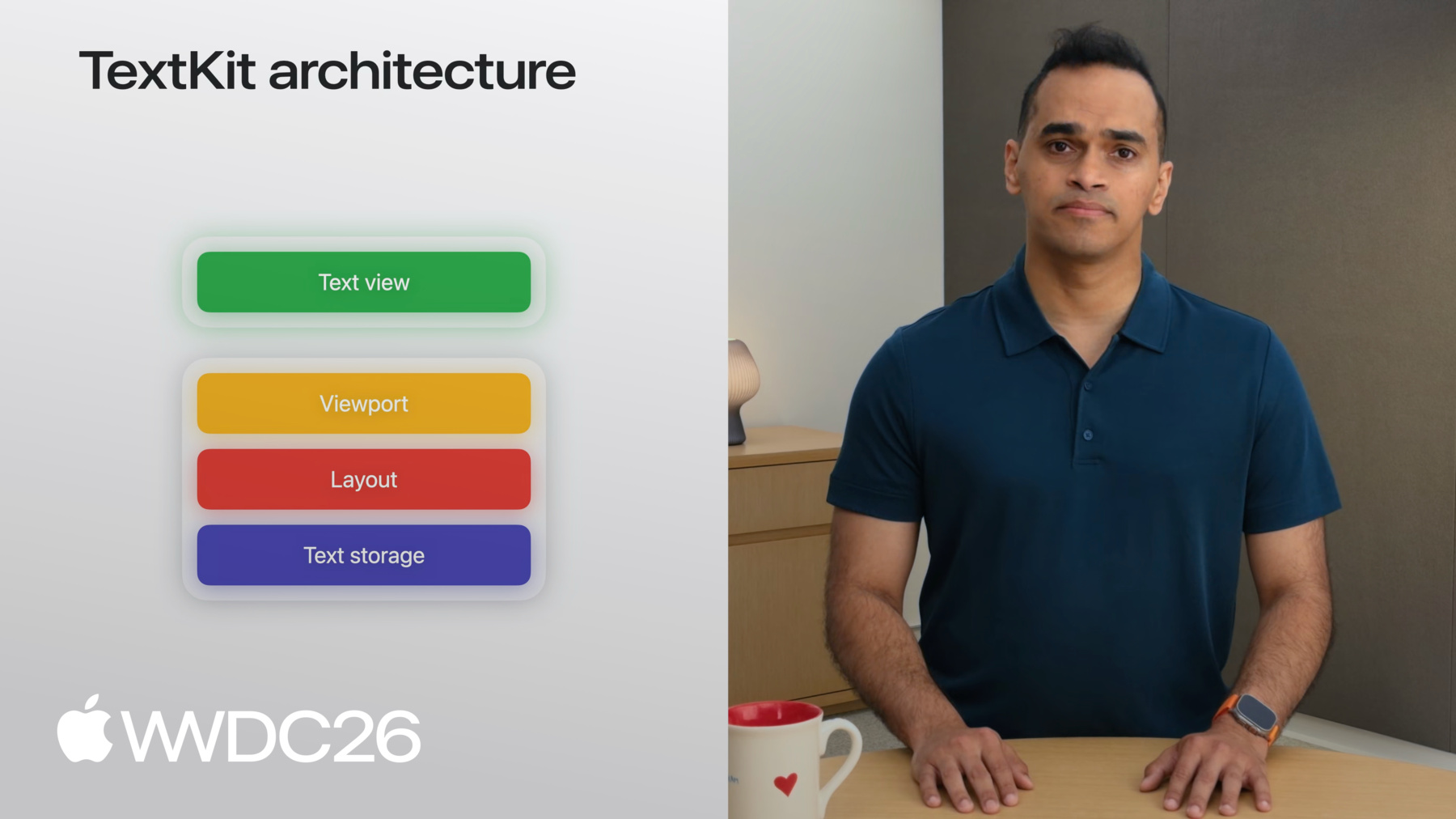
- 3:09 - Arquitectura de TextKit
- 9:17 - Novedades de TextKit
- 11:27 - Extensión de las vistas de texto del framework
- 12:58 - Ejemplo: editor de código con números de línea
- 17:52 - Ejemplo: secciones de recetas contraíbles
- 19:56 - Archivos adjuntos de texto y reutilización del proveedor de vistas
- 23:00 - Próximos pasos
Recursos
Videos relacionados
WWDC26
WWDC22
WWDC21
-
Buscar este video…
-
-
9:47 - NSTextViewportRenderingSurface conformance
class MyView: UIView, NSTextViewportRenderingSurface {} -
10:25 - NSTextViewportRenderingSurfaceKey and NSMapTable
class MyView: UIView, NSTextViewportRenderingSurface {} var cache: NSMapTable<NSTextLayoutFragment, MyView> -
12:39 - UITextView/NSTextView in SwiftUI via ViewRepresentable
// Using a TextView in SwiftUI import SwiftUI struct MyTextView: View { var body: some View { TextViewRepresentable() } } #if os(macOS) struct TextViewRepresentable: NSViewRepresentable { func makeNSView(context: Context) -> NSTextView { NSTextView() } func updateNSView(_ nsView: NSTextView, context: Context) { } } #else struct TextViewRepresentable: UIViewRepresentable { func makeUIView(context: Context) -> UITextView { UITextView() } func updateUIView(_ uiView: UITextView, context: Context) { } } #endif -
13:33 - ContainerView with TextView and line number view
// Create a text view subclass for a code editor import UIKit class TextView: UITextView {} class ContainerView: UIView { let textView = TextView() let lineNumberView = UIView() textView.font = UIFont.monospacedSystemFont } -
14:42 - Three NSTextViewportLayoutControllerDelegate overrides
// Override viewport controller delegate methods class TextView: UITextView { // Set up override func textViewportLayoutControllerWillLayout(_ textViewportLayoutController: NSTextViewportLayoutController) { super.textViewportLayoutControllerWillLayout(textViewportLayoutController) //... } // Get paragraph bounds override func textViewportLayoutController (_ textViewportLayoutController: NSTextViewportLayoutController, configureRenderingSurfaceFor textLayoutFragment: NSTextLayoutFragment) { super.textViewportLayoutController(textViewportLayoutController, configureRenderingSurfaceFor: textLayoutFragment) //... } // Share accumulated info back to ContainerView override func textViewportLayoutControllerDidLayout (_ textViewportLayoutController: NSTextViewportLayoutController) { super.textViewportLayoutControllerDidLayout(textViewportLayoutController) //... } } -
15:59 - startingLineNumber(for:) using enumerateTextElements
func startingLineNumber(for viewportRange: NSTextRange?) -> Int { guard let viewportRange, let storage = textLayoutManager?.textContentManager as? NSTextContentStorage else { return 0 } let startLocation = storage.documentRange.location var count = 1 storage.enumerateTextElements(from: startLocation) { element in guard let range = element.elementRange else { return true } if range.location.compare(viewportRange.location) != .orderedAscending { return false } count += 1 return true } return count } -
17:02 - DidLayout: convert frames to viewport coordinates
// Override viewport controller delegate methods class TextView: UITextView { private var lines: [CGRect] = [] private var startingLineNumber = 0 var onDidLayout: ((Int, [CGRect]) -> Void)? // Share accumulated info back to ContainerView override func textViewportLayoutControllerDidLayout (_ textViewportLayoutController: NSTextViewportLayoutController) { super.textViewportLayoutControllerDidLayout(controller) let origin = controller.viewportBounds.origin onDidLayout?(startingLineNumber, lines.map {$0.offsetBy(dx: 0, dy: -origin.y) }) } } -
17:16 - Draw line numbers in ContainerView closure
// Draw line numbers in the ContainerView class ContainerView: UIView { let textView = TextView() let lineNumberView = UIView() func setup() { textView.onDidLayout = {startingLineNumber, lines in let attributes: [NSAttributedString.Key: Any] = [ .font: UIFont.monospacedSystemFont(ofSize: 11, weight: .regular), .foregroundColor: UIColor.secondaryLabel ] for (i, frame) in lines.enumerated() { let number = "\(startingLineNumber + i)" as NSString number.draw(at: CGPoint(x: 8, y: frame.minY), withAttributes: attributes) } } } } -
19:22 - Collapsible sections: full TextView class
// Add collapsible sections to your text view class TextView: UITextView, NSTextContentStorageDelegate { var collapsedSections: Set<Int> = [] // Set up override func textViewportLayoutControllerWillLayout(_ textViewportLayoutController: NSTextViewportLayoutController) { super.textViewportLayoutControllerWillLayout(textViewportLayoutController) //... } // Get paragraph bounds override func textViewportLayoutController (_ textViewportLayoutController: NSTextViewportLayoutController, configureRenderingSurfaceFor textLayoutFragment: NSTextLayoutFragment) { super.textViewportLayoutController(textViewportLayoutController, configureRenderingSurfaceFor: textLayoutFragment) //... } // Share accumulated info back to ContainerView override func textViewportLayoutControllerDidLayout (_ textViewportLayoutController: NSTextViewportLayoutController) { super.textViewportLayoutControllerDidLayout(textViewportLayoutController) //... } // Skip layout for paragraphs marked as collapsed func textContentManager(shouldEnumerate textElement: NSTextElement, options: NSTextContentManager.EnumerationOptions) -> Bool { //... } // Handle section collapse toggling func toggleSection(headerOffset: Int) { if collapsedSections.contains(headerOffset) { collapsedSections.remove(headerOffset) } else { collapsedSections.insert(headerOffset) } guard let textLayoutManager = textLayoutManager else { return } let textViewportLayoutController = textLayoutManager.textViewportLayoutController textViewportLayoutController.delegate?.textViewportLayoutControllerReceivedSetNeedsLayout?(textViewportLayoutController) } } -
22:06 - Text attachment view provider reuse policy
// Cache text attachment view providers

import UIKit

class ViewController: UIViewController {

    var textView: UITextView

    func setupTextView() {
        textView = UITextView()
        textView.register(
            [.onEditingInlineParagraphs],
            forTextAttachmentViewProviderType: AnimatedAttachmentViewProvider.self
        )
    }
}
-