The gelatinous grandeur of Gears & Goo
May 16, 2026
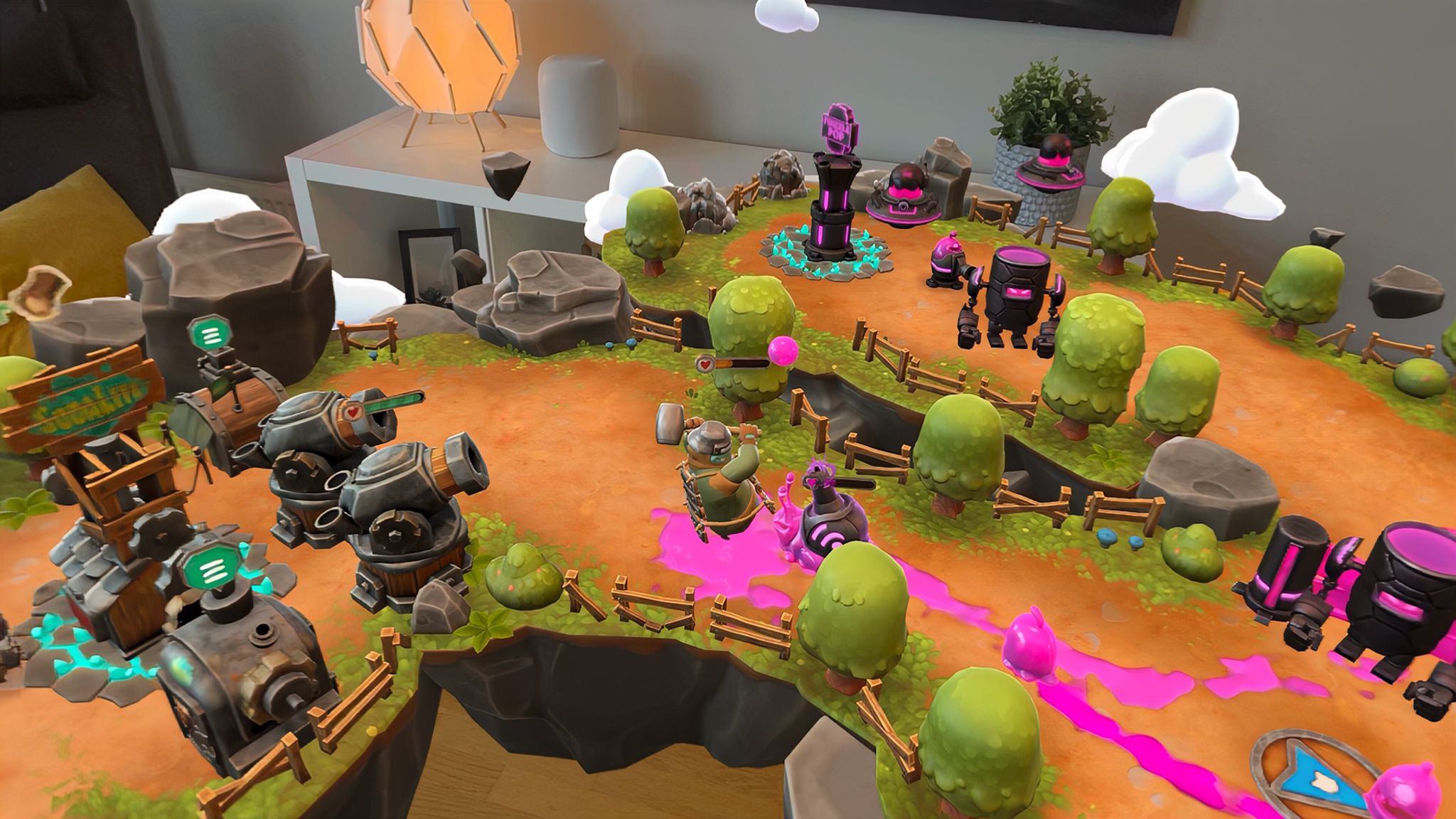
Gears & Goo turns an ordinary room into an adorable battlefield.
This charming spin on tower defense games summons a floating storybook island into the player’s physical space on Apple Vision Pro. But there’s danger among the leafy trees and rocky outcroppings: gooey invaders are squelching toward the player’s home base, and only a mix of steampunk turrets, clockwork tanks, and cheerful soldiers can hold the line.
With just a look and a pinch, players pick up their tiny Sodarians — cute, vaguely frog-like folks who speak with exaggerated British accents — and plop them beside trees to harvest wood, or rocks to mine iron. Little warriors in old-timey helmets battle blobby pink slimes while cannons blast wee UFOs out of the sky, until the menacing Oozers are thwarted — for now.
Gears & Goo
- Available on: Apple Vision Pro
- Based in: Stockholm, Sweden
Download Gears & Goo from Apple Arcade >
For Resolution Games founder and CEO Tommy Palm, Gears & Goo — a 2025 Apple Design Award for Innovation nominee — realizes a long-held dream: immersing players in a miniature world of living, breathing creatures, without controllers or touchscreens. A place where anyone can simply reach out, pick up a character, and watch it react.
Apple Vision Pro’s seamless eye- and hand-tracking made that not just possible, but astonishingly easy. “Our appreciation of Apple’s hardware is enormous,” says Palm, likening this technological leap to the touch display that made iPhone feel so intuitive. “It’s very simple to just look at something and pick it up.”
Kicking into high gear
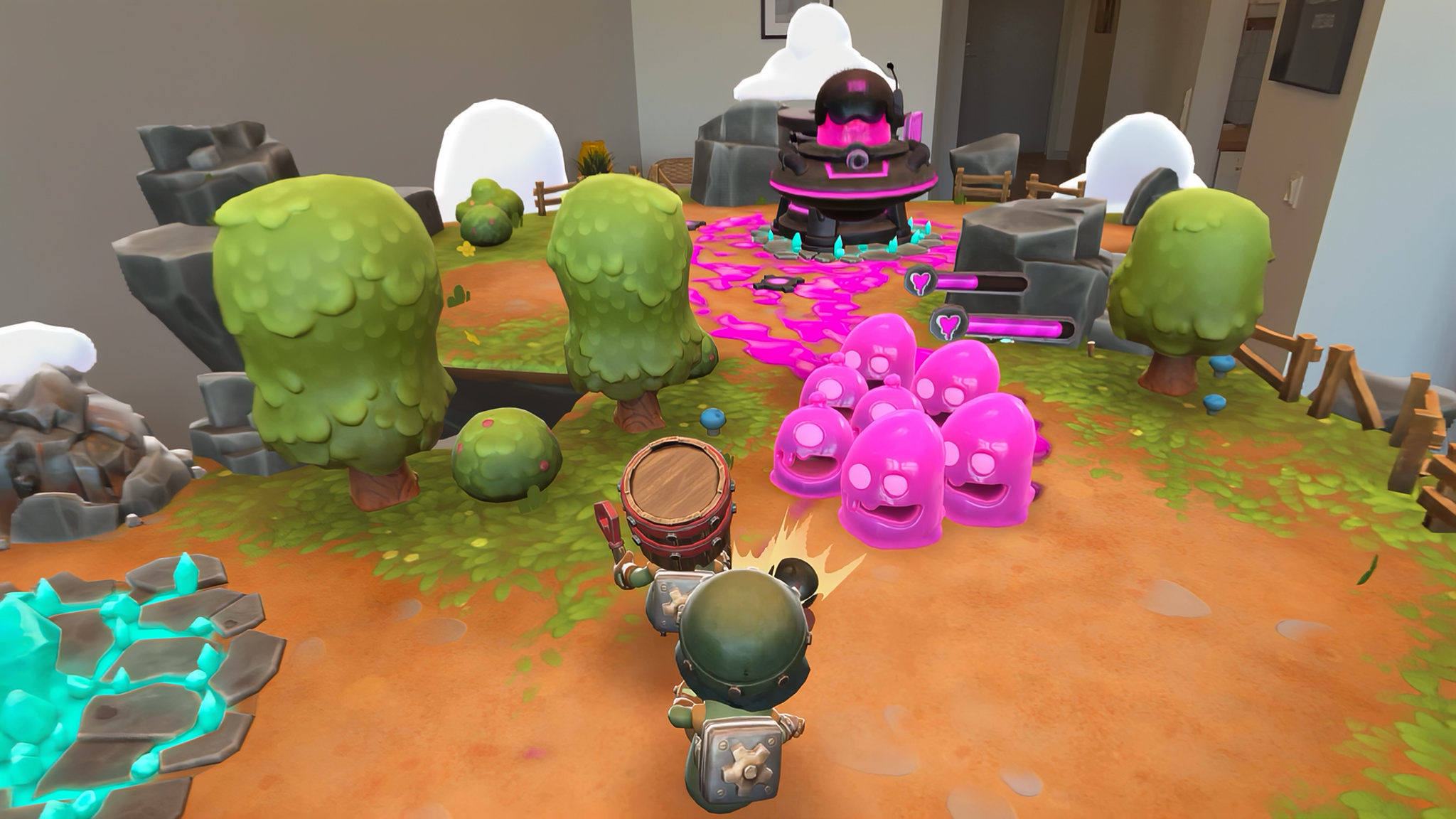
Palm and Stockholm-based Resolution have been at the forefront of spatial gaming for over a decade, with more than 20 titles to their credit, including six for Apple Vision Pro. In fact, Gears & Goo was their first game built from the ground up for Apple Vision Pro — a process that meant unlearning limitations inherited from earlier extended reality devices.
Visual fidelity was a game-changer: the astonishing realism possible on Apple Vision Pro didn’t just enhance Palm’s ideas, it drove them. Shiny mechanical cogs and translucent, dripping slime read so well on the device that a world full of, well, gears and goo became an obvious choice. “It’s amazing with real materials, like metal or stone,” Palm says. “It really looks like they’re there in the world, and they blend so naturally, it becomes just so incredibly realistic.”
And when menu buttons can be selected with a quick glance and subtle pinch — at speeds that would make even a desktop mouse blush — interfaces demand a rethink. “We spent a massive amount of time creating standards for 2D interfaces, and now we kind of have to relearn it,” says Palm. “Because there are so many different ways of opening menus when you only have to control things with your hands and your eyes.”
Setting the table
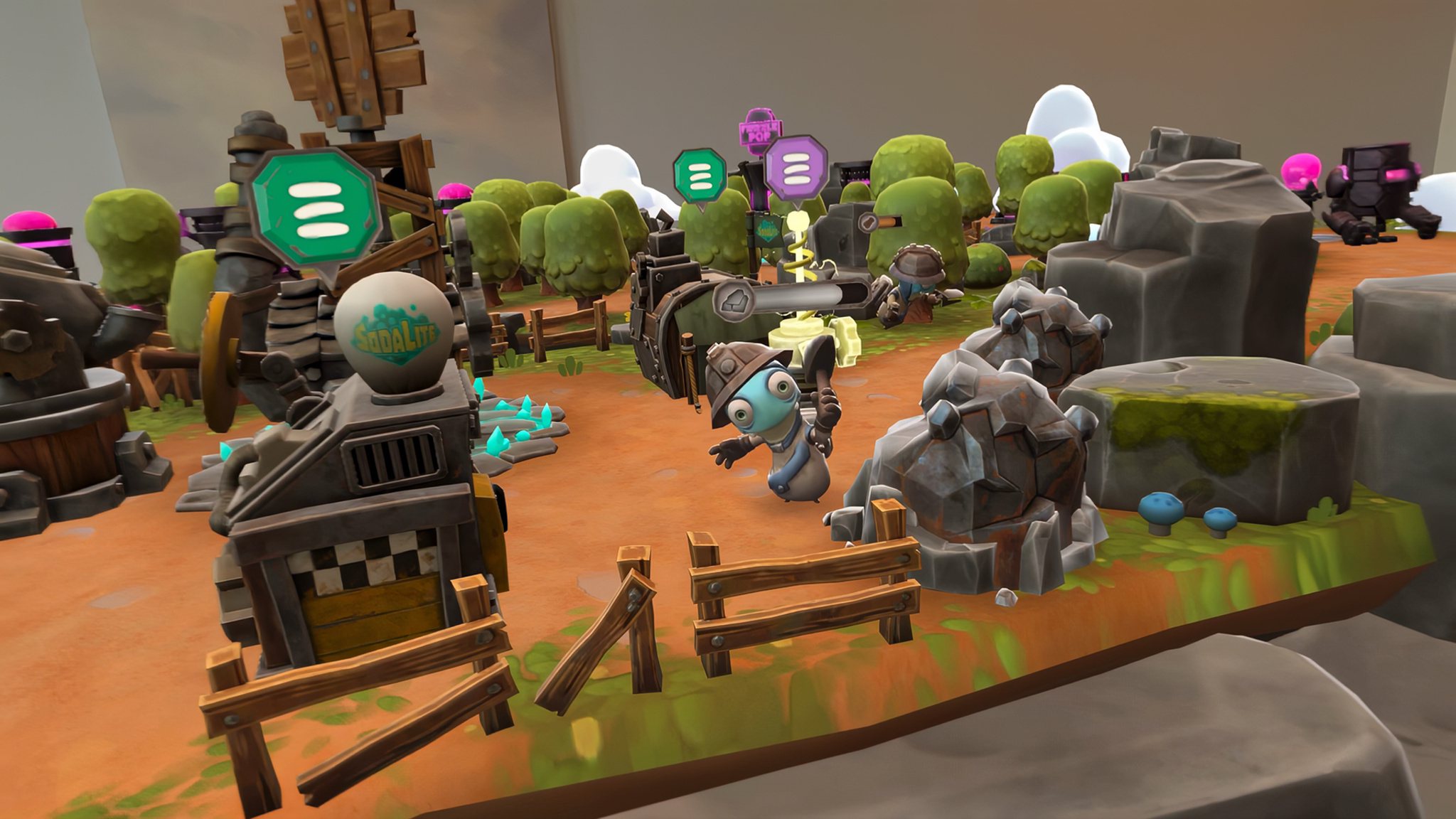
Removing barriers between player and game makes Gears & Goo strikingly accessible, and its lovable, expressive characters are the sort that might have grandma asking if she can give it a go. But as a flagship, platform-exclusive title, the game also needs to satisfy real-time strategy buffs who don’t want too much hand-holding.
To strike that balance, levels track success with a three-star system based on how quickly players defeat Oozer foes while minimizing losses, giving completionists a goal without punishing the curious. And when the fighting ends, a sandbox mode lets players spawn units, arrange dioramas, and capture their creations with screenshots and videos.
“I’m very happy and proud of the sandbox mode, where you can unlock the characters and the items and place them in your world, and kind of see them come to life on your desk,” says Palm. “It’s a really nice bonus where there isn’t time pressure, just free play.”
No matter how advanced the hardware gets, building a game that steps right into a player’s personal space comes with its own challenges. An early concept for Gears & Goo had the game world anchored directly to a table or desk, blending virtual and real in one surface — until the team realized most people don’t have spotlessly tidy homes. “Rarely are tables empty, right?” Palm laughs. “If you look at your desk in front of you, I’m sure that you have stacks of papers, and a computer — and these things get in the way.”
A floating battleground
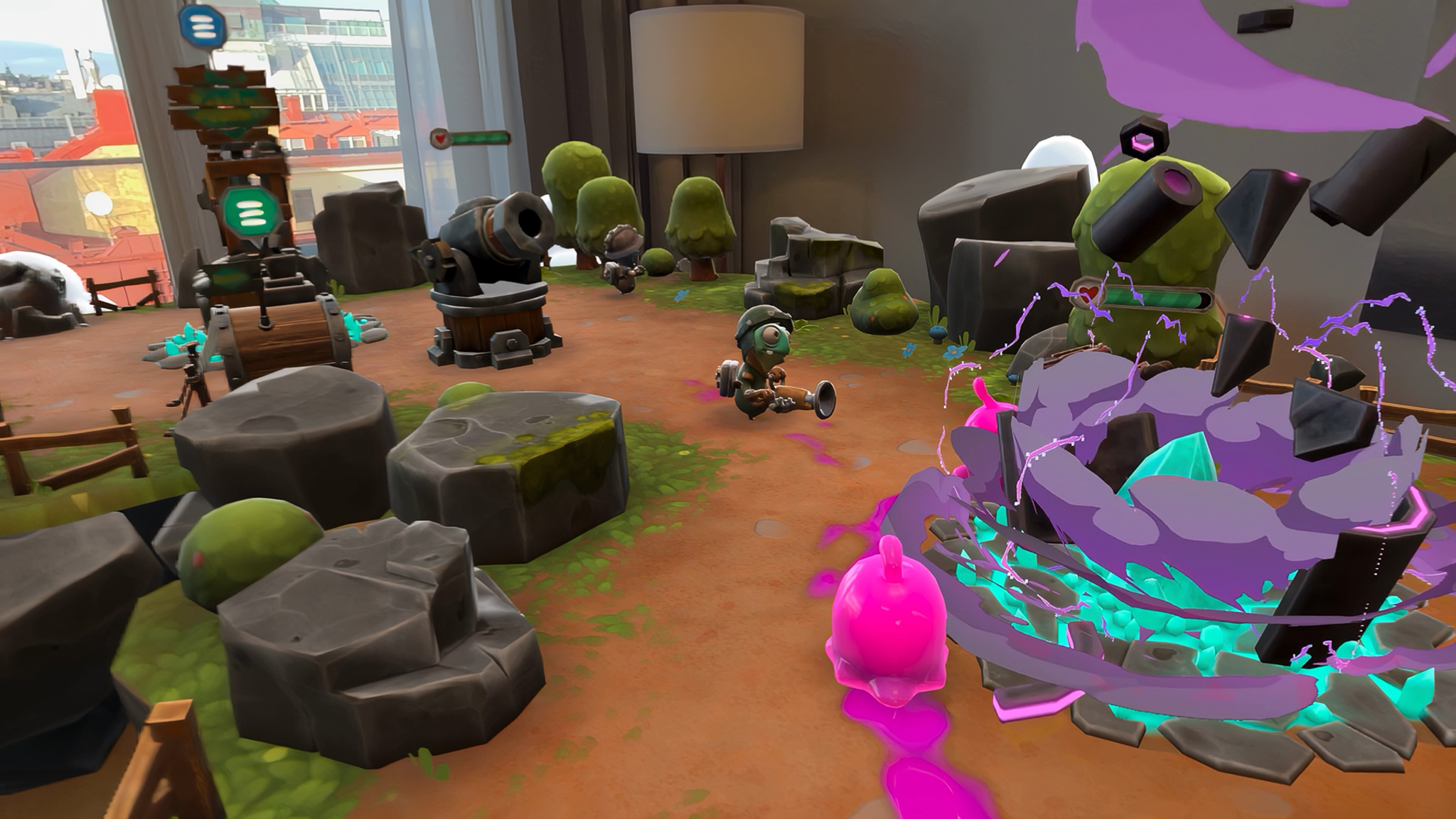
The solution was to elevate the experience — literally. “In Gears & Goo, you have this floating island,” Palm says. “We kind of lifted it up so it’s more natural for your neck, to have a good overview of the whole thing. And we tilt it up a little bit, rather than being on a flat surface.” The change solved a practical problem and improved play — a win-win.
And while Apple Vision Pro’s tracking makes looking at and selecting virtual objects second nature, what happens next is up to the developer. To perfect that feeling of control — especially in the heat of real-time battle — the team spent hours refining the simple act of picking up and placing units.
A prototype placement indicator was just a subtle shadow on the ground, but the team added a distinct laser-pointer effect to show exactly where a unit will land when released — a crucial aid for precision. “When you build games, the devil’s in the details,” says Palm. “What seems like a great idea rarely turns out to be a great idea once you get to a phase where you can actually test it.”
There are so many different ways of opening menus when you only have to control things with your hands and your eyes.
Tommy Palm, Resolution Games founder and CEO
As a veteran of spatial game development, Palm knows adoption of the devices that power these experiences has been more gradual than many expected. Still, momentum is building, and his advice to newcomers is to be bold and swing for the fences. “It’s so satisfying to be able to be really creative and create something where you know you’re going to be the first ones breaking some new ground,” he says. “People are going to come after you for many years, and refer to those original games that did this.”
For Palm, creating a flagship title for an Apple spatial computing platform wasn’t just a business decision — it was the fulfillment of another very specific vision he’s had for over a decade. “When I left mobile games, I immediately visited Cupertino… and said, ‘You know, I’m sure you guys are going to come to virtual and augmented reality one day. If you do, let me know.’”
Keep reading
Developer stories explore best practices and philosophies from some of the most inventive developers in the Apple community. In each story, we go behind the screens with developers, designers, and engineers to find out how they brought their remarkable creations to life.