How a love of Japanese stationery shaped Noteshelf
July 21, 2026
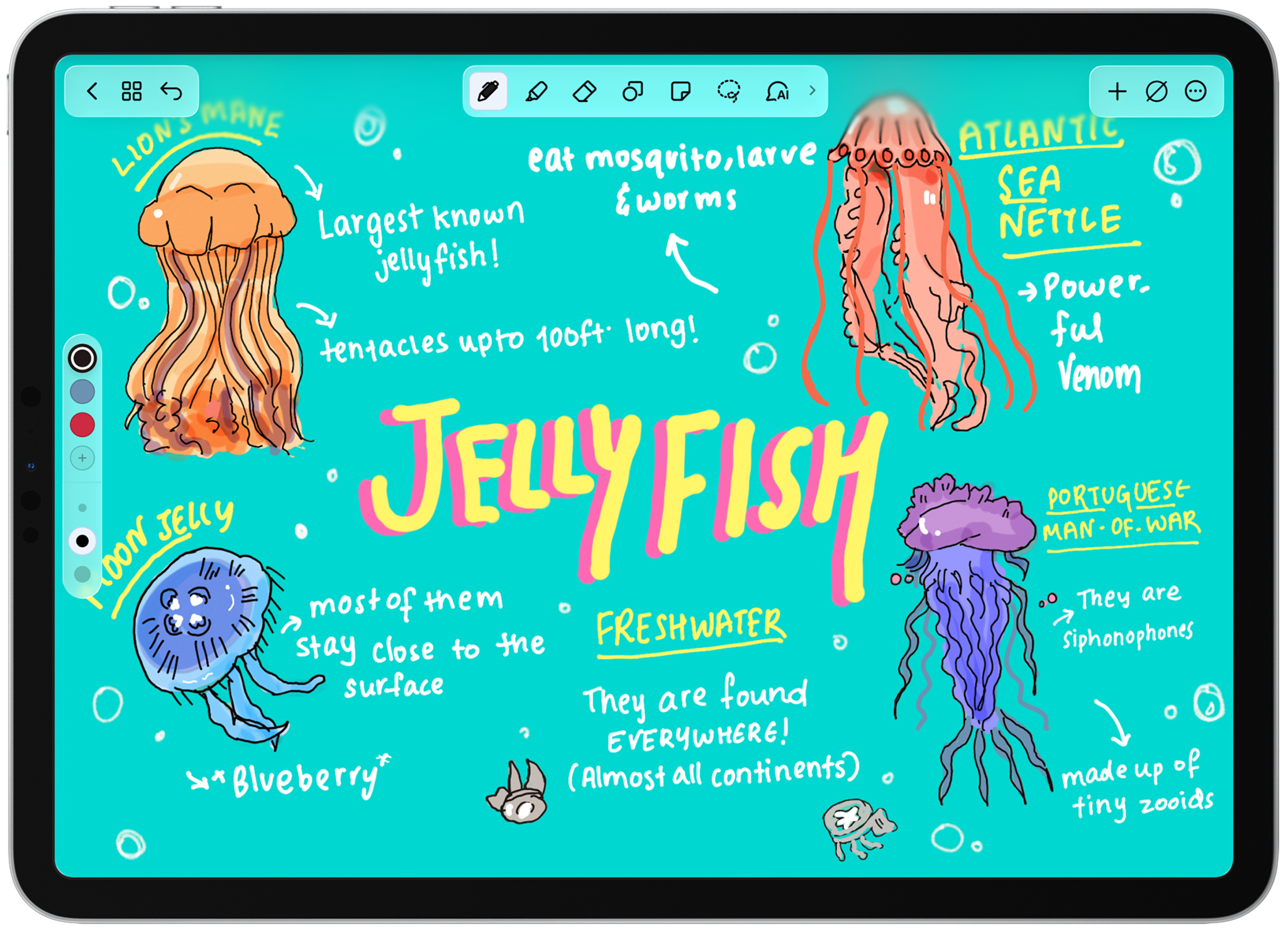
Rama Krishna’s path to the App Store began in the stationery shops of Tokyo.
After moving from India to Japan in 2000, Krishna found himself drawn to the art and design of Japanese stationery — not solely the ink and paper, but the culture that treated such objects as worthy of careful consideration. “From the quality of the paper to the design of simple writing tools, it was unlike anything I had seen before,” he says.
Krishna spent his days building software systems and his nights immersed in the art of writing. When Apple announced the first iPad, he saw for the first time a device that captured what made physical notebooks so satisfying. That insight became the foundation for Noteshelf, his note-taking app and one of the very first iPad titles on the App Store.
We talked to Krishna, the founder of Fluid Touch, about those early inspirations, how the app has evolved, and what he’s building next.
Noteshelf
- Available on: iPhone, iPad, Mac, Apple Watch
- Team size: 35
- Based in: Hyderabad, India
Download Noteshelf from the App Store >
When did you realize you had a passion for Japanese stationery?
Krishna: I moved to Japan to work as a software engineer and ended up living there for about 12 years. During that time, I became deeply fascinated by the care and attention to detail you see in everyday things.
As a child, I loved drawing and painting, and I always enjoyed stationery — but Japanese stationery was on a completely different level.
I especially remember exploring stores in Shibuya and Ginza. One day, I discovered Sekaido in Shinjuku, which felt like paradise for a stationery enthusiast. After work, I would often stop by and browse notebooks and art supplies. There was always something new to discover. That’s when I realized this was more than a casual interest.
Can you share some examples of those early inspirations?
Krishna: One of the first tools that introduced me to Japanese stationery was the fude pen, a traditional brush pen. You could find it almost everywhere, even in convenience stores. I spent hours practicing calligraphy with it.
As I visited more shops, I discovered an entire world of beautifully designed tools. I became a big fan of Tombow dual-tip brush pens, and eventually collected their full range of colors, along with Sakura Micron pens for ink sketching, Copic markers for comic art, and Pilot Juice pens for writing — all of which I still own.
What stood out to me was the philosophy behind these products: minimalist, yet incredibly well-crafted. Every item seemed designed to make writing, sketching, or planning more enjoyable.
Noteshelf was one of the very earliest iPad apps on the App Store. Why was it important to be there so early?
Krishna: When I saw the iPad, something immediately clicked. The larger screen and tablet form factor felt perfect for thinking, writing, and planning. For the first time, it felt like technology could recreate the experiences we love from physical notebooks.
That was the moment my passion for stationery and my career in technology came together. I began asking myself: “How can we bring the essence of high-quality stationery into an app, while using the flexibility and power of modern technology?” That question became the foundation for Noteshelf. Being early wasn’t something we strategically planned. It came from the excitement of exploring that idea.
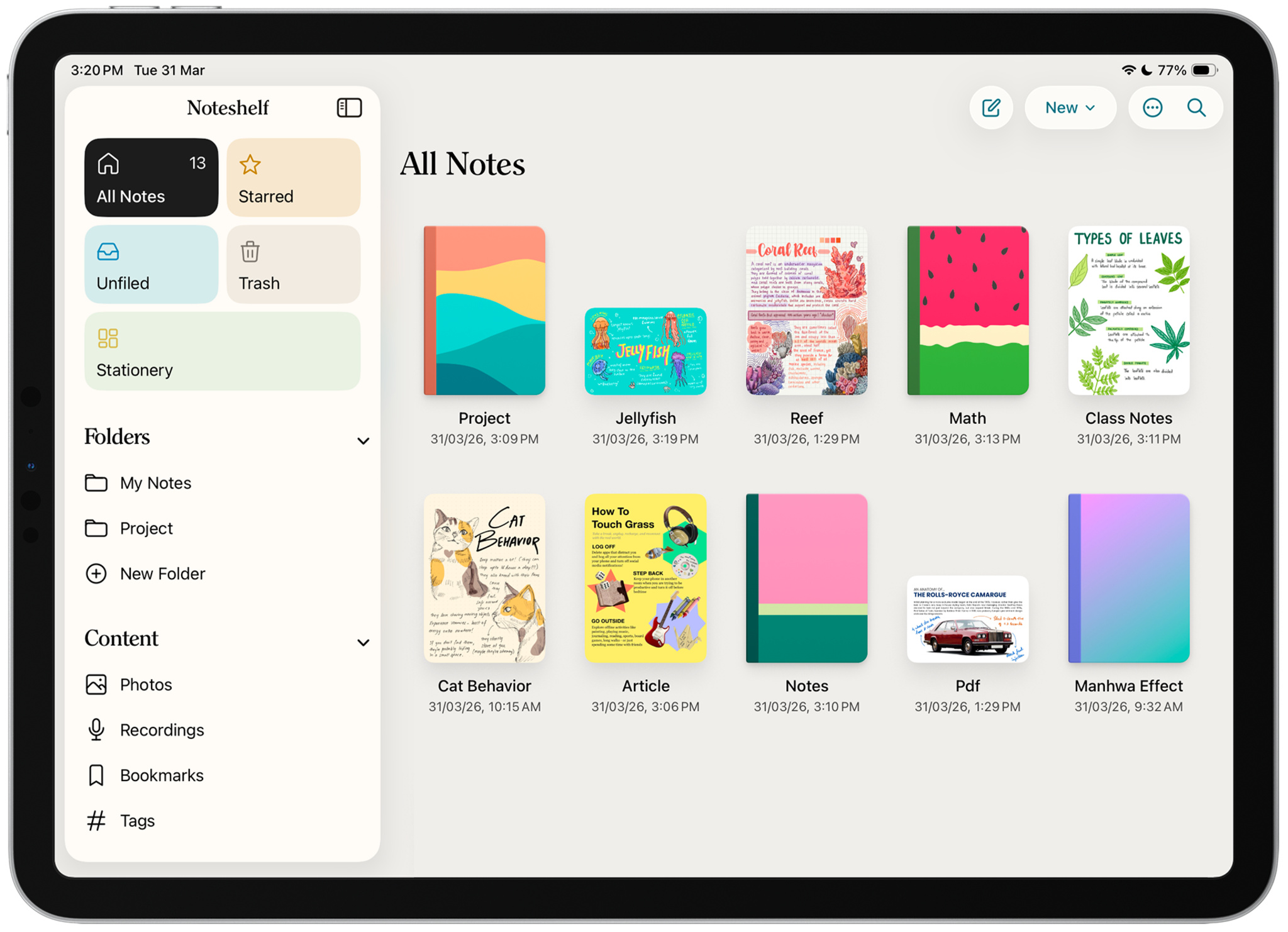
For a time, Noteshelf was the No. 1 app on the iPad App Store. What was it like to see that?
Krishna: Surreal. We were just four people — a tiny part-time team — and suddenly Noteshelf was sitting above Angry Birds.
How is Noteshelf integrating machine learning and AI?
Krishna: Because our roots are in high-quality stationery, we didn’t want generative AI to become the app’s core value proposition. Our approach has been to use AI in ways that genuinely support note-taking while preserving the authenticity of a digital notebook.
For example, we use the Foundation Models framework to suggest notebook titles and automatically generate tags that help organize notes and improve recall. We’ve integrated Apple Intelligence features such as Writing Tools and Image Generation, and built an AI-driven audio transcription feature so people can transcribe lectures or meetings in real time within their notebooks.
Later this year, we plan to introduce AI-generated summaries and action items for audio recordings, and we’re exploring natural language search so people can find information across their notebooks more easily.
What’s your approach to adopting the new design and Liquid Glass?
Krishna: We started working with Liquid Glass during the early betas, and within days of the iOS 26 public release, we shipped a Noteshelf update adopting the new design across key areas — toolbars, tab bars, buttons, and interface surfaces. Our goal was to embrace the spirit of the design language: an interface that feels lighter and more fluid while keeping the writing canvas calm and distraction-free.
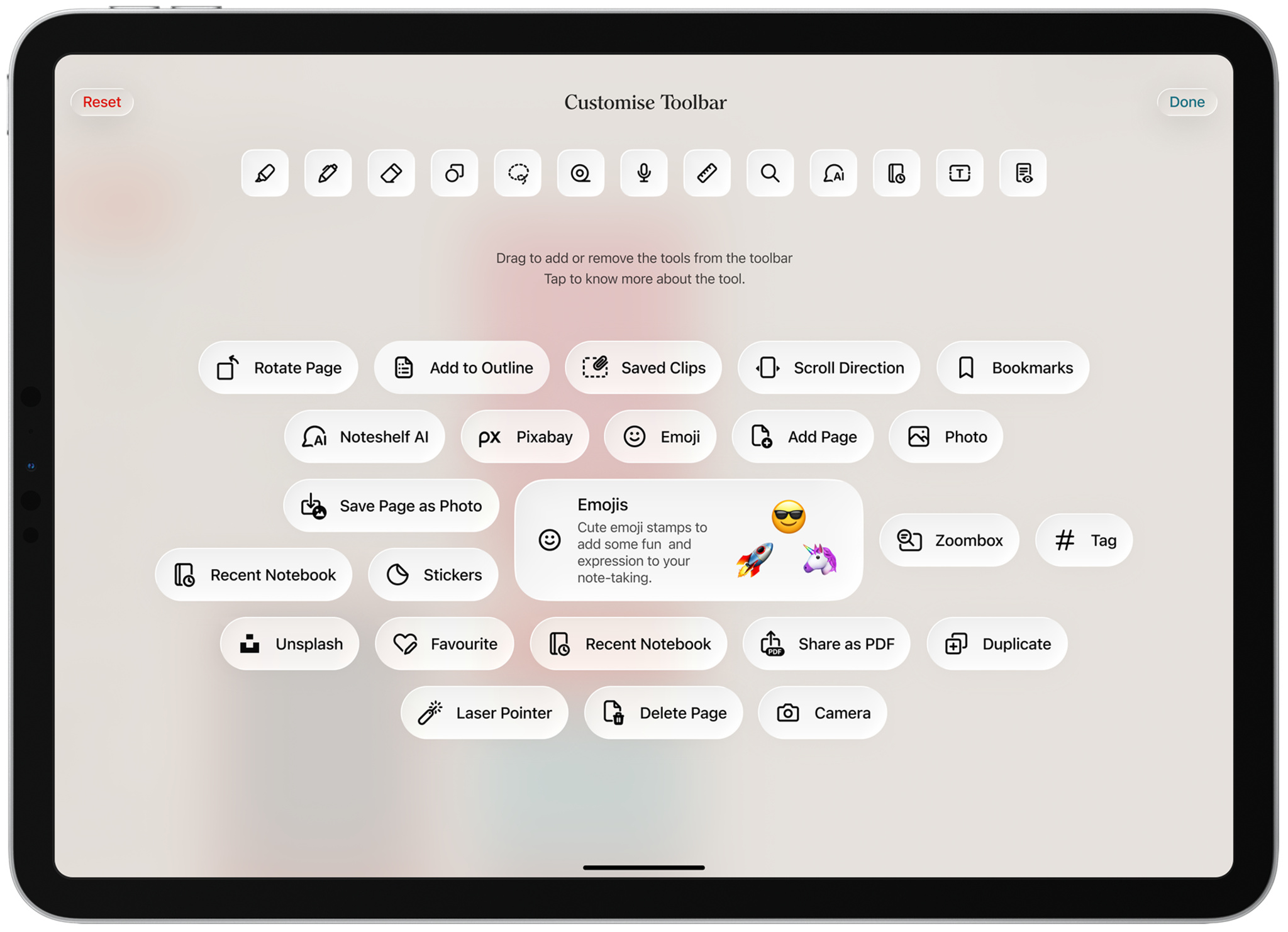
We also created a couple of signature moments inspired by Liquid Glass. One is our toolbar customization feature, which lets people choose their tools in a fluid, playful way. Another is Covers Galaxy — an immersive way to browse and discover notebook covers.
What’s next for you and Noteshelf?
Krishna: Our focus is on creating a digital stationery experience that retains the spirit of real stationery while enhancing it through modern technology.
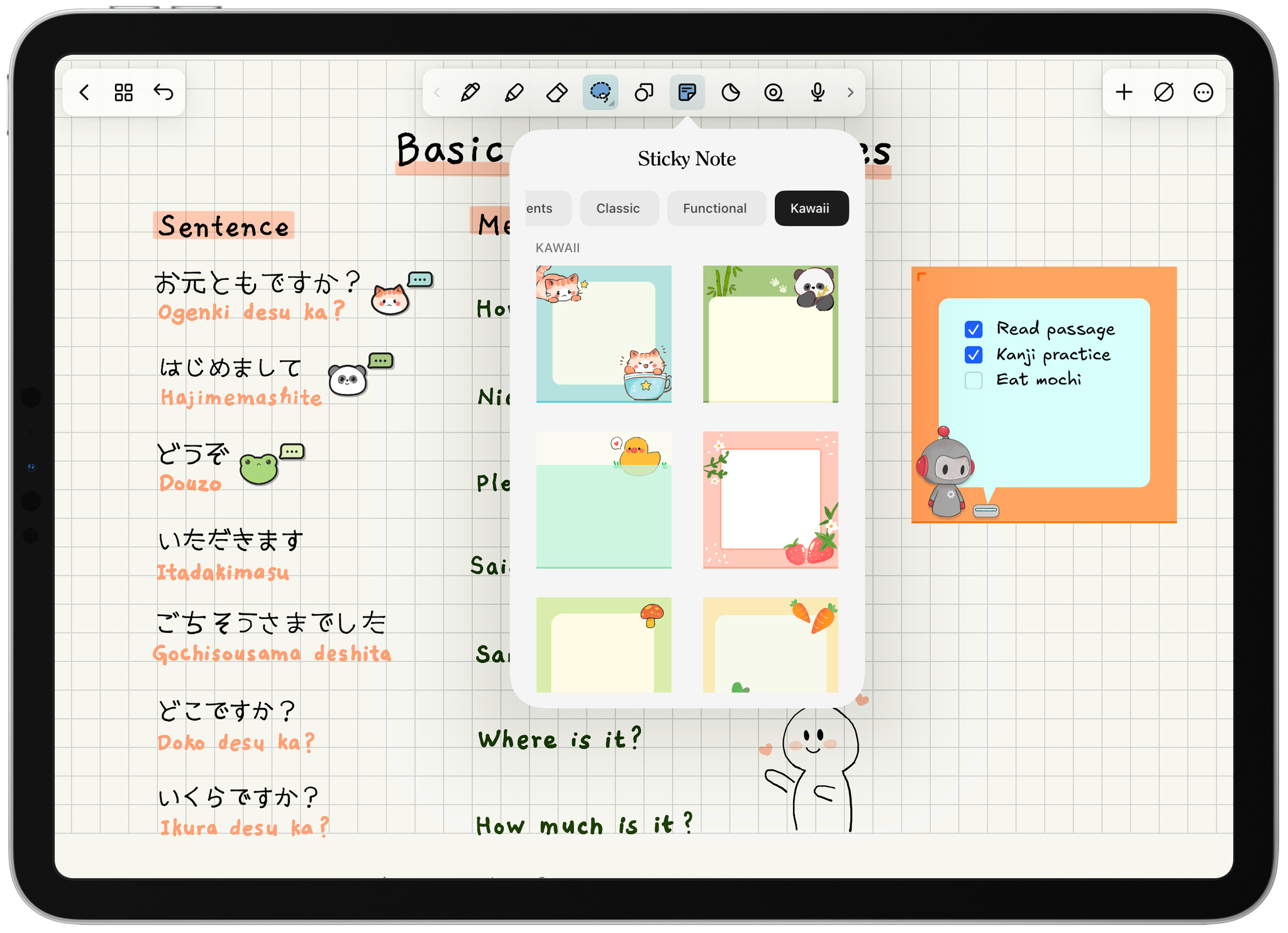
One example is Add-ons, a feature in development through which people will be able to download collectible-grade sticky notes, stickers, and washi tapes. We’re experimenting with ways to present this content the way you’d browse in a real stationery shop, while avoiding an overly skeuomorphic design — and we have some early prototypes we’re excited about.
We believe the iPad remains one of the most natural devices ever created for thinking, writing, and creating — and our goal is to keep pushing that experience forward.
Keep reading
Developer stories explore best practices and philosophies from some of the most inventive developers in the Apple community. In each story, we go behind the screens with developers, designers, and engineers to find out how they brought their remarkable creations to life.