

-
Expand your SiriKit Media Intents to more platforms
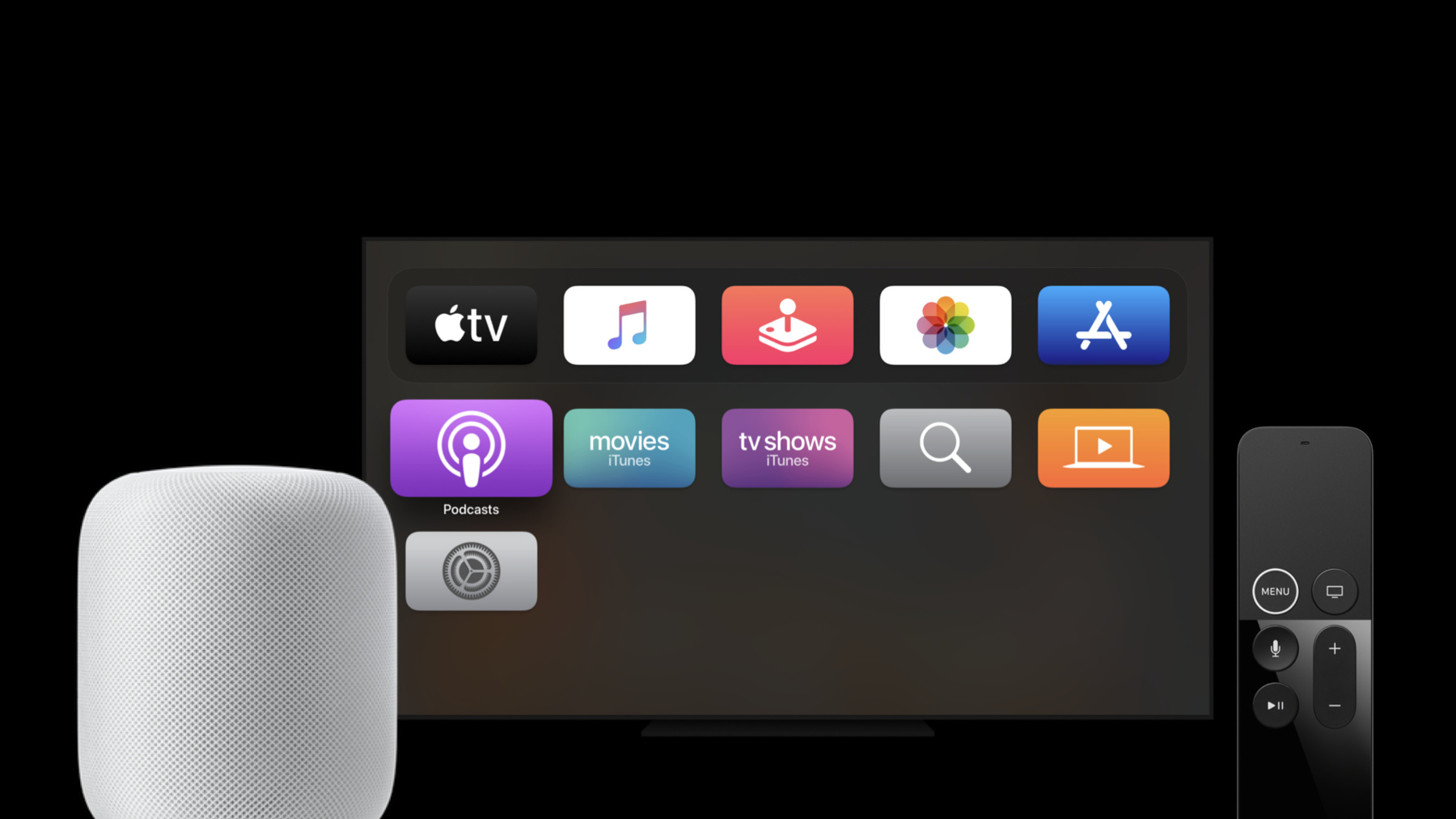
Discover how you can enable Siri summoning for your music or audio app using SiriKit Media Intents. We'll walk you through how to add Siri support to your music, podcast, or other audio service on more of our platforms, including HomePod and Apple TV, so people can start listening by just asking Siri. And learn about new APIs that let you support alternative results, helping people listen more quickly without leaving the Siri interface.
Recursos
- If you’d like to integrate your music service with HomePod, let us know
- Providing Hands-Free App Control with Intents
- Managing Audio with SiriKit
Vídeos relacionados
WWDC20
- Create quick interactions with Shortcuts on watchOS
- Decipher and deal with common Siri errors
- Design for intelligence: Apps, evolved
- Design for intelligence: Discover new opportunities
- Design for intelligence: Make friends with "The System"
- Design for intelligence: Meet people where they are
- Design high quality Siri media interactions
- Empower your intents
- Evaluate and optimize voice interaction for your app
- Feature your actions in the Shortcuts app
- Integrate your app with Wind Down
- What's new in SiriKit and Shortcuts
Tech Talks
-
Buscar neste vídeo...
-
-
2:45 - resolveMediaItems method
func resolveMediaItems(for intent: INPlayMediaIntent, with completion: @escaping ([INPlayMediaMediaItemResolutionResult]) -> Void) { } -
3:03 - handle with .continueInApp
func handle(intent: INPlayMediaIntent, completion: (INPlayMediaIntentResponse) -> Void) { completion(INPlayMediaIntentResponse(code: .continueInApp, userActivity: nil)) } -
5:24 - Singular successWithResolvedMediaItem call
INPlayMediaMediaItemResolutionResult.success(with: mediaItems[0]) -
5:40 - Plural successesWithResolvedMediaItems call
INPlayMediaMediaItemResolutionResult.successes(with: mediaItems) -
6:07 - handle with .handleInApp
func handle(intent: INPlayMediaIntent, completion: (INPlayMediaIntentResponse) -> Void) { completion(INPlayMediaIntentResponse(code: .handleInApp, userActivity: nil)) } -
6:37 - ControlAudio resolveMediaItems
func resolveMediaItems(for intent: INPlayMediaIntent, with completion: @escaping ([INPlayMediaMediaItemResolutionResult]) -> Void) { let mediaSearch = intent.mediaSearch resolveMediaItems(for: mediaSearch) { optionalMediaItems in guard let mediaItems = optionalMediaItems else { return } completion(INPlayMediaMediaItemResolutionResult.successes(with: mediaItems)) } } -
10:24 - App prewarming background appLaunch
func application(_ application: UIApplication, didFinishLaunchingWithOptions launchOptions: [UIApplication.LaunchOptionsKey: Any]?) -> Bool {
    // Locate any app prewarming logic in this method -- fetch credentials, get audio player ready, etc.
    return true
}
-