

-
Support hardware keyboards in your app
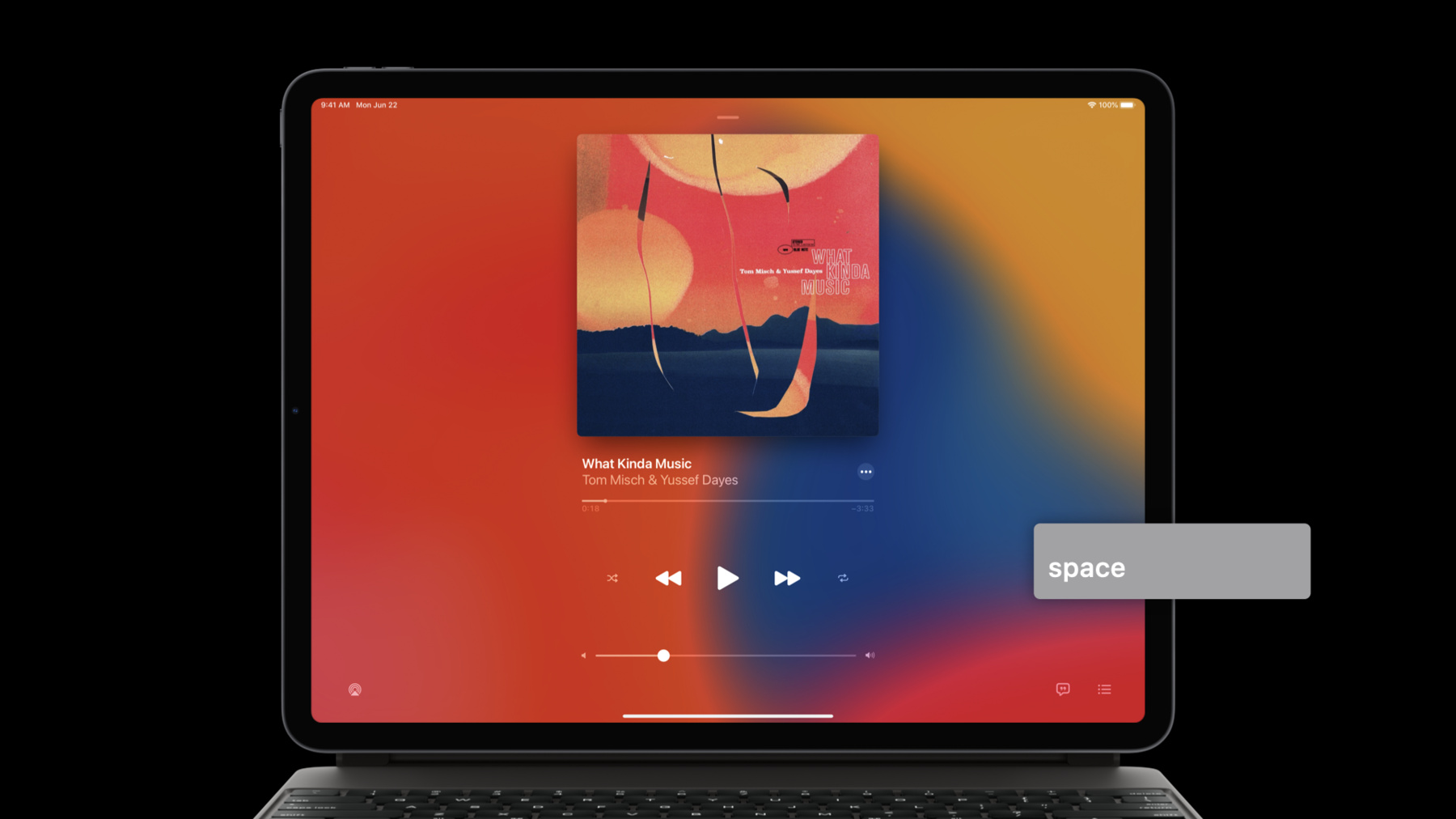
When people use hardware keyboards with your app, they're not only getting a more tactile and familiar typing experience — they can quickly navigate or use keyboard shortcuts, too. Discover how you can best support hardware keyboards for your iPadOS and Mac Catalyst apps: We'll demystify the responder chain and show you best practices for implementing custom keyboard shortcuts. Learn how easy it is to get up and running with common system keyboard shortcuts, use modifier flags with gesture recognizers, and leverage the raw keyboard event API to respond to key down and key up events.
Recursos
Vídeos relacionados
WWDC22
WWDC21
WWDC20
- Bring keyboard and mouse gaming to iPad
- Handle trackpad and mouse input
- Meet Scribble for iPad
- What's new in Mac Catalyst
WWDC19
-
Buscar neste vídeo...
-
-
0:01 - PlayerViewController
class PlayerViewController: UIViewController { override var canBecomeFirstResponder: Bool { return true } override func viewDidAppear(_ animated: Bool) { becomeFirstResponder() } override var keyCommands: [UIKeyCommand]? { return [ UIKeyCommand(title: NSLocalizedString("PLAY_PAUSE", comment: "…"), action: #selector(playPause), input: " ") ] } } -
0:02 - SongListTableViewController
class SongListTableViewController: UITableViewController { override var canBecomeFirstResponder: Bool { return true } override func viewDidAppear(_ animated: Bool) { becomeFirstResponder() } /* UIResponderStandardEditActions */ override func selectAll(_ sender: Any?) { … } override func copy(_ sender: Any?) { … } override func paste(_ sender: Any?) { … } } -
0:03 - UIKeyCommand
class UIKeyCommand : UICommand { ... } override func buildMenu(with builder: UIMenuBuilder) { builder.replaceChildren(ofMenu: .file) { children in return [ UIKeyCommand() ] + children } } -
0:04 - Extending selection with keyboard
optional func tableView(_ tableView: UITableView, shouldBeginMultipleSelectionInteractionAt indexPath: IndexPath) -> Bool optional func tableView(_ tableView: UITableView, didBeginMultipleSelectionInteractionAt indexPath: IndexPath) -
0:05 - recognizedDragGesture
func recognizedDragGesture(_ panGesture: UIPanGestureRecognizer) { if panGesture.modifierFlags.contains(.command) { snapToGrid = true } else if panGesture.modifierFlags.contains(.shift) { constrainAspectRatio = true } ... } -
0:06 - Responding to raw keyboard events
class UIResponder: NSObject { func pressesBegan(_ presses: Set<UIPress>, with event: UIPressesEvent) func pressesEnded(_ presses: Set<UIPress>, with event: UIPressesEvent) } -
0:07 - CanvasViewController
class CanvasViewController: UIViewController { override func pressesBegan(_ presses: Set<UIPress>, with event: UIPressesEvent?) { for press in presses { guard let key = press.key else { continue } switch key.keyCode { case .keyboardUpArrow: startMoveUp() case .keyboardDownArrow: startMoveDown() … } } } override func pressesEnded(_ presses: Set<UIPress>, with event: UIPressesEvent?) { stopMoving() } } -
0:08 - CanvasViewController modifier flags
class CanvasViewController: UIViewController {

    override func pressesBegan(_ presses: Set<UIPress>, with event: UIPressesEvent?) {
        var selectWhileMoving = false
        for press in presses {
            guard let key = press.key else { continue }
            if key.modifierFlags.contains(.shift) {
                selectWhileMoving = true
            }

            switch key.keyCode {
            case .keyboardUpArrow: startMoveUp()

            }
        }
    }
}
-