

-
Explore App Clips
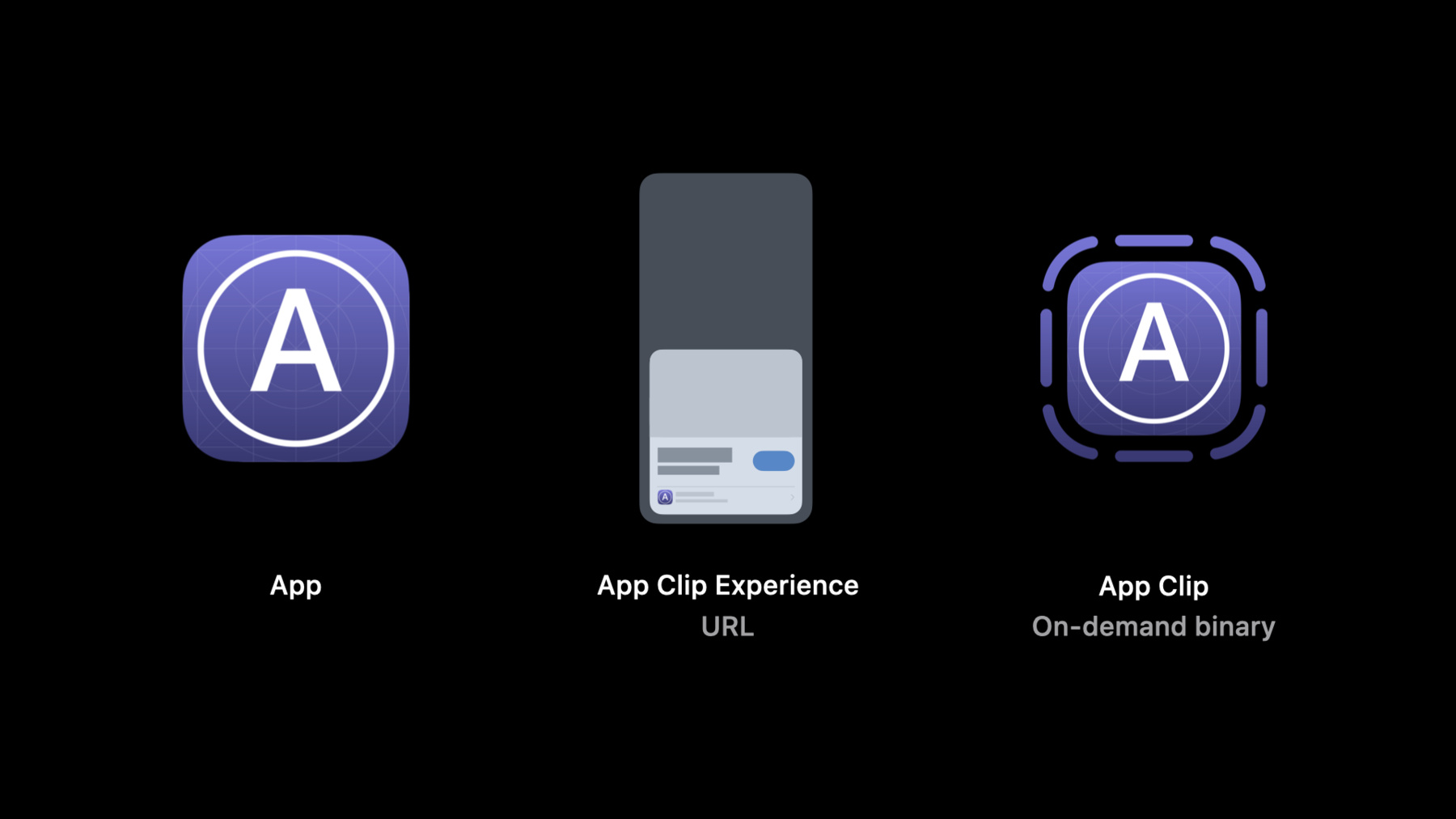
Help people experience the right parts of your app at the exact moment they need them. We'll explain how to design and build an App Clip — a small part of your app that focuses on a specific task — and make it easily discoverable. Learn how to focus your App Clip on short and fast interactions and identify contextually-relevant situations where you can surface it, like a search in Maps or at a real-world location through QR codes, NFC, or App Clip codes. Find out a few key differences between apps and App Clips, and explore how App Clips interact with their corresponding apps.
We've designed this session to introduce you to App Clips. For more detailed information on designing, building, and implementing App Clips, check out “Create App Clips for other businesses,” “Streamline your App Clip,” and “Configure and link your App Clips.”Recursos
- App Clips
- Creating an App Clip with Xcode
- Fruta: Building a feature-rich app with SwiftUI
- Learn more about creating app clips
- Human Interface Guidelines: App Clips
- Choosing the right functionality for your App Clip
Vídeos relacionados
WWDC20
- Configure and link your App Clips
- Create App Clips for other businesses
- Design great App Clips
- Streamline your App Clip
- What's new in location
- What's new in Wallet and Apple Pay
WWDC19
-
Buscar neste vídeo...
-