

-
Tap into Game Center: Dashboard, Access Point, and Profile
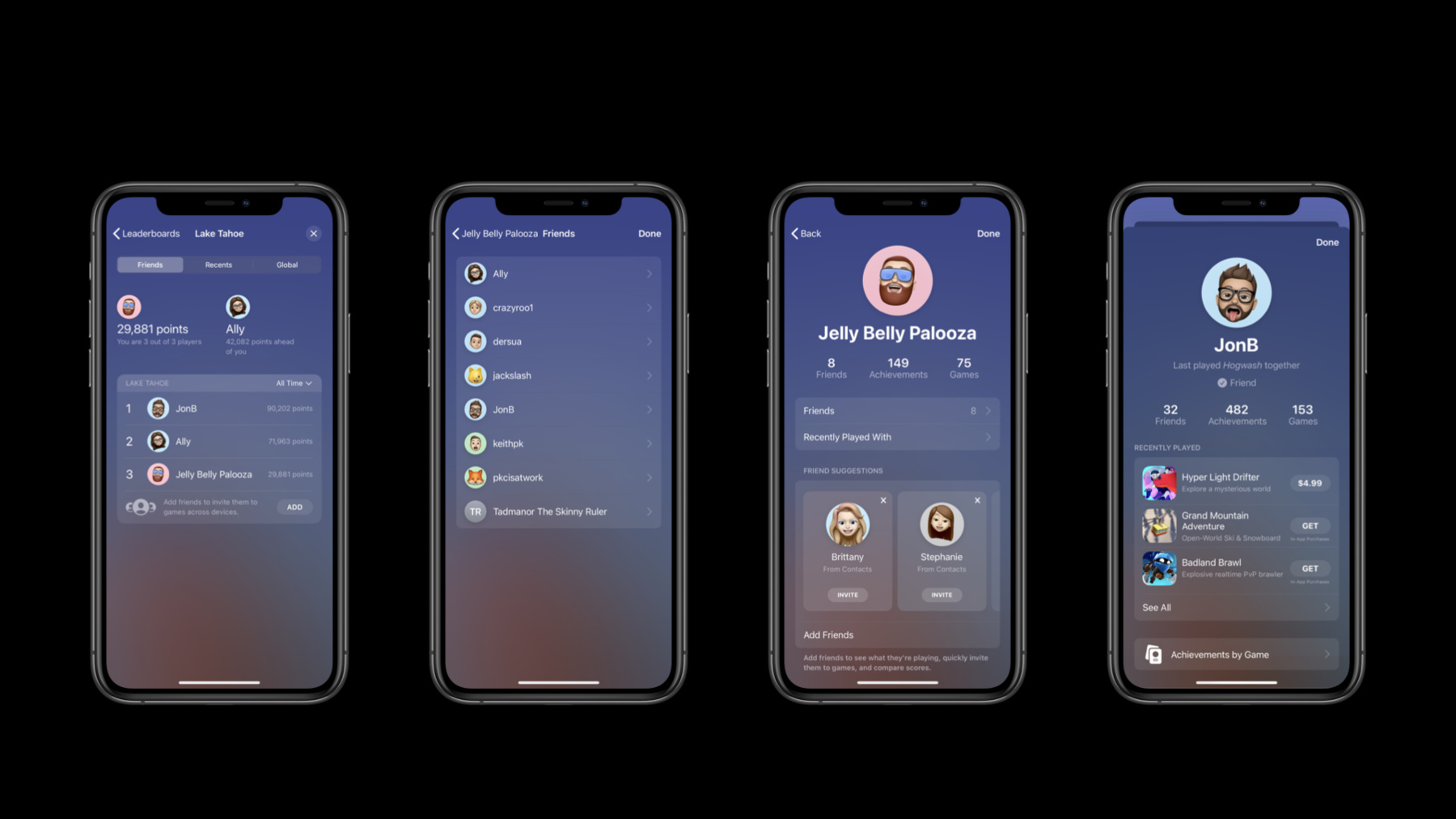
Apple's social gaming network is ready to play. We'll walk you through the latest updates to Game Center, starting with its in-game interface and all-new player experience. Learn how to integrate GameKit into your app and authenticate players effectively, and discover the Access Point, which brings players into the in-game dashboard. From there, we'll explore player profiles and their options for privacy.
After exploring Game Center's interface, Dashboard, and player profiles, continue to the next video to learn about Leaderboards, Achievements, and Multiplayer gaming.
And for more about preparing your game's interface for these new capabilities, see “Design for Game Center.”Recursos
Vídeos relacionados
WWDC22
- Plug-in and play: Add Apple frameworks to your Unity game projects
- Reach new players with Game Center dashboard
WWDC20
-
Buscar neste vídeo...
-
-
10:05 - Presenting the main dashboard
// GKGameCenterViewController public init(state:) [...] // Example: Display Main Dashboard let vc = GKGameCenterViewController(state: .dashboard) vc.gameCenterDelegate = self present(vc, animated: true, completion: nil) [...] enum GKGameCenterViewControllerState : Int { case `default` case leaderboards case achievements case challenges case localPlayerProfile case dashboard } -
10:51 - Display a specific leaderboard
// Display scores for a specific leaderboard let vc = GKGameCenterViewController( leaderboardID: "grp.xyz.laketahoe", playerScope: .global, timeScope: .allTime) vc.gameCenterDelegate = self present(vc, animated: true, completion: nil) -
13:18 - Configure and show Access Point
// Configure and show Access Point func showMainMenu() { // Call your code to setup the main menu self.setupMainMenu() // Place access point on top left GKAccessPoint.shared.location = .topLeading // Show highlights GKAccessPoint.shared.showHighlights = true // Show it! GKAccessPoint.shared.isActive = true } -
14:00 - Observing isPresentingGameCenter
let observation = GKAccessPoint.shared.observe( \.isPresentingGameCenter ) { [weak self] _,_ in self.paused = GKAccessPoint.shared.isPresentingGameCenter } -
14:44 - Changing the frame
// Observable properties // frameInScreenCoordinates let observation = GKAccessPoint.shared.observe( \.frameInScreenCoordinates ) { [weak self] _,_ in let screenFrame = GKAccessPoint.shared.frameInScreenCoordinates let accessPointFrame = myView.convert(screenFrame, from: nil) // adjust your layout } -
15:18 - Handling focus
// Apple TV and controllers // track and update focus func trackController(position: CGPoint) { let screenFrame = GKAccessPoint.shared.frameInScreenCoordinates let accessFrame = myView.convert(screenFrame, from: nil) // if the point is in the access point turn on feedback accessPointElement.focusFeedback = CGRectContainsPoint(accessFrame, position) } -
15:38 - Handling selection
// Apple TV and controllers // Handle selection func accessPointSelected() { GKAccessPoint.shared.triggerAccessPoint {} } -
20:01 - Showing the player profile
// Local player profile let profileVC = GKGameCenterViewController(state: .localPlayerProfile) profileVC.gameCenterDelegate = self present(profileVC, animated: true, completion: nil) -
20:28 - Player restrictions
// Local player restrictions

GKLocalPlayer.local.authenticateHandler = { viewController, error in
    let isGameCenterReady = (viewController == nil) && (error == nil)

    if isGameCenterReady {
        if GKLocalPlayer.local.isUnderage {
            // Hide explicit game content
        }

        if GKLocalPlayer.local.isMultiplayerGamingRestricted {
            // Disable multiplayer game features
        }

        if GKLocalPlayer.local.isPersonalizedCommunicationRestricted {
            // Disable in game communication UI
        }
    }
}
-