

-
Meet the new Photos picker
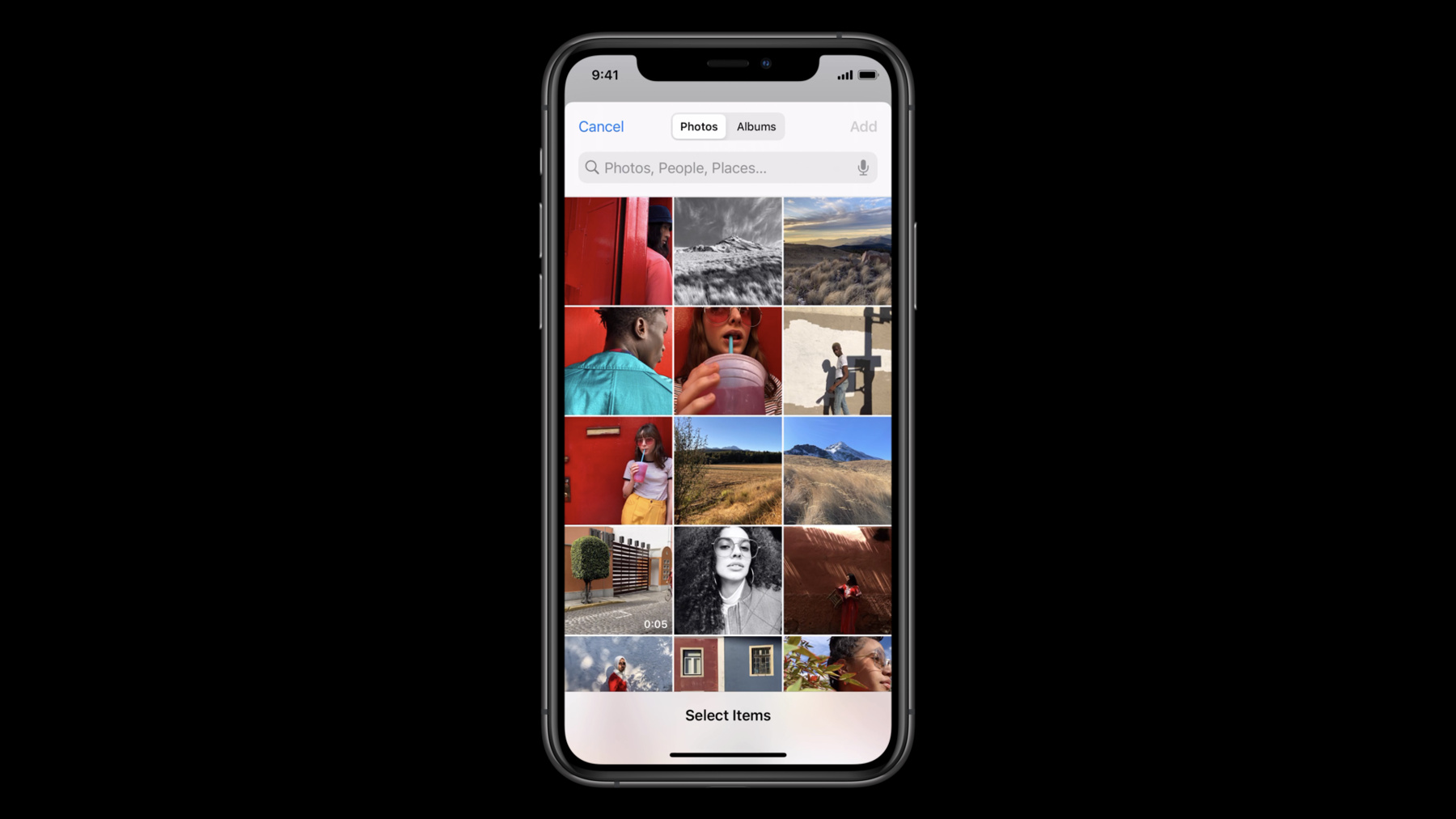
Let people select photos and videos to use in your app without requiring full Photo Library access. Discover how the PHPicker API for iOS and Mac Catalyst ensures privacy while providing your app the features you need.
PHPicker is the modern replacement for UIImagePickerController. In addition to its privacy-focused approach, the API also provides additional features for your app like search, multi-image selection, and the ability to zoom in or out on on the photo grid. We'll show you how PHPicker can help most apps avoid asking for direct library access and how you can implement it to improve the overall experience for people interacting with your app.Recursos
Vídeos relacionados
WWDC23
WWDC22
WWDC21
WWDC20
-
Buscar neste vídeo...
-
-
2:27 - PHPickerConfiguration
import PhotosUI var configuration = PHPickerConfiguration() // “unlimited” selection by specifying 0, default is 1 configuration.selectionLimit = 0 // Only show images (including Live Photos) configuration.filter = .images // Uncomment next line for other example: Only show videos or Live Photos (for their video complement), but no images // configuration.filter = .any(of: [.videos, .livePhotos]) -
3:07 - PHPickerViewController
import UIKit import PhotosUI class SingleSelectionPickerViewController: UIViewController, PHPickerViewControllerDelegate { @IBAction func presentPicker(_ sender: Any) { var configuration = PHPickerConfiguration() // Only wants images configuration.filter = .images let picker = PHPickerViewController(configuration: configuration) picker.delegate = self // The client is responsible for presentation and dismissal present(picker, animated: true) } func picker(_ picker: PHPickerViewController, didFinishPicking results: [PHPickerResult]) { // The client is responsible for presentation and dismissal picker.dismiss(animated: true) // Get the first item provider from the results, the configuration only allowed one image to be selected let itemProvider = results.first?.itemProvider if let itemProvider = itemProvider, itemProvider.canLoadObject(ofClass: UIImage.self) { itemProvider.loadObject(ofClass: UIImage.self) { (image, error) in // TODO: Do something with the image or handle the error } } else { // TODO: Handle empty results or item provider not being able load UIImage } } } -
5:19 - Demo - Single Selection
import UIKit import PhotosUI class ViewController: UIViewController { @IBOutlet weak var imageView: UIImageView! @IBAction func presentPicker(_ sender: Any) { var configuration = PHPickerConfiguration() configuration.filter = .images let picker = PHPickerViewController(configuration: configuration) picker.delegate = self present(picker, animated: true) } } extension ViewController: PHPickerViewControllerDelegate { func picker(_ picker: PHPickerViewController, didFinishPicking results: [PHPickerResult]) { dismiss(animated: true) if let itemProvider = results.first?.itemProvider, itemProvider.canLoadObject(ofClass: UIImage.self) { let previousImage = imageView.image itemProvider.loadObject(ofClass: UIImage.self) { [weak self] image, error in DispatchQueue.main.async { guard let self = self, let image = image as? UIImage, self.imageView.image == previousImage else { return } self.imageView.image = image } } } } } -
7:34 - Demo - Multiple Selection
import UIKit import PhotosUI class ViewController: UIViewController { @IBOutlet weak var imageView: UIImageView! var itemProviders: [NSItemProvider] = [] var iterator: IndexingIterator<[NSItemProvider]>? @IBAction func presentPicker(_ sender: Any) { var configuration = PHPickerConfiguration() configuration.filter = .images configuration.selectionLimit = 0 let picker = PHPickerViewController(configuration: configuration) picker.delegate = self present(picker, animated: true) } func displayNextImage() { if let itemProvider = iterator?.next(), itemProvider.canLoadObject(ofClass: UIImage.self) { let previousImage = imageView.image itemProvider.loadObject(ofClass: UIImage.self) { [weak self] image, error in DispatchQueue.main.async { guard let self = self, let image = image as? UIImage, self.imageView.image == previousImage else { return } self.imageView.image = image } } } } override func touchesEnded(_ touches: Set<UITouch>, with event: UIEvent?) { displayNextImage() } } extension ViewController: PHPickerViewControllerDelegate { func picker(_ picker: PHPickerViewController, didFinishPicking results: [PHPickerResult]) { dismiss(animated: true) itemProviders = results.map(\.itemProvider) iterator = itemProviders.makeIterator() displayNextImage() } } -
11:13 - Using PHPicker with PhotoKit
import UIKit
import PhotosUI

class PhotoKitPickerViewController: UIViewController, PHPickerViewControllerDelegate {
    @IBAction func presentPicker(_ sender: Any) {
        let photoLibrary = PHPhotoLibrary.shared()
        let configuration = PHPickerConfiguration(photoLibrary: photoLibrary)
        let picker = PHPickerViewController(configuration: configuration)
        picker.delegate = self
        present(picker, animated: true)
    }

    func picker(_ picker: PHPickerViewController, didFinishPicking results: [PHPickerResult]) {
        picker.dismiss(animated: true)

        let identifiers = results.compactMap(\.assetIdentifier)
        let fetchResult = PHAsset.fetchAssets(withLocalIdentifiers: identifiers, options: nil)

        // TODO: Do something with the fetch result if you have Photos Library access
    }
}
-