

-
Take ScreenCaptureKit to the next level
Discover how you can support complex screen capture experiences for people using your app with ScreenCaptureKit. We'll explore many of the advanced options you can incorporate including fine tuning content filters, frame metadata interpretation, window pickers, and more. We'll also show you how you can configure your stream for optimal performance.
Recursos
Vídeos relacionados
WWDC23
WWDC22
-
Buscar neste vídeo...
-
-
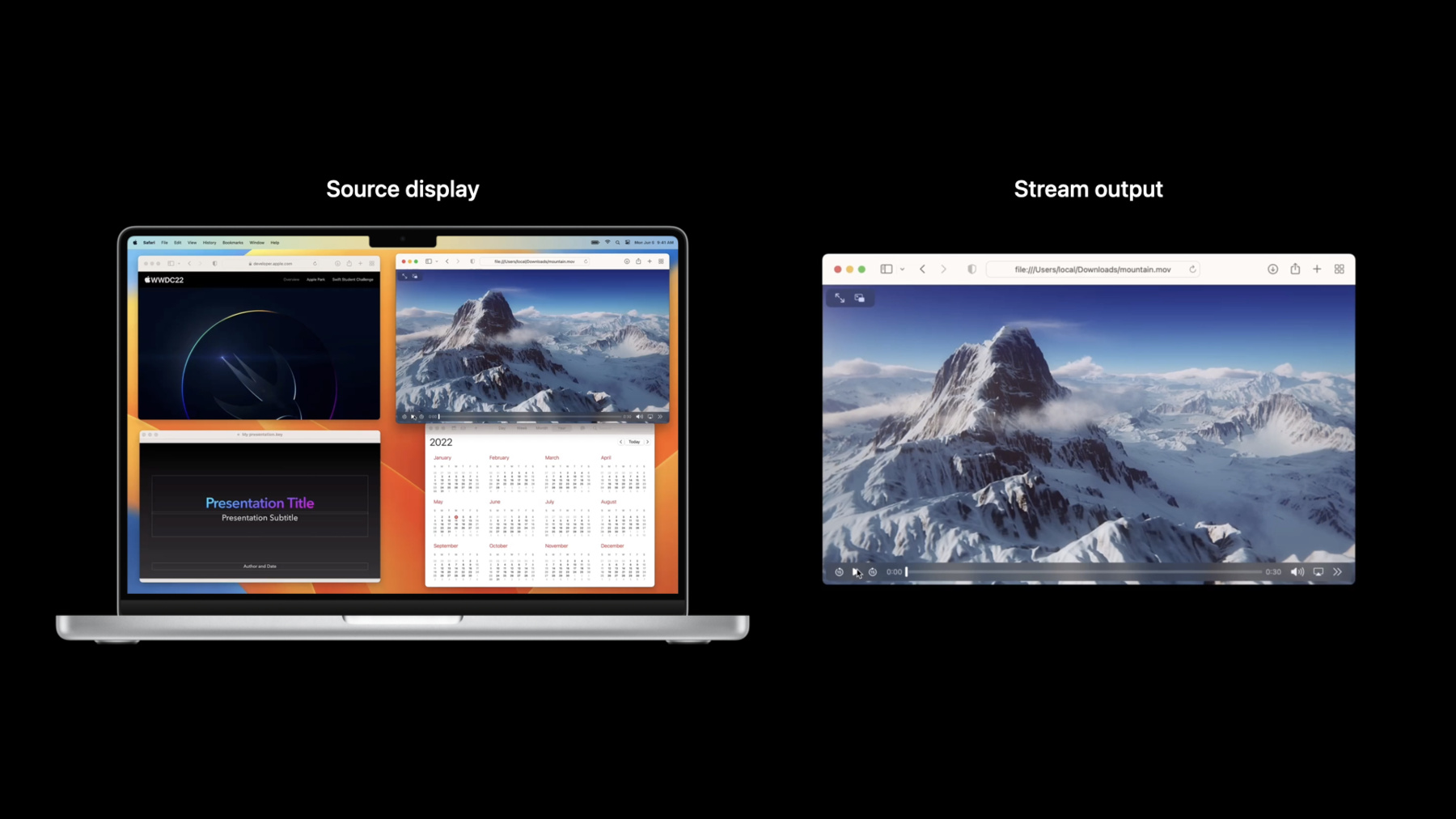
4:36 - Create a single window filter
// Get all available content to share via SCShareableContent let shareableContent = try await SCShareableContent.excludingDesktopWindows(false, onScreenWindowsOnly: false) // Get window you want to share from SCShareableContent guard let window : [SCWindow] = shareableContent.windows.first( where: { $0.windowID == windowID }) else { return } // Create SCContentFilter for Independent Window let contentFilter = SCContentFilter(desktopIndependentWindow: window) // Create SCStreamConfiguration object and enable audio capture let streamConfig = SCStreamConfiguration() streamConfig.capturesAudio = true // Create stream with config and filter stream = SCStream(filter: contentFilter, configuration: streamConfig, delegate: self) stream.addStreamOutput(self, type: .screen, sampleHandlerQueue: serialQueue) stream.startCapture() -
9:38 - Get dirty rects
// Get dirty rects from CMSampleBuffer dictionary metadata func streamUpdateHandler(_ stream: SCStream, sampleBuffer: CMSampleBuffer) { guard let attachmentsArray = CMSampleBufferGetSampleAttachmentsArray(sampleBuffer, createIfNecessary: false) as? [[SCStreamFrameInfo, Any]], let attachments = attachmentsArray.first else { return } let dirtyRects = attachments[.dirtyRects] } } // Only encode and transmit the content within dirty rects -
13:34 - Get content rect, content scale and scale factor
/* Get and use contentRect, contentScale and scaleFactor (pixel density) to convert the captured window back to its native size and pixel density */ func streamUpdateHandler(_ stream: SCStream, sampleBuffer: CMSampleBuffer) { guard let attachmentsArray = CMSampleBufferGetSampleAttachmentsArray(sampleBuffer, createIfNecessary: false) as? [[SCStreamFrameInfo, Any]], let attachments = attachmentsArray.first else { return } let contentRect = attachments[.contentRect] let contentScale = attachments[.contentScale] let scaleFactor = attachments[.scaleFactor] /* Use contentRect to crop the frame, and then contentScale and scaleFactor to scale it */ } } -
15:37 - Create display filter with included windows
// Get all available content to share via SCShareableContent let shareableContent = try await SCShareableContent.excludingDesktopWindows(false, onScreenWindowsOnly: false) // Create SCWindow list using SCShareableContent and the window IDs to capture let includingWindows = shareableContent.windows.filter { windowIDs.contains($0.windowID)} // Create SCContentFilter for Full Display Including Windows let contentFilter = SCContentFilter(display: display, including: includingWindows) // Create SCStreamConfiguration object and enable audio let streamConfig = SCStreamConfiguration() streamConfig.capturesAudio = true // Create stream stream = SCStream(filter: contentFilter, configuration: streamConfig, delegate: self) stream.addStreamOutput(self, type: .screen, sampleHandlerQueue: serialQueue) stream.startCapture() -
18:13 - Create display filter with included apps
// Get all available content to share via SCShareableContent let shareableContent = try await SCShareableContent.excludingDesktopWindows(false, onScreenWindowsOnly: false) /* Create list of SCRunningApplications using SCShareableContent and the application IDs you’d like to capture */ let includingApplications = shareableContent.applications.filter { appBundleIDs.contains($0.bundleIdentifier) } // Create SCWindow list using SCShareableContent and the window IDs to except let exceptingWindows = shareableContent.windows.filter { windowIDs.contains($0.windowID) } // Create SCContentFilter for Full Display Including Apps, Excepting Windows let contentFilter = SCContentFilter(display: display, including: includingApplications, exceptingWindows: exceptingWindows) -
20:46 - Create display filter with excluded apps
// Get all available content to share via SCShareableContent let shareableContent = try await SCShareableContent.excludingDesktopWindows(false, onScreenWindowsOnly: false) /* Create list of SCRunningApplications using SCShareableContent and the app IDs you’d like to exclude */ let excludingApplications = shareableContent.applications.filter { appBundleIDs.contains($0.bundleIdentifier) } // Create SCWindow list using SCShareableContent and the window IDs to except let exceptingWindows = shareableContent.windows.filter { windowIDs.contains($0.windowID) } // Create SCContentFilter for Full Display Excluding Windows let contentFilter = SCContentFilter(display: display, excludingApplications: excludingApplications, exceptingWindows: exceptingWindows) -
28:46 - Configure 4k 60FPS capture for streaming
let streamConfiguration = SCStreamConfiguration() // 4K output size streamConfiguration.width = 3840 streamConfiguration.height = 2160 // 60 FPS streamConfiguration.minimumFrameInterval = CMTime(value: 1, timescale: CMTimeScale(60)) // 420v output pixel format for encoding streamConfiguration.pixelFormat = kCVPixelFormatType_420YpCbCr8BiPlanarVideoRange // Source rect(optional) streamConfiguration.sourceRect = CGRectMake(100, 200, 3940, 2360) // Set background fill color to black streamConfiguration.backgroundColor = CGColor.black // Include cursor in capture streamConfiguration.showsCursor = true // Valid queue depth is between 3 to 8 streamConfiguration.queueDepth = 5 // Include audio in capture streamConfiguration.capturesAudio = true -
30:08 - Live downgrade 4k 60FPS to 720p 15FPS
// Update output dimension down to 720p streamConfiguration.width = 1280 streamConfiguration.height = 720 // 15FPS streamConfiguration.minimumFrameInterval = CMTime(value: 1, timescale: CMTimeScale(15)) // Update the configuration try await stream.updateConfiguration(streamConfiguration) -
31:57 - Build a window picker with live preview
// Get all available content to share via SCShareableContent
let shareableContent = try await SCShareableContent.excludingDesktopWindows(false,
                                        onScreenWindowsOnly: true)

// Create a SCContentFilter for each shareable SCWindows
let contentFilters = shareableContent.windows.map {
    SCContentFilter(desktopIndependentWindow: $0)
}

// Stream configuration
let streamConfiguration = SCStreamConfiguration()

// 284x182 frame output
streamConfiguration.width  = 284
streamConfiguration.height = 182
// 5 FPS
streamConfiguration.minimumFrameInterval = CMTime(value: 1, timescale: CMTimeScale(5))
// BGRA pixel format for on screen display
streamConfiguration.pixelFormat = kCVPixelFormatType_32BGRA
// No audio
streamConfiguration.capturesAudio = false
// Does not include cursor in capture
streamConfiguration.showsCursor = false
// Valid queue depth is between 3 to 8

// Create a SCStream with each SCContentFilter
var streams: [SCStream] = []
for contentFilter in contentFilters {
    let stream = SCStream(filter: contentFilter, streamConfiguration: streamConfig,
                        delegate: self)
    try stream.addStreamOutput(self, type: .screen, sampleHandlerQueue: serialQueue)
    try await stream.startCapture()
    streams.append(stream)
}
-