

-
Use Xcode to develop a multiplatform app
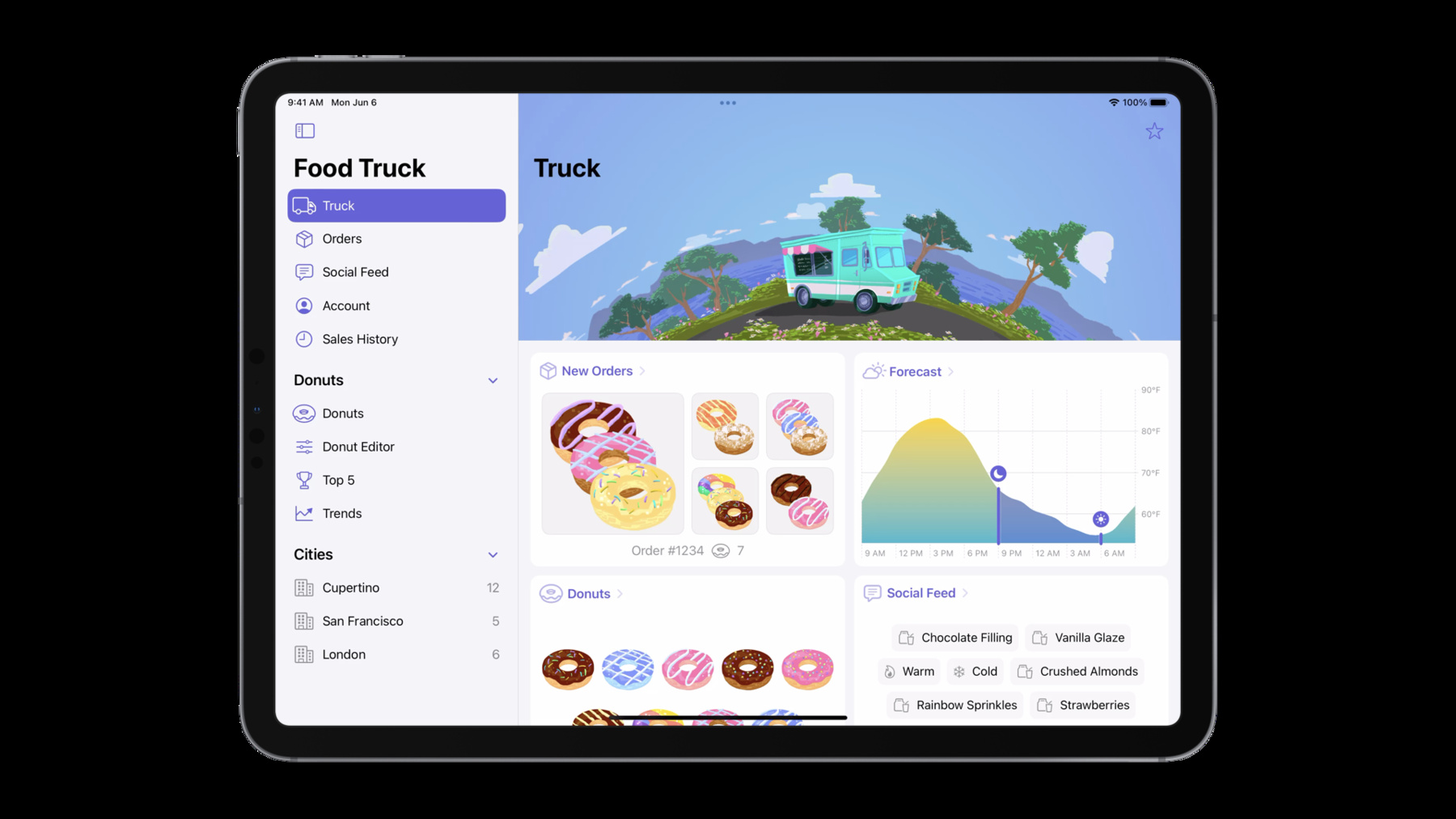
Learn how you can build apps for multiple Apple platforms using Xcode 14. We'll show you how to streamline app targets, maintain a common codebase, and share settings by default. We'll also explore how you can customize your app for each platform through conditionalizing your settings and code.
Recursos
Vídeos relacionados
WWDC22
-
Buscar neste vídeo...
-
-
8:48 - canImport
#if canImport(ARKit) import ARKit #endif -
10:02 - Condition Property
#if os(iOS) @Environment(\.editMode) private var editMode #endif -
10:13 - Condition View Modifier
#if os(iOS) .onChange(of: editMode?.wrappedValue) { newValue in if newValue?.isEditing == false { selection.removeAll() } } #endif -
10:19 - Condition View
#if os(iOS) EditButton() #endif -
11:48 - Computed Property
var thumnailSize: Double { #if os(iOS) return 120 #else return 80 #endif } -
12:37 - Menu Bar Extra
#if os(macOS)
MenuBarExtra {
    MiniTruckView(model: model)
} label: {
    Label("Food Truck", systemImage: "box.truck")
}
.menuBarExtraStyle(.window)
#endif
-