

View in English

  • Apple Developer
    • Get Started

    Explore Get Started

    • Overview
    • Learn
    • Apple Developer Program

    Stay Updated

    • Latest News
    • Hello Developer
    • Platforms

    Explore Platforms

    • Apple Platforms
    • iOS
    • iPadOS
    • macOS
    • tvOS
    • visionOS
    • watchOS
    • App Store

    Featured

    • Design
    • Distribution
    • Games
    • Accessories
    • Web
    • Home
    • CarPlay
    • Technologies

    Explore Technologies

    • Overview
    • Xcode
    • Swift
    • SwiftUI

    Featured

    • Accessibility
    • AI & Machine Learning
    • App Intents
    • Apple Intelligence
    • Games
    • Security
    • Xcode Cloud
    • Community

    Explore Community

    • Overview
    • Meet with Apple events
    • Community events
    • Developer Forums
    • Open Source

    Featured

    • WWDC
    • Swift Student Challenge
    • Developer Stories
    • App Store Awards
    • Apple Design Awards
    • Apple Developer Centers
    • Documentation

    Explore Documentation

    • Documentation Library
    • Technology Overviews
    • Sample Code
    • Human Interface Guidelines
    • Videos

    Release Notes

    • Featured Updates
    • iOS
    • iPadOS
    • macOS
    • watchOS
    • visionOS
    • tvOS
    • Xcode
    • Downloads

    Explore Downloads

    • All Downloads
    • Operating Systems
    • Applications
    • Design Resources

    Featured

    • Xcode
    • TestFlight
    • Fonts
    • SF Symbols
    • Icon Composer
    • Support

    Explore Support

    • Overview
    • Help Guides
    • Developer Forums
    • Feedback Assistant
    • Contact Us

    Featured

    • Account Help
    • App Review Guidelines
    • App Review Help
    • App Store Connect Help
    • Upcoming Requirements
    • Agreements and Guidelines
    • System Status
  • Quick Links

    • Events
    • News
    • Forums
    • Sample Code
    • Videos
 

Vidéos

Ouvrir le menu Fermer le menu
  • Collections
  • Toutes les vidéos
  • À propos

Plus de vidéos

  • À propos
  • Code
  • Intégrer les fonctionnalités tactiles à votre app Mac

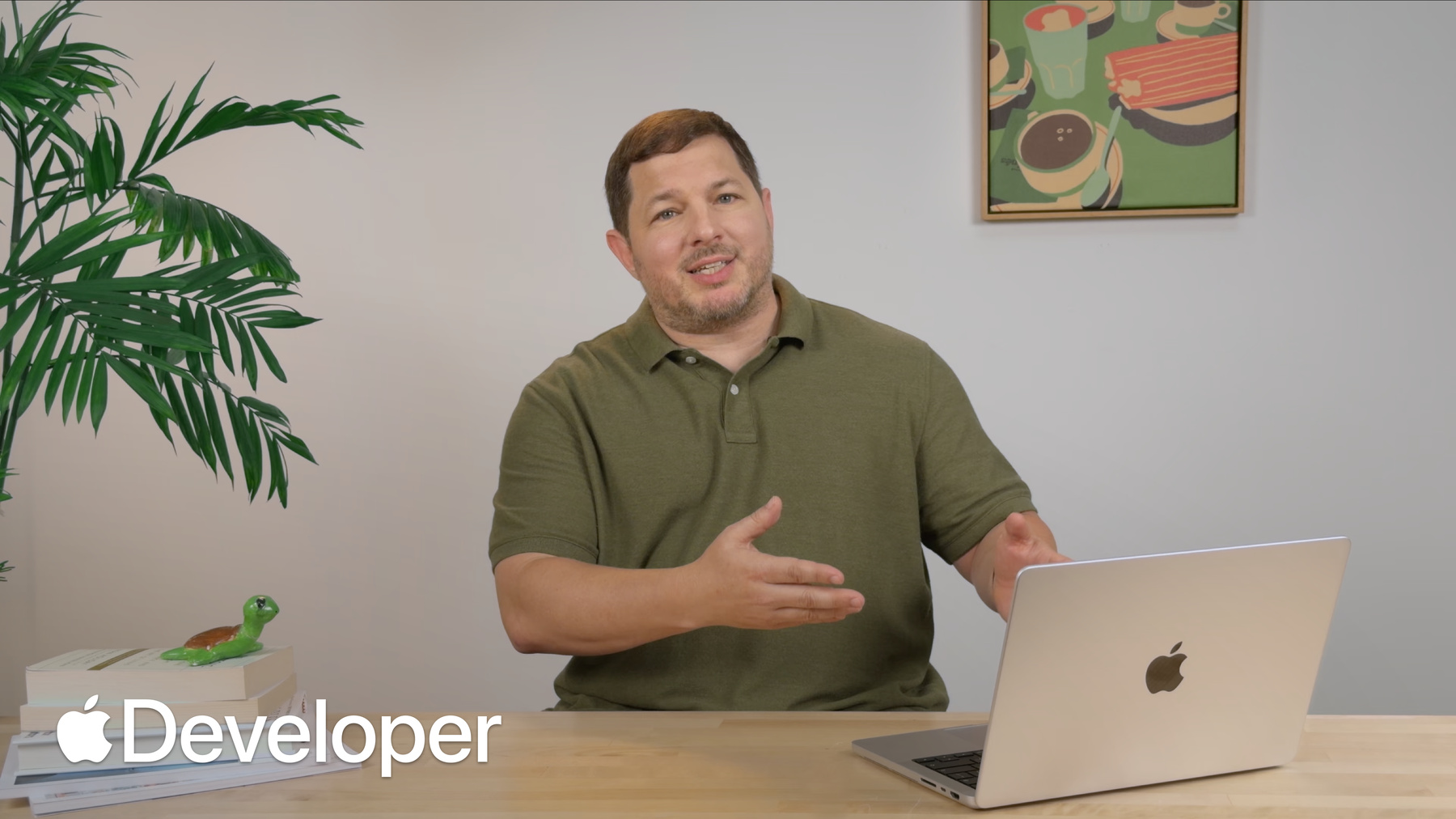
    Découvrez comment ajouter des fonctionnalités tactiles à votre app Mac. Découvrez comment passer des API classiques de suivi de la souris aux reconnaisseurs de gestes modernes et aux commandes tactiles natives. Découvrez comment optimiser les cibles tactiles, implémenter des interactions Multi-Touch et gérer les gestes système pour offrir une expérience tactile incroyable. Pour tirer le meilleur parti de cette session, regardez « Concevoir pour le toucher sur Mac ».

    Chapitres

    • 0:00 - Introduction
    • 0:30 - Touch across frameworks
    • 1:37 - Use control events
    • 3:05 - Adopt gesture recognizers
    • 5:14 - Expand hit targets
    • 6:24 - Customize touch scrolling
    • 6:57 - Manage gesture exclusivity
    • 8:17 - Disable system gestures
    • 9:39 - Additional touch tips
    • 11:56 - Next steps

    Ressources

      • Vidéo HD
      • Vidéo SD

    Vidéos connexes

    Tech Talks

    • Concevoir pour le toucher sur Mac
  • Rechercher dans cette vidéo…
    • 2:08 - Custom button that overrides mouseDown

      // Custom button to detect start and end of tracking
      class IgnitionButton: NSButton {
          var delegate: IgnitionButtonDelegate?
      
          override func mouseDown(with event: NSEvent) {
              delegate?.buttonDidStartTracking()
              super.mouseDown(with: event)
              delegate?.buttonDidEndTracking()
          }
      }
    • 2:24 - Use NSControl events to detect tracking

      // Use NSControl events to detect start and end of tracking
      ignitionButton.addTarget(
          self,
          action: #selector(buttonDidStartTracking),
          for: [.trackingBegan, .trackingEntered]
      )
      
      ignitionButton.addTarget(
          self,
          action: #selector(buttonDidEndTracking),
          for: [.trackingExited, .trackingEndedInside]
      )
      
      ignitionButton.addTarget(
          self,
          action: #selector(buttonCancelledTracking),
          for: .trackingCancelled
      )
    • 3:13 - Mouse tracking loop

      let eventMask: NSEvent.EventTypeMask = [.leftMouseDragged, .leftMouseUp]
      while true {
          let nextEvent = NSApp.nextEvent(
              matching: eventMask,
              until: .distantFuture,
              inMode: .eventTracking,
              dequeue: true)
          if let nextEvent, nextEvent.type == .leftMouseUp {
              break
          }
      }
    • 4:11 - Refactored tracking functions

      // Refactored tracking functions
      func startTracking(at viewLocation: NSPoint) { /* ... */ }
      
      func continueTracking(at viewLocation: NSPoint) { /* ... */ }
      
      func endTracking(at viewLocation: NSPoint) { /* ... */ }
      
      func cancelTracking() { /* ... */ }
    • 4:24 - Add a touch-only pan gesture recognizer

      // Add touch-only pan gesture recognizer
      let touchRecognizer = NSPanGestureRecognizer(
          target: self,
          action: #selector(touchPan)
      )
      
      touchRecognizer.buttonMask = 0x0
      touchRecognizer.allowedTouchTypes = .direct
      
      wiringPanelView.addGestureRecognizer(touchRecognizer)
    • 4:52 - Pan gesture recognizer action

      // Pan gesture recognizer action function
      @objc func touchPan(_ recognizer: NSPanGestureRecognizer) {
          switch recognizer.state {
          case .began:
              startTracking(at: recognizer.location(in: wiringPanelView))
          case .changed:
              continueTracking(at: recognizer.location(in: wiringPanelView))
          case .ended:
              endTracking(at: recognizer.location(in: wiringPanelView))
          case .cancelled:
              cancelTracking()
          default:
              break
          }
      }
    • 5:37 - Expand hit targets for touch

      // Refactored tracking functions with expanded hit targets
      func startTracking(at viewLocation: NSPoint, expandHitRect: Bool = false) {
          for node in nodes {
              if point(viewLocation, in: node.frame, expandForTouch: expandHitRect) {
                  trackingNode = node
                  trackingLocation = viewLocation
                  return
              }
          }
      }
      
      func point(_ point: NSPoint, in rect: NSRect, expandForTouch: Bool = false) -> Bool {
          if expandForTouch {
              // Expand to minimum size of 36 points on each axis
          } else {
              // Nothing to do for mouse
          }
          return NSPointInRect(point, rect)
      }
      
      @objc func touchPan(_ recognizer: NSPanGestureRecognizer) {
          switch recognizer.state {
          case .began:
              startTracking(at: recognizer.location(in: wiringPanelView), expandHitRect: true)
          // ...
          default:
              break
          }
      }
    • 6:40 - Require two touches for scrolling

      // Modify touch scrolling properties
      decoratingView.enclosingScrollView?.minimumNumberOfTouchesForScrolling = 2
    • 7:48 - Allow simultaneous slider interaction

      // Simultaneous sliders
      stoveControlsView.exclusiveGestureBehavior = .notExclusive
    • 8:25 - Disable system gestures

      // Disabling system gestures
      stoveControlsView.window?.disablesDirectTouchSystemGestures = true
      
      // Mac Catalyst API
      extension UIViewController {
          var prefersDirectTouchSystemGesturesDisabled: Bool { get }
      }
      
      // SwiftUI API
      View.directTouchSystemGesturesDisabled()
    • 11:47 - Declare touch-native support in Info.plist

      <?xml version="1.0" encoding="UTF-8"?>
      <!DOCTYPE plist PUBLIC "-//Apple//DTD PLIST 1.0//EN" "http://www.apple.com/DTDs/PropertyList-1.0.dtd">
      <plist version="1.0">
      <dict>
          <!-- ... -->
          <key>NSIsTouchNative</key>
          <true/>
          <!-- ... -->
      </dict>
      </plist>

Developer Footer

  • Vidéos
  • Tech Talks
  • Intégrer les fonctionnalités tactiles à votre app Mac
  • Open Menu Close Menu
    • iOS
    • iPadOS
    • macOS
    • tvOS
    • visionOS
    • watchOS
    • App Store
    Open Menu Close Menu
    • Swift
    • SwiftUI
    • Swift Playground
    • TestFlight
    • Xcode
    • Xcode Cloud
    • Icon Composer
    • SF Symbols
    Open Menu Close Menu
    • Accessibility
    • Accessories
    • AI & Machine Learning
    • Apple In-App Purchase
    • Apple Intelligence
    • Audio & Video
    • Augmented Reality
    • Business
    • Design
    • Distribution
    • Education
    • Games
    • Health & Fitness
    • Localization
    • Maps & Location
    • Security
    • Safari & Web
    Open Menu Close Menu
    • Documentation
    • Downloads
    • Sample Code
    • Videos
    • Documentation Archive
    Open Menu Close Menu
    • Help Guides & Articles
    • Contact Us
    • Forums
    • Feedback & Bug Reporting
    • System Status
    Open Menu Close Menu
    • Apple Developer
    • App Store Connect
    • Certificates, IDs, & Profiles
    • Feedback Assistant
    Open Menu Close Menu
    • Apple Developer Program
    • Apple Developer Enterprise Program
    • App Store Small Business Program
    • MFi Program
    • Mini Apps Partner Program
    • News Partner Program
    • Video Partner Program
    • Security Bounty Program
    • Security Research Device Program
    Open Menu Close Menu
    • Meet with Apple
    • Apple Developer Centers
    • App Store Awards
    • Apple Design Awards
    • Apple Developer Academies
    • WWDC
    Read the latest news.
    Get the Apple Developer app.
    Follow us on bilibili, LinkedIn, WeChat, and YouTube.
    Copyright © 2026 Apple Inc. All rights reserved.
    Terms of Use Privacy Policy Agreements and Guidelines