

-
Explore ARKit 5
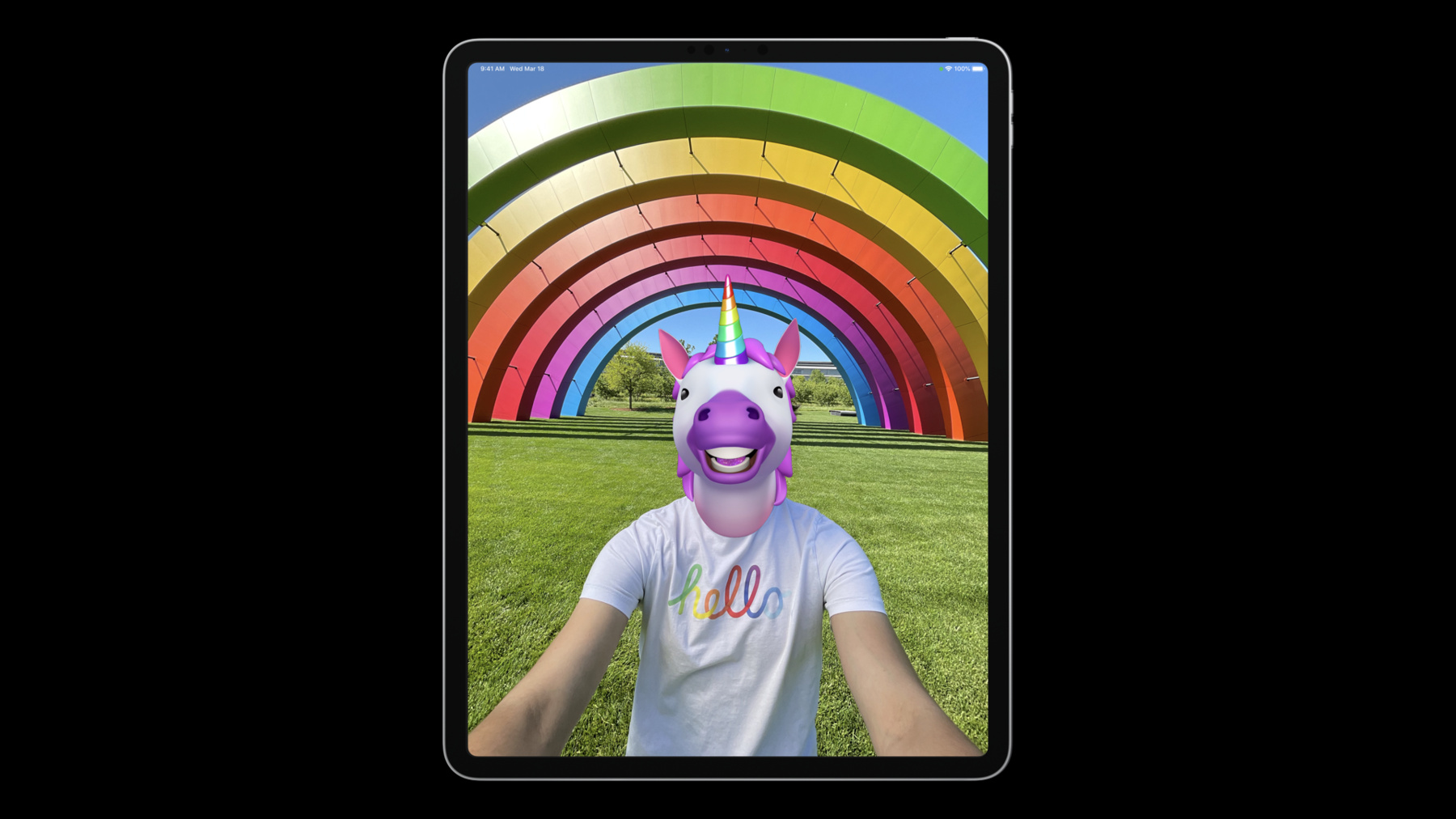
Build the next generation of augmented reality apps with ARKit 5. Explore how you can use Location Anchors in additional regions and more easily onboard people into your location-based AR experience. Learn more about Face Tracking and Motion Capture. And discover best practices for placing your AR content in the real world. We'll also show you how you can integrate App Clip Codes into your AR app for easy discovery and precise positioning of your virtual content.
Ressources
- Human Interface Guidelines: App Clip Codes
- Interacting with App Clip Codes in AR
- Explore the ARKit Developer Forums
- Tracking geographic locations in AR
- ARKit
Vidéos connexes
WWDC22
WWDC21
WWDC20
WWDC19
-
Rechercher dans cette vidéo…
-
-
3:29 - Geo Tracking Recap I
// Check device support for geo-tracking guard ARGeoTrackingConfiguration.isSupported else { // Geo-tracking not supported on this device return } // Check current location is supported for geo-tracking ARGeoTrackingConfiguration.checkAvailability { (available, error) in guard available else { // Geo-tracking is not available at this location return } // Run ARSession let arView = ARView() arView.session.run(ARGeoTrackingConfiguration()) } -
3:42 - Geo Tracking Recap II
// Create Location Anchor and add to session let coordinate = CLLocationCoordinate2D(latitude: 37.795313, longitude: -122.393792) let geoAnchor = ARGeoAnchor(name: “Ferry Building”, coordinate: coordinate) arView.session.add(anchor: geoAnchor) // Monitor geo-tracking status updates func session(_ session: ARSession, didChange geoTrackingStatus: ARGeoTrackingStatus) { … } -
6:02 - Geo Tracking Coaching Overlay
// Declare coaching view let coachingOverlay = ARCoachingOverlayView() // Set up coaching view (assuming ARView already exists) coachingOverlay.session = self.arView.session coachingOverlay.delegate = self coachingOverlay.goal = .geoTracking coachingOverlay.translatesAutoresizingMaskIntoConstraints = false self.arView.addSubview(coachingOverlay) NSLayoutConstraint.activate([ coachingOverlay.centerXAnchor.constraint(equalTo: view.centerXAnchor), coachingOverlay.centerYAnchor.constraint(equalTo: view.centerYAnchor), coachingOverlay.widthAnchor.constraint(equalTo: view.widthAnchor), coachingOverlay.heightAnchor.constraint(equalTo: view.heightAnchor), ]) -
8:53 - GeoTracking Distance Method
// Method to compute distance (in meters) between points func distance(from location: CLLocation) -> CLLocationDistance -
12:16 - App Clip Code: check device support
func viewDidLoad() { // Check device support for app clip code tracking guard ARWorldTrackingConfiguration.supportsAppClipCodeTracking else { return } let worldConfig = ARWorldTrackingConfiguration() worldConfig.appClipCodeTrackingEnabled = true arSession.run(worldConfig) } -
12:34 - Accessing the URL of an App Clip Code
/// Accessing the URL of an App Clip Code override func session(_ session: ARSession, didUpdate anchors: [ARAnchor]) { for anchor in anchors { guard let appClipCodeAnchor = anchor as? ARAppClipCodeAnchor, appClipCodeAnchor.isTracked else { return } switch appClipCodeAnchor.urlDecodingState { case .decoding: displayPlaceholderVisualizationOnTopOf(anchor: appClipCodeAnchor) case .failed: displayNoURLErrorMessageOnTopOf(anchor: appClipCodeAnchor) case .decoded: let url = appClipCodeAnchor.url! let anchorEntity = AnchorEntity(anchor: appClipCodeAnchor) arView.scene.addAnchor(anchorEntity) let visualization = AppClipCodeVisualization(url: url, radius: appClipCodeAnchor.radius) anchorEntity.addChild(visualization) } } } -
15:34 - Adding a gesture recognizer
/// Adding a gesture recognizer for user interaction func viewDidLoad() { initializeARView() initializeCoachingOverlays() // Place sunflower on the ground when the user taps the screen let tapGestureRecognizer = UITapGestureRecognizer( target: self, action: #selector(handleTap(recognizer:))) arView.addGestureRecognizer(tapGestureRecognizer) } -
15:45 - Tap to place the sunflower
func handleTap(recognizer: UITapGestureRecognizer) { let location = recognizer.location(in: arView) // Attempt to find a 3D location on a horizontal // surface underneath the user's touch location. let results = arView.raycast( from: location, allowing: .estimatedPlane, alignment: .horizontal) guard let firstResult = results.first else { return } // Fetch the last decoded app clip code URL guard let appClipCodeURL = decodedURLs.last else { return } // Add an ARAnchor & AnchorEntity at the touch location let anchor = ARAnchor(transform: firstResult.worldTransform) arView.session.add(anchor: anchor) let anchorEntity = AnchorEntity(anchor: anchor) arView.scene.addAnchor(anchorEntity) // Download the 3D model associated with this app clip code. downloadAndDisplay(appClipCodeURL, on: anchorEntity) } -
18:33 - Checking for supported video formats for face tracking
// Check if the ultra wide video format is available.
// If so, set it on a face tracking configuration & run the session with that.

let config = ARFaceTrackingConfiguration()
for videoFormat in ARFaceTrackingConfiguration.supportedVideoFormats {
    if videoFormat.captureDeviceType == .builtInUltraWideCamera {
        config.videoFormat = videoFormat
        break
    }
}
session.run(config)
-