

-
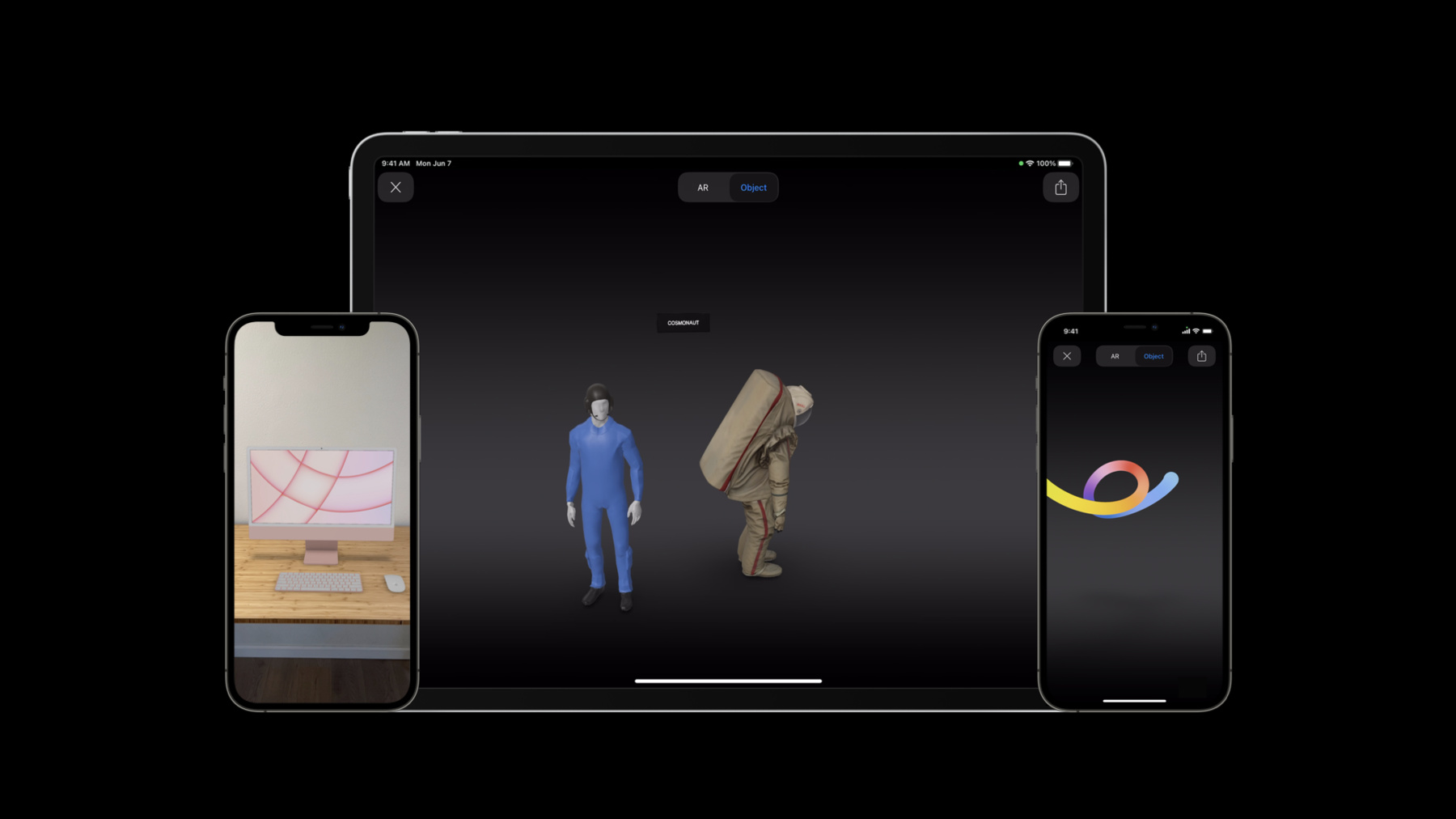
AR Quick Look, meet Object Capture
Discover simple ways to bring your Object Capture assets to AR Quick Look while optimizing for visual quality and file size. Explore ways you can integrate AR Quick Look and Object Capture to help create entirely new experiences.
To get the most out of this session, we recommend first watching “Advances in AR Quick Look” from WWDC19. You can also learn how to integrate Apple Pay and custom actions with AR on the web through “Shop online with AR Quick Look” from WWDC20.Ressources
- Search developer forums for AR Quick Look
- Adding an Apple Pay Button or a Custom Action in AR Quick Look
- AR Quick Look Gallery
- ARKit
Vidéos connexes
WWDC21
WWDC20
WWDC19
-
Rechercher dans cette vidéo…
-
-
8:02 - Integrating AR Quick Look in your app
// File: MyPreviewController.swift
func presentARQuickLook() {
	let previewController = QLPreviewController()
	previewController.dataSource = self
	present(previewController, animated: true)
}

// MARK: QLPreviewControllerDataSource
func previewController(
  _ controller: QLPreviewController, previewItemAt index: Int) -> QLPreviewItem {
	  let previewItem = ARQuickLookPreviewItem(fileAt: fileURL) // Local file URL

	  return previewItem
}
-