

-
Support Full Keyboard Access in your iOS app
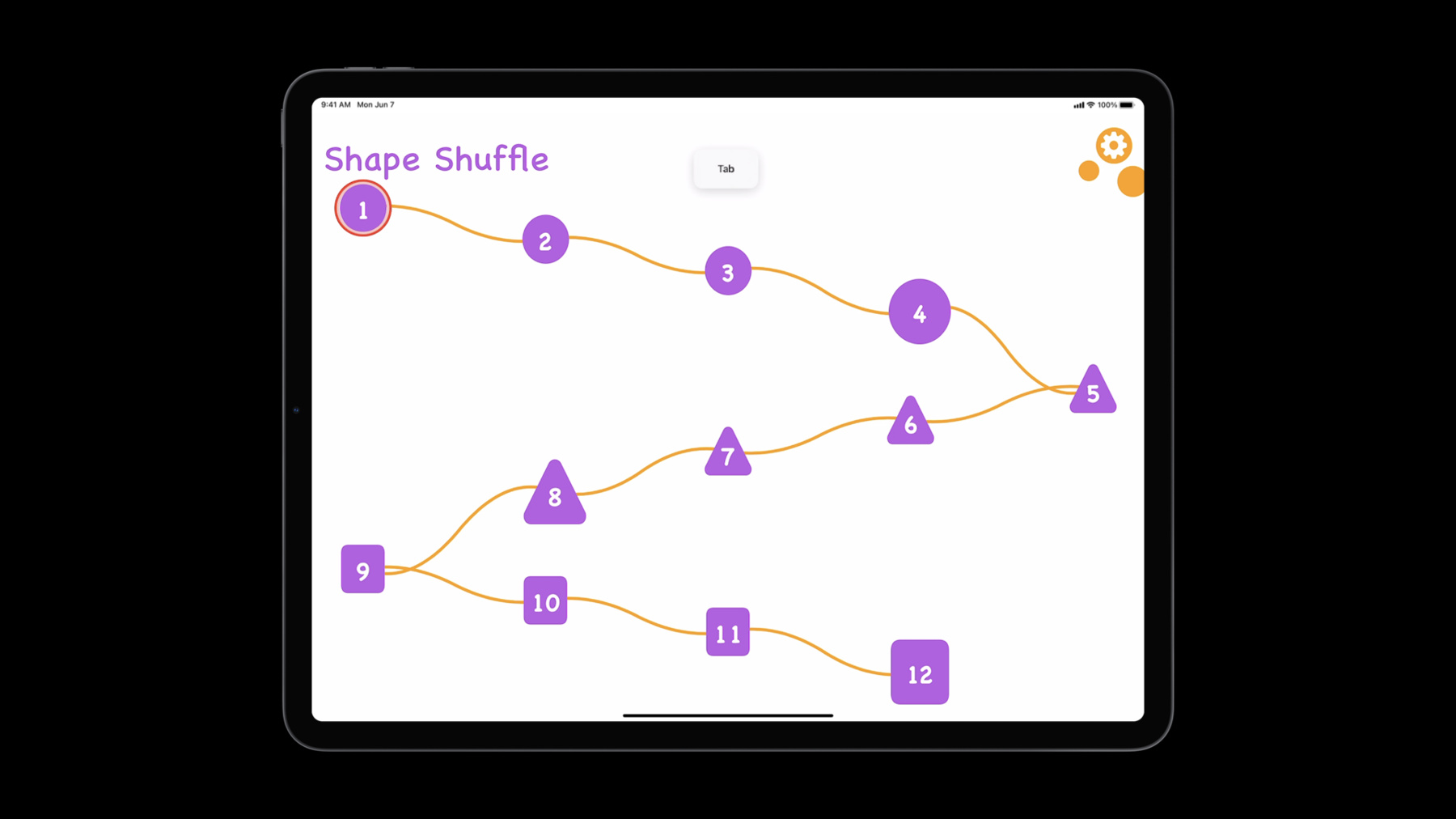
iPhone and iPad support numerous input modes for those with motor impairments, including touch interaction modification, Switch Control, and Full Keyboard Access. We'll explore how people can interact with their devices solely through keyboard input, working through a real-life example to discover key APIs. We'll also take you through some best practices for supporting motor accessibility when you integrate Full Keyboard Access in your apps.
Ressources
Vidéos connexes
WWDC22
WWDC21
-
Rechercher dans cette vidéo…
-
-
7:06 - Accessibility custom actions
// Accessibility custom actions let addAction = UIAccessibilityCustomAction( name: gameLocString("add"), image: UIImage(systemName: "plus.square")) { _ in self.addCard() return true } let pinAction = UIAccessibilityCustomAction( name: gameLocString("pin"), image: UIImage(systemName: "pin.fill")) { _ in self.pinCard() return true } cardView.accessibilityCustomActions = [addAction, pinAction] -
8:39 - Keyboard shortcuts: buildMenu
// Keyboard shortcuts // In AppDelegate.swift override func buildMenu(with builder: UIMenuBuilder) { super.buildMenu(with: builder) guard builder.system == .main else { return } let pinCommand = UIKeyCommand(title: gameLocString("pin"), image: UIImage(systemName: "pin.fill"), action:#selector(GameViewController.pinFocusedCard), input: "P", discoverabilityTitle:gameLocString("pin.card")) let addCommand = UIKeyCommand(title: gameLocString("add"), image: UIImage(systemName: "plus.square"), action: #selector(GameViewController.addFocusedCard), input: "A", discoverabilityTitle: gameLocString("add.card")) let identifier = UIMenu.Identifier("gameplay_menu") let menu = UIMenu.init(title: gameLocString("gameplay"), image: UIImage(systemName "rectangle.grid.3x2"), identifier: identifier, children: [addCommand, pinCommand]); builder.insertSibling(menu, afterMenu: .view) } -
9:22 - Keyboard shortcuts: canPerformAction
// Keyboard shortcuts // In GameViewController.swift override func canPerformAction(_ action: Selector, withSender sender: Any?) -> Bool { if action == #selector(addFocusedCard) || action == #selector(pinFocusedCard) { return self.focusedCard != .none } return super.canPerformAction(action, withSender: sender) } -
10:35 - Accessibility elements
itemView.isAccessibilityElement = true itemView.accessibilityLabel = gameLocString(for: item) -
11:01 - Responding to user interaction
itemView.accessibilityRespondsToUserInteraction = false -
13:41 - Supporting accessible input
self.accessibilityUserInputLabels = [ gameLocString("settings"), gameLocString("prefs"), gameLocString("preferences"), gameLocString("gear")]; -
14:52 - Accessibility path
// Accessibility path

let rect = circleLevelButton.convert(levelButton.bounds, to: nil)

circleLevelButton.accessibilityPath = UIBezierPath(ovalIn: rect)


// If your button is in a scroll view, it’s generally better to
// override accessibilityPath and/or accessibilityFrame
extension CircleButton {
    open override var accessibilityPath: UIBezierPath? {
        get {
            let rect = self.convert(self.bounds, to: nil)
            return UIBezierPath(ovalIn: rect)
        }
        set {
            // no-op
        }
    }
}
-