

-
Ultimate application performance survival guide
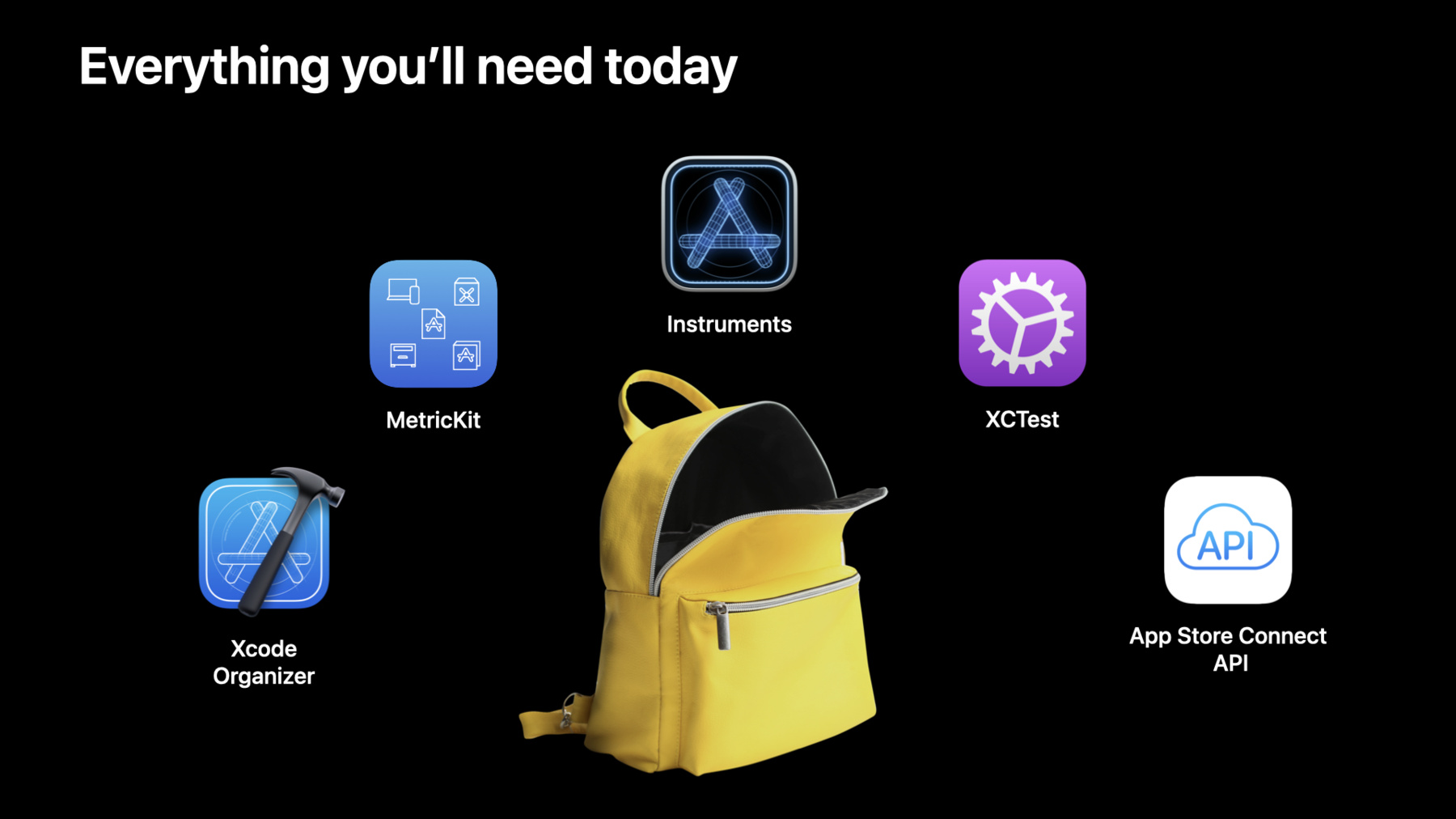
Performance optimization can seem like a daunting task — with many metrics to track and tools to use. Fear not: Our survival guide to app performance is here to help you understand tooling, metrics, and paradigms that can help smooth your development process and contribute to a great experience for people using your app.
Ressources
- Analyzing the performance of your shipping app
- Improving app responsiveness
- MetricKit
- App Store Connect API
- XCTest
Vidéos connexes
WWDC23
WWDC21
- Detect and diagnose memory issues
- Diagnose Power and Performance regressions in your app
- Triage TestFlight crashes in Xcode Organizer
- Understand and eliminate hangs from your app
WWDC20
- Diagnose performance issues with the Xcode Organizer
- Eliminate animation hitches with XCTest
- Identify trends with the Power and Performance API
- What's new in MetricKit
Tech Talks
WWDC19
-
Rechercher dans cette vidéo…
-
-
5:46 - Using MetricKit
class AppMetrics: MXMetricManagerSubscriber { init() { let shared = MXMetricManager.shared shared.add(self) } deinit { let shared = MXMetricManager.shared shared.remove(self) } // Receive daily metrics func didReceive(_ payloads: [MXMetricPayload]) { // Process metrics } // Receive diagnostics func didReceive(_ payloads: [MXDiagnosticPayload]) { // Process metrics } } -
10:29 - Testing Scroll performance
func testScrollingAnimationPerformance() throws { app.launch() app.staticTexts["Meal Planner"].tap() let foodCollection = app.collectionViews.firstMatch let measureOptions = XCTMeasureOptions() measureOptions.invocationOptions = [.manuallyStop] measure(metrics: [XCTOSSignpostMetric.scrollDecelerationMetric], options: measureOptions) { foodCollection.swipeUp(velocity: .fast) stopMeasuring() foodCollection.swipeDown(velocity: .fast) } } -
11:53 - Using mxSignpostAnimationIntervalBegin
func startAnimating() { // Mark the beginning of animations mxSignpostAnimationIntervalBegin( log: MXMetricManager.makeLogHandle(category: "animation_telemetry"), name: "custom_animation”) } func animationDidComplete() { // Mark the end of the animation to receive the collected hitch rate telemetry mxSignpost(OSSignpostType.end, log: MXMetricManager.makeLogHandle(category: "animation_telemetry"), name: "custom_animation") } -
13:51 - Using XCTest to Measure Disk Usage
// Example performance XCTest func testSaveMeal() { let app = XCUIApplication() let options = XCTMeasureOptions() options.invocationOptions = [.manuallyStart] measure(metrics: [XCTStorageMetric(application: app)], options: options) { app.launch() startMeasuring() let firstCell = app.cells.firstMatch firstCell.buttons["Save meal"].firstMatch.tap() let savedButton = firstCell.buttons["Saved"].firstMatch XCTAssertTrue(savedButton.waitForExistence(timeout: 2)) } } -
21:19 - Collect memory telemetry
// Collect memory telemetry

func saveAppAssets() {
	mxSignpost(OSSignpostType.begin,
		log: MXMetricManager.makeLogHandle(category: "memory_telemetry"),
		name: "custom_memory")

	// save app metadata

	mxSignpost(OSSignpostType.end,
		log: MXMetricManager.makeLogHandle(category: "memory_telemetry"),
		name: "custom_memory")
}
-