

-
Focus on iPad keyboard navigation
Improve the keyboard experience in your iPad and Mac Catalyst app. Discover how you can accelerate access to key features with the hardware keyboard, and navigate through your views and view controllers. Learn how to customize which elements are keyboard navigable, as well as how to customize the tab loop.
Ressources
- Navigating an app’s user interface using a keyboard
- Adjusting your layout with keyboard layout guide
- About focus interactions for Apple TV
- Adding hardware keyboard support to your app
- Adding menus and shortcuts to the menu bar and user interface
- Implementing Advanced Text Input Features
- UIKit
Vidéos connexes
WWDC21
- Qualities of a great Mac Catalyst app
- Qualities of great iPad and iPhone apps on Macs with M1
- Support Full Keyboard Access in your iOS app
- Take your iPad apps to the next level
- What's new in UIKit
WWDC20
-
Rechercher dans cette vidéo…
-
-
3:01 - canBecomeFocused
override var canBecomeFocused: Bool { true } -
4:00 - allowsFocus
class MyViewController: UICollectionViewController { override func viewDidLoad() { super.viewDidLoad() self.collectionView.allowsFocus = true } } -
4:23 - canFocusItemAtIndexPath
class MyCollectionViewDelegate: NSObject, UICollectionViewDelegate { func collectionView(_ collectionView: UICollectionView, canFocusItemAt indexPath: IndexPath) -> Bool { return true } } -
4:40 - UIFocusDebugger checkFocusability(for:)
po UIFocusDebugger.checkFocusability(for:) -
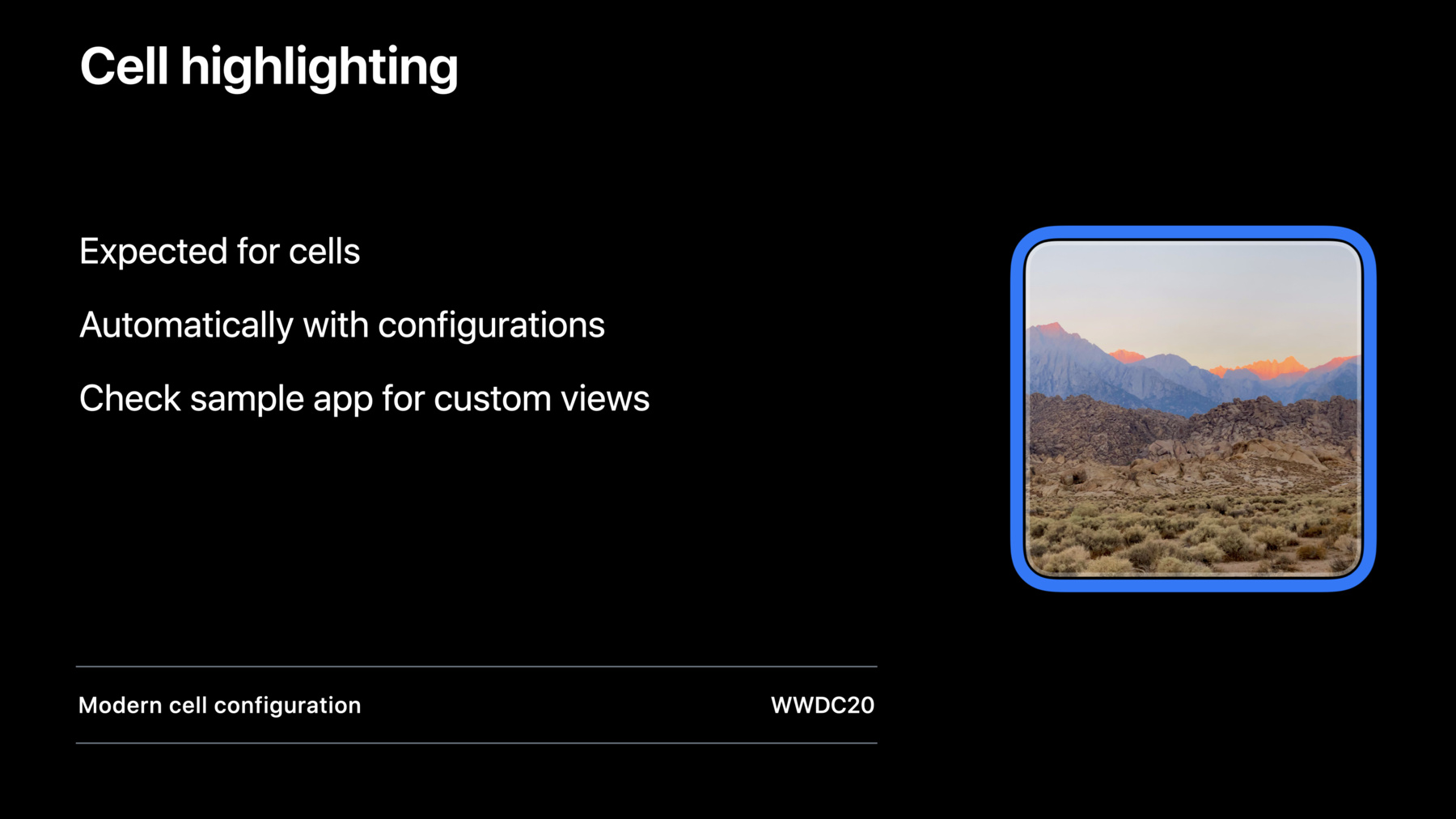
5:48 - UIFocusHaloEffect
let focusEffect = UIFocusHaloEffect(roundedRect: self.bounds, cornerRadius: self.layer.cornerRadius, curve: .continuous) self.focusEffect = focusEffect -
6:03 - ReferenceView and ContainerView
let focusEffect = UIFocusHaloEffect(roundedRect: self.bounds, cornerRadius: self.layer.cornerRadius, curve: .continuous) // make sure the effect is added right above the image view focusEffect.referenceView = self.imageView // make sure the effect is added to our scroll view focusEffect.containerView = self.scrollView self.focusEffect = focusEffect -
7:43 - Custom focus effects
init(frame: CGRect) { super.init(frame: frame) self.focusEffect = nil } func didUpdateFocus(in context: UIFocusUpdateContext, withAnimationCoordinator coordinator: UIFocusAnimationCoordinator) { if context.nextFocusedItem == self { // This view is focused. Customize its appearance. } else if context.previouslyFocusedItem == self { // This view was focused. } } -
9:08 - Selection Follows Focus
var selectionFollowsFocus: Bool -
9:16 - Selection Follows Focus for Item at Index Path
func collectionView(_ collectionView: UICollectionView, selectionFollowsFocusForItemAt indexPath: IndexPath) -> Bool { return self.action(for: indexPath).type != .showAlert } -
12:12 - Focus Group Identifier
self.focusGroupIdentifier = "com.myapp.groups.sidebar" -
12:52 - UIFocusGroupPriority
extension UIFocusGroupPriority { public static let ignored: UIFocusGroupPriority // 0 public static let previouslyFocused: UIFocusGroupPriority // 1000 public static let prioritized: UIFocusGroupPriority // 2000 public static let currentlyFocused: UIFocusGroupPriority // NSIntegerMax } -
13:40 - Focus Group Priority on a cell
// Customizing an item’s focus group priority func collectionView(_ collectionView: UICollectionView, cellForItemAt indexPath: IndexPath) -> UICollectionViewCell { let cell = ... if self.isCallToActionCell(at: indexPath) { // This cell is not as important as a selected cell but should // be chosen over the last focused cell in this group. cell.focusGroupPriority = .previouslyFocused + 10 } return cell } -
15:46 - UIFocusDebugger checkFocusGroupTree(for:)
po UIFocusDebugger.checkFocusGroupTree(for:) -
19:16 - wantsPriorityOverSystemBehavior
keyCommand.wantsPriorityOverSystemBehavior = true -
19:36 - pressesBegan
override func pressesBegan(_ presses: Set<UIPress>, with event: UIPressesEvent?) {
    if (/* check presses of interest */) {
        // handle the press
    }
    else {
        super.pressesBegan(presses, with: event)
    }
}
-