

-
Build a desktop-class iPad app
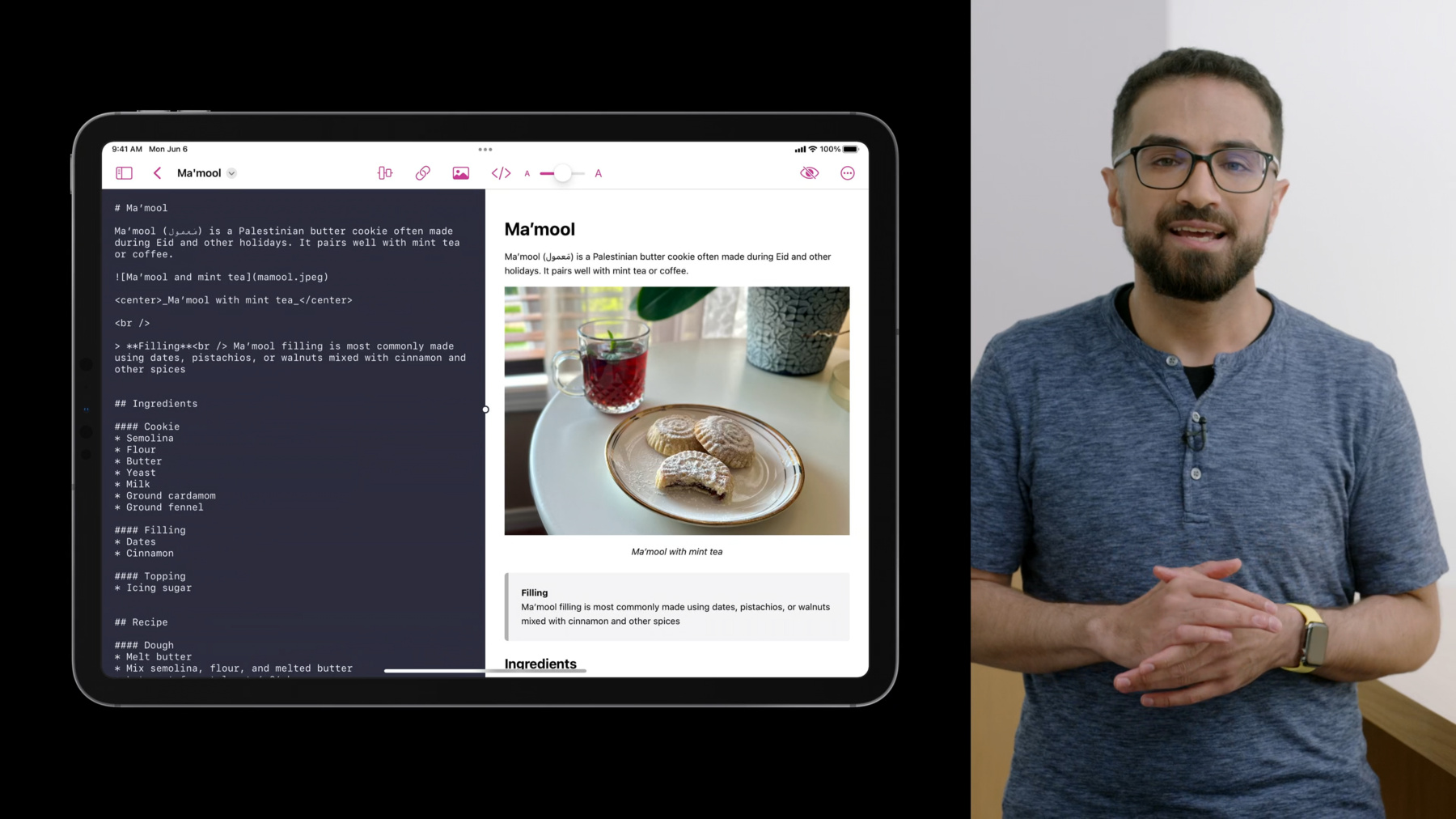
Discover how you can create iPad apps that take advantage of desktop class features. Join Mohammed from the UIKit team as we explore the latest navigation, collection view, menu, and editing APIs and learn best practices for building powerful iPad apps. Code along with this session in real time or download our sample app to use as a reference for updating your own code.
Ressources
- collectionView(_:performPrimaryActionForItemAt:)
- titleMenuProvider
- UINavigationItem.ItemStyle
- collectionView(_:contextMenuConfigurationForItemsAt:point:)
- centerItemGroups
- UINavigationItemRenameDelegate
- UIDocumentProperties
- Building a desktop-class iPad app
- Supporting desktop-class features in your iPad app
Vidéos connexes
WWDC23
WWDC22
-
Rechercher dans cette vidéo…
-
-
3:36 - Enable UINavigationBar editor style.
navigationItem.style = .editor -
3:52 - Set a back action.
navigationItem.backAction = UIAction(…) -
4:48 - Create a document properties header.
let properties = UIDocumentProperties(url: document.fileURL) if let itemProvider = NSItemProvider(contentsOf: document.fileURL) { properties.dragItemsProvider = { _ in [UIDragItem(itemProvider: itemProvider)] } properties.activityViewControllerProvider = { UIActivityViewController(activityItems: [itemProvider], applicationActivities: nil) } } navigationItem.documentProperties = properties -
6:36 - Adopt rename title menu action and rename UI
override func viewDidLoad() { navigationItem.renameDelegate = self } func navigationItem(_ navigationItem: UINavigationItem, didEndRenamingWith title: String) { // Rename document using methods appropriate to the app’s data model } -
7:09 - Adopt system provided title menu actions.
override func duplicate(_ sender: Any?) { // Duplicate document } override func move(_ sender: Any?) { // Move document } func didOpenDocument() { ... navigationItem.titleMenuProvider = { [unowned self] suggested in var children = suggested ... return UIMenu(children: children) } } -
7:10 - Add custom title menu actions
func didOpenDocument() { ... navigationItem.titleMenuProvider = { [unowned self] suggested in var children = suggested children += [ UIMenu(title: "Export…", image: UIImage(systemName: "arrow.up.forward.square"), children: [ UIAction(title: "HTML", image: UIImage(systemName: "safari")) { ... }, UIAction(title: "PDF", image: UIImage(systemName: "doc")) { ... } ]) ] return UIMenu(children: children) } } -
9:35 - Enable customization for center items
navigationItem.customizationIdentifier = "editorView" -
10:00 - Define a fixed center item group.
UIBarButtonItem(title: "Sync Scrolling", ...).creatingFixedGroup() -
10:23 - Define an optional (customizable) center item group.
UIBarButtonItem(title: "Add Link", ...).creatingOptionalGroup(customizationIdentifier: "addLink") -
10:56 - Define a non-default optional center item group.
UIBarButtonItemGroup.optionalGroup(customizationIdentifier: "textFormat", isInDefaultCustomization: false, representativeItem: UIBarButtonItem(title: "Format", ...) items: [ UIBarButtonItem(title: "Bold", ...), UIBarButtonItem(title: "Italics", ...), UIBarButtonItem(title: "Underline", ...), ]) -
13:16 - Define a custom menu representation for a bar button item group.
sliderGroup.menuRepresentation = UIMenu(title: "Text Size", preferredElementSize: .small, children: [ UIAction(title: "Decrease", image: UIImage(systemName: "minus.magnifyingglass"), attributes: .keepsMenuPresented) { ... }, UIAction(title: "Reset", image: UIImage(systemName: "1.magnifyingglass"), attributes: .keepsMenuPresented) { ... }, UIAction(title: "Increase", image: UIImage(systemName: "plus.magnifyingglass"), attributes: .keepsMenuPresented) { ... }, ]) -
15:10 - Enable multiple selection and keyboard focus in a UICollectionView.
// Enable multiple selection collectionView.allowsMultipleSelection = true // Enable keyboard focus collectionView.allowsFocus = true // Allow keyboard focus to drive selection collectionView.selectionFollowsFocus = true -
16:11 - Add a primary action to UICollectionView items.
func collectionView(_ collectionView: UICollectionView, performPrimaryActionForItemAt indexPath: IndexPath) { // Scroll to the tapped element if let element = dataSource.itemIdentifier(for: indexPath) { delegate?.outline(self, didChoose: element) } } -
16:56 - Add a multi-item menu to UICollectionView.
func collectionView(_ collectionView: UICollectionView, contextMenuConfigurationForItemsAt indexPaths: [IndexPath], point: CGPoint) -> UIContextMenuConfiguration? { if indexPaths.count == 0 { // Construct an empty space menu } else if indexPaths.count == 1 { // Construct a single item menu } else { // Construct a multi-item menu } } -
18:12 - Enable Find and Replace in UITextView.
textView.isFindInteractionEnabled = true -
18:34 - Add custom actions to UITextView's edit menu.
func textView(_ textView: UITextView,
              editMenuForTextIn range: NSRange,
              suggestedActions: [UIMenuElement]) -> UIMenu? {

    if textView.selectedRange.length > 0 {
        let customActions = [ UIAction(title: "Hide", ... ) { ... } ]
        return UIMenu(children: customActions + suggestedActions)
    }

    return nil
}
-