

View in English

  • Apple Developer
    • Get Started

    Explore Get Started

    • Overview
    • Learn
    • Apple Developer Program

    Stay Updated

    • Latest News
    • Hello Developer
    • Platforms

    Explore Platforms

    • Apple Platforms
    • iOS
    • iPadOS
    • macOS
    • tvOS
    • visionOS
    • watchOS
    • App Store

    Featured

    • Design
    • Distribution
    • Games
    • Accessories
    • Web
    • Home
    • CarPlay
    • Technologies

    Explore Technologies

    • Overview
    • Xcode
    • Swift
    • SwiftUI

    Featured

    • Accessibility
    • App Intents
    • Apple Intelligence
    • Games
    • Machine Learning & AI
    • Security
    • Xcode Cloud
    • Community

    Explore Community

    • Overview
    • Meet with Apple events
    • Community-driven events
    • Developer Forums
    • Open Source

    Featured

    • WWDC
    • Swift Student Challenge
    • Developer Stories
    • App Store Awards
    • Apple Design Awards
    • Apple Developer Centers
    • Documentation

    Explore Documentation

    • Documentation Library
    • Technology Overviews
    • Sample Code
    • Human Interface Guidelines
    • Videos

    Release Notes

    • Featured Updates
    • iOS
    • iPadOS
    • macOS
    • watchOS
    • visionOS
    • tvOS
    • Xcode
    • Downloads

    Explore Downloads

    • All Downloads
    • Operating Systems
    • Applications
    • Design Resources

    Featured

    • Xcode
    • TestFlight
    • Fonts
    • SF Symbols
    • Icon Composer
    • Support

    Explore Support

    • Overview
    • Help Guides
    • Developer Forums
    • Feedback Assistant
    • Contact Us

    Featured

    • Account Help
    • App Review Guidelines
    • App Store Connect Help
    • Upcoming Requirements
    • Agreements and Guidelines
    • System Status
  • Quick Links

    • Events
    • News
    • Forums
    • Sample Code
    • Videos
 

Vidéos

Ouvrir le menu Fermer le menu
  • Collections
  • Toutes les vidéos
  • À propos

Plus de vidéos

  • À propos
  • Code
  • Explore USD tools and rendering

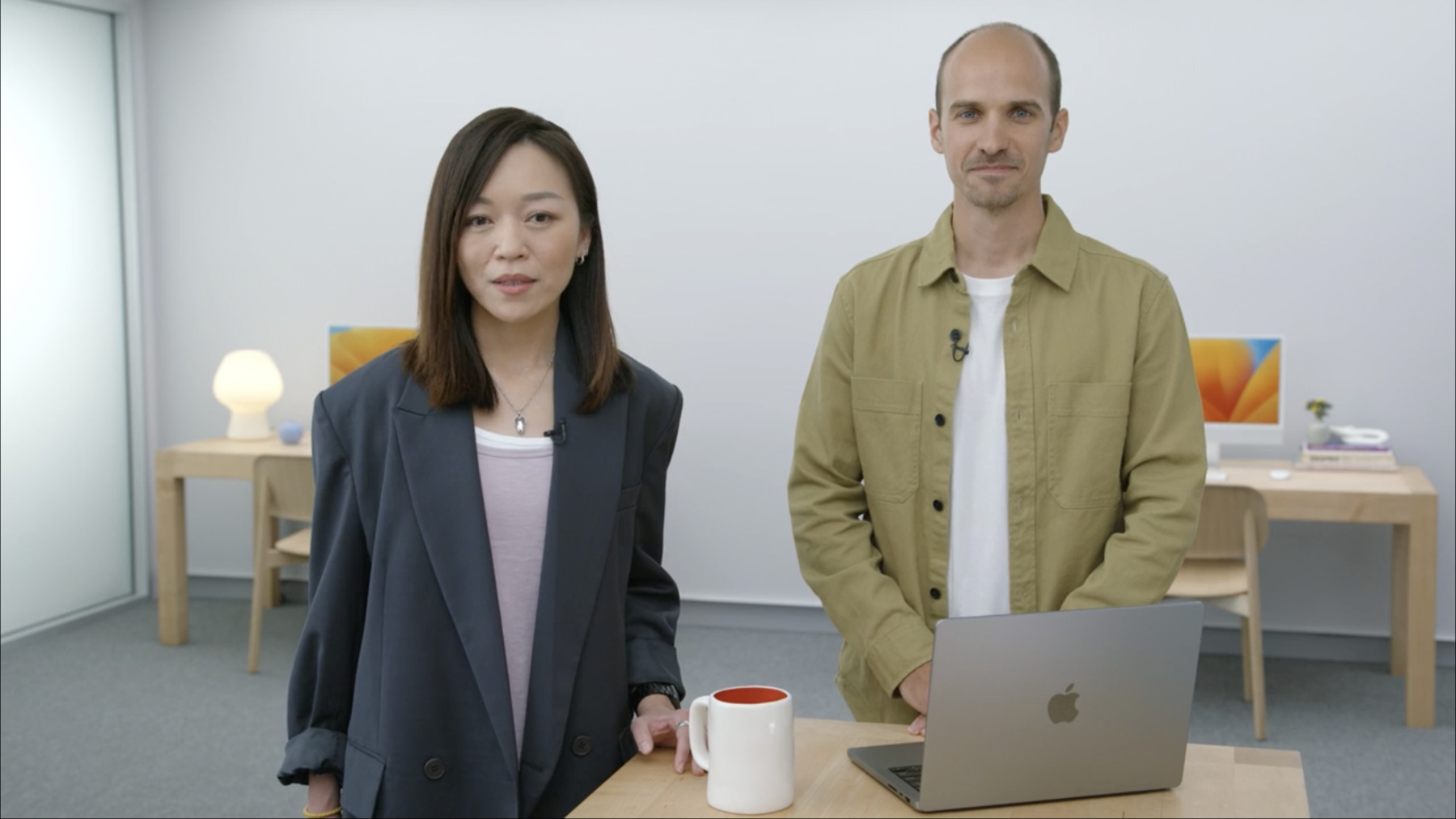
    Discover the latest advancements in tooling to help you generate, inspect, and convert Universal Scene Description (USD) assets. We'll learn about updates to these tools and help you integrate them into your content creation pipeline. We'll also explore the power of USD Hydra rendering, and show how you can integrate it into your own apps.

    For an introduction to USD, watch "Understand USD fundamentals" from WWDC22.

    Ressources

    • Creating a 3D application with hydra rendering
    • Introduction to Universal Scene Description (USD)
    • ASWF USD Working Group
      • Vidéo HD
      • Vidéo SD

    Vidéos connexes

    WWDC22

    • Create parametric 3D room scans with RoomPlan
    • Understand USD fundamentals

    WWDC21

    • Create 3D models with Object Capture
    • Create 3D workflows with USD
    • Explore advanced rendering with RealityKit 2

    WWDC20

    • The artist’s AR toolkit
  • Rechercher dans cette vidéo…
    • 3:00 - Phyton usdconvert --help

      % python usdzconvert --help
      usdzconvert 0.66
      usage: usdzconvert inputFile [outputFile]
                         [-h] [-version] [-f file] [-v]
                         [-path path[+path2[...]]]
                         [-url url]
                         [-copyright copyright]
                         [-copytextures]
                         [-metersPerUnit value]
                         // ...
                         [-diffuseColor           r,g,b]
                         [-diffuseColor           <file> fr,fg,fb]
                         [-normal                 x,y,z]
                         [-normal                 <file> fx,fy,fz]
                         // ...
    • 9:00 - choosing lighting in usda metadata

      // asset.usda
      #usda 1.0
      (
          customLayerData = {
              dictionary Apple = {
                   int preferredIblVersion = 2
              }
          }
      )
    • 17:50 - Build USD + Hydra

      // Rosetta
      % arch -x86_64 /bin/zsh
      
      // Download source code
      % git clone https://github.com/PixarAnimationStudios/USD.git 
      
      // Build USD + Hydra
      % python3 USD/build_scripts/build_usd.py --generator Xcode --no-python USDInstall
    • 18:54 - Load USD ViewController

      // AAPLViewController.mm
      
      - (void)viewDidAppear
      {   
          NSOpenPanel* panel = [NSOpenPanel openPanel];
          panel.allowedContentTypes = @[UTTypeUSD, UTTypeUSDZ];
         
          [panel beginWithCompletionHandler:^(NSModalResponse result) {
              if (result == NSModalResponseOK)
              {
                  NSURL* url = panel.URLs[0];
                  [self->_renderer setupScene:[url path]];
              }
          }];
      }
      
      // AAPLRenderer.mm
      
      - (bool)loadStage:(NSString*)filePath
      {
          _stage = UsdStage::Open([filePath UTF8String]);
          // ...
      }
    • 19:30 - Create Scene Camera

      // AAPLRenderer.mm
      
      - (void)setupCamera
      {
          _viewCamera = [[AAPLCamera alloc] initWithRenderer:self];
          
          [self calculateWorldCenterAndSize];
          
          [_viewCamera setDistance:_worldSize];
          [_viewCamera setFocus:_worldCenter];
      
      }
    • 19:54 - Create Scene Light

      // AAPLRenderer.mm
      
      GlfSimpleLight computeCameraLight(const GfMatrix4d& cameraTransform)
      {
          GlfSimpleLight light;
          light.SetPosition(GfVec4f(cameraPosition[0], cameraPosition[1], cameraPosition[2], 1));
          
          return light;
      }
    • 20:17 - transport to storm

      // AAPLRenderer.mm
      
      - (void)initializeEngine
      {
          _engine.reset(new UsdImagingGLEngine(_stage->GetPseudoRoot().GetPath(),
                                               excludedPaths,
                                               SdfPathVector(),
                                               SdfPath::AbsoluteRootPath(),
                                               driver));
      }
      
      // AAPLRenderer.mm
      
      - (HgiTextureHandle)drawWithHydraAt:(double)timeCode
                                 viewSize:(CGSize)viewSize
      {
            _engine->SetCameraState(modelViewMatrix, projMatrix);
            _engine->SetLightingState(lights, _material, _sceneAmbient);
        
            UsdImagingGLRenderParams params;
            params.clearColor = GfVec4f(0.0f, 0.0f, 0.0f, 0.0f);
            params.frame = timeCode;
      
            // ... 
      }

Developer Footer

  • Vidéos
  • WWDC22
  • Explore USD tools and rendering
  • Open Menu Close Menu
    • iOS
    • iPadOS
    • macOS
    • tvOS
    • visionOS
    • watchOS
    • App Store
    Open Menu Close Menu
    • Swift
    • SwiftUI
    • Swift Playground
    • TestFlight
    • Xcode
    • Xcode Cloud
    • Icon Composer
    • SF Symbols
    Open Menu Close Menu
    • Accessibility
    • Accessories
    • Apple Intelligence
    • Audio & Video
    • Augmented Reality
    • Business
    • Design
    • Distribution
    • Education
    • Games
    • Health & Fitness
    • In-App Purchase
    • Localization
    • Maps & Location
    • Machine Learning & AI
    • Security
    • Safari & Web
    Open Menu Close Menu
    • Documentation
    • Downloads
    • Sample Code
    • Videos
    Open Menu Close Menu
    • Help Guides & Articles
    • Contact Us
    • Forums
    • Feedback & Bug Reporting
    • System Status
    Open Menu Close Menu
    • Apple Developer
    • App Store Connect
    • Certificates, IDs, & Profiles
    • Feedback Assistant
    Open Menu Close Menu
    • Apple Developer Program
    • Apple Developer Enterprise Program
    • App Store Small Business Program
    • MFi Program
    • Mini Apps Partner Program
    • News Partner Program
    • Video Partner Program
    • Security Bounty Program
    • Security Research Device Program
    Open Menu Close Menu
    • Meet with Apple
    • Apple Developer Centers
    • App Store Awards
    • Apple Design Awards
    • Apple Developer Academies
    • WWDC
    Read the latest news.
    Get the Apple Developer app.
    Copyright © 2026 Apple Inc. All rights reserved.
    Terms of Use Privacy Policy Agreements and Guidelines