

-
Découvrez les améliorations apportées au suivi d’objet dans visionOS
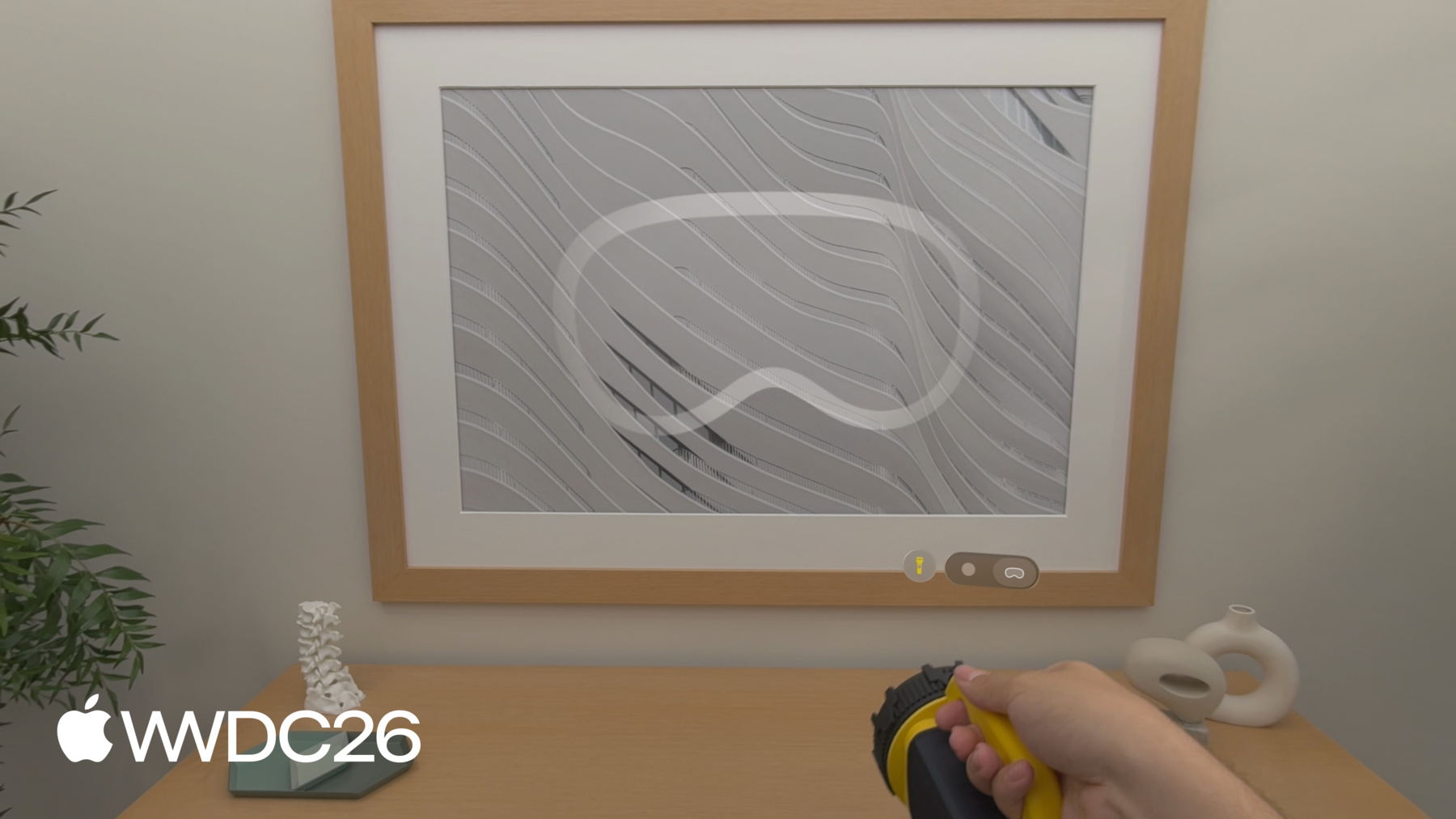
Découvrez comment visionOS fait progresser le suivi d'objets et l'entrée d'accessoires spatiaux. Apprenez de nouvelles façons de suivre les objets en mouvement et les objets tenus en main, vous permettant de relier les mondes physique et numérique. Exploitez les nouvelles classes d'accessoires spatiaux prises en charge et identifiez les éléments nécessaires pour concevoir vos propres accessoires personnalisés, afin d'offrir des modèles d'interaction uniques dans vos apps.
Chapitres
- 0:00 - Introduction
- 2:20 - Suivi d’objets
- 7:20 - Accessoires spatiaux
- 7:47 - Créer un accessoire spatial
- 11:48 - Accessoires plug-and-play
- 12:22 - Implémentation dans votre app
- 13:03 - Étapes suivantes
Ressources
- Implementing object tracking in your app
- Working with generic spatial accessories
- Preparing spatial accessories for tracking in your visionOS app
- Spatial accessory design guidelines for Apple devices (check section 20)
- Exploring object tracking with ARKit
Vidéos connexes
WWDC25
WWDC24
-
Rechercher dans cette vidéo…
-
-
3:50 - Enable high frame rate tracking
// Enable high frame rate tracking // Create reference object configuration var configuration = ReferenceObject.Configuration() configuration.highFrameRateTrackingEnabled = true // Load the reference object with ARKit API let refObjURL = Bundle.main.url(forResource: "flashlight", withExtension: ".referenceobject") let refObject = try? await ReferenceObject(from: refObjURL!, configuration: configuration) -
4:50 - Extended training mode via command-line
// Extended training mode on Mac using command-line interface % xrun createml objecttracker --source flashlight.usdz --output flashlight.referenceobject --training-mode extended --all-angles -
5:25 - Object pose coordinate spaces
// Different object pose spaces // Obtain anchor transform with display corrections let renderingPose = myObjectAnchor.coordinateSpace(correction: .rendered) // Obtain anchor transform in metric space let metricPose = myObjectAnchor.coordinateSpace(correction: .none) -
6:22 - Implement object tracking in iOS
// Implement object tracking in iOS import ARKit import RealityKit class ObjectTrackingARSessionDelegate: NSObject, ARSessionDelegate { let arView = ARView(frame: .zero) var entities: [UUID: AnchorEntity] = [:] func start() throws { let stationaryObject = try ARReferenceObject(archiveURL: Bundle.main.url(forResource: "stationary", withExtension: "referenceobject")!) let movingObject = try ARReferenceObject(archiveURL: Bundle.main.url(forResource: "moving", withExtension: "referenceobject")!) let configuration = ARWorldTrackingConfiguration() configuration.detectionObjects = [stationaryObject] // Low frame rate configuration.trackingObjects = [movingObject] // High frame rate arView.session.delegate = self arView.session.run(configuration) } func session(_ session: ARSession, didAdd anchors: [ARAnchor]) { for case let anchor as ARObjectAnchor in anchors { let entity = AnchorEntity(anchor: anchor) entities[anchor.identifier] = entity arView.scene.addAnchor(entity) } } func session(_ session: ARSession, didUpdate anchors: [ARAnchor]) { for case let anchor as ARObjectAnchor in anchors { entities[anchor.identifier]?.isEnabled = anchor.isTracked } } func session(_ session: ARSession, didRemove anchors: [ARAnchor]) { for case let anchor as ARObjectAnchor in anchors { if let entity = entities.removeValue(forKey: anchor.identifier) { arView.scene.removeAnchor(entity) } } } } -
12:26 - Discover and connect a spatial accessory
import ARKit
import GameController

// Generic accessory discovery

if let device = GCSpatialAccessory.spatialAccessories.first {

        // Resolves the .referenceaccessory bundle automatically

        let accessory = try await Accessory(device: device)
        let provider = AccessoryTrackingProvider(accessories: [accessory])
        try await arkitSession.run([provider])
}

// Update tracked accessories without restarting the session

try await provider.updateAccessories([newAccessory])
-