

-
The details of UI typography
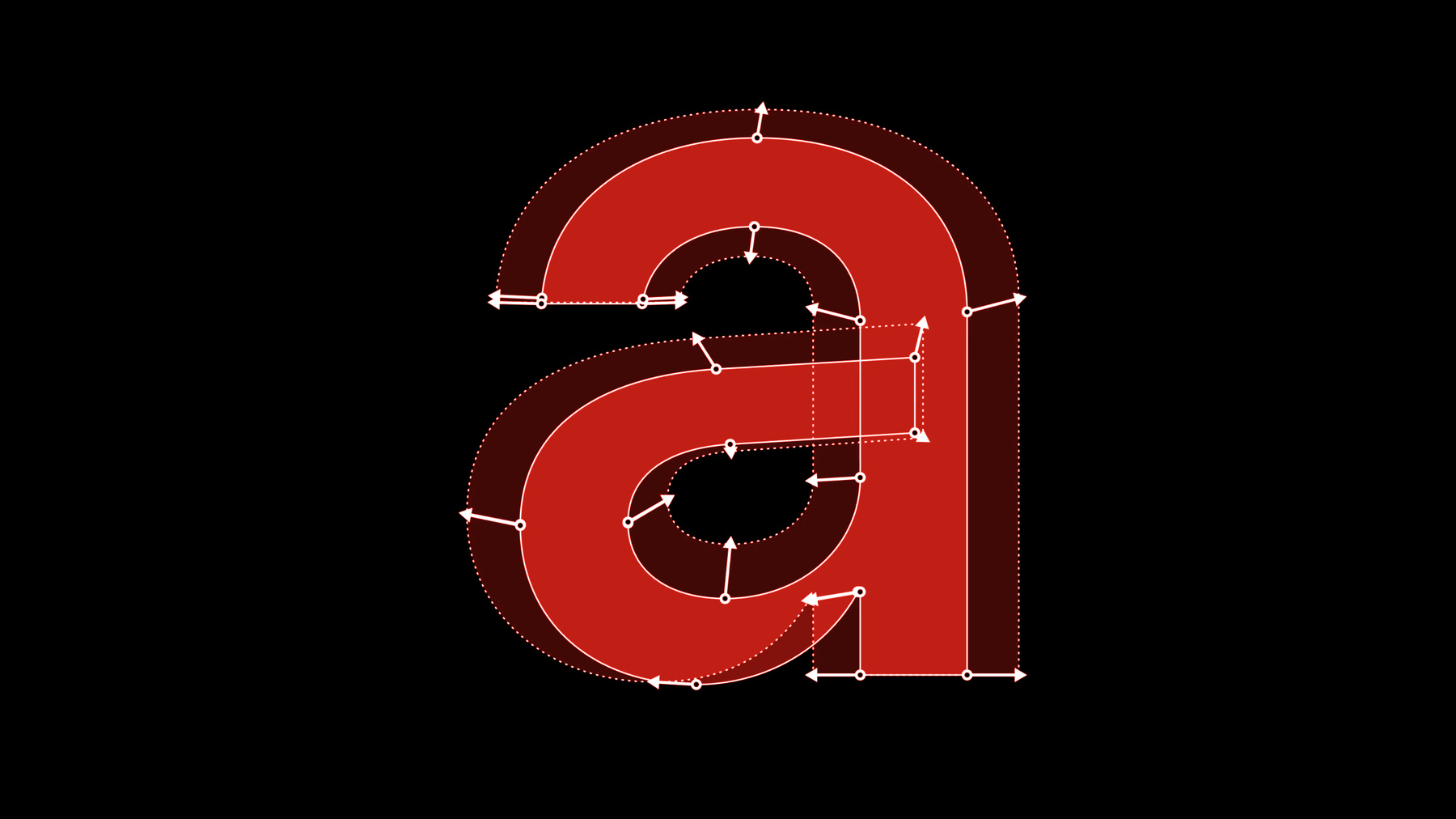
Learn how to achieve exceptional typography in your app's user interface that enhances legibility, accessibility, and consistency across Apple platforms. Get up to speed on the latest advancements to the San Francisco font family including the move to variable fonts for accommodating optical sizes and weights. We'll also share tips about how to get the most out of systems fonts, support dynamic type with custom fonts.
For a refresher on the principles behind the San Francisco font family, catch up on “Introducing the New System Fonts” from WWDC15.Recursos
Videos relacionados
WWDC22
WWDC20
WWDC19
-
Buscar este video…
-
-
12:19 - Setting custom tracking
// UIKit label.attributedText = NSAttributedString(string: "hamburgefonstiv", attributes: [kCTTrackingAttributeName as NSAttributedString.Key: -0.5]) // SwiftUI Text("hamburgefonstiv").tracking(-0.5) -
12:45 - Allow tightening to use tight tracking from system fonts
// UIKit: UILabel label.allowsDefaultTighteningForTruncation = true // AppKit: NSTextField textField.allowsDefaultTighteningForTruncation = true // SwiftUI Text("hamburgefonstiv").allowsTightening(true) -
17:45 - Getting emphasized text styles
// Getting emphasized text styles let label = UILabel() label.text = "Ready. Set. Code." if let descriptor = UIFontDescriptor .preferredFontDescriptor(withTextStyle: .title1) .withSymbolicTraits(.traitBold) { // 28 pt Bold on iOS label.font = .init(descriptor: descriptor, size: 0) } -
18:05 - Getting emphasized text styles APIs
// Getting emphasized text styles // AppKit let descriptor = NSFontDescriptor .preferredFontDescriptor(forTextStyle: .body) .withSymbolicTraits(.bold) // 13 pt Semibold on macOS let emphasizedBodyFont = NSFont(descriptor: descriptor, size: 0) // UIKit/Catalyst if let descriptor = UIFontDescriptor .preferredFontDescriptor(withTextStyle: .body) .withSymbolicTraits(.traitBold) { // 17 pt Semibold on iOS let emphasizedBodyFont = UIFont(descriptor: descriptor, size: 0) } // SwiftUI let emphasizedFootnoteFont = Font.footnote.bold() // 13 pt Semibold on iOS -
19:34 - Getting tight leading variant
// Getting tight leading variant import UIKit let label = UILabel() label.text = "Lorem ipsum dolor sit amet, consectetur adipiscing elit, sed do eiusmod tempor incididunt ut labore et dolore magna aliqua. Ut enim ad minim veniam, quis nostrud exercitation ullamco laboris nisi ut aliquip ex ea commodo consequat." if let descriptor = UIFontDescriptor .preferredFontDescriptor(withTextStyle: .body) .withSymbolicTraits(.traitTightLeading) // 20 pt line height label.font = UIFont(descriptor: descriptor, size: 0) } -
19:49 - Getting loose leading variant
// Getting tight leading variant import UIKit let label = UILabel() label.text = "Lorem ipsum dolor sit amet, consectetur adipiscing elit, sed do eiusmod tempor incididunt ut labore et dolore magna aliqua. Ut enim ad minim veniam, quis nostrud exercitation ullamco laboris nisi ut aliquip ex ea commodo consequat." if let descriptor = UIFontDescriptor .preferredFontDescriptor(withTextStyle: .body) .withSymbolicTraits(.traitLooseLeading) // 24 pt line height label.font = UIFont(descriptor: descriptor, size: 0) } -
20:03 - Getting tight/loose leading variant APIs
// Getting tight/loose leading variant // AppKit let descriptor = NSFontDescriptor.preferredFontDescriptor(forTextStyle: .headline) .withSymbolicTraits(.tightLeading) // Use .looseLeading for loose leading font let tightLeadingFont = NSFont(descriptor: descriptor, size: 0) // 14 pt line height // UIKit/Catalyst if let descriptor = UIFontDescriptor.preferredFontDescriptor(withTextStyle: .title1) .withSymbolicTraits(.traitTightLeading) { // Use .traitLooseLeading for loose leading let tightLeadingFont = UIFont(descriptor: descriptor, size: 0) // 36 pt line height } // SwiftUI // Use .loose for loose leading font let tightLeadingFootnoteFont = Font.footnote.leading(.tight) // 16 pt line height on iOS -
20:56 - Access rounded system font design
// Access rounded system font design import UIKit let label = UILabel() label.text = "Today" if let descriptor = UIFontDescriptor .preferredFontDescriptor(withTextStyle: .largeTitle) .withSymbolicTraits(.traitBold)? .withDesign(.rounded) { // SF Pro Rounded Bold label.font = UIFont(descriptor: descriptor, size: 0) } -
21:08 - Access system font designs
// Access system font designs // Use .serif for New York, .monospaced for SF Mono // AppKit let descriptor = NSFontDescriptor.preferredFontDescriptor(forTextStyle: .body) .withDesign(.rounded) let roundedBodyFont = NSFont(descriptor: descriptor, size: 0) // SF Pro Rounded // UIKit/Catalyst if let descriptor = UIFontDescriptor.preferredFontDescriptor(withTextStyle: .body) .withDesign(.rounded) { let roundedBodyFont = UIFont(descriptor: descriptor, size: 0) // SF Pro Rounded } // SwiftUI let roundedBodyFont = Font.system(.body, design: .rounded) // SF Pro Rounded -
25:05 - Support Dynamic Type with custom font in UIKit
// Support Dynamic Type with custom font in UIKit if let customFont = UIFont(name: "Charter-Roman", size: 17) { let bodyMetrics = UIFontMetrics(forTextStyle: .body) // Charter-Roman scaled relative to body text style // in different content size categories. let customFontScaledLikeBody = bodyMetrics.scaledFont(for: customFont) label.font = customFontScaledLikeBody label.adjustsFontForContentSizeCategory = true // Scaling constant 10 relative to body text style. let scaledValue = bodyMetrics.scaledValue(for: 10) } -
26:25 - Support Dynamic Type with custom fonts in SwiftUI example
struct ContentView: View { let prose = "Apple provides two type families you can use in your iOS apps. San Francisco (SF). San Francisco is a sans serif type family that includes SF Pro, SF Pro Rounded, SF Mono, SF Compact, and SF Compact Rounded." @ScaledMetric(relativeTo: .body) var padding: CGFloat = 20 var body: some View { VStack { Text("Typography") .font(.custom("Avenir-Medium", size: 34, relativeTo: .title)) Text(prose) .font(.custom("Charter-Roman", size: 17)) .padding(padding) } } } -
28:29 - Support Dynamic Type with custom fonts in SwiftUI
// Support Dynamic Type with custom fonts in SwiftUI

// Text with font Avenir-Roman, scaling relative to title text style.
Text("Typography").font(.custom("Avenir-Roman", size: 34, relativeTo: .title))

// Text with font Helvetica, scaling relative to body text style.
Text("Title").font(.custom("Helvetica", size: 17))

// Text with font Courier, always use fixed size, do not scale according to user setting.
Text("Fixed").font(.custom("Courier", fixedSize: 17))

// Constant 10, scaled relative to title text style.
@ScaledMetric(relativeTo: .title) private var spacing: CGFloat = 10.0
-