

-
Display EDR content with Core Image, Metal, and SwiftUI
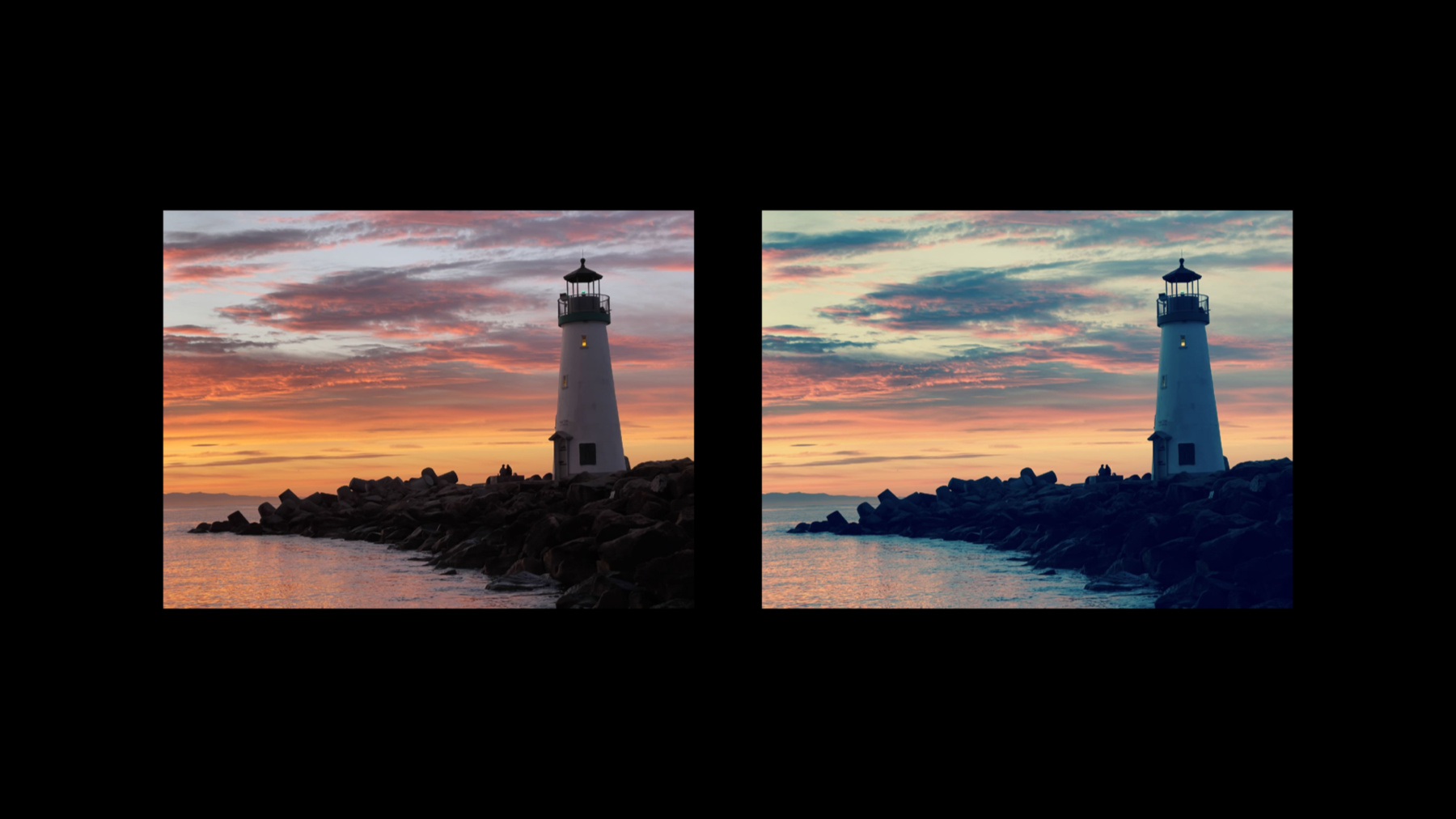
Discover how you can add support for rendering in Extended Dynamic Range (EDR) from a Core Image based multi-platform SwiftUI application. We'll outline best practices for displaying CIImages to a MTKView using ViewRepresentable. We'll also share the simple steps to enable EDR rendering and explore some of the over 150 built-in CIFilters that support EDR.
Recursos
Videos relacionados
Tech Talks
WWDC22
-
Buscar este video…
-
-
5:17 - Metal View
// Metal View struct MetalView: ViewRepresentable { @StateObject var renderer: Renderer func makeView(context: Context) -> MTKView { let view = MTKView(frame: .zero, device: renderer.device) view.delegate = renderer // Suggest to Core Animation, through MetalKit, how often to redraw the view. view.preferredFramesPerSecond = 30 // Allow Core Image to render to the view using Metal's compute pipeline. view.framebufferOnly = false return view } -
7:12 - Renderer
// Renderer func draw(in view: MTKView) { if let commandBuffer = commandQueue.makeCommandBuffer(), let drawable = view.currentDrawable { // Calculate content scale factor so CI can render at Retina resolution. #if os(macOS) var contentScale = view.convertToBacking(CGSize(width: 1.0, height: 1.0)).width #else var contentScale = view.contentScaleFactor #endif let destination = CIRenderDestination(width: Int(view.drawableSize.width), height: Int(view.drawableSize.height), pixelFormat: view.colorPixelFormat, commandBuffer: commandBuffer, mtlTextureProvider: { () -> MTLTexture in return drawable.texture }) let time = CFTimeInterval(CFAbsoluteTimeGetCurrent() - self.startTime) // Create a displayable image for the current time. var image = self.imageProvider(time, contentScaleFactor) image = image.transformed(by: CGAffineTransform(translationX: shiftX, y: shiftY)) image = image.composited(over: self.opaqueBackground) _ = try? self.cicontext.startTask(toRender: image, from: backBounds, to: destination, at: CGPoint.zero) -
8:09 - ContentView
// ContentView import CoreImage.CIFilterBuiltins init(struct ContentView: View { var body: some View { // Create a Metal view with its own renderer. let renderer = Renderer( imageProvider: { (time: CFTimeInterval, scaleFactor: CGFloat) -> CIImage in var image: CIImage // create image using CIFilter.checkerboardGenerator... return image }) MetalView(renderer: renderer) } } -
9:17 - MetalView changes
if let caMtlLayer = view.layer as? CAMetalLayer { caMtlLayer.wantsExtendedDynamicRangeContent = true view.colorPixelFormat = MTLPixelFormat.rgba16Float view.colorspace = CGColorSpace(name: CGColorSpace.extendedLinearDisplayP3) } -
9:35 - Get headroom
let screen = view.window?.screen; #if os(macOS) let headroom = screen?.maximumExtendedDynamicRangeColorComponentValue ?? 1.0 #else let headroom = screen?.currentEDRHeadroom ?? 1.0 #endif var image = self.imageProvider(time, contentScaleFactor, headroom) -
10:05 - Use headroom
imageProvider: { (time: CFTimeInterval, scaleFactor: CGFloat, headroom: CGFloat) -> CIImage in var image: CIImage // Use CIFilters to create image for time / scale / headroom / ... return image }) -
12:42 - Ripple effect
let ripple = CIFilter.rippleTransition() ripple.inputImage = image ripple.targetImage = image ripple.center = CGPoint(x: 512.0, y: 384.0) ripple.time = Float(fmod(time*0.25, 1.0)) ripple.shadingImage = shading image = ripple.outputImage -
13:34 - Generating the shading image
let gradient = CIFilter.linearGradient() let w = min( headroom, 8.0 ) gradient.color0 = CIColor(red: w, green: w, blue: w, colorSpace: CGColorSpace(name: CGColorSpace.extendedLinearSRGB)!)! gradient.color1 = CIColor.clear gradient.point0 = CGPoint(x: sin(angle)*90.0 + 100.0, y: cos(angle)*90.0 + 100.0) gradient.point1 = CGPoint(x: sin(angle)*85.0 + 100.0, y: cos(angle)*85.0 + 100.0) let shading = gradient.outputImage?.cropped(to: CGRect(x: 0, y: 0, width: 200, height: 200)) -
16:13 - CIColorCube and EDR
let f = CIFilter.colorCubeWithColorSpace()
f.cubeDimension = 32
f.cubeData = sdrData
f.extrapolate = true
f.inputImage = edrImage
let edrResult = f.outputImage
-