

-
Bring your world into augmented reality
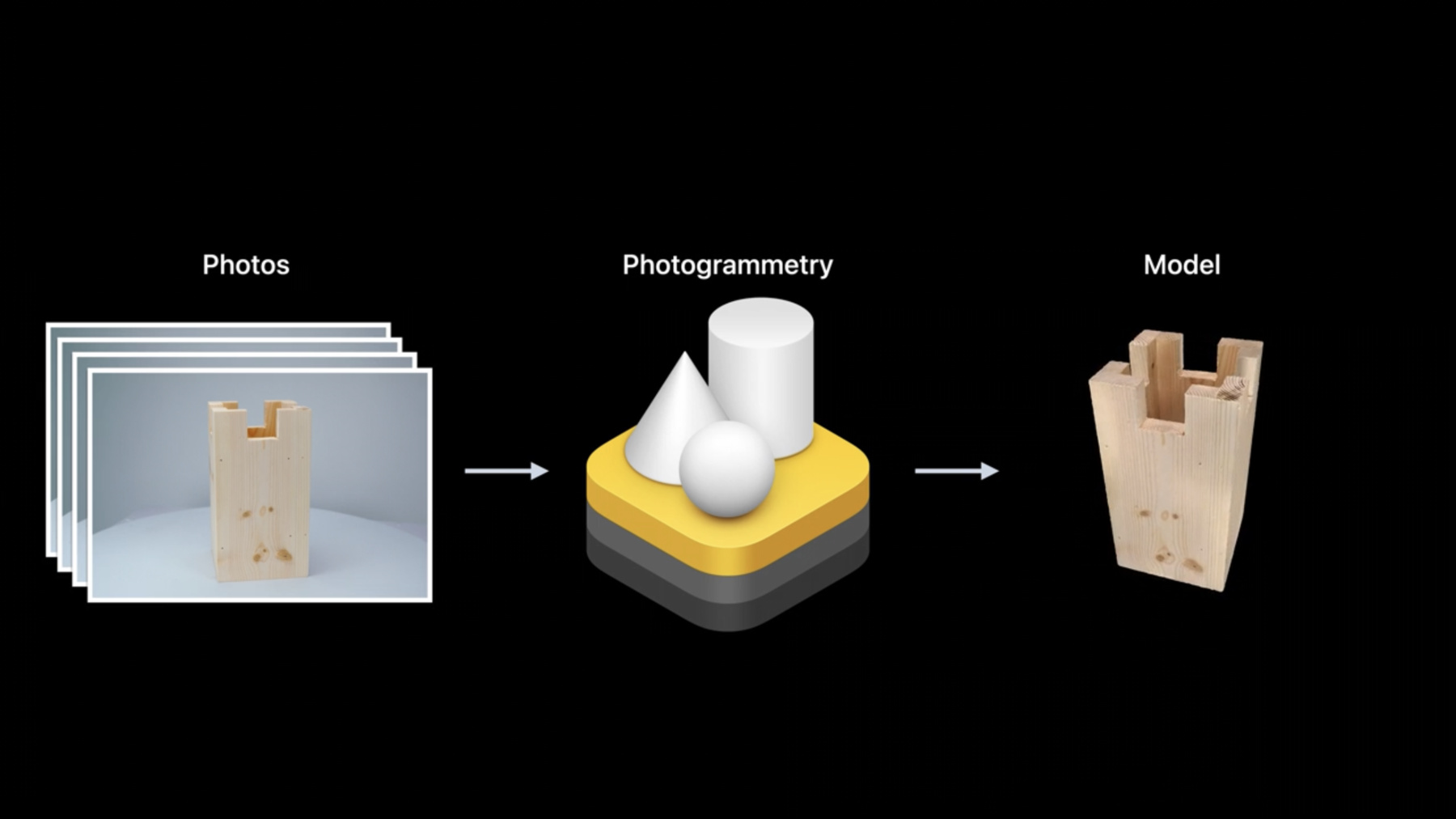
Follow along as we demonstrate how you can use Object Capture and RealityKit to bring real-world objects into an augmented reality game. We'll show you how to capture detailed items using the Object Capture framework, add them to a RealityKit project in Xcode, apply stylized shaders and animations, and use them as part of an AR experience. We'll also share best practices when working with ARKit, RealityKit, and Object Capture.
To get the most out of this session, we recommend first watching "Dive into RealityKit 2" and "Create 3D models with Object Capture" from WWDC21.Recursos
- Using object capture assets in RealityKit
- Creating a photogrammetry command-line app
- Capturing photographs for RealityKit Object Capture
- Capturing photographs for RealityKit Object Capture
- Building an immersive experience with RealityKit
- RealityKit
Videos relacionados
WWDC22
WWDC21
-
Buscar este video…
-
-
6:20 - HighRes capturing
if let hiResCaptureVideoFormat = ARWorldTrackingConfiguration.recommendedVideoFormatForHighResolutionFrameCapturing { // Assign the video format that supports hi-res capturing. config.videoFormat = hiResCaptureVideoFormat } // Run the session. session.run(config) session.captureHighResolutionFrame { (frame, error) in if let frame = frame { // save frame.capturedImage // … } } -
17:00 - Chessboard animation
// Board Animation class Chessboard: Entity { func playAnimation() { checkers .forEach { entity in let currentTransform = entity.transform // Move checker square 10cm up entity.transform.translation += SIMD3<Float>(0, 0.1, 0) entity.move(to: currentTransform, relativeTo: entity.parent, duration: BoardGame.startupAnimationDuration) } // Play built-in animation for board border border.availableAnimations.forEach { border.playAnimation($0) } } } -
18:00 - select chess piece
// Select chess piece class ChessViewport: ARView { @objc func handleTap(sender: UITapGestureRecognizer) { guard let ray = ray(through: sender.location(in: self)) else { return } // No piece is selected yet, we want to select one guard let raycastResult = scene.raycast(origin: ray.origin, direction: ray.direction, length: 5, query: .nearest, mask: .piece).first, let piece = raycastResult.entity.parentChessPiece else { return } boardGame.select(piece) gameManager.selectedPiece = piece } } -
21:16 - capture geometry modifier
// Capture Geometry Modifier class ChessPiece: Entity, HasChessPiece { var capturedProgress: Float get { (pieceEntity?.model?.materials.first as? CustomMaterial)?.custom.value[0] ?? 0 } set { pieceEntity?.modifyMaterials { material in guard var customMaterial = material as? CustomMaterial else { return material } customMaterial.custom.value = SIMD4<Float>(newValue, 0, 0, 0) return customMaterial } } } } -
23:00 - highlight potential moves using bloom
// Checker animation to show potential moves void checkerSurface(realitykit::surface_parameters params, float amplitude, bool isBlack = false) { // ... bool isPossibleMove = params.uniforms().custom_parameter()[0]; if (isPossibleMove) { const float a = amplitude * sin(params.uniforms().time() * M_PI_F) + amplitude; params.surface().set_emissive_color(half3(a)); if (isBlack) { params.surface().set_base_color(half3(a)); } } } -
23:20 - Import MetalPerformanceShaders
import MetalPerformanceShaders

class ChessViewport: ARView {
    init(gameManager: GameManager) {
        /// ...
        renderCallbacks.postProcess = postEffectBloom
    }

    func postEffectBloom(context: ARView.PostProcessContext) {
        let brightness = MPSImageThresholdToZero(device: context.device,
                                                 thresholdValue: 0.85,
                                                 linearGrayColorTransform: nil)
        brightness.encode(commandBuffer: context.commandBuffer,
                          sourceTexture: context.sourceColorTexture,
                          destinationTexture: bloomTexture!)
        /// ...
    }
}
-