

-
Bring widgets to life
Learn how to make animated and interactive widgets for your apps and games. We'll show you how to tweak animations for entry transitions and add interactivity using SwiftUI Button and Toggle so that you can create powerful moments right from the Home Screen and Lock Screen.
Capítulos
- 1:23 - Animations
- 7:45 - Interactivity
Recursos
Videos relacionados
WWDC23
- Bring widgets to new places
- Build programmatic UI with Xcode Previews
- Explore enhancements to App Intents
- Meet ActivityKit
- Update Live Activities with push notifications
WWDC22
-
Buscar este video…
-
-
3:54 - Usage for the container background modifier
.containerBackground(for: .widget) { Color.cosmicLatte } -
4:22 - Define a preview for the caffeine tracker widget
#Preview(as: WidgetFamily.systemSmall) { CaffeineTrackerWidget() } timeline: { CaffeineLogEntry.log1 CaffeineLogEntry.log2 CaffeineLogEntry.log3 CaffeineLogEntry.log4 } -
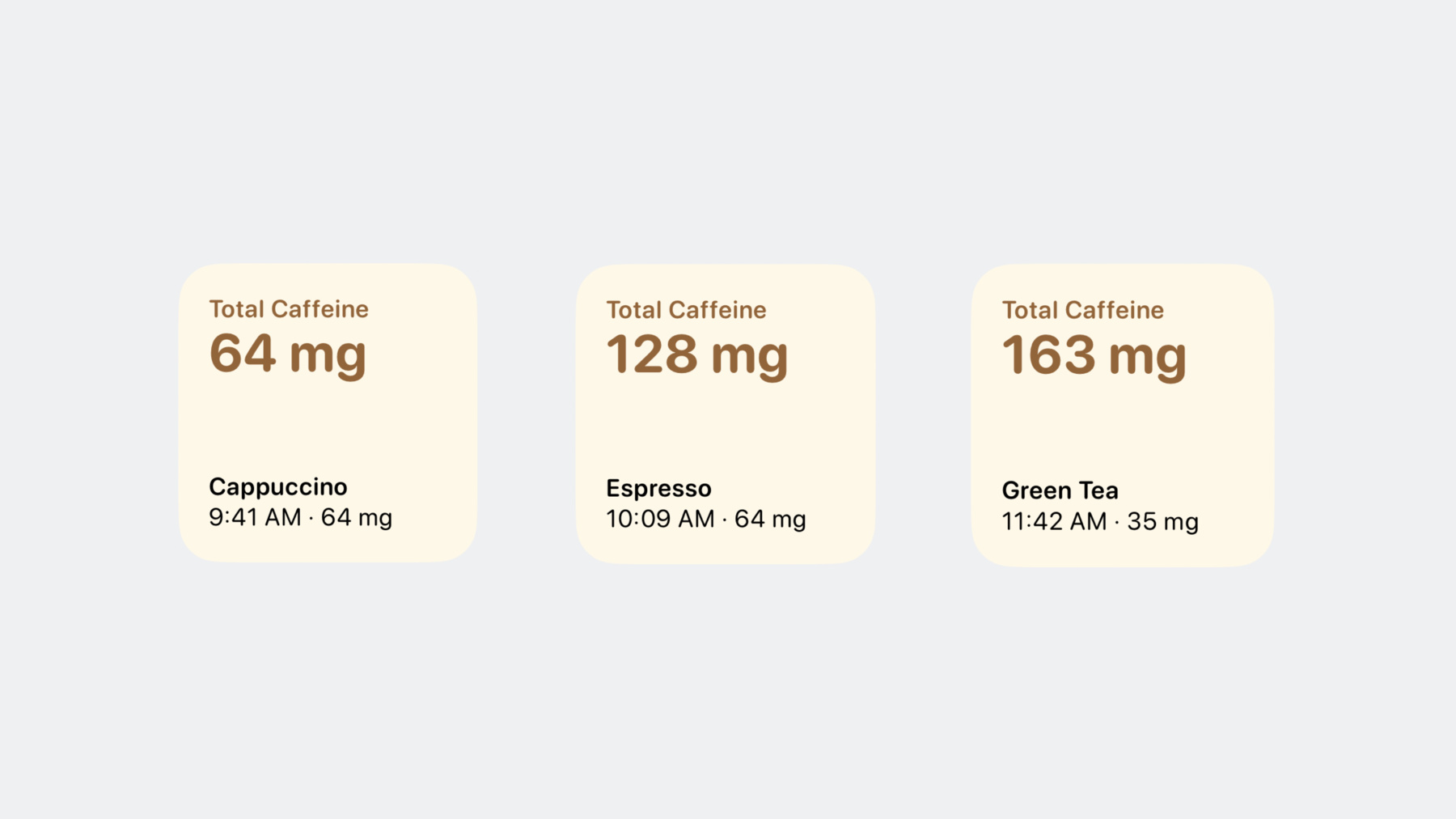
5:41 - Add a numeric text content transition
struct TotalCaffeineView: View { let totalCaffeine: Measurement<UnitMass> var body: some View { VStack(alignment: .leading) { Text("Total Caffeine") .font(.caption) Text(totalCaffeine.formatted()) .font(.title) .minimumScaleFactor(0.8) .contentTransition(.numericText(value: totalCaffeine.value)) } .foregroundColor(.espresso) .bold() .frame(maxWidth: .infinity, alignment: .leading) } } -
6:21 - Set up transition on LastDrinkView
struct LastDrinkView: View { let log: CaffeineLog var body: some View { VStack(alignment: .leading) { Text(log.drink.name) .bold() Text("\(log.date, format: Self.dateFormatStyle) · \(caffeineAmount)") } .font(.caption) .id(log) .transition(.push(from: .bottom)) } var caffeineAmount: String { log.drink.caffeine.formatted() } static var dateFormatStyle = Date.FormatStyle( date: .omitted, time: .shortened) } -
7:18 - Configuring animation for the transition
struct LastDrinkView: View { let log: CaffeineLog var body: some View { VStack(alignment: .leading) { Text(log.drink.name) .bold() Text("\(log.date, format: Self.dateFormatStyle) · \(caffeineAmount)") } .font(.caption) .id(log) .transition(.push(from: .bottom)) .animation(.smooth(duration: 1.8), value: log) } var caffeineAmount: String { log.drink.caffeine.formatted() } static var dateFormatStyle = Date.FormatStyle( date: .omitted, time: .shortened) } -
9:18 - Reload the timeline for a widget
WidgetCenter.shared.reloadTimelines(ofKind: "LocationForecast") -
13:06 - App intent to log a caffeine drink
import AppIntents struct LogDrinkIntent: AppIntent { static var title: LocalizedStringResource = "Log a drink" static var description = IntentDescription("Log a drink and its caffeine amount.") @Parameter(title: "Drink", optionsProvider: DrinksOptionsProvider()) var drink: Drink init() {} init(drink: Drink) { self.drink = drink } func perform() async throws -> some IntentResult { await DrinksLogStore.shared.log(drink: drink) return .result() } } -
15:10 - Create view to log a new drink
struct LogDrinkView: View { var body: some View { Button(intent: LogDrinkIntent(drink: .espresso)) { Label("Espresso", systemImage: "plus") .font(.caption) } .tint(.espresso) } } -
16:28 - Use the invalidatable content modifier
struct TotalCaffeineView: View {
    let totalCaffeine: Measurement<UnitMass>

    var body: some View {
        VStack(alignment: .leading) {
            Text("Total Caffeine")
                .font(.caption)

            Text(totalCaffeine.formatted())
                .font(.title)
                .minimumScaleFactor(0.8)
                .contentTransition(.numericText(value: totalCaffeine.value))
                .invalidatableContent()
        }
        .foregroundColor(.espresso)
        .bold()
        .frame(maxWidth: .infinity, alignment: .leading)
    }
}
-