

-
Keep up with the keyboard
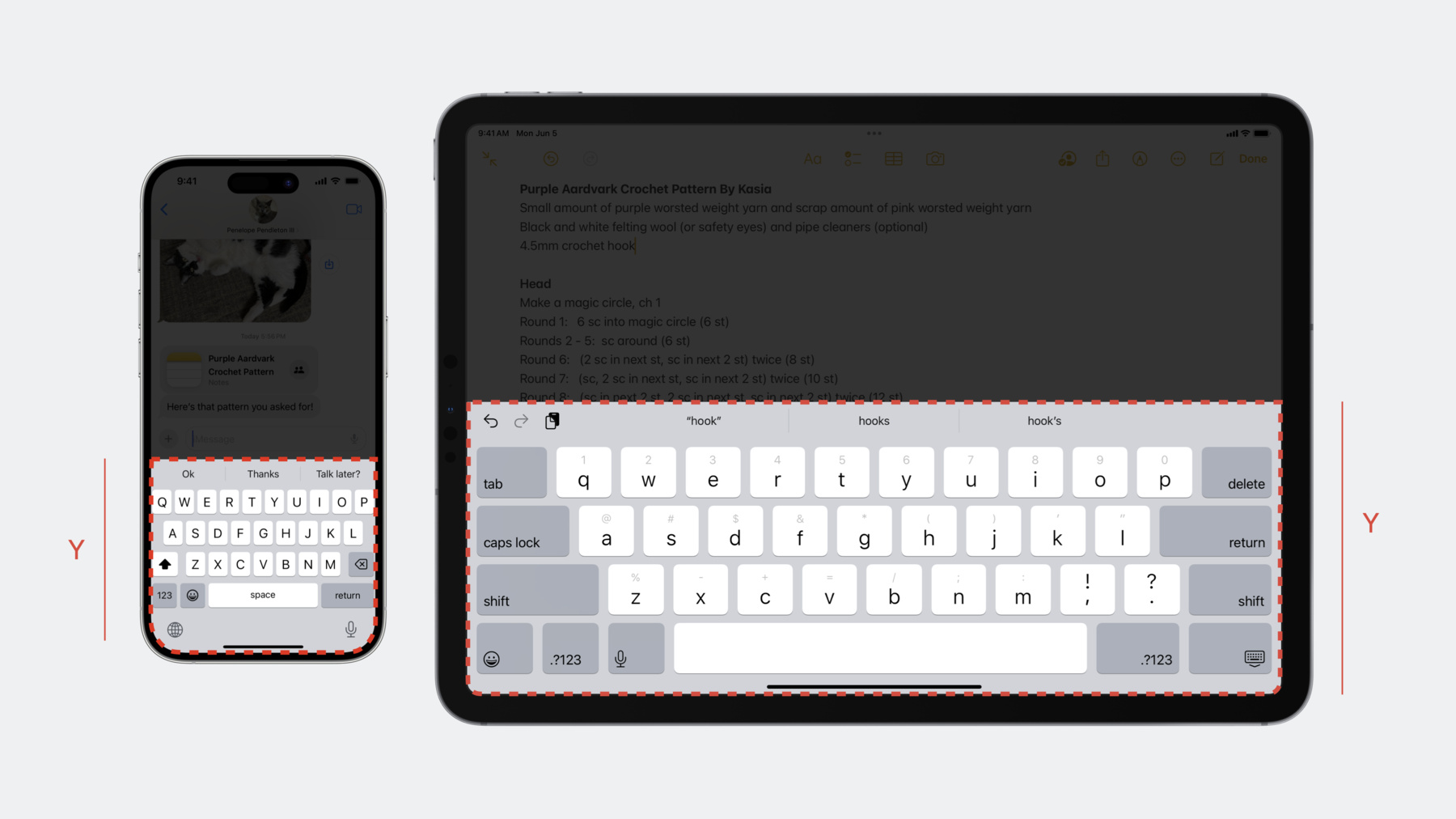
Each year, the keyboard evolves to support an increasing range of languages, sizes, and features. Discover how you can design your app to keep up with the keyboard, regardless of how it appears on a device. We'll show you how to create frictionless text entry and share important architectural changes to help you understand how the keyboard works within the system.
Capítulos
- 0:00 - Introduction
- 1:29 - Out of process keyboard
- 3:47 - Design for the keyboard
- 14:06 - New text entry APIs
- 15:06 - Key takeaways
Recursos
- Adding a search interface to your app
- FocusState
- SafeAreaRegions
- Human Interface Guidelines: Keyboards
- Adjusting your layout with keyboard layout guide
Videos relacionados
WWDC23
WWDC21
-
Buscar este video…
-
-
6:21 - Keyboard layout guide
view.keyboardLayoutGuide.topAnchor.constraint(equalTo: textView.bottomAnchor).isActive = true -
7:56 - usesBottomSafeArea
// Example of using usesBottomSafeArea to create keyboard and text view aligned with safe area view.keyboardLayoutGuide.usesBottomSafeArea = false textField.topAnchor.constraint(equalToSystemSpacingBelow: backdrop.topAnchor, multiplier: 1.0).isActive = true view.keyboardLayoutGuide.topAnchor.constraint(greaterThanOrEqualToSystemSpacingBelow: textField.bottomAnchor, multiplier: 1.0).isActive = true view.keyboardLayoutGuide.topAnchor.constraint(equalTo: backdrop.bottomAnchor).isActive = true view.safeAreaLayoutGuide.bottomAnchor.constraint(greaterThanOrEqualTo: textField.bottomAnchor).isActive = true -
9:40 - Keyboard dismiss padding
var dismissPadding = aboveKeyboardView.bounds.size.height view.keyboardLayoutGuide.keyboardDismissPadding = dismissPadding -
12:11 - Handle willShow or hideKeyboard notifications
func handleWillShowOrHideKeyboardNotification(notification: NSNotification) { // Retrieve the UIScreen object from the notification (Added iOS 16.1) guard let screen = notification.object as? UIScreen else { return } // Determine if the notification’s screen corresponds to your view’s screen guard(screen.isEqual(view.window?.screen)) else { return } // Calculate intersection with keyboard let endFrameKey = UIResponder.keyboardFrameEndUserInfoKey // Get the ending screen position of the keyboard guard let keyboardFrameEnd = userInfo[endFrameKey] as? CGRect else { return } let fromCoordinateSpace: UICoordinateSpace = screen.coordinateSpace let toCoordinateSpace: UICoordinateSpace = view // Convert from the screen coordinate space to your local coordinate space let convertedKeyboardFrameEnd = fromCoordinateSpace.convert(keyboardFrameEnd, to: toCoordinateSpace) // Calculate offset for view adjustment var bottomOffset = view.safeAreaInsets.bottom // Get the intersection between the keyboard's frame and the view's bounds let viewIntersection = view.bounds.intersection(convertedKeyboardFrameEnd) // Check whether the keyboard intersects your view before adjusting your offset. if !viewIntersection.isEmpty { // Set the offset to the height of the intersection bottomOffset = viewIntersection.size.height } // Use the new offset to adjust your UI movingBottomConstraint.constant = bottomOffset // Adjust view layouts and animate using information in notification ... } -
14:38 - Inline predictions
@MainActor public protocol UITextInputTraits : NSObjectProtocol {
    // Controls whether inline text prediction is enabled or disabled during typing
    @available(iOS, introduced: 17.0)
    optional var inlinePredictionType: UITextInlinePredictionType { get set }
}

public enum UITextInlinePredictionType : Int, @unchecked Sendable {
    case `default` = 0
    case no = 1
    case yes = 2
}

let textView = UITextView(frame: frame)
textView.inlinePredictionType = .yes
-