

-
What’s new in WebKit for Safari 27
Explore what's new in WebKit — from Grid Lanes and Customizable Select, to HTML Model and Immersive Environments, and the latest for Web Extensions. You'll also discover the work behind over 1,000 browser engine improvements that make the web more reliable.
Chapters
- 0:00 - Introduction
- 1:07 - A year of quality improvements
- 9:06 - CSS Grid Lanes
- 10:06 - Customizable Select
- 11:24 - HTML Model element
- 12:51 - Immersive Website Environments
- 13:38 - Web Extensions
- 15:18 - MapKit JS
- 15:40 - Next steps
Resources
- WebKit.org - CSS Grid Lanes Field Guide
- Packaging and distributing Safari Web Extensions with App Store Connect
- WebKit.org – Report issues to the WebKit open-source project
- Learn more about MapKitJS
- Safari Technology Preview
- Submit feedback
Related Videos
WWDC26
-
Search this video…
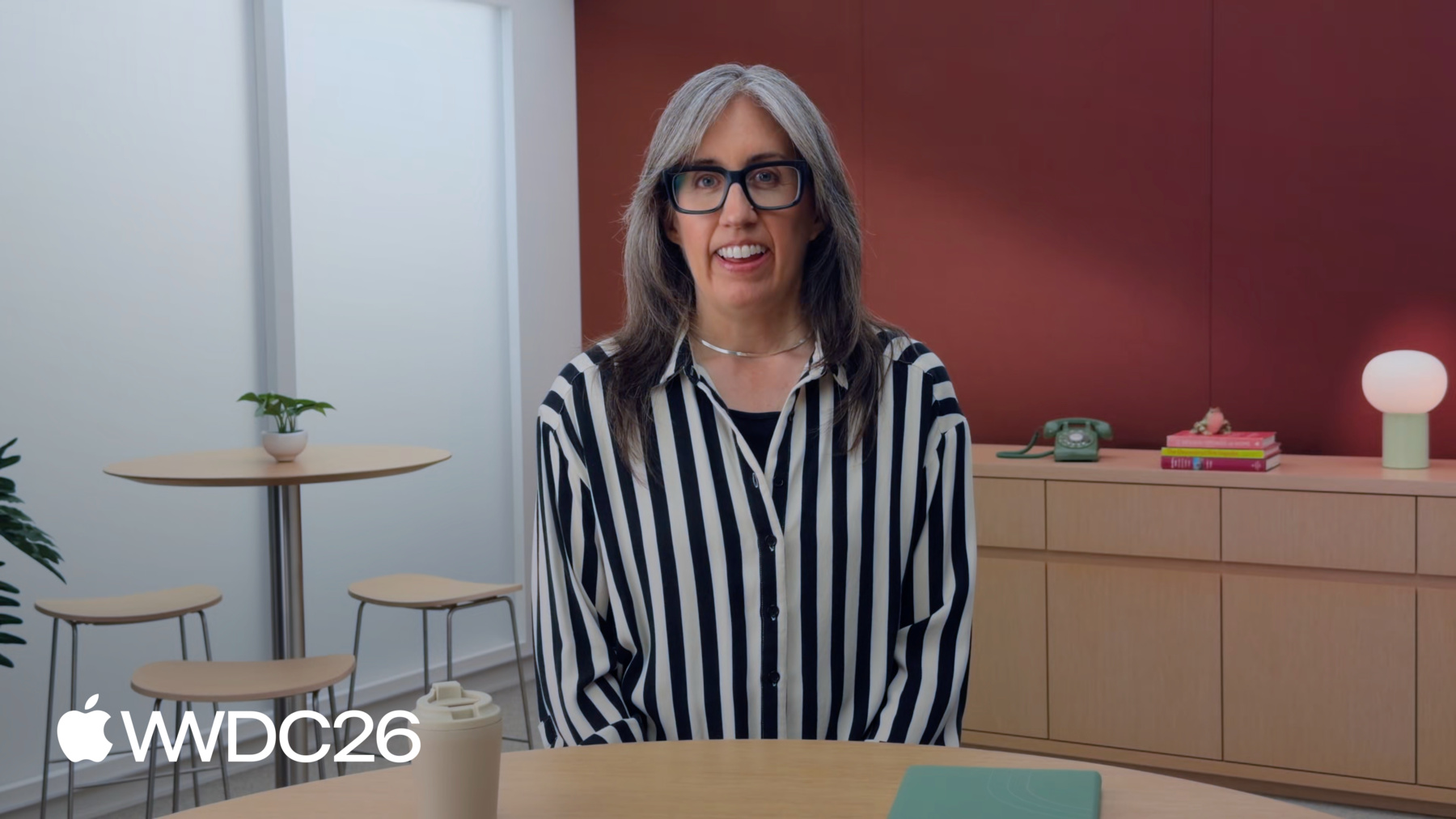
Hi! I'm Jen Simmons! And I'm here to share the latest news about WebKit, the web browser engine that powers Safari.
The WebKit and Safari teams have been busy this year. I'm excited to share what we've been working on, and how it impacts you as you make websites, web apps, and web content.
We've already shipped a lot of new web technology, including CSS Grid Lanes, Navigation API, Largest Contentful Paint, and many more.
The first beta of Safari 27 brings over 60 more new features, including Customizable Select, img sizes=auto, the stretch keyword for layout, and more. Later in this session, I'll walk you through five of the most exciting new features. Stick around to see what CSS Grid Lanes can do, learn how you can customize Select UI, explore what the Model Element brings to the web, and more!
But first, I think what you might find most exciting as a web developer is the time my team put in this year to improve the quality of WebKit.
I hear from web developers that it's challenging when you to have to work around a problem in our browser engine. You expect more.
We hear you. And we set out to greatly improve the quality of existing web platform features. We put our focus there this year, rather than on implementing a whole lot of brand new ones.
When I look at what we've accomplished so far, a few clear themes emerge. I want to share one quick story from each.
First, compatibility.
A big part of this work focuses heavily on the things that directly affect users, making sure real websites work for real people.
Your users are our customers and we want them to have a fantastic experience.
My team got a report about a particular website. When users typed emoji, the totally wrong character appeared. But why? Well, normally, when a user presses a key, the browser sends a Unicode number to the website. The number for this A uses 7-bits of data.
Some websites want to intercept keyboard input and process it with JavaScript. For decades, websites used the .fromCharCode method to turn those numbers back into characters. .fromCharCode can handle data that's 16-bits or smaller.
And for a long time, even as Unicode grew, that was enough. But then a lot of emoji came along. And these new characters got assigned bigger numbers. This one needs 17-bits.
And on websites that still use .fromCharCode, that number got truncated to 16-bits. Which maps to a totally different character. So, what should we do? Try to get every website to stop using .fromCharCode? That's not realistic. Users wanna type emoji now! So my colleagues adopted a clever workaround. Now when a user types a character with a code point beyond 16-bits, WebKit doesn't send the number to the website at all.
The emoji arrives as text instead. No number, no truncation. And now everyone can type a face holding back tears on any website they wish. It's one example of the many changes we've made to directly help users. But, as a web developer, you just want your work to become easier. My team is also working to rebuild the foundations of WebKit in quite a few areas. Sometimes we just gotta to start from scratch to pay off technical debt.
This deep work isn't necessarily visible on the surface, but it makes everything built on these foundations more reliable. Here's one: block-in-inline layout.
Block elements end up nested inside of inline elements all the time.
The code for handling such layout was over two decades old, and had grown tangled and hard to maintain. So we rewrote it from scratch with a new architectural approach.
You probably won't notice but the work did fix a bunch of issues. My team is also going deep to make significant progress in specific areas. Media and video playback, Scrolling, SVG, Accessibility, WebRTC, even HTML tables! Each of these areas needed something different.
Take SVG for example. To make real progress, we needed the web standard to have more clarity and detail. Only there was no active SVG Working Group. So, that's how my teammates accelerated their journey, by reviving and leading a new standards effort.
For example, what happens if a web developer makes an SVG with a radial gradient, but doesn't explicitly define its focal point with the fx and fy attributes? In SVG 1, the spec text describing the initial values of fx and fy was confusing, and different browsers interpreted it differently.
Now, SVG 2 removes all ambiguity. The initial value is clearly defined.
And we're updating WebKit in Safari 27. We've made over 75 improvements to SVG so far, and there's definitely more work to do.
A lot of the improvements my team is making are to better align with web standards. Both to shore up the interoperability of longstanding web technology, and to keep up with the evolution of new features.
Here's something new: the CSS random function.
You can use it to generate random values. With this code, width and height get random lengths.
You can name random values to reuse them. But originally, names were scoped per instance. Each time the box class was called, new random values got calculated. We shipped random in Safari 26.2 but then developers argued that maybe this could be better.
After discussion at the CSS Working Group, these names were redefined to be global by default.
Now all these boxes get the same random size. We updated the scoping of names in Safari 26.5. We're still the only browser with support, so there was time to make it better. We're keeping up with recent changes to features like Anchor Positioning and View Transitions. And we're strengthening older features, too. There are hundreds of updates to better align with web standards. We want it to be easier for you to create websites that just work in every browser.
And the fifth area of improvements: integration.
A bunch of improvements make sure separate features integrate together correctly.
In 2014, WebKit shipped support for the sizes attribute in HTML enabling responsive images. In 2018, we shipped support for the CSS min() and max() functions. But when we did, we somehow missed implementing support for min() and max() inside of sizes. Thank you to the developers who filed issues about this.
When clamp() came along in 2020, we didn't do it then either. This year we circled back and closed the gap in Safari 26.4. These are the kinds of problems that we want to keep finding and fixing. We care deeply about the experience people have when interacting with the web on our platforms.
Browser engines are huge and we rely on the feedback and contributions from developers to help identify pain points and inform our priorities.
Millions of apps in the App Store take advantage of web technologies built into WebKit and JavaScriptCore, including apps for iOS, iPadOS, macOS, visionOS, and even watchOS! We care about the web and we sincerely hope our efforts make a real difference in your success.
With this focus, we were able to tackle over a 1100 feature improvements and fixes since last fall. That's a record for us. We'd love to have you test your projects in the most recent versions of Safari Technology Preview or Safari beta.
And if you are having problems, please file an issue. We know there's more to do.
I only covered a few examples of our quality efforts. For all the detail, check out Safari release notes.
Quality improvements are a huge part of what my team has been doing this year but it's not all.
We've shipped some genuinely exciting new features, too. In the rest of this session, I'll go through several.
Starting with CSS Grid Lanes, which shipped in Safari 26.4.
Use it to create the classic masonry layout in pure CSS. No JavaScript needed.
It can handle use cases that you've maybe never considered before.
The code is simple, and it includes all the power of CSS Grid to define tracks.
And yes, it works in the other direction! Check out our Field Guide to Grid Lanes at gridlanes.webkit.org. Click through different configurations to experience how it works, and explore the many demos.
Use Safari Web Inspector to better understand and adjust your layout. Enable Order Numbers to reveal the order of Items.
It's super helpful for adjusting flowtolerance to finesse the experience for users tabbing through content.
And watch, "Learn CSS Grid Lanes," where Brandon will walk you through exactly how to create these layouts.
Customizable Select is another exciting feature coming to the web. Safari 27 transforms the select element. It's easier than ever to implement a fully-custom design to match your website or web app with great accessibility automatically! You start by applying appearance: base-select in CSS to the element.
Immediately the control starts inheriting more CSS, including your font family, text color, and background color.
Also, apply appearance: base-select to the new ::picker pseudo-element.
This unlocks the ability to style the menu of options that pops up when a user taps on the control. Other brand new pseudo-elements let you target specific parts of the control, like the ::checkmark, and the ::picker-icon.
Now, you can add additional HTML inside . Like subtext describing the details, or images representing each option. All while leveraging the benefits of using a real HTML form control, with its accessibility and robustness.
Use Grid or Flexbox to layout the options, or anything from CSS and make it look nothing like a traditional drop down menu.
Tim will teach you how in his session, "Rediscover the HTML Select Element." Last year, we shipped , a brand new HTML element for Safari in visionOS.
In Safari 27, is coming to iOS, iPadOS, and macOS.
It joins , , and in the family of elements that handle media files. This time putting 3D models into HTML.
By adding a model to your website, you can provide a way for users to check out products, preview an object in their space, or just have a cool experience.
The markup works like you would expect. You can keep it simple, or just like the other media elements, you can use to link to multiple files in different formats.
You can optionally include attributes like environmentmap to provide custom lighting for your model. Or stagemode, which sets the default to interaction behavior. Target your model with JavaScript to open up a wide range of possibilities, or wrap the model in to let users on iOS & iPadOS see the product in their space.
You can find much more about making and using 3D models on developer.apple.com. There's years of documentation, videos, and sample projects diving into what's possible.
Watch "Get started with HTML Model Element" to learn more. Aleksei will explain where to get a 3D model, how to optimize it for the web, and what to do in JavaScript.
In visionOS 27, goes even further with immersive website environments.
A user can go to your website in Safari, tap to open an immersive environment and step into the model you provide. Maybe you've made an immersive video game, and you want to give potential customers a way to preview it.
Maybe your site sells theater tickets. You can show people the view from their seats on any platform and then in visionOS, they can experience the whole theater. There's a new Immersive API for manipulating models. It works just like the Fullscreen API. Learn all about it watching "Explore immersive website environments in visionOS" where Jean will show you how he built the theater.
And then, there's Web Extensions. Not that long ago, making a browser extension meant creating entirely separate projects for each browser, with different code, using different APIs. That's why so many extensions only worked in one browser.
Things started to change in 2017, when Mozilla deprecated support for Firefox add-ons and committed to a cross-compatible future.
In 2020, Safari 14 shipped support for Safari Web Extensions.
And then in 2021, we led an effort to create the W3C WebExtensions Community Group, and turn these ideas into official web standards. Today, the dream of an interoperable extension future is becoming a reality.
You can create an extension using one codebase, one set of scripts, one manifest. It's all interoperable HTML, CSS, and JavaScript, just like the rest of the web. You just have to know how to package and distribute your extension to the users of each browser.
But if you don't use Xcode, or even have a Mac, how can you distribute your extension to Safari users? Now, you can use the Safari web extension packager.
It enables you to package and distribute your extension using App Store Connect from any web browser, on any operating system. Today, it's easier than ever to reach Safari users.
You can read the documentation to learn how on developer.apple.com and watch "Create web extensions for Safari," where Kiara will guide you through how to build a web extension from the ground up, as well as how to use App Store Connect.
Finally, I want to quickly mention MapKit JS. It's a tool that you can use to embed interactive maps on your website or web app. All while preserving the privacy of your users.
It works in all browsers, on any operating system.
Learn all about it at developer.apple.com. My team has done a lot work this year. WebKit is packed with improvements.
I truly hope these efforts make your work more satisfying, more successful, easier, and maybe, more fun! Check out our website, at webkit.org, where we teach about all the new features in every release of Safari. There, you can learn more about what's in Safari 27, watch other WWDC sessions about web technology to dive deeper, and file issues at bugs.webkit.org. We'd love to hear from you, and to know what more we can do to support your work making projects on the web for people to use and enjoy. Thanks for watching!
-
-
- 0:00 - Introduction
See what Safari 27 brings to the web platform including a focus on the quality and a quick tour of new features.
- 1:07 - A year of quality improvements
Learn how the WebKit team prioritized quality this year, shipping over 1,100 fixes and improvements. Covers five themes: compatibility (illustrated by an emoji input bug), rebuilding foundations like block-in-inline layout, going deep on areas like SVG, aligning with the latest web standards, and improving how features integrate together.
- 9:06 - CSS Grid Lanes
Create masonry-style layouts in pure CSS with Grid Lanes, shipped in Safari 26.4. See examples of what’s possible.
- 10:06 - Customizable Select
Style the <select> element to match your design while keeping built-in form control accessibility. Learn about appearance: base-select, the new pseudo-elements, and adding HTML.
- 11:24 - HTML Model element
Embed 3D models into a web page using the HTML
element, now coming to iOS, iPadOS, and macOS in Safari 27. Learn what can be accomplished with HTML attributes, JavaScript, and AR Quick Look. - 12:51 - Immersive Website Environments
In visionOS 27, the
element can launch into a full immersive environment using a new Immersive API modeled on the Fullscreen API. See use cases like previewing an immersive game or viewing a theater from your seat. - 13:38 - Web Extensions
Today, you can build one cross-browser web extension and distribute it everywhere, including to Safari users. It’s now easier than ever with Safari Web Extension Packager. Submit via App Store Connect from any browser on any operating system — no Mac or Xcode required.
- 15:18 - MapKit JS
Embed privacy-preserving interactive maps on your website with MapKit JS, which works across all browsers and operating systems.
- 15:40 - Next steps
Visit webkit.org for the latest Safari release information, watch related WWDC sessions to go deeper on specific topics, and file issues at bugs.webkit.org.