

-
Explore Live GPU Profiling with Metal Counters
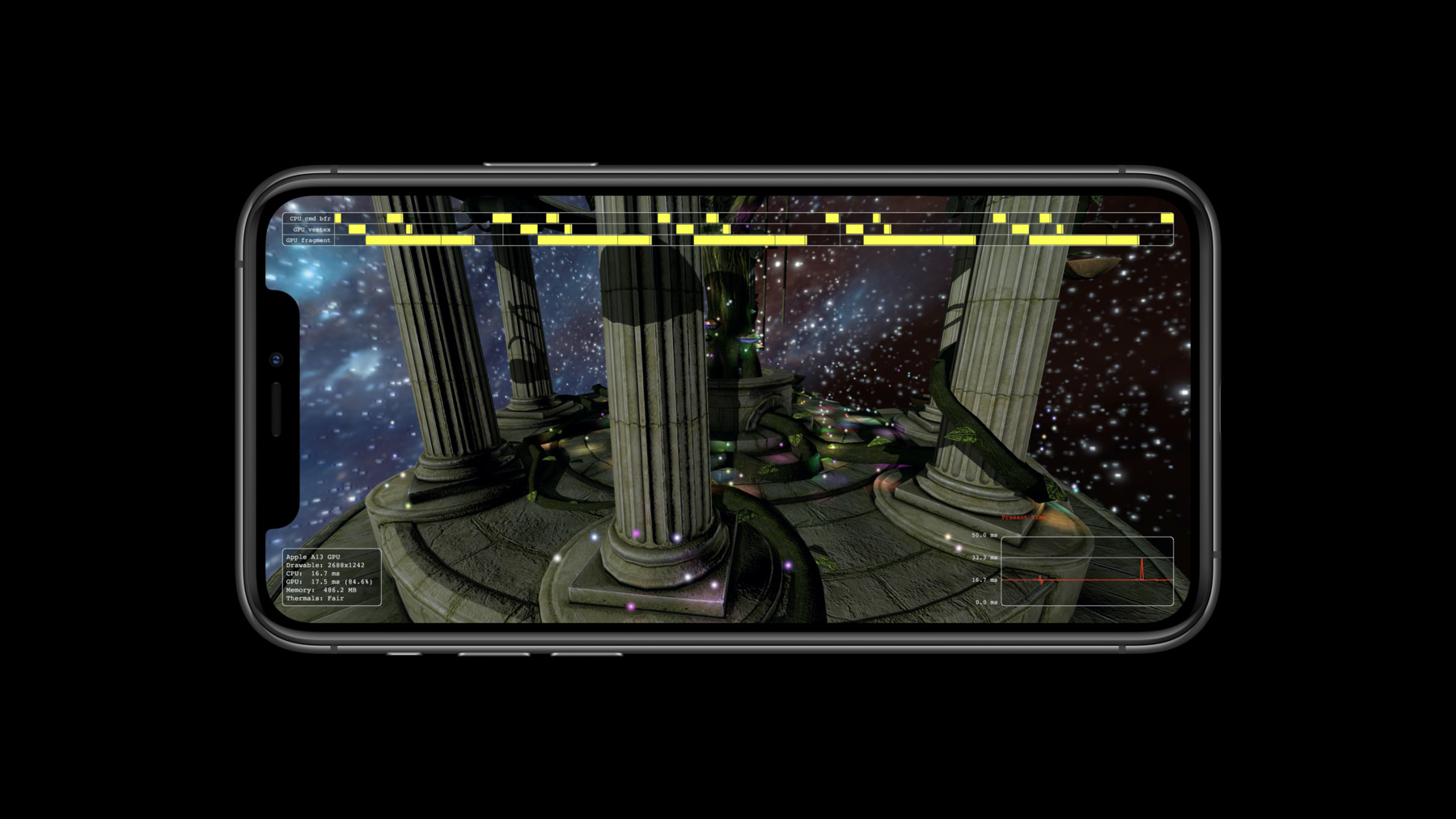
Take advantage of the Metal Counters API for GPU profiling in macOS Big Sur and iOS 14. This API provides access at runtime to low-level GPU profiling information, which was previously available only through offline tools in Xcode and Instruments. Metal Counters accelerate the optimization process by giving you access to important GPU information, helping you fine-tune your app's performance to create faster and more fluid apps and gaming experiences. Learn to collect and parse these low-level GPU timestamps and use the in-depth information to help with performance tuning in Metal.
Ressources
-
Rechercher dans cette vidéo…
-
-
3:38 - Checking for available Metal counters
if (@available(macOS 11.0, iOS 14.0, *)) { _supportsStageBoundary = [_device supportsCounterSampling:MTLCounterSamplingPointAtStageBoundary]; _supportsDrawBoundary = [_device supportsCounterSampling:MTLCounterSamplingPointAtDrawBoundary]; } -
3:52 - Counter sets
[_device.counterSets enumerateObjectsUsingBlock:^(id<MTLCounterSet> nonnull obj, NSUInteger idx, BOOL * nonnull stop) { if ([[obj name] isEqualToString:MTLCommonCounterSetTimestamp]) _counterSetTimestamp = obj; }]; -
5:05 - Sampling counters on Apple GPUs
// When setting up the render pass descriptor if (_supportsStageBoundary || _supportsDrawBoundary) { MTLCounterSampleBufferDescriptor *desc = [MTLCounterSampleBufferDescriptor new]; desc.sampleCount = 6; // Number of samples to store desc.storageMode = MTLStorageModeShared; desc.label = @"Live Profiling HUD Metal counter sample buffer"; desc.counterSet = _counterSetTimestamp; id<MTLCounterSampleBuffer> sampleBuffer = [_device newCounterSampleBufferWithDescriptor:desc error:nil]; MTLRenderPassSampleBufferAttachmentDescriptor *sampleBufferDesc = renderPassDescriptor.sampleBufferAttachments[0]; if (_supportsStageBoundary) { sampleBufferDesc.startOfVertexSampleIndex = 0; sampleBufferDesc.endOfVertexSampleIndex = 1; sampleBufferDesc.startOfFragmentSampleIndex = 2; sampleBufferDesc.endOfFragmentSampleIndex = 3; } sampleBufferDesc.sampleBuffer = sampleBuffer; } -
6:23 - Sampling counters at draw boundary
// After creating a new render command encoder [renderCommandEncoder sampleCountersInBuffer:sampleBuffer atSampleIndex:4 withBarrier:NO]; // All draw calls [renderCommandEncoder sampleCountersInBuffer:sampleBuffer atSampleIndex:5 withBarrier:NO]; // End encoding -
7:28 - Collecting timestamps
// For each tracked sampleBuffer, resolve the counters NSData *data = [sampleBuffer resolveCounterRange:NSMakeRange(0, 6)]; MTLCounterResultTimestamp *sample = (MTLCounterResultTimestamp *)[data bytes]; // And simply access the timestamps if (_supportsStageBoundary) { double vertexStart = sample[0].timestamp / (double)NSEC_PER_SEC; } // Check for errors if (sample[0].timestamp == MTLCounterErrorValue) { // Handle error } -
9:05 - Aligning timestamps
// On immediate mode GPU
MTLTimestamp cpuTimestamp;
MTLTimestamp gpuTimestamp;
[_device sampleTimestamps:&cpuTimestamp gpuTimestamp:&gpuTimestamp];

// Do a linear interpolation between correlated timestamps
gpu_ns = cpu_t0 + (cpu_t1 - cpu_t0) * (gpu_timestamp - gpu_t0) / (gpu_t1 - gpu_t0);
-