

-
Meet WidgetKit
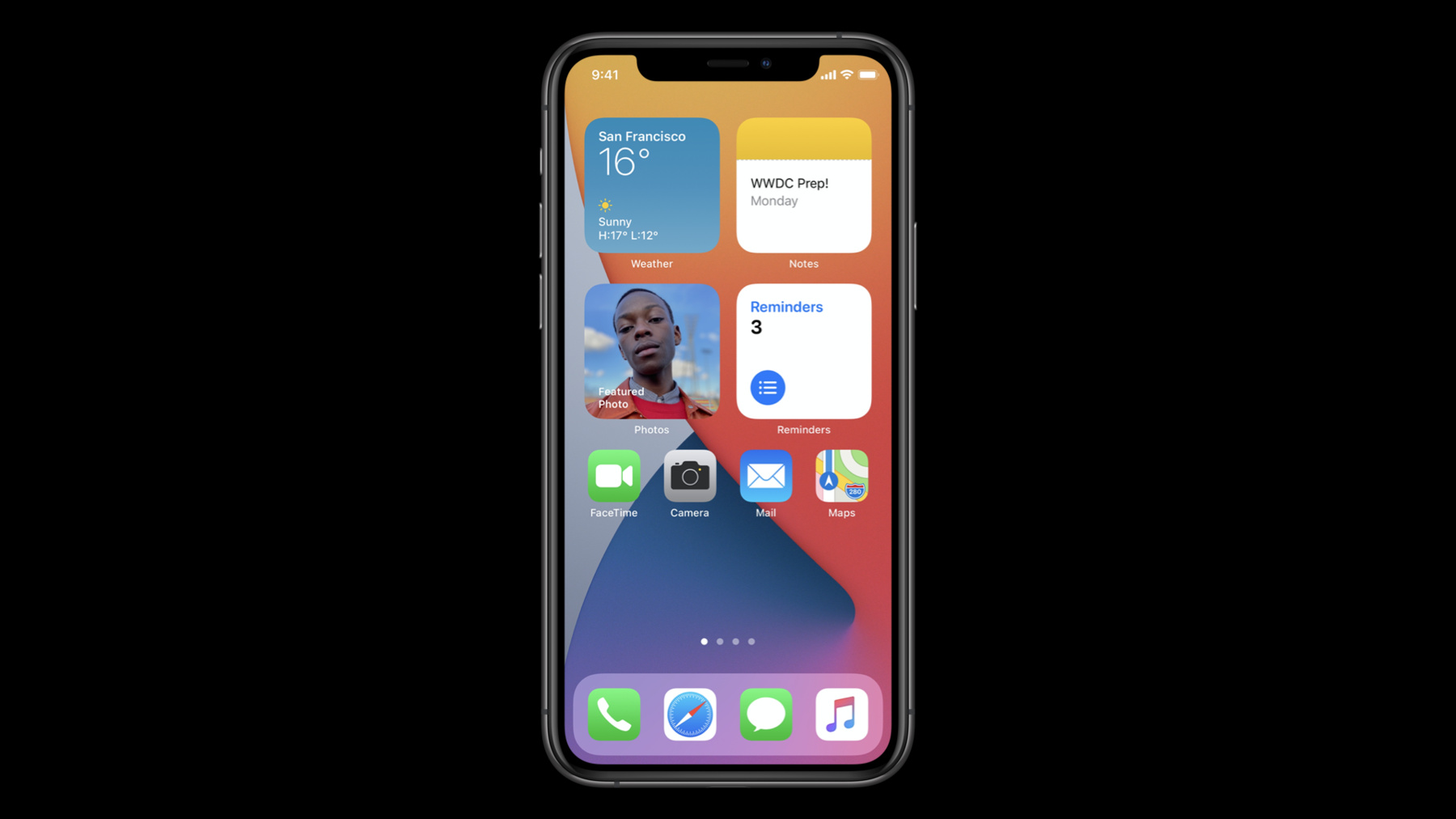
Meet WidgetKit: the best way to bring your app's most useful information directly to the home screen. We'll show you what makes a great widget and take a look at WidgetKit's features and functionality. Learn how to get started creating a widget, and find out how WidgetKit leverages the power of SwiftUI to provide a stateless experience. Discover how to harness your existing proactive technologies to make sure your widget surfaces relevant material. And create a Timeline that ensures your content is always fresh.
For more on creating widgets, check out "Build SwiftUI views for widgets" and "The widgets code-along."Ressources
- WidgetKit
- Keeping a widget up to date
- Creating a widget extension
- Learn more about creating widgets
- Human Interface Guidelines: Widgets
- Building Widgets Using WidgetKit and SwiftUI
Vidéos connexes
WWDC22
WWDC21
WWDC20
- Add configuration and intelligence to your widgets
- Build SwiftUI views for widgets
- Design great widgets
- What's new in location
- What's new in Mac Catalyst
- What's new in SiriKit and Shortcuts
- What's new in SwiftUI
- Widgets Code-along, part 1: The adventure begins
- Widgets Code-along, part 2: Alternate timelines
- Widgets Code-along, part 3: Advancing timelines
-
Rechercher dans cette vidéo…
-
-
11:01 - StaticConfiguration Widget definition
@main public struct SampleWidget: Widget { private let kind: String = "SampleWidget" public var body: some WidgetConfiguration { StaticConfiguration(kind: kind, provider: Provider(), placeholder: PlaceholderView()) { entry in SampleWidgetEntryView(entry: entry) } .configurationDisplayName("My Widget") .description("This is an example widget.") } } -
15:51 - TimelineProvider example
public struct Provider: TimelineProvider { public func snapshot(with context: Context, completion: @escaping (SimpleEntry) -> ()) { let entry = SimpleEntry(date: Date()) completion(entry) } public func timeline(with context: Context, completion: @escaping (Timeline<Entry>) -> ()) { let entry = SimpleEntry(date: Date()) let timeline = Timeline(entries: [entry, entry], policy: .atEnd) completion(timeline) } } -
20:45 - IntentConfiguration Widget definition
@main public struct SampleWidget: Widget { private let kind: String = "SampleWidget" public var body: some WidgetConfiguration { IntentConfiguration(kind: kind, intent: ConfigurationIntent.self provider: Provider(), placeholder: PlaceholderView()) { entry in SampleWidgetEntryView(entry: entry) } .configurationDisplayName("My Widget") .description("This is an example widget.") } } -
20:54 - IntentTimelineProvider example
public struct Provider: IntentTimelineProvider {

    public func timeline(for configuration: ConfigurationIntent, with context: Context,
                         completion: @escaping (Timeline<Entry>) -> ()) {
        let entry = SimpleEntry(date: Date(), configuration: configuration)

        // generate a timeline based on the values of the Intent

       completion(timeline)
    }
}
-