

-
Get the most out of Sign in with Apple
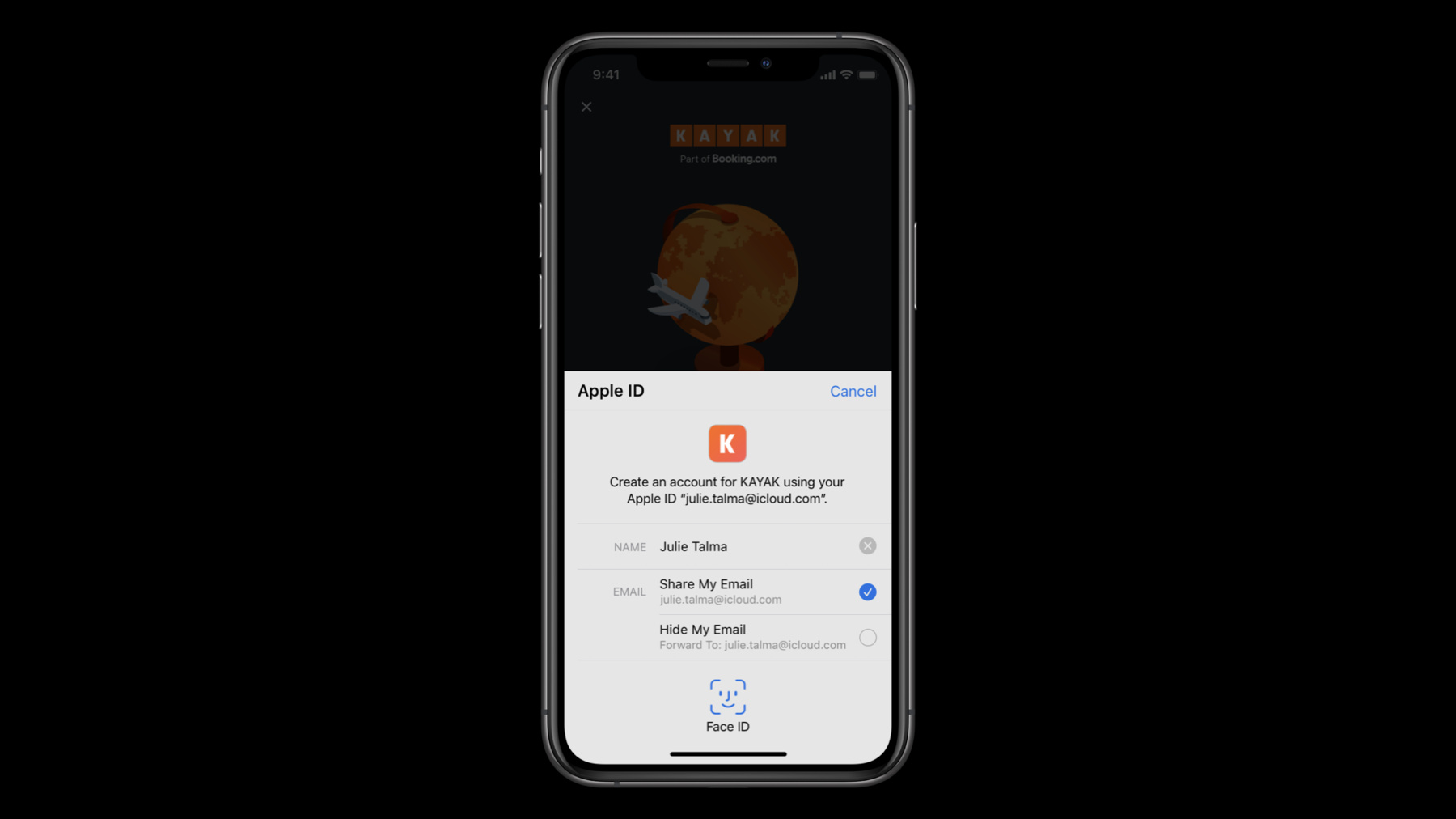
Sign in with Apple makes it easy for people to sign in to your apps and websites with the Apple ID they already have. Fully integrate Sign in with Apple into your app using secure requests, and by handling state changes and server notifications. We'll also introduce new APIs that allow you to let existing users switch to Sign in with Apple quickly and easily.
Ressources
- Human Interface Guidelines: Sign in with Apple
- Sign In with Apple
- Implementing User Authentication with Sign in with Apple
Vidéos connexes
WWDC22
WWDC21
WWDC20
WWDC19
-
Rechercher dans cette vidéo…
-
-
2:02 - Create an Authorization Request
// Configure request, setup delegates and perform authorization request @objc func handleAuthorizationButtonPress() { let request = ASAuthorizationAppleIDProvider().createRequest() request.requestedScopes = [.fullName, .email] request.nonce = myNonceString() request.state = myStateString() let controller = ASAuthorizationController(authorizationRequests: [request]) controller.delegate = self controller.presentationContextProvider = self controller.performRequests() } -
5:37 - Get a credential from an Authorization
// ASAuthorizationControllerDelegate func authorizationController(controller: ASAuthorizationController, didCompleteWithAuthorization authorization: ASAuthorization) { if let credential = authorization.credential as? ASAuthorizationAppleIDCredential { let userIdentifier = credential.user let fullName = credential.fullName let email = credential.email let realUserStatus = credential.realUserStatus let state = credential.state let identityToken = credential.identityToken let authorizationCode = credential.authorizationCode // Securely store the userIdentifier locally self.saveUserIdentifier(userIdentifier) // Create a session with your server and verify the information self.createSession(identityToken: identityToken, authorizationCode: authorizationCode) } } -
8:51 - Verify the state of a credential
// Getting a credential state let provider = ASAuthorizationAppleIDProvider() provider.getCredentialState(forUserID: getStoredUserIdentifier()) { (credentialState, error) in switch(credentialState) { case .authorized: // Sign in with Apple credential Valid case .revoked: // Sign in with Apple credential Revoked, Sign out case .notFound: // Credential was not found, fallback to login screen case .transferred: // Application was recently transferred, refresh User Identifier @unknown default: break } } -
11:00 - Migrate a user identifier
// Migrating a user identifier let request = ASAuthorizationAppleIDProvider().createRequest() request.requestedScopes = [.fullName, .email] request.user = getStoredUserIdentifier() request.nonce = myNonceString() request.state = myStateString() let controller = ASAuthorizationController(authorizationRequests: [request]) controller.delegate = self controller.presentationContextProvider = self controller.performRequests() -
13:54 - Create a Sign in with Apple button
// SwiftUI example: SignInWithAppleButton(.signIn) { onRequest: { (request) in request.requestedScopes = [.fullName, .email] request.nonce = myNonceString() request.state = myStateString() } onCompletion: { (result) in switch result { case .success(let authorization): // Handle Authorization case .failure(let error) // Handle Failure } } }.signInWithAppleButtonStyle(.black) -
25:15 - convertAccountToSignInWithAppleWithoutUserInteraction
enum VerificationResult : Int { case success; case failure; case twoFactorAuthRequired;

override func convertAccountToSignInWithAppleWithoutUserInteraction(
    for serviceIdentifier: ASCredentialServiceIdentifier,
    existingCredential: ASPasswordCredential
) {
    verifyCredential(existingCredential) { (result: VerificationResult) in
        switch result {
        case .failure:
            self.extensionContext.cancelRequest(withError:
                ASExtensionError(.failed))
        case .success:
          self.extensionContext.getSignInWithAppleAuthorizationWithState(state: myStateString(),
                                                                         nonce: myNonceString(),
                                                                         {…}
        case .twoFactorAuthRequired:
            self.extensionContext.cancelRequest(withError:
                ASExtensionError(.userInteractionRequired))
    }
}
-