

-
Build dynamic iOS apps with the Create ML framework
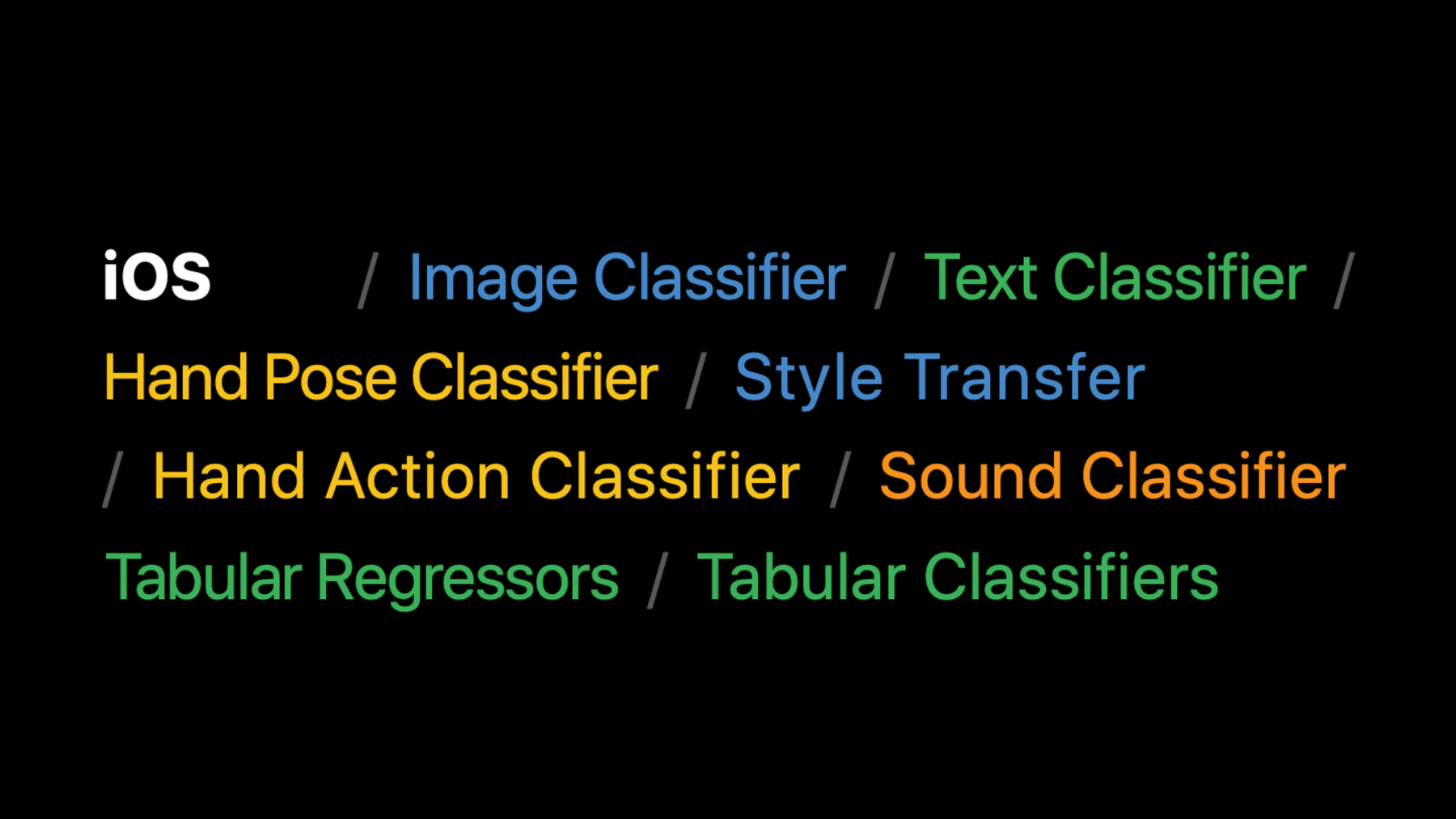
Discover how your app can train Core ML models fully on device with the Create ML framework, enabling adaptive and customized app experiences, all while preserving data privacy. We'll explore the types of models that can be created on-the-fly for image-based tasks like Style Transfer and Image Classification, audio tasks like custom Sound Classification, or tasks that build on a rich set of Text Classification, Tabular Data Classification, and Tabular Regressors. And we'll take you through the many opportunities these models offer to make your app more personal and dynamic.
For even more inspiration, check out “Classify hand poses and actions with Create ML” and “Discover built-in sound classification in SoundAnalysis” from WWDC21.Recursos
Videos relacionados
WWDC22
WWDC20
-
Buscar este video…
-
-
7:58 - Training a style transfer model
// define training data source let data = MLStyleTransfer.DataSource.images(styleImage: styleUrl, contentDirectory: contentUrl) // define session parameter let sessionParameters = MLTrainingSessionParameters(sessionDirectory: sessionUrl) // define training job let job = try MLStyleTransfer.train(trainingData: data, sessionParameters: sessionParameters) // dispatch training job // save out model upon receiving successful completion, compile for later use // make prediction with CoreML model try model.write(to: writeToUrl) let compiledURL = try MLModel.compileModel(at: writeToUrl) let mlModel = try MLModel(contentsOf: compiledURL) let inputImage = try MLDictionaryFeatureProvider(dictionary: ["image": image]) let stylizedImage = try mlModel.prediction(from: inputImage) -
13:39 - Collecting features for a regressor
func featuresFromMealAndKeywords(meal: String, keywords: [String]) -> [String: Double] { // Capture interactions between content (the dish keywords) and context (meal) by // adding a copy of each keyword modified to include the meal. let featureNames = keywords + keywords.map { meal + ":" + $0 } // For each keyword, create an entry in a dictionary of features with a value of 1.0. return featureNames.reduce(into: [:]) { features, name in features[name] = 1.0 } } -
14:08 - Preparing training data
var trainingKeywords: [[String: Double]] = [] var trainingTargets: [Double] = [] for item in userPurchasedItems { // Add in the positive example. trainingKeywords.append( featuresFromMealAndKeywords(meal: item.meal, keywords: item.keywords)) trainingTargets.append(1.0) // Add in the negative example. let negativeKeywords = allKeywords.subtracting(item.keywords) trainingKeywords.append( featuresFromMealAndKeywords(meal: item.meal, keywords: Array(negativeKeywords))) trainingTargets.append(-1.0) } -
14:37 - Training a linear regressor model
// Create the training data. var trainingData = DataFrame() trainingData.append(column: Column(name: "keywords" contents: trainingKeywords)) trainingData.append(column: Column(name: "target", contents: trainingTargets)) // Create the model. let model = try MLLinearRegressor(trainingData: trainingData, targetColumn: "target") -
14:58 - Making a prediction
// Setup the data to run an inference on.
var inputData = DataFrame()
inputData.append(column: Column(name: "keywords", contents: dishKeywords))

// Call predictions on the trained model with the data.
let predictions = try model.predictions(from: inputData)
-