

-
Accelerate machine learning with Metal Performance Shaders Graph
Metal Performance Shaders Graph is a compute engine that helps you build, compile, and execute customized multidimensional graphs for linear algebra, machine learning, computer vision, and image processing. Discover how MPSGraph can accelerate the popular TensorFlow platform through a Metal backend for Apple products. Learn how to add control flow to your graphs, manage the graph compilation for optimal performance, and use the MPSGraph operations to accelerate the hardest compute applications with only a few lines of code.
Recursos
- Training a Neural Network with Metal Performance Shaders
- Metal Performance Shaders
- Metal
- Metal Shading Language Specification
Videos relacionados
WWDC22
WWDC20
-
Buscar este video…
-
-
8:35 - Control dependencies 1
// Execute the graph let results = graph.run(feeds: [inputTensor: inputs], targetTensors: [exp], targetOperations: [assign]) -
9:01 - Control dependencies 2
// Create control dependency let exp = graph.controlDependency(with: [assign], dependentBlock: { return [graph.exponent(with: input, name: nil)] }, name: nil) // Execute the graph let results = graph.run(feeds: [inputTensor: inputs], targetTensors: [exp], targetOperations: nil) -
14:42 - Evaluation method
// Create the graph let placeholder0 = graph.placeholder(shape: [1, 3], dataType: .float32, name: nil) let placeholder1 = graph.placeholder(shape: [2, 1], dataType: .float32, name: nil) let addTensor = graph.addition(placeholder0, placeholder1, name: nil) // Compile the graph into an executable let executable = graph.compile(with: nil, feeds: [placeholder0: MPSGraphShapedType(shape: [1, 3], dataType: .float32), placeholder1: MPSGraphShapedType(shape: [2, 1], dataType: .float32)], targetTensors: [addTensor], targetOperations: nil, compilationDescriptor: nil) // Execute the graph into an executable let fetch = executable.run(with: commandQueue, inputs: [MPSGraphTensorData(input0), MPSGraphTensorData(input1)], results: nil, executionDescriptor: nil) -
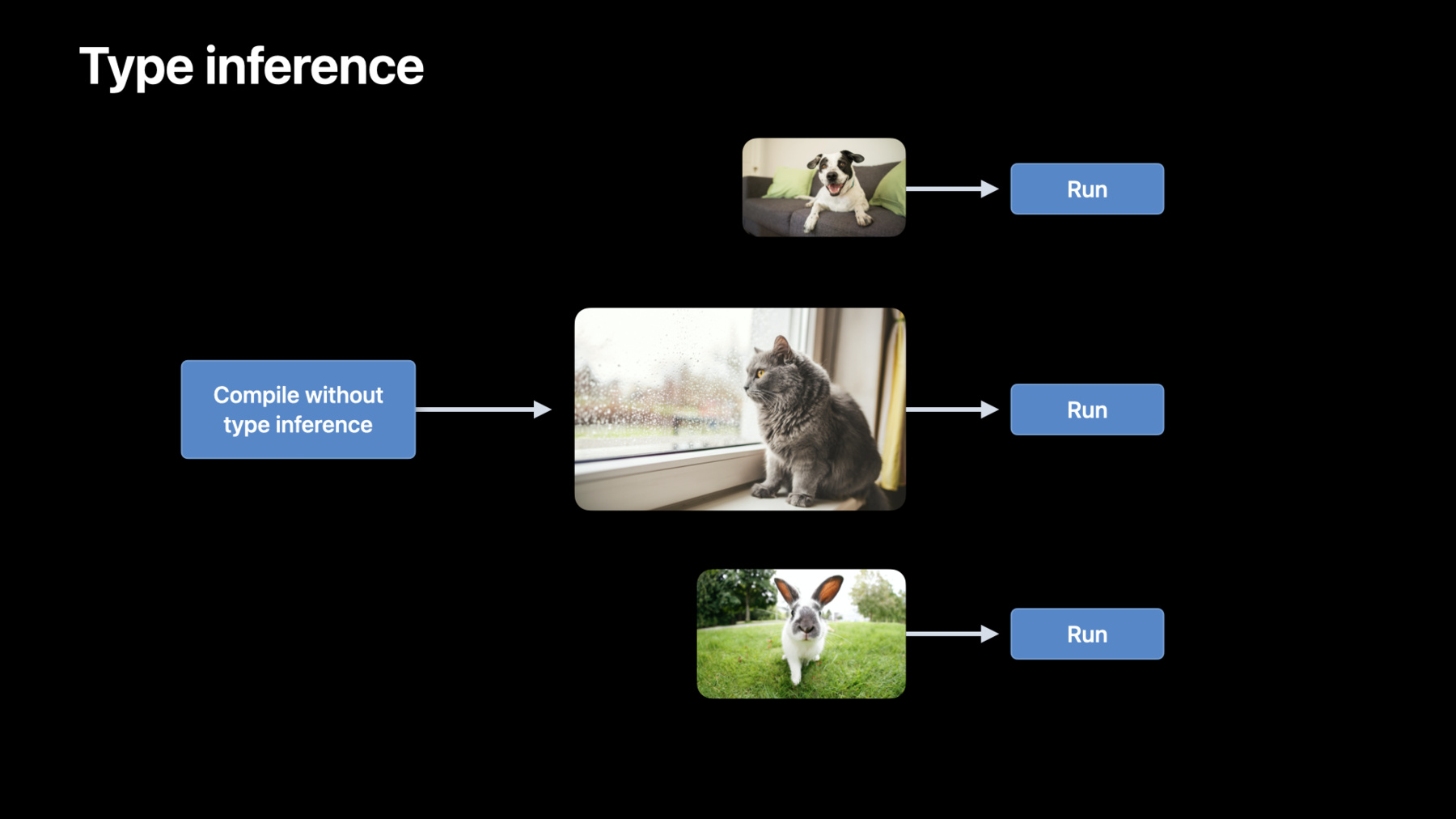
16:38 - Disabling the type inference pass
// Create the graph compilation descriptor let descriptor = MPSGraphCompilationDescriptor() // Disable type inference descriptor.disableTypeInference() // Compile the graph into an executable let executable = graph.compile(with: nil, feeds: /* feeds */, targetTensors: /* target tensors */, targetOperations: nil, compilationDescriptor: descriptor) // execute the graph -
19:22 - If/else in batch normalization
// Different behavior during inference and training let results = graph.if(isTraining, then: { ... }, // compute mean and variance else: { ... }, // use running_mean and running_variance name: nil) -
19:46 - If/else
let predicate = graph.lessThan(a, b, name: nil) let results = graph.if(predicate, then: {[ graph.addition(a, b, name: nil) ]}, else: {[ graph.subtraction(a, b, name: nil) ]}, name: nil) -
20:58 - For loop 1
var result = input0 for i in 0..<4 { result *= input1 } -
21:12 - For Loop 2
// Initialize inputs let input0 = graph.placeholder(shape: [], dataType: .int32, name: nil) let input1 = graph.placeholder(shape: [], dataType: .int32, name: nil) let numberOfIterations = graph.constant(4, shape: [], dataType: .int32) -
21:33 - For Loop 3
// Define Body let body = { (index: MPSGraphTensor, iterationArguments: [MPSGraphTensor]) -> [MPSGraphTensor] in let iterationResult = graph.multiplication(iterationArguments[0], input1, name: nil) return [iterationResult] } -
21:52 - For Loop 4
// Create for loop operation let result = graph.for(numberOfIterations: numberOfIterations, initialIterationArguments: [input0], body: body) -
22:51 - While loop 1
var result = initialValue while result < threshold { result *= multiplier } -
23:01 - While loop 2
// Evaluate condition let condition = { (inputs: [MPSGraphTensor], returnTensors: NSMutableArray) -> MPSGraphTensor in let predicate = graph.lessThan(inputs[0], threshold, name: nil) returnTensors.add(inputs[0]) return predicate } -
23:22 - While loop 3
// Define body let body = { (inputs: [MPSGraphTensor]) -> [MPSGraphTensor] in let iterationResult = graph.multiplication(inputs[0], multiplier, name: nil) return [iterationResult] } -
23:33 - While loop 4
// Create while loop operation let results = graph.while(initialInputs: [initialValue], before: condition, after: body, name: nil) -
25:00 - Edge filter
// Apply the laplacian edge filter on the source image

let edges = graph.stencil(with: source,
                          weights: laplacianWeights,
                          descriptor: desc,
                          name: nil)
-