

View in English

  • Apple Developer
    • Get Started

    Explore Get Started

    • Overview
    • Learn
    • Apple Developer Program

    Stay Updated

    • Latest News
    • Hello Developer
    • Platforms

    Explore Platforms

    • Apple Platforms
    • iOS
    • iPadOS
    • macOS
    • tvOS
    • visionOS
    • watchOS
    • App Store

    Featured

    • Design
    • Distribution
    • Games
    • Accessories
    • Web
    • Home
    • CarPlay
    • Technologies

    Explore Technologies

    • Overview
    • Xcode
    • Swift
    • SwiftUI

    Featured

    • Accessibility
    • App Intents
    • Apple Intelligence
    • Games
    • Machine Learning & AI
    • Security
    • Xcode Cloud
    • Community

    Explore Community

    • Overview
    • Meet with Apple events
    • Community-driven events
    • Developer Forums
    • Open Source

    Featured

    • WWDC
    • Swift Student Challenge
    • Developer Stories
    • App Store Awards
    • Apple Design Awards
    • Apple Developer Centers
    • Documentation

    Explore Documentation

    • Documentation Library
    • Technology Overviews
    • Sample Code
    • Human Interface Guidelines
    • Videos

    Release Notes

    • Featured Updates
    • iOS
    • iPadOS
    • macOS
    • watchOS
    • visionOS
    • tvOS
    • Xcode
    • Downloads

    Explore Downloads

    • All Downloads
    • Operating Systems
    • Applications
    • Design Resources

    Featured

    • Xcode
    • TestFlight
    • Fonts
    • SF Symbols
    • Icon Composer
    • Support

    Explore Support

    • Overview
    • Help Guides
    • Developer Forums
    • Feedback Assistant
    • Contact Us

    Featured

    • Account Help
    • App Review Guidelines
    • App Store Connect Help
    • Upcoming Requirements
    • Agreements and Guidelines
    • System Status
  • Quick Links

    • Events
    • News
    • Forums
    • Sample Code
    • Videos
 

Videos

Open Menu Close Menu
  • Collections
  • Topics
  • All Videos
  • About

Back to Tech Talks

  • About
  • Transcript
  • Authoring 4K and HDR HLS Streams

    4K and HDR technologies enable the creation of amazing cinematic video experiences and stunning picture quality. Learn about how to support these new formats, and how to properly author your playlists to enable playback of these types of streams.

    Resources

    • HTTP Live Streaming (HLS) authoring specification for Apple devices
      • HD Video
      • SD Video

    Related Videos

    WWDC21

    • Explore HDR rendering with EDR

    WWDC17

    • Advances in HTTP Live Streaming
    • Error Handling Best Practices for HTTP Live Streaming
    • HLS Authoring Update

    Tech Talks

    • An Introduction to HDR Video
    • Introduction to AVDisplayManager
    • Updating Your App for Apple TV 4K

    WWDC16

    • Validating HTTP Live Streams
  • Search this video…

    With the introduction of the revolutionary iPhone X and AppleTV 4K, the video playback experience is taken to a whole new level with the addition for support for high dynamic range and 4K video.

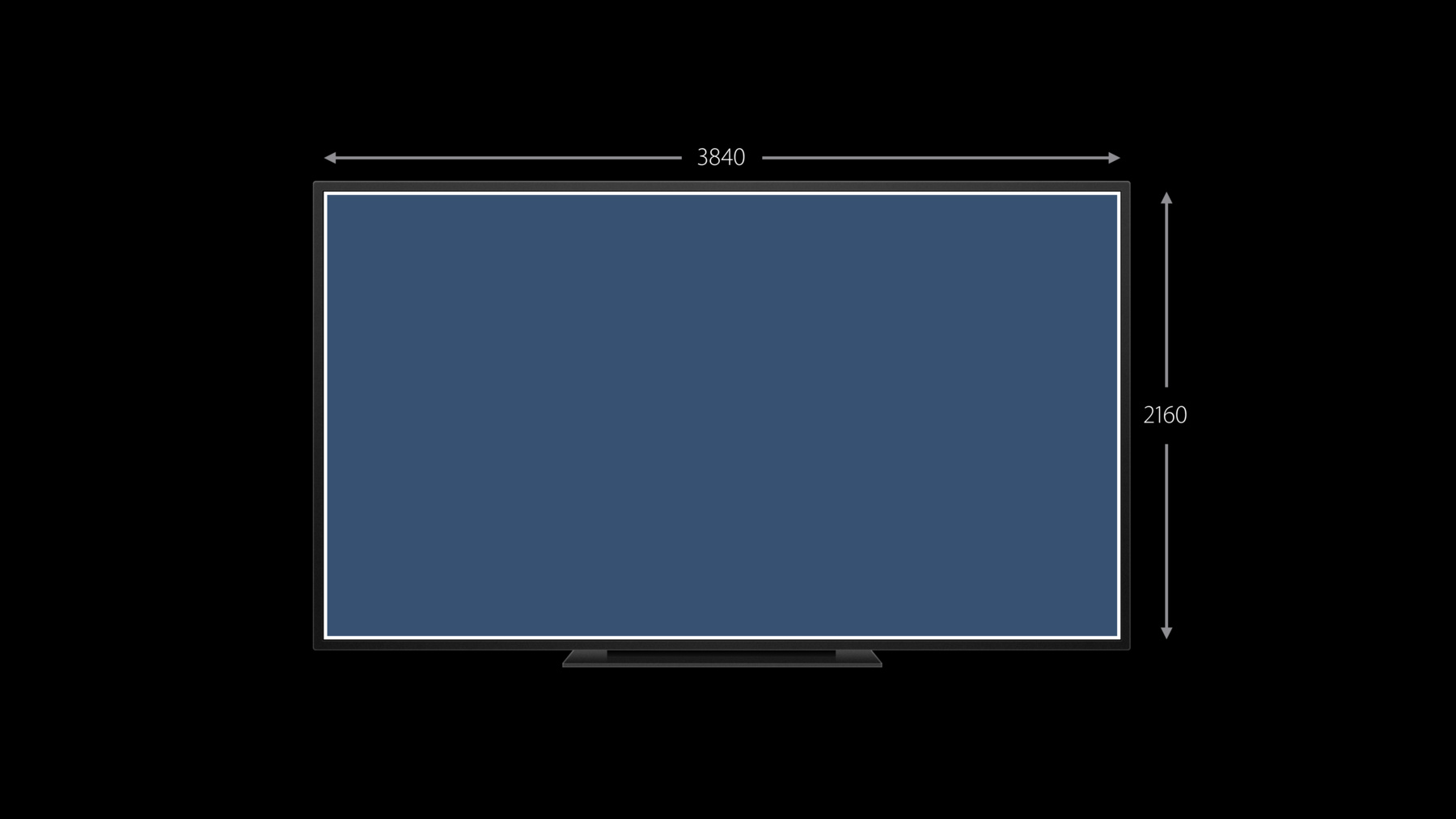
    4K typically refers to frame sizes up to 3840 by 2160, offering an exceptionally detailed and high resolution image when compared to HD.

    Wide color is supported across iOS, macOS, and tvOS, and the media frameworks support up to the rec 2020 color space, which covers about 75 percent of the visible spectrum.

    The addition of support for HEVC enables the delivery of higher quality video at about a 40 percent lower bit rate compared to H.264. HDR video must be delivered using HEVC.

    There are two HDR formats that we support: Dolby Vision and HDR10.

    HDR10 utilizes static metadata that is applied to the entire program. This metadata should be in the HEVC configuration box and not stored in individual sample data.

    For Dolby Vision content, we support Profile 5, which is single-layer, 10-bit HEVC, and up to level 7. For both HDR formats, the content must be encoded using HEVC. You should include HDR variants of less than or equal to 30 frames per second. And you must always provide SDR variants for both your primary media content as well as your I-frame playlists.

    In order to help devices select compatible variants, we have added a new video range tag to the HLS specification. If you include any HDR variants in your playlist, you must include this tag. Declare SDR for any standard dynamic range variants and PQ for HDR10 or Dolby Vision variants. This tag is an advisory to the client so that it will not attempt to play streams that it cannot support.

    In order to support HDCP TYPE-1 content protection, the new TYPE-1 value has been added to the HDCP level tag. This value is typically applied to content with a resolution of greater than 1920 by 1080. This tag is also advisory in nature and prevents the client from attempting to playback content that can't be supported by the currently attached display. To finish up, let's take a quick look at a few examples of how a playlist differentiates the different types of content and how the tags we just discussed are applied. This is an example of a standard dynamic range HEVC stream that does not require HDCP. This second example describes a 4K HDR stream as indicated by the PQ value of the "VIDEO-RANGE" tag. The "CODECS" tag describes it as a Dolby Vision stream, and the "HDCP-LEVEL" tag indicates that TYPE-1 will be required in order to successfully playback the stream. This 4K HDR10 example only differs from the Dolby Vision example by the "CODECS" tag. The "VIDEO-RANGE" and "HDCP-LEVEL" tags are the same.

    For more information on HTTP live streaming, please visit devleoper.apple.com/streaming for access to the HLS authoring guide, HTTP live streaming tools including the stream validator, and samples of content that you can test in your own app.

Developer Footer

  • Videos
  • Tech Talks
  • Authoring 4K and HDR HLS Streams
  • Open Menu Close Menu
    • iOS
    • iPadOS
    • macOS
    • tvOS
    • visionOS
    • watchOS
    • App Store
    Open Menu Close Menu
    • Swift
    • SwiftUI
    • Swift Playground
    • TestFlight
    • Xcode
    • Xcode Cloud
    • Icon Composer
    • SF Symbols
    Open Menu Close Menu
    • Accessibility
    • Accessories
    • Apple Intelligence
    • Audio & Video
    • Augmented Reality
    • Business
    • Design
    • Distribution
    • Education
    • Games
    • Health & Fitness
    • In-App Purchase
    • Localization
    • Maps & Location
    • Machine Learning & AI
    • Security
    • Safari & Web
    Open Menu Close Menu
    • Documentation
    • Downloads
    • Sample Code
    • Videos
    Open Menu Close Menu
    • Help Guides & Articles
    • Contact Us
    • Forums
    • Feedback & Bug Reporting
    • System Status
    Open Menu Close Menu
    • Apple Developer
    • App Store Connect
    • Certificates, IDs, & Profiles
    • Feedback Assistant
    Open Menu Close Menu
    • Apple Developer Program
    • Apple Developer Enterprise Program
    • App Store Small Business Program
    • MFi Program
    • Mini Apps Partner Program
    • News Partner Program
    • Video Partner Program
    • Security Bounty Program
    • Security Research Device Program
    Open Menu Close Menu
    • Meet with Apple
    • Apple Developer Centers
    • App Store Awards
    • Apple Design Awards
    • Apple Developer Academies
    • WWDC
    Read the latest news Get the Apple Developer app.
    Copyright © 2026 Apple Inc. All rights reserved.
    Terms of Use Privacy Policy Agreements and Guidelines