
Build for visionOS

Apple Vision Pro offers an infinite canvas to explore, experiment, and play — giving you the freedom to completely rethink your app’s spatial computing experience. Using familiar frameworks and tools, you can design and build an entirely new universe of apps and games for Vision Pro.

Get to know visionOS

Spatial computing

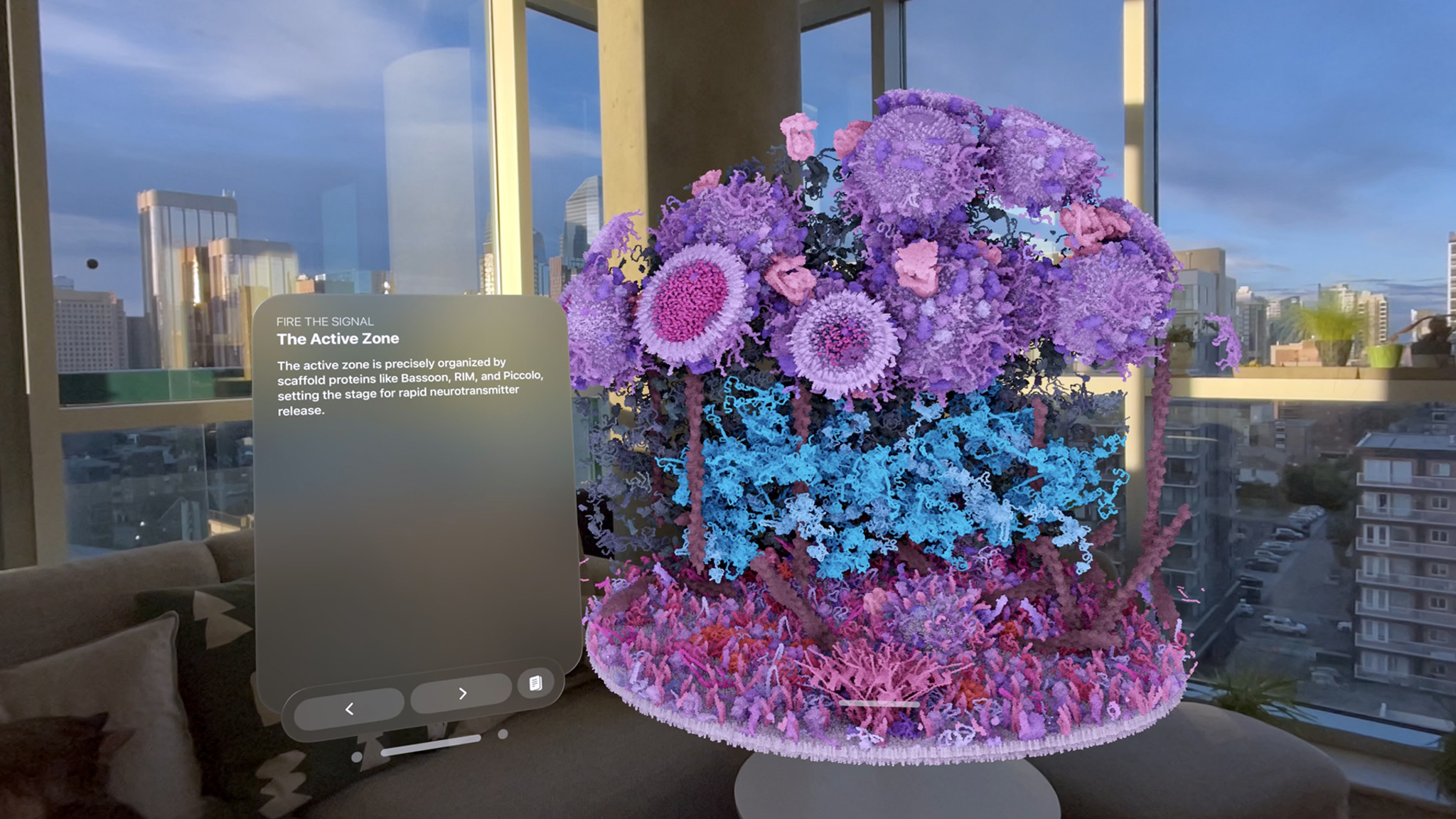
visionOS enables you to create ground-breaking spatial computing experiences that uniquely blend digital content with the physical world. People can interact with your app while staying connected to their surroundings, or immerse themselves completely in a world of your creation. And your experiences can be fluid: start in a window, bring in 3D content, transition to a fully immersive scene, and come right back.

The choice is yours, and it all starts with the building blocks of spatial computing in visionOS.

Windows

You can create one or more windows in your visionOS app. They’re built with SwiftUI and contain traditional views and controls, and you can add depth to your experience by adding 3D content.

Volumes

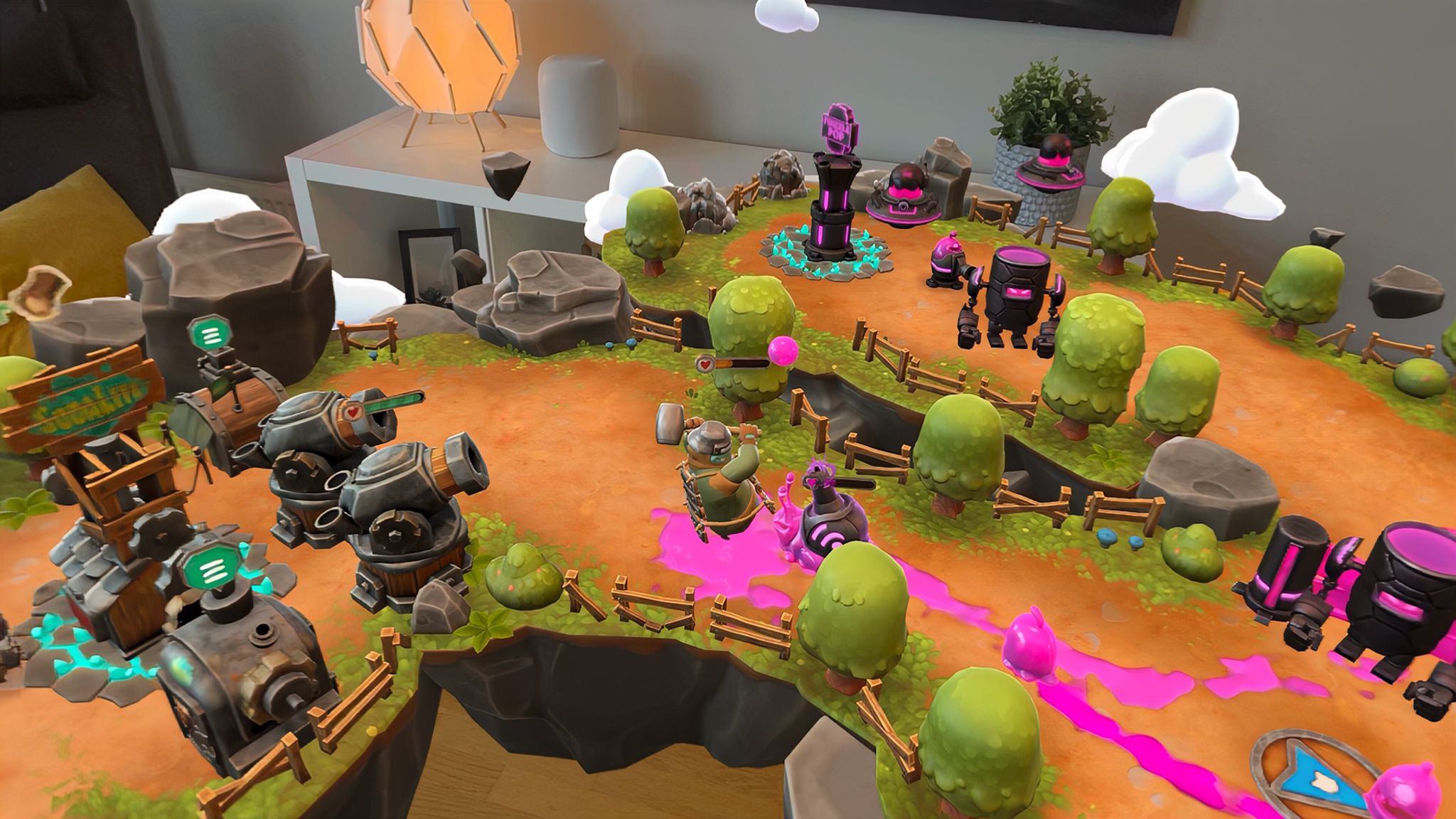
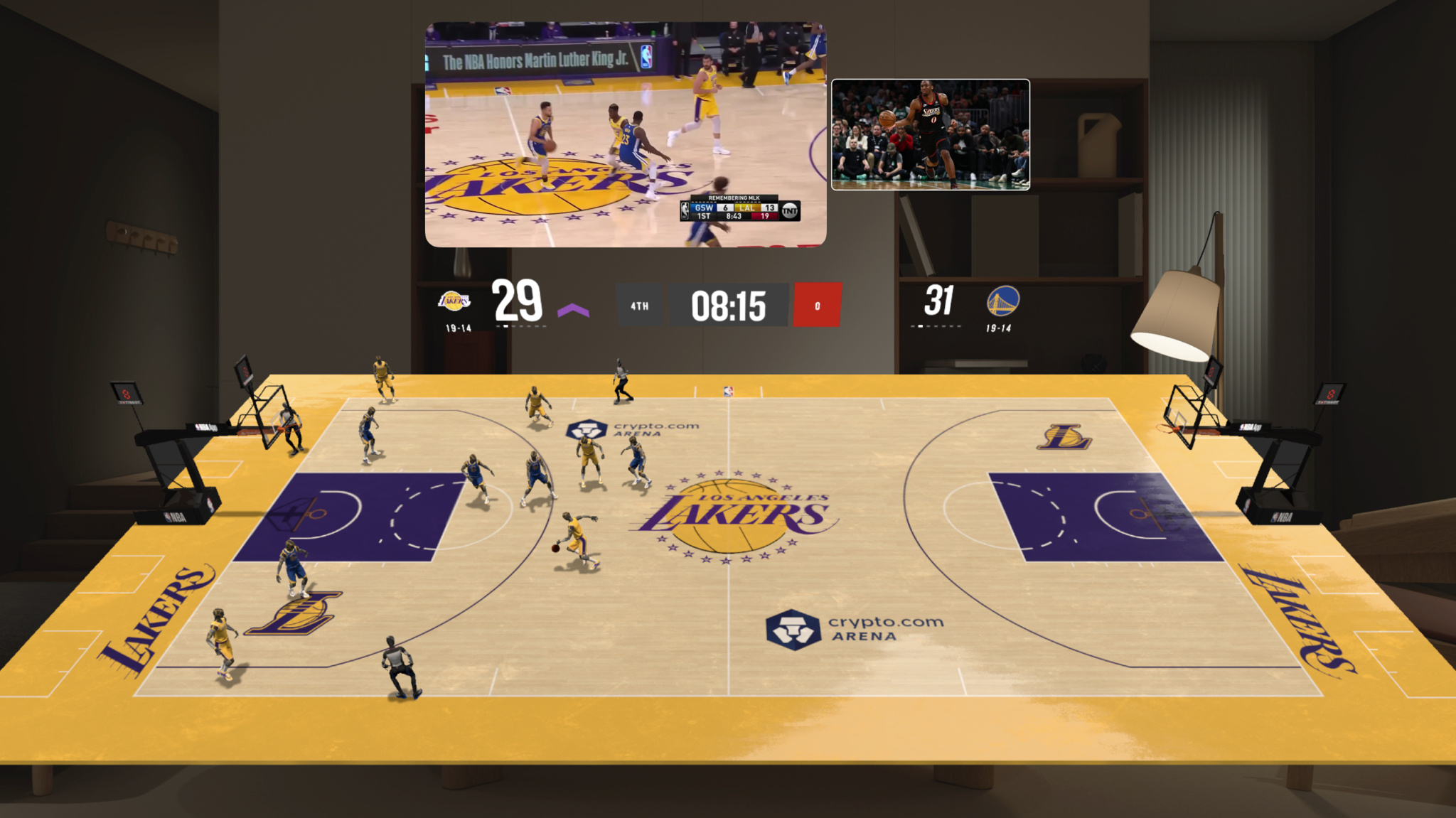
Add depth to your app with a 3D volume. Volumes are SwiftUI scenes that can showcase 3D content using RealityKit or Unity, allowing you to create experiences that are viewable from any angle in the Shared Space or in an app’s Full Space.

Spaces

By default, apps launch into the Shared Space, where they exist side by side — much like multiple apps on a Mac desktop. Apps can use windows and volumes to show content, and people can reposition these elements wherever they like. For a more immersive experience, an app can open a dedicated Full Space where only that app’s content will appear. Inside a Full Space, an app can use windows and volumes, create unbounded 3D content, open a portal to a different world, or even fully immerse people in an environment.

Apple Intelligence

Apple Intelligence is the personal intelligence system powered by next-generation Apple Foundation Models, bringing personal context understanding, app actions, and on-screen awareness across iPhone, iPad, Mac, Apple Watch, and Apple Vision Pro. You can integrate your app's content and actions into Siri AI and across the system via App Intents, so users can discover and use your app's capabilities more naturally. You can also build intelligent features directly into your apps with the Foundation Models framework, which supports multimodal prompts and any language model — including Apple Foundation Models or any provider that conforms to the Language Model protocol.

SwiftUI

Whether you’re creating windows, volumes, or spatial experiences, SwiftUI is the best way to build a new visionOS app or bring your existing iOS or iPadOS app to the visionOS platform. With all-new 3D capabilities and support for depth, gestures, effects, and immersive scene types, SwiftUI can help you build beautiful and compelling apps for Apple Vision Pro. RealityKit is also deeply integrated with SwiftUI to help you build sharp, responsive, and volumetric interfaces. SwiftUI also works seamlessly with UIKit to help you build apps for visionOS.

RealityKit

Present 3D content, animations, and visual effects in your app with RealityKit, Apple’s 3D rendering engine. RealityKit can automatically adjust to physical lighting conditions and cast shadows, open a portal to a different world, build stunning visual effects, and so much more. RealityKit has adopted MaterialX, an open standard for specifying surface and geometry shaders, used by leading film, visual effects, entertainment, and gaming companies to author their materials.

ARKit

On Apple Vision Pro, ARKit can fully understand a person's surroundings, giving your apps new ways to interact with the space around them. By default, ARKit powers core system capabilities that your apps automatically benefit from when they're in the Shared Space — but when your app moves to a Full Space and asks permission, you can take advantage of powerful ARKit APIs, like Plane Estimation, Scene Reconstruction, Image Anchoring, World Tracking, and Skeletal Hand Tracking. So splash water on a wall. Bounce a ball off the floor. Make experiences that wow people by blending the real world with your content.

Reality Composer Pro

Reality Composer Pro makes it easy to rapidly iterate, preview, and prepare 3D content for your visionOS apps, iOS apps, and more — right on your Mac. Build stunning scenes and animate characters with cinematic precision. And with Live Preview, you can see your changes live on Apple Vision Pro.

With deep Xcode integration, powerful visual scripting, generative intelligence to help with asset creation, and workflows tailored for designers, artists, and engineers alike, Reality Composer Pro closes the gap between idea and experience.

Xcode

Development for visionOS starts with Xcode and the visionOS SDK. Add a visionOS target to your existing project or build an entirely new app. Iterate on your app in Xcode Previews. Interact with your app in the visionOS simulator and explore various room layouts and lighting conditions. Create tests and visualizations to explore collisions, occlusions, and scene understanding for your spatial content.

Unity

Use Unity's robust and familiar authoring tools to create new apps and games, or reimagine your existing Unity-created projects for visionOS. Your apps get access to all the benefits of visionOS, like passthrough and Dynamically Foveated Rendering, in addition to familiar Unity features, like AR Foundation. By combining Unity's authoring and simulation capabilities with RealityKit-managed app rendering, content created with Unity looks and feels at home in visionOS.

Explore more Apple platforms

Create great apps and games that integrate seamlessly with all Apple platforms. Build once and deploy to a unified ecosystem.