Showcase your apps with new assets on the App Store
October 5, 2026
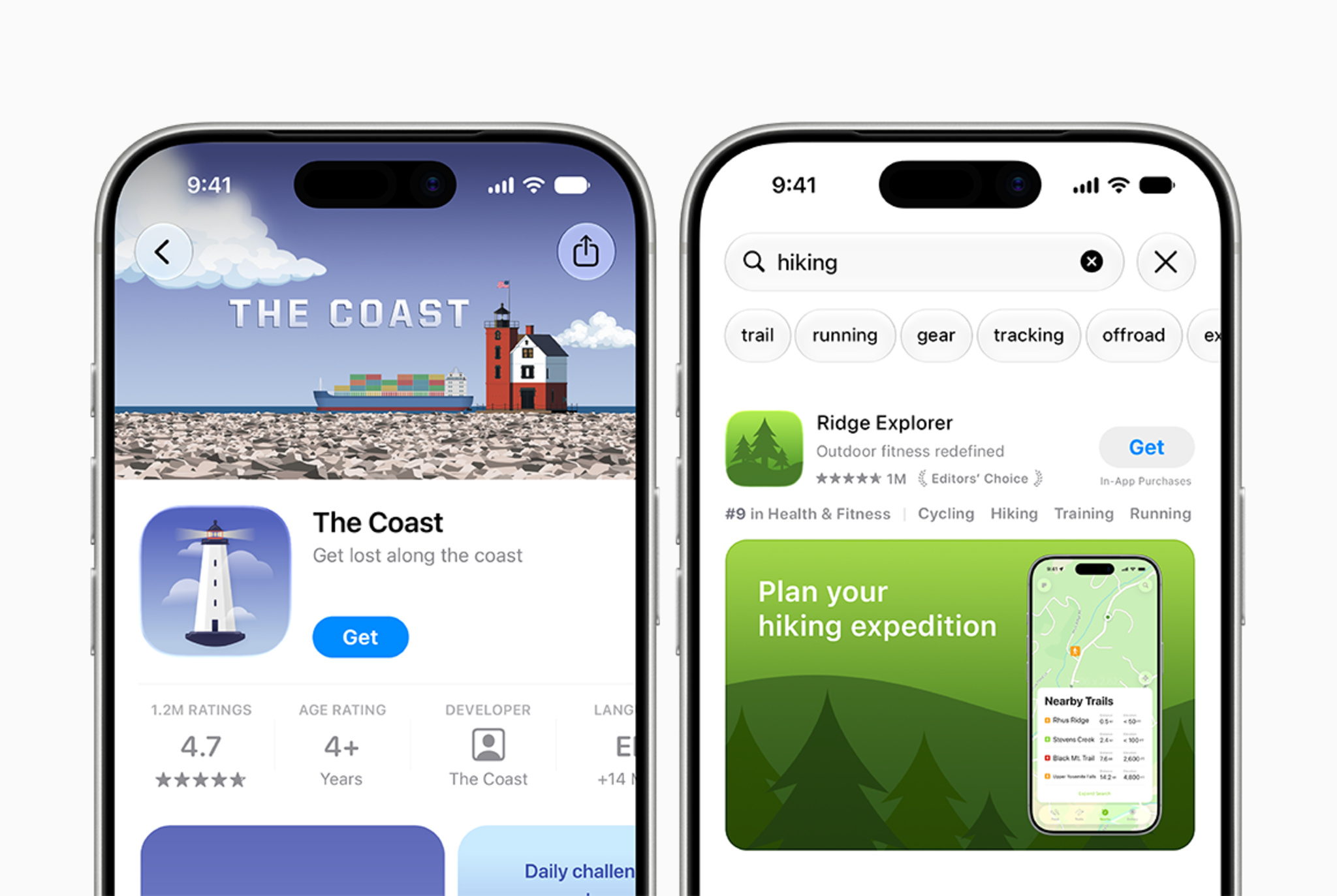
Make your apps and games stand out with new creative assets on the App Store and asset management tools in App Store Connect.
Market your app or game in new ways
Use new creative assets on your product page headers and in search result assets to highlight your brand, promote seasonal offerings, showcase new content, and more. These new image and video assets complement your existing app previews and screenshots to give your app additional visibility across the App Store. Take advantage of design guidance and downloadable templates to help you build captivating visuals.
- Get templates and best practices for creating your App Store assets
- View creative assets specifications
- View app preview specifications
- View screenshot specifications
Visualize your assets across the App Store
Use the new preview tool in App Store Connect to see how your creative assets, screenshots, and other metadata will appear on your product page and in search results before you submit them. With support for Dark Mode, as well as different devices and orientations, the preview tool helps ensure your app makes a great impression across the App Store.
Manage your assets in App Store Connect
Streamline your asset management with the new Asset Library in App Store Connect. Upload and organize your creative assets, screenshots, and app previews in one central place — even ahead of when you’d like to use them. For example, you can submit creative assets for approval today to use in a future seasonal campaign, then immediately use them once you’re ready.