

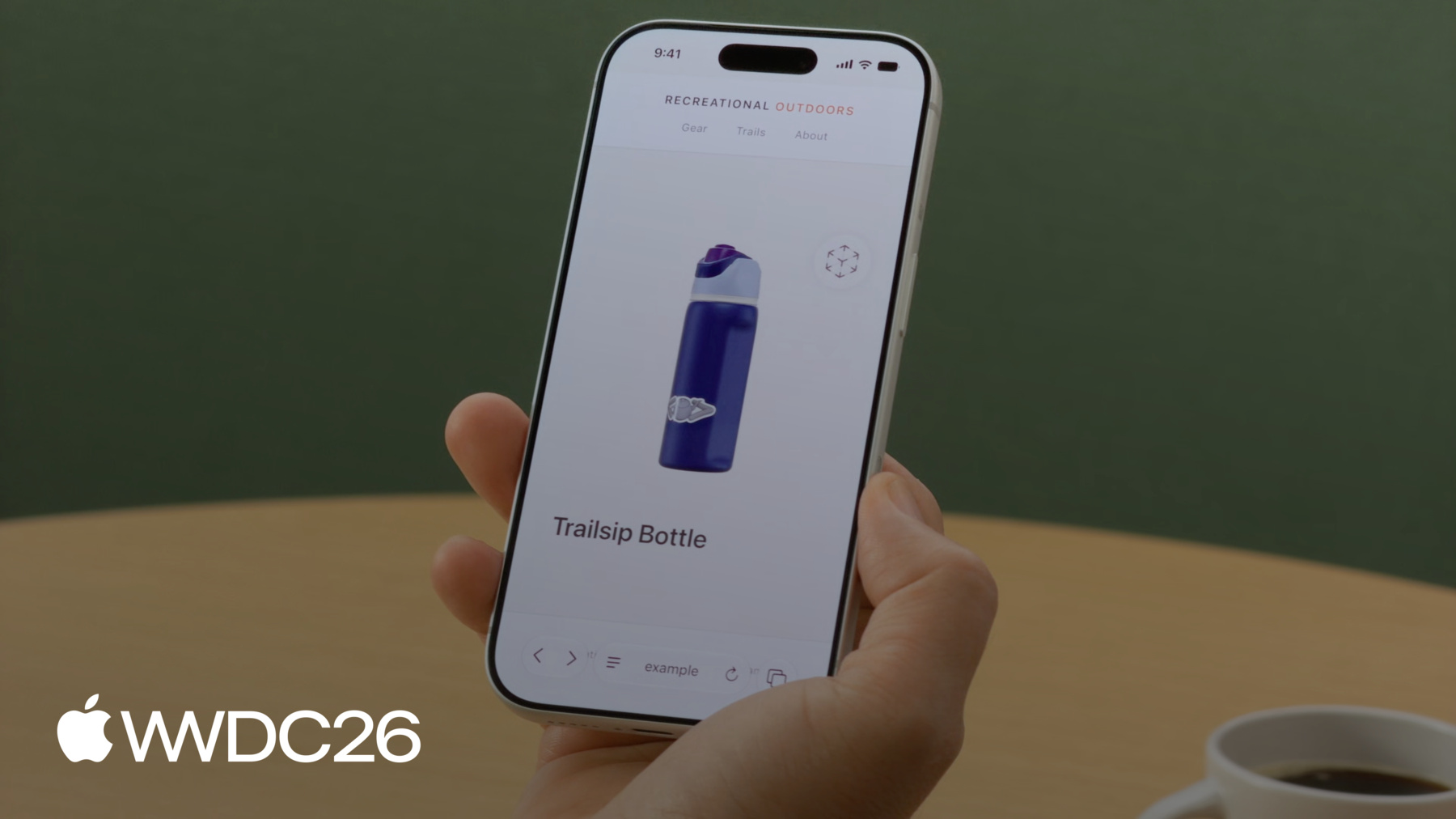
-
HTMLモデル要素の導入
Webサイトにインタラクティブな3Dコンテンツを組み込む際に利用できる、モデル要素の仕組みを学びましょう。モデル要素はiOS、iPadOS、macOS、visionOSで利用可能になりました。3Dアセットの作成と最適化に役立つ各種のツールや、モデル要素に備わる機能について確認するほか、Web上の3Dコンテンツの未来展望にWeb標準がどのように関わっているかを解説します。
関連する章
- 0:00 - はじめに
- 2:22 - USDZモデルアセットの準備
- 4:18 - 読み込みとフォールバック
- 6:14 - モデルの背景
- 6:48 - インタラクション
- 8:26 - トランジションのアニメーション
- 10:08 - アニメーションの再生
- 10:52 - ARと空間
- 12:29 - 本番用アセットの最適化
- 14:53 - 次のステップ
リソース
- WebKit.org - Theater Ticket Sales immersive website environment demo for Apple Vision Pro
- The HTML model element in Apple Vision Pro
- GitHub: model element samples
- WebKit.org – Report issues to the WebKit open-source project
- AOUSD – Alliance for OpenUSD
- w3.org – Model element
- Submit feedback
関連ビデオ
WWDC26
WWDC25
WWDC24
-
このビデオを検索
こんにちは Alekseiです Safariチームのエンジニアです。 今日はHTML Model elementについて嬉しくご紹介します デベロッパが3DコンテンツをWebで活用しやすくなる仕組みと Appleの各プラットフォームや その先への展開方法です。
Webデベロッパとして初めて3Dに挑戦する方も 熟練の3DアーティストとしてWebに作品を公開したい方も 始めるために必要なすべてをご用意しました。 visionOSでModel elementを先行導入しました 3Dモデルを画像と同じくらい簡単に追加できるネイティブHTML要素です。 そしてiOS、iPadOS、macOSでも Model elementが使えるようになりました! 同じマークアップ、同じ要素が Appleの全プラットフォームで動作します。 3DコンテンツをSafariのすべての訪問者に届けられます 外出先でiPhoneを使っている方にも
カフェでiPadを使っている方にも
デスクでMacを使っている方にも。 「model-viewer」はご存知でしょうか 今日の3D向けJavaScriptの定番ライブラリです。 デベロッパに広く活用されてきましたが Model elementはネイティブです 追加ライブラリは不要で プラットフォームが直接レンダリングし visionOSでは立体視レンダリングも 組み込みで対応しています。 新興のWeb標準でもあるため コードは将来にわたって通用します。 Web全体をカバーするために ポリフィルも用意されています Model elementをまだネイティブで サポートしていないブラウザ向けです。 詳細は後ほどご説明します。 私が手がけているのは アウトドアアドベンチャー向けの ECプラットフォームです 商品の画像はすでに揃っています。 今日は商品ページへの 3Dモデル追加をご紹介します。 まずアセットの準備方法をご説明します。 次にModel elementを詳しく見ていき 機能を1つずつ追加しながら 体験を構築していきます。 最後に本番環境向けにモデルを最適化する コマンドラインツールをご紹介します。 では早速始めましょう。
そもそも3Dアセットがない場合はどうすればよいでしょうか? キャプチャ、変換、作成というアプローチをお勧めします iPhoneで実物をスキャンしたり 既存ファイルを変換したり Blenderなどのツールで ゼロから作成したりできます。 生成AIの分野でも革命が起きており 求めるコンテンツをまったく新しい方法で作成できるようになりました。 実在のオブジェクトに合わせたモデルを 画像から生成したり テキストプロンプトでより創造的な生成も可能です。 Tripo3DやMeshy.aiなどさまざまなアプリから選べます。 私のストアにはすでに商品がいくつかありますが追加したいものがあります: キャンプ用マレットです。 マレットの複数の画像から始め 数分後にはモデルが使えるようになりました。 USDZファイルとしてエクスポートしました。 Model elementはUSDZをサポートしており Universal Scene Descriptionを 1つのファイルにまとめたフォーマットです。 3Dモデルに必要なものをすべてパッケージします: ジオメトリ、マテリアル、テクスチャ、アニメーション。 Safariは他のフォーマットもサポートしていますが最良の体験のためには USDZから始めることをお勧めします。 ページにモデルを配置してみましょう。 マレットのUSDZファイルが準備できました。 Model elementのさまざまな表示方法をご紹介します。 モデルの埋め込み方法と 表示準備の確認方法とフォールバック処理について説明します。 ページデザインへのモデルの合わせ方も。 訪問者が操作して探索できるようにして カスタム変換の実装とアニメーション再生についてもご説明します。 AR Quick Lookと空間コンピューティングでモデルを現実世界に持ち込む方法も。 では、モデルの読み込みから始めます。
タグやタグと同様に タグのsource属性で ファイルを指定するだけで あとはブラウザが処理します。 プラグインは不要です。 タグを使ってMIMEタイプを指定することもできます タグと同じパターンです。 フォールバックについても考えることが重要です。 最もシンプルな方法は タグ内にタグを配置することです。 古いSafariやModel elementをまだサポートしていないブラウザは 代わりに画像を表示します。 訪問者にも商品の印象を伝えることができます。 3Dモデルは数十MB以上のサイズになることがあります 読み込みに時間がかかる場合があります。 readyプロミスを使えば モデルが読み込まれて表示準備が整ったことを確認できます。 読み込み中は視覚的なヒントを 表示することをお勧めします スピナーなどです。 readyプロミスが解決したら非表示にします。 予期しないことが起きた場合は catchブロックで処理してフォールバックコンテンツを表示します。 モデルの機能をポリフィルすることも可能です。 ポリフィルはJavaScriptで 新しい標準のAPIを後付けする仕組みで すべてのプラットフォームに対応する前から 最新機能を使用できます。 W3CのModel elementサンプルには この実装例が含まれています。 ネイティブ要素がwindowに 定義されていない場合 ポリフィルライブラリを読み込んで できる限り機能を補い ネイティブAPIにできるだけ近い動作を実現します。 ポリフィルとネイティブ要素の 両方の機能を必ずテストして 動作を確認してください。 ポリフィルできない機能もあることを 念頭に置いてください Apple Vision Proなどの 空間プラットフォームでの立体視表示などです。
Model elementは 独自の仮想空間でレンダリングされます そのためページの背景は引き継がれません。 ページデザインに合わせるには background-colorをmodelに 直接設定してください。 背景は常に不透明で レンダリングされることに注意してください 透明度のある色を指定しても 変換されてしまいます。 これでモデルが読み込まれ 既存のページに統合されました。 訪問者がモデルを操作できる機能を 追加するのは自然な次のステップです。 いかに簡単かをお見せします。
stagemode属性にorbitを指定すると 訪問者がモデルを左右に自由に回転させたり 上下に傾けたりできます 元の角度にゆっくりと戻ります。 インタラクティブでありながら 常に美しい状態で表示されます。 この属性によりモデルは少し小さく表示されます 回転中にどの部分も 切り取られないよう縮小されます。 カスタムのインタラクティビティを 追加したい場合があります。 entityTransformプロパティを使うと JavaScriptで正確な視角を設定できます 動作を示すためにボタンを2つ追加します: サイドビュー用のボタンと モデルを元の向きに戻すリセットボタンです。 entityTransformを使うには orbitを無効にする必要があります stagemode属性を削除するか"none"に設定します。
モデルを手動で変換すると 一部が切り取られることがあります 表示エリア外に回転すると消えることもあります。 表示されるよう位置を 調整する必要があるかもしれません。
変換を実装するためにDOMMatrixを作成します これは3D空間でのモデルの向きを表します 次にrotateSelfを呼び出して回転を定義します。 ここではY軸を中心に135度回転させて サイドビューを取得します。 最後にmodel.entityTransformに代入します 変更を適用します。
最初に初期変換を取得しておき それを使ってモデルを元の向きに戻します。
ビューが瞬時に切り替わりました。 切り替えをスムーズにするには requestAnimationFrameで 回転をアニメーションできます。 まずステートを設定します: 現在の角度とミリ秒単位のアニメーション時間 500は0.5秒でキビキビしながらも なめらかに感じます 実行中のアニメーションを キャンセルするための参照です。
animateToはまず実行中のアニメーションを キャンセルして遷移が競合しないようにし 現在の角度を開始点として記録し 開始時刻を記録します。
次にstep関数を追加します。 各フレームでアニメーションの進行具合を計算し 滑らかな終了のために回転をイージングし 新しいDOMMatrixで entityTransformを更新します。 アニメーションが続く間は 次のフレームをリクエストします。
最後にボタンにanimateToの呼び出しを割り当てます。 サイドビューは135度にアニメーションします… リセットは0度に戻ります。 実際の動作を見てみましょう。 ユーザーがSideボタンをタップすると モデルがスムーズに回転して サイドビューを表示します。 Resetをタップすると 元の位置にスムーズに戻ります。 カスタム変換とアニメーションで 完全なコントロールが可能ですが 追加の作業が必要です: バウンディングボックスやクリッピング 手動のアニメーションコードなどです。 ユースケースが許すなら orbit stagemode属性1つで インタラクティブな3Dが実現します。 製品に最適な方法を選んでください。
組み込みアニメーションで モデルに命を吹き込むこともできます。 これらのアニメーションは 通常BlenderやMayaなどの3Dツールで作成し USDZファイルに焼き込まれています。 Model elementは 最初のアニメーショントラックを再生し 数行のJavaScriptで 再生レートを制御できます 負の値を指定することで逆再生も可能です。 そのためシンプルなplay関数を実装します モデルにplaybackRateを設定して モデルのplay()メソッドを呼び出すだけです。 正の値で順再生、負の値で逆再生です。 ここでは再生を速くするために 5と-5を使っています。
これで、ストアの訪問者はページ上で 直接商品を3Dで探索できます。 しかし実際の環境での 見た目を確認したい場合はどうでしょうか?
タグにrel="ar"属性を指定して モデルをラップし 同じリソースを指定すると iOS、iPadOSのユーザーは 完全なAR Quick Look体験を得られます。 visionOSではModel elementが すでに3Dコンテンツを Webの自然な一部として 体験できるようにしていました。
立体視レンダリングにより モデルに本物の奥行きが生まれます。 ユーザーはページから商品を取り出して まるで手の中にあるかのように確認できます。 visionOSはイマーシブなWebサイト環境も サポートしており Model elementを使用して ユーザーをシーンの中に 没入させることができます すべてSafariから。
この機能についてさらに詳しく知りたい場合は 「Explore immersive website environments」 セッションをご確認ください。 APIについて詳しく説明しています。
アセットの準備と model elementの配置が整ったら すべてをまとめて確認してみましょう。 3Dモデルを追加したカタログページです。 インタラクティブな探索機能が 私の個人的なお気に入りです。 ユーザーは商品を回転、傾斜させて あらゆる角度から確認し 自分の好きな方法で探索できます。 すべてSafariで動作します。
商品ページはローカルでは素晴らしく動作していますが インターネット経由では 読み込みに時間がかかることがあります。 これらのモデルをより小さくできればいいですね。 そのためにコマンドラインツールを実行します usdcrushというツールをブーツモデルに対して。 品質を変えることなく ファイルサイズが7.9 MBから1.9 MBに縮小されます! これは大幅な節約です!
Safariで両バージョンを並べて開くと見た目は同じです。 見た目は同じで、ファイルサイズは大幅に小さくなっています。
3Dファイルはあるがまだ画像がない場合は usdrecordツールでサムネイルを生成できます またはフォールバック画像を直接生成できます 出力フォーマットや カスタムカメラからのレンダリングを指定して ファイルにカメラが含まれている場合です。 スクリーンショットと違いスクリプトで自動化できます まあ、自分で書かなくても お気に入りのLLMがスクリプトを書いて カタログ全体に適用してくれます。 これらのコマンドラインツールは すでにMacにインストールされています。 USDコンテンツを扱う より大きなツールスイートの一部です。 これらすべてとUSDエコシステム全体については… WWDC24のセッション 「What's new in USD and MaterialX」 をご覧ください。 Model elementはvisionOSから始まり iOS、iPadOS、macOSのサポートによって Appleファミリー全体に広がっています さらにWeb全体にも展開したいと考えています。 私たちのチームはW3Cで Model仕様に積極的に貢献しており ぜひみなさんのご意見をお聞かせください。 追加してほしい機能や 検討していないユースケースがあれば ぜひフィードバックをお寄せください。 Web標準は デベロッパコミュニティによって形成されます みなさんの声は重要です。 USDZファイル形式の3Dコンテンツについては Alliance of OpenUSDが完全な仕様を公開しており 明確でベンダー中立な参考資料です。 このアライアンスは 変換ツールやリソースも提供しており USDZを既存のコンテンツパイプラインに 統合するのに役立ちます。 以上がModel elementの概要です アセットから本番環境まで。 次のステップについてお伝えします。
自分だけの3Dモデルを作ってみてください テキストプロンプトや手持ちの画像を使って。 Webサイトにタグを追加して USDZファイルを指定して Safariで命が吹き込まれる様子を確認してください。 USDツールを使ってアセットを最適化してください。 さまざまなプラットフォームで試して elementの適応を確認してください。 W3CのImmersive Web Community Groupに 参加してください。 ユースケースやフィードバック アイデアをお持ちください。 関連セッションもご覧ください。 「Immersive website environments」など。 空間Web機能の詳細については WWDC25の「What's new for the spatial web」をご覧ください。 皆さんの作るものを楽しみにしています。 ありがとうございました 素晴らしいWWDCをお過ごしください!
-
-
4:19 - Load a model
<!-- Using the src attribute --> <model src="mallet.usdz"></model> <!-- Using a <source> child for MIME type --> <model> <source src="mallet.usdz" type="model/vnd.usdz+zip"> </model> -
4:39 - Image fallback
<model id="mallet" src="mallet.usdz"> <img src="mallet.png" alt="Rubber mallet with wooden handle"> </model> -
5:09 - Ready promise
<model id="mallet" src="mallet.usdz"></model> <script> const model = document.getElementById("mallet"); model.ready.then(result => { // Hide the loading indicator }).catch(error => { // Loading failed, show fallback }); </script> -
5:39 - Polyfill fallback
<script type="module"> if (!window.HTMLModelElement) { import("model-element-polyfill.js").then(() => { // Polyfill ready to use }); } </script> -
6:13 - Model background
<model id="mallet" src="mallet.usdz"></model> <style> model { background-color: #f4f1ec; } </style> -
6:47 - Stage mode
<model id="mallet" src="mallet.usdz" stagemode="orbit"> </model> -
7:31 - Custom transforms
<model id="boot" src="boot.usdz"></model> <button id="button-side">Side</button> <button id="button-reset">Reset</button> <script> const model = document.getElementById("boot"); const initialTransform = model.entityTransform; document.getElementById("button-side") .addEventListener("click", () => { const transform = new DOMMatrix(); transform.rotateSelf(0, 135, 0); model.entityTransform = transform; }); document.getElementById("button-reset") .addEventListener("click", () => { model.entityTransform = initialTransform; }); </script> -
8:35 - Transition animation
<script> const model = document.getElementById("boot"); const duration = 500; let currentAngle = 0; let animationId = null; function animateTo(targetAngle) { if (animationId) cancelAnimationFrame(animationId); const startAngle = currentAngle; const startTime = performance.now(); function step(now) { const progress = Math.min((now - startTime) / duration, 1); const ease = 1 - Math.pow(1 - progress, 3); currentAngle = startAngle + (targetAngle - startAngle) * ease; model.entityTransform = new DOMMatrix().rotateSelf(0, currentAngle, 0); if (progress < 1) animationId = requestAnimationFrame(step); } requestAnimationFrame(step); } document.getElementById("button-side").addEventListener("click", () => animateTo(135)); document.getElementById("button-reset").addEventListener("click", () => animateTo(0)); </script> -
10:07 - Animation playback
<model id="bottle" src="bottle.usdz"></model> <button id="button-play" onclick="play(5)"> Play </button> <button id="button-reverse" onclick="play(-5)"> Reverse </button> <script> const model = document.getElementById("bottle"); function play(rate) { model.playbackRate = rate; model.play(); } </script> -
11:06 - AR Quick Look
<a rel="ar" href="bottle.usdz">
    <model id="boot" src="bottle.usdz"></model>
</a>
-