

-
Leverage multiple displays and scenes on iPhone Duo
Discover how to build rich multiwindow and multidisplay experiences for iPhone Duo. Explore how to handle dynamic window sizes and request new scenes in side-by-side multitasking. Learn how to observe hinge angle changes in SwiftUI and UIKit to create interactive effects. And find out how to use scene accessories to present supplementary content across both displays simultaneously.
関連する章
- 0:00 - Introduction
- 0:49 - Respond to the hinge
- 1:18 - Drive a pitch bend with hinge angle
- 2:35 - Hinge data versus layout APIs
- 2:59 - Split view multitasking
- 3:38 - Support multiple scenes
- 4:22 - Scene accessories
- 5:00 - The camera capture accessory
- 5:34 - Build a teleprompter accessory
- 6:44 - Next steps
リソース
関連ビデオ
Tech Talks
-
このビデオを検索
-
-
1:33 - Hold pitch bend as state
struct InstrumentView: View { /// Normalized bend, 0 is no bend, 1 is deepest bend @State private var pitchBend: Double = 0 var body: some View { GuitarView(pitchBend: pitchBend) } } -
1:44 - Add the onHingeChange modifier
struct InstrumentView: View { /// Normalized bend, 0 is no bend, 1 is deepest bend @State private var pitchBend: Double = 0 var body: some View { GuitarView(pitchBend: pitchBend) .onHingeChange { _, context in } } } -
1:57 - Check for a hinge and the partially open state
var body: some View { GuitarView(pitchBend: pitchBend) .onHingeChange { _, context in // A null hinge means the device doesn't have one if let hinge = context.hinge, hinge.status == .partiallyOpen { } } } -
2:10 - Reset the pitch bend
var body: some View { GuitarView(pitchBend: pitchBend) .onHingeChange { _, context in if let hinge = context.hinge, hinge.status == .partiallyOpen { } else { pitchBend = 0 } } } -
2:17 - Calculate the pitch bend from the hinge angle
struct InstrumentView: View { /// Normalized bend, 0 is no bend, 1 is deepest bend @State private var pitchBend: Double = 0 var body: some View { GuitarView(pitchBend: pitchBend) .onHingeChange { _, context in if let hinge = context.hinge, hinge.status == .partiallyOpen { pitchBend = calculatePitchBend(angle: hinge.angle) } else { pitchBend = 0 } } } private func calculatePitchBend(angle: Angle) -> Double { ... } } -
5:43 - Register a camera capture accessory
struct CameraRootView: View { @State private var model = TeleprompterModel() var body: some View { CameraView(model: model) .sceneAccessory { CameraCaptureAccessory { TeleprompterView(model: model) } } } } -
6:14 - Add a toolbar toggle
struct CameraRootView: View { @State private var model = TeleprompterModel() var body: some View { CameraView(model: model) .sceneAccessory { CameraCaptureAccessory(isEnabled: $model.isEnabled) { TeleprompterView(model: model) } } .toolbar { TeleprompterToggle(isEnabled: $model.isEnabled) } } } -
6:25 - Observe accessory availability
struct CameraRootView: View {
    @State private var model = TeleprompterModel()

    var body: some View {
        CameraView(model: model)
            .sceneAccessory {
                CameraCaptureAccessory(isEnabled: $model.isEnabled) {
                    TeleprompterView(model: model)
                }
                .onAvailabilityChange { newValue in
                    model.isAvailable = newValue
                }
            }
            .toolbar {
                TeleprompterToggle(isEnabled: $model.isEnabled)
                    .disabled(!model.isAvailable)
            }
    }
}
-
-
- 0:00 - Introduction
Chris Donegan, an engineering manager in UI Frameworks, and Alex Muller, a system experience engineer, introduce how to take advantage of the unique features of iPhone Duo: responding to the hinge, supporting split view multitasking, and using scene accessories across multiple displays.
- 0:49 - Respond to the hinge
SwiftUI provides a new onHingeChange modifier and UIKit provides UIHingeInteraction. Both report the high-level hinge status — closed, partially open, and fully open — as well as continuous updates of the hinge angle.
- 1:18 - Drive a pitch bend with hinge angle
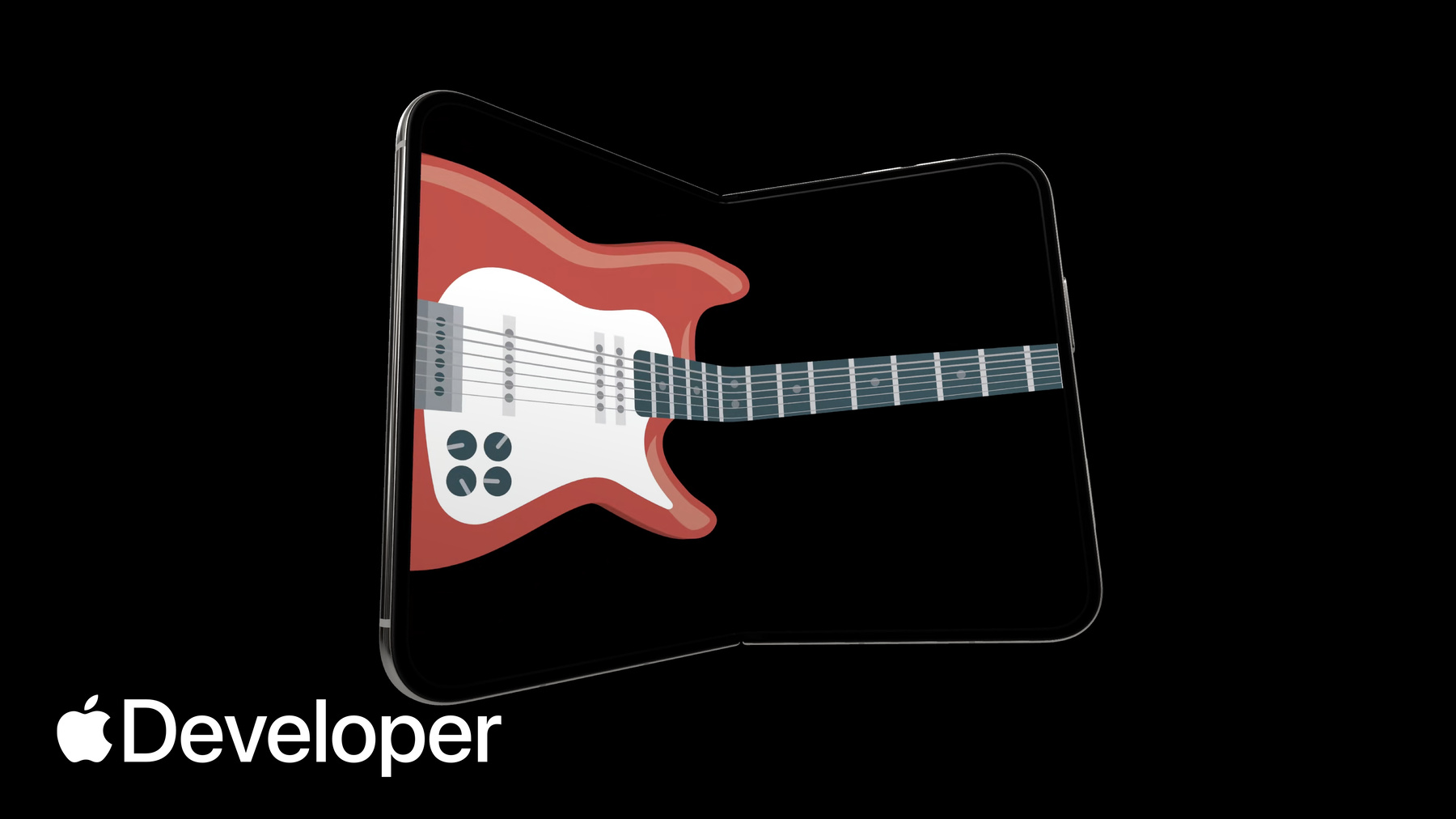
A walkthrough of adding a whammy-bar pitch bend to a playable guitar app. The onHingeChange modifier takes a closure with the previous and current hinge context. Check for a non-null hinge, since null indicates a device without one, and filter for the partially open state — adding an else condition to reset the pitch bend when the angle isn't being read.
- 2:35 - Hinge data versus layout APIs
Hinge data is observed live and is ideal for driving interactions or effects. For layout, use the arrangement and region APIs covered in "Strike a pose with adaptive layouts on iPhone Duo" instead.
- 2:59 - Split view multitasking
All apps participate in multitasking on iPhone Duo, where two apps sit side by side. If your app already supports resizing on iPad or iPhone mirroring, you're off to a great start. iPhone Duo also introduces a new layout stacking video and apps together, which your app handles the same way, using tools like size classes and scene geometry.
- 3:38 - Support multiple scenes
iPhone Duo is the first iPhone to support multiple instances of your app's UI, and apps that support this on iPad will too. One difference: new windows can't be created on the outer display — that's reserved for the inner display. Handle errors when requesting new scenes, and use the UIWindowSceneActivation action, which hides itself automatically when new windows aren't available.
- 4:22 - Scene accessories
Scene accessories let your app show content on multiple displays at once, pairing additional content with your main UI — like using an iPhone as a controller for a game on an external display. The system dynamically controls their availability; they're enabled by default but can be toggled at any time, so respond to availability changes using observation tracking.
- 5:00 - The camera capture accessory
New for camera apps on iPhone Duo, CameraCaptureAccessory pairs additional UI on the outer display while your main UI stays on the inner display — useful for showing content to someone while photographing or recording them. It's available when your app is full screen on the inner display with an active camera session, and you register it on the same view as your camera UI.
- 5:34 - Build a teleprompter accessory
A walkthrough of adding a teleprompter on the outer display of a camera app. The SceneAccessory modifier adds a camera capture accessory to the camera view, so the teleprompter appears only when that view is visible. A toolbar button then toggles the enabled state of the teleprompter model, and the onAvailabilityChange modifier provides a callback to disable that button when the accessory isn't available, such as when the device is closed.
- 6:44 - Next steps
Update your app to support split view multitasking, use the Hinge API to build impressive interactions and effects, and adopt scene accessories so your app can span multiple displays.