

View in English

  • Apple Developer
    • 今すぐ始める

    「今すぐ始める」を詳しく見る

    • 概要
    • 学ぶ
    • Apple Developer Program

    最新情報

    • 最新ニュース
    • Hello Developer
    • プラットフォーム

    プラットフォームを詳しく見る

    • Appleプラットフォーム
    • iOS
    • iPadOS
    • macOS
    • tvOS
    • visionOS
    • watchOS
    • App Store

    特集

    • デザイン
    • 配信
    • ゲーム
    • アクセサリ
    • Web
    • Home
    • CarPlay
    • テクノロジー

    テクノロジーを詳しく見る

    • 概要
    • Xcode
    • Swift
    • SwiftUI

    特集

    • アクセシビリティ
    • AIと機械学習
    • App Intent
    • Apple Intelligence
    • ゲーム
    • セキュリティ
    • Xcode Cloud
    • コミュニティ

    コミュニティを詳しく見る

    • 概要
    • 「Appleに相談」イベント
    • コミュニティイベント
    • デベロッパフォーラム
    • オープンソース

    特集

    • WWDC
    • Swift Student Challenge
    • デベロッパストーリー
    • App Store Awards
    • Apple Design Awards
    • Apple Developer Center
    • ドキュメント

    ドキュメントを詳しく見る

    • ドキュメントライブラリ
    • テクノロジー概要
    • サンプルコード
    • ヒューマンインターフェイスガイドライン
    • ビデオ

    リリースノート

    • 注目のアップデート
    • iOS
    • iPadOS
    • macOS
    • watchOS
    • visionOS
    • tvOS
    • Xcode
    • ダウンロード

    ダウンロードを詳しく見る

    • すべてのダウンロード
    • オペレーティングシステム
    • アプリ
    • デザインリソース

    特集

    • Xcode
    • TestFlight
    • フォント
    • SF Symbols
    • Icon Composer
    • サポート

    サポートを詳しく見る

    • 概要
    • ヘルプガイド
    • デベロッパフォーラム
    • フィードバックアシスタント
    • お問い合わせ

    特集

    • アカウントヘルプ
    • App Reviewガイドライン
    • App Reviewヘルプ
    • App Store Connectヘルプ
    • 近日導入予定の要件
    • 契約およびガイドライン
    • システムステータス
  • クイックリンク

    • イベント
    • ニュース
    • Forum
    • サンプルコード
    • ビデオ
 

ビデオ

メニューを開く メニューを閉じる
  • コレクション
  • すべてのビデオ
  • 利用方法

その他のビデオ

  • 概要
  • コード
  • Macアプリへのタッチ機能の導入

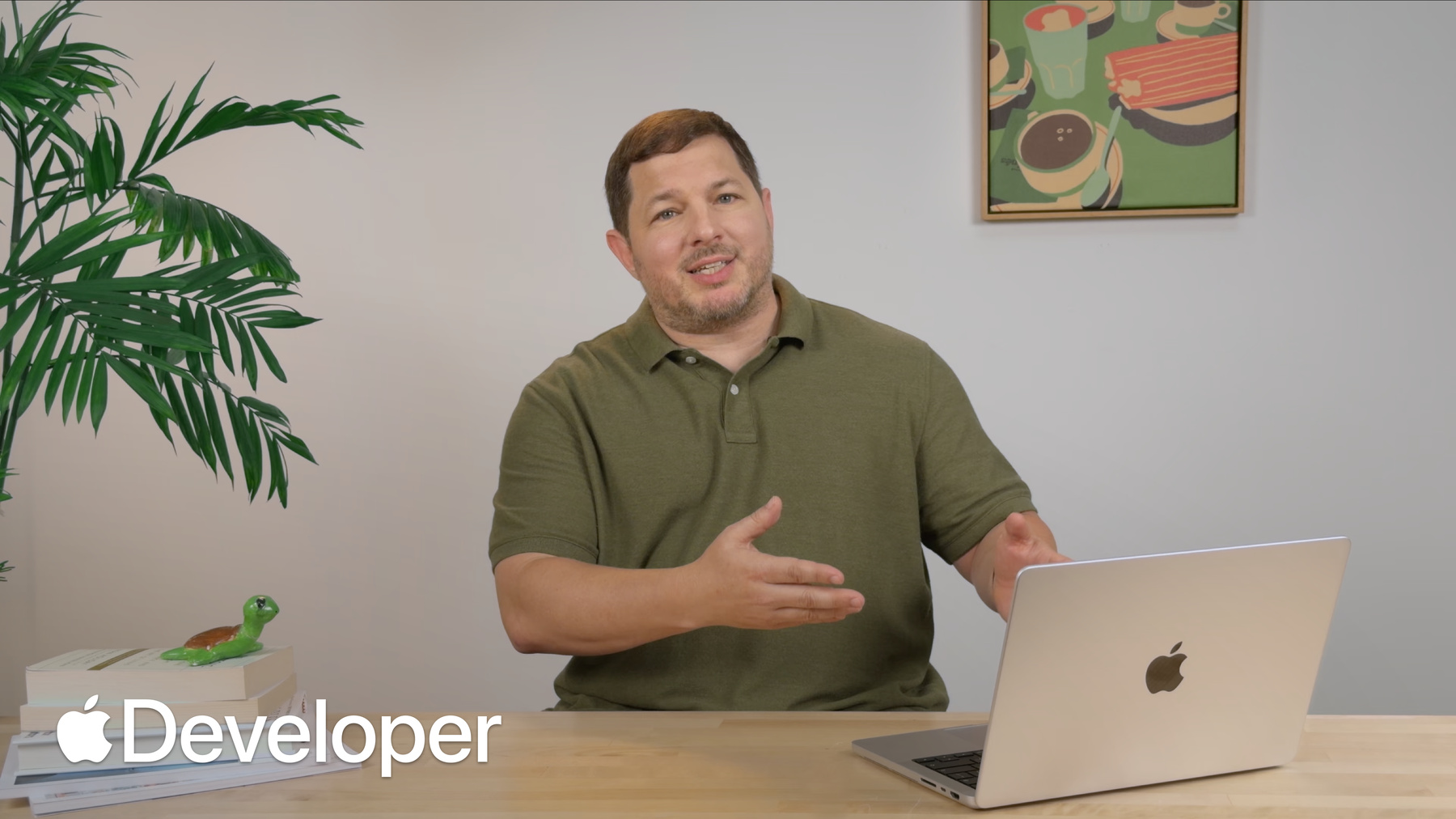
    Macアプリにタッチ機能を追加する方法を紹介します。従来のマウストラッキングAPIから、最新のジェスチャ認識機能やタッチネイティブなコントロールへと移行する方法を解説します。また、タッチターゲットの最適化、Multi-Touch操作の実装、システムジェスチャの管理によって、素晴らしいタッチ操作の体験を実現する方法を学びます。本セッションを最大限に活用するために、「Macにおけるタッチ操作のデザイン」もあわせてご覧ください。

    関連する章

    • 0:00 - Introduction
    • 0:30 - Touch across frameworks
    • 1:37 - Use control events
    • 3:05 - Adopt gesture recognizers
    • 5:14 - Expand hit targets
    • 6:24 - Customize touch scrolling
    • 6:57 - Manage gesture exclusivity
    • 8:17 - Disable system gestures
    • 9:39 - Additional touch tips
    • 11:56 - Next steps

    リソース

      • HDビデオ
      • SDビデオ

    関連ビデオ

    Tech Talks

    • Macにおけるタッチ操作のデザイン
  • このビデオを検索
    • 2:08 - Custom button that overrides mouseDown

      // Custom button to detect start and end of tracking
      class IgnitionButton: NSButton {
          var delegate: IgnitionButtonDelegate?
      
          override func mouseDown(with event: NSEvent) {
              delegate?.buttonDidStartTracking()
              super.mouseDown(with: event)
              delegate?.buttonDidEndTracking()
          }
      }
    • 2:24 - Use NSControl events to detect tracking

      // Use NSControl events to detect start and end of tracking
      ignitionButton.addTarget(
          self,
          action: #selector(buttonDidStartTracking),
          for: [.trackingBegan, .trackingEntered]
      )
      
      ignitionButton.addTarget(
          self,
          action: #selector(buttonDidEndTracking),
          for: [.trackingExited, .trackingEndedInside]
      )
      
      ignitionButton.addTarget(
          self,
          action: #selector(buttonCancelledTracking),
          for: .trackingCancelled
      )
    • 3:13 - Mouse tracking loop

      let eventMask: NSEvent.EventTypeMask = [.leftMouseDragged, .leftMouseUp]
      while true {
          let nextEvent = NSApp.nextEvent(
              matching: eventMask,
              until: .distantFuture,
              inMode: .eventTracking,
              dequeue: true)
          if let nextEvent, nextEvent.type == .leftMouseUp {
              break
          }
      }
    • 4:11 - Refactored tracking functions

      // Refactored tracking functions
      func startTracking(at viewLocation: NSPoint) { /* ... */ }
      
      func continueTracking(at viewLocation: NSPoint) { /* ... */ }
      
      func endTracking(at viewLocation: NSPoint) { /* ... */ }
      
      func cancelTracking() { /* ... */ }
    • 4:24 - Add a touch-only pan gesture recognizer

      // Add touch-only pan gesture recognizer
      let touchRecognizer = NSPanGestureRecognizer(
          target: self,
          action: #selector(touchPan)
      )
      
      touchRecognizer.buttonMask = 0x0
      touchRecognizer.allowedTouchTypes = .direct
      
      wiringPanelView.addGestureRecognizer(touchRecognizer)
    • 4:52 - Pan gesture recognizer action

      // Pan gesture recognizer action function
      @objc func touchPan(_ recognizer: NSPanGestureRecognizer) {
          switch recognizer.state {
          case .began:
              startTracking(at: recognizer.location(in: wiringPanelView))
          case .changed:
              continueTracking(at: recognizer.location(in: wiringPanelView))
          case .ended:
              endTracking(at: recognizer.location(in: wiringPanelView))
          case .cancelled:
              cancelTracking()
          default:
              break
          }
      }
    • 5:37 - Expand hit targets for touch

      // Refactored tracking functions with expanded hit targets
      func startTracking(at viewLocation: NSPoint, expandHitRect: Bool = false) {
          for node in nodes {
              if point(viewLocation, in: node.frame, expandForTouch: expandHitRect) {
                  trackingNode = node
                  trackingLocation = viewLocation
                  return
              }
          }
      }
      
      func point(_ point: NSPoint, in rect: NSRect, expandForTouch: Bool = false) -> Bool {
          if expandForTouch {
              // Expand to minimum size of 36 points on each axis
          } else {
              // Nothing to do for mouse
          }
          return NSPointInRect(point, rect)
      }
      
      @objc func touchPan(_ recognizer: NSPanGestureRecognizer) {
          switch recognizer.state {
          case .began:
              startTracking(at: recognizer.location(in: wiringPanelView), expandHitRect: true)
          // ...
          default:
              break
          }
      }
    • 6:40 - Require two touches for scrolling

      // Modify touch scrolling properties
      decoratingView.enclosingScrollView?.minimumNumberOfTouchesForScrolling = 2
    • 7:48 - Allow simultaneous slider interaction

      // Simultaneous sliders
      stoveControlsView.exclusiveGestureBehavior = .notExclusive
    • 8:25 - Disable system gestures

      // Disabling system gestures
      stoveControlsView.window?.disablesDirectTouchSystemGestures = true
      
      // Mac Catalyst API
      extension UIViewController {
          var prefersDirectTouchSystemGesturesDisabled: Bool { get }
      }
      
      // SwiftUI API
      View.directTouchSystemGesturesDisabled()
    • 11:47 - Declare touch-native support in Info.plist

      <?xml version="1.0" encoding="UTF-8"?>
      <!DOCTYPE plist PUBLIC "-//Apple//DTD PLIST 1.0//EN" "http://www.apple.com/DTDs/PropertyList-1.0.dtd">
      <plist version="1.0">
      <dict>
          <!-- ... -->
          <key>NSIsTouchNative</key>
          <true/>
          <!-- ... -->
      </dict>
      </plist>

デベロッパ向けフッタ

  • ビデオ
  • Tech Talks
  • Macアプリへのタッチ機能の導入
  • メニューを開く メニューを閉じる
    • iOS
    • iPadOS
    • macOS
    • tvOS
    • visionOS
    • watchOS
    • App Store
    メニューを開く メニューを閉じる
    • Swift
    • SwiftUI
    • Swift Playground
    • TestFlight
    • Xcode
    • Xcode Cloud
    • Icon Composer
    • SF Symbols
    メニューを開く メニューを閉じる
    • アクセシビリティ
    • アクセサリ
    • AIと機械学習
    • Apple Intelligence
    • オーディオとビデオ
    • 拡張現実
    • ビジネス
    • デザイン
    • 配信
    • 教育
    • ゲーム
    • ヘルスケアとフィットネス
    • Appleアプリ内購入
    • ローカリゼーション
    • マップと位置情報
    • セキュリティ
    • Safari/Web
    メニューを開く メニューを閉じる
    • ドキュメント
    • ダウンロード
    • サンプルコード
    • ビデオ
    • ドキュメントのアーカイブ
    メニューを開く メニューを閉じる
    • ヘルプガイドと記事
    • お問い合わせ
    • フォーラム
    • フィードバックとバグの報告
    • システムステータス
    メニューを開く メニューを閉じる
    • Apple Developer
    • App Store Connect
    • Certificates, IDs, & Profiles(証明書、ID、プロファイル)
    • フィードバックアシスタント
    メニューを開く メニューを閉じる
    • Apple Developer Program
    • Apple Developer Enterprise Program
    • App Store Small Business Program
    • MFi Program
    • Mini Apps Partner Program
    • News Partner Program
    • Video Partner Program
    • セキュリティ報奨金プログラム
    • Security Research Device Program
    メニューを開く メニューを閉じる
    • Appleに相談
    • Apple Developer Center
    • App Store Awards
    • Apple Design Awards
    • Apple Developer Academy
    • WWDC
    最新ニュースを読む
    Apple Developerアプリを入手
    bilibili、LinkedIn、WeChat、YouTubeでフォロー
    Copyright © 2026 Apple Inc. All rights reserved.
    利用規約 プライバシーポリシー 契約とガイドライン