SwiftUI et frameworks d’UI

Aucun filtre appliqué

Get ready for the Swift Student Challenge
Meet With Apple
Disponible le January 15
Séance de codage pratique : Commencer à développer avec Swift et SwiftUI 96:09
Séance de codage pratique : Commencer à développer avec Swift et SwiftUI
Meet With Apple
Présentation : Découvrir comment les apps intègrent le nouveau design et Liquid Glass
116:17
Présentation : Découvrir comment les apps intègrent le nouveau design et Liquid Glass
Meet With Apple
Créez une app AppKit avec le nouveau design 22:28
Créez une app AppKit avec le nouveau design
WWDC25
Plantez le décor avec SwiftUI dans visionOS 24:51
Plantez le décor avec SwiftUI dans visionOS
WWDC25
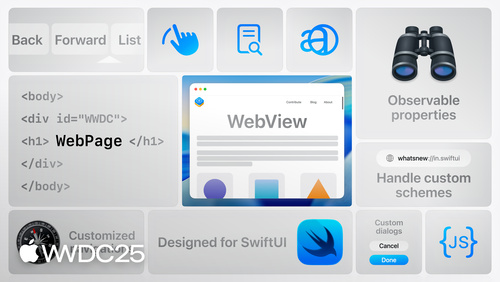
Découvrez WebKit pour SwiftUI 21:59
Découvrez WebKit pour SwiftUI
WWDC25
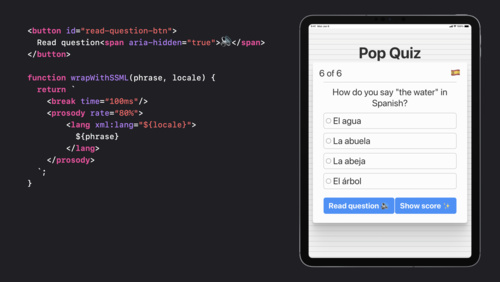
Améliorez l’expérience multilingue de votre app 20:38
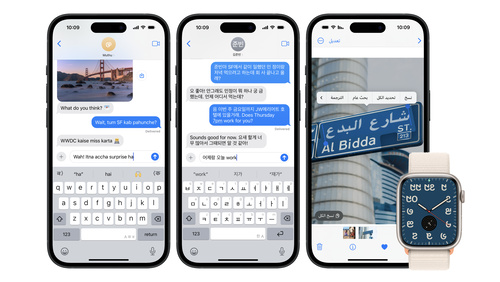
Améliorez l’expérience multilingue de votre app
WWDC25
Sublimez le design de votre app iPad 15:20
Sublimez le design de votre app iPad
WWDC25
Découvrez la disposition spatiale SwiftUI 20:21
Découvrez la disposition spatiale SwiftUI
WWDC25
Quoi de neuf dans visionOS 26 38:47
Quoi de neuf dans visionOS 26
WWDC25
Découvrez le nouveau design des icônes d’app 11:54
Découvrez le nouveau design des icônes d’app
WWDC25
Concevez des widgets pour visionOS 21:04
Concevez des widgets pour visionOS
WWDC25
Créer des icônes avec Icon Composer 14:33
Créer des icônes avec Icon Composer
WWDC25
Nouveautés dans UIKit 26:02
Nouveautés dans UIKit
WWDC25
Rendez votre app UIKit plus flexible 16:43
Rendez votre app UIKit plus flexible
WWDC25
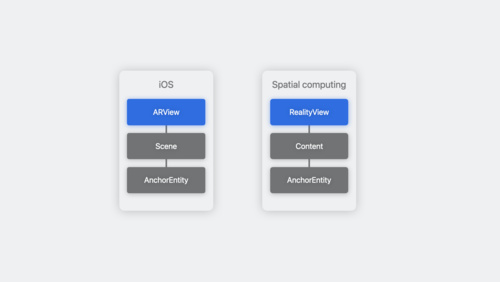
Mieux ensemble : SwiftUI et RealityKit 30:25
Mieux ensemble : SwiftUI et RealityKit
WWDC25
Code-along : Préparation d’une expérience de texte enrichie dans SwiftUI avec AttributedString 35:10
Code-along : Préparation d’une expérience de texte enrichie dans SwiftUI avec AttributedString
WWDC25
Créez un UIKit app avec le nouveau design 25:52
Créez un UIKit app avec le nouveau design
WWDC25
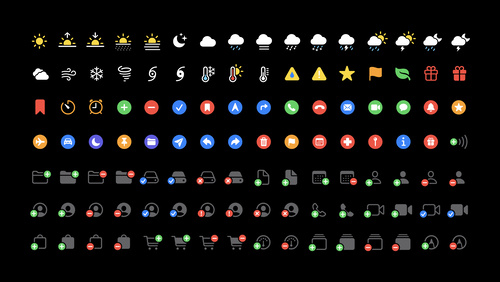
Quoi de neuf dans Symbols SF 7 22:52
Quoi de neuf dans Symbols SF 7
WWDC25
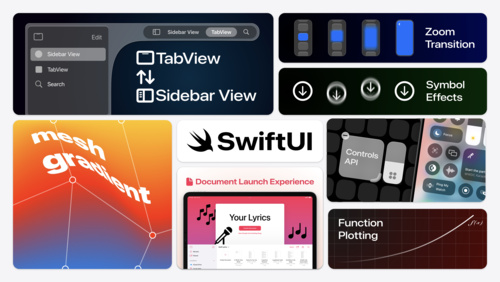
Nouveautés dans SwiftUI 25:57
Nouveautés dans SwiftUI
WWDC25
Nouveautés dans Xcode 26 36:56
Nouveautés dans Xcode 26
WWDC25
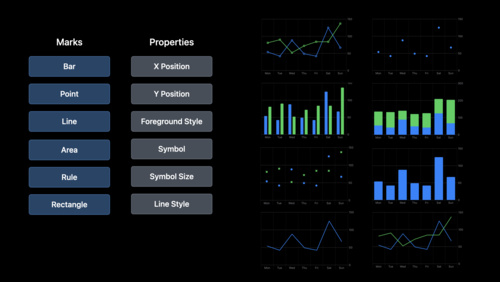
Donnez une nouvelle dimension à Swift Charts avec la 3D 11:17
Donnez une nouvelle dimension à Swift Charts avec la 3D
WWDC25
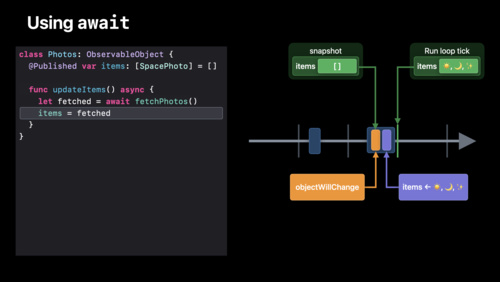
Découvrir la simultanéité dans SwiftUI 24:55
Découvrir la simultanéité dans SwiftUI
WWDC25
Découvrez Liquid Glass 19:33
Découvrez Liquid Glass
WWDC25
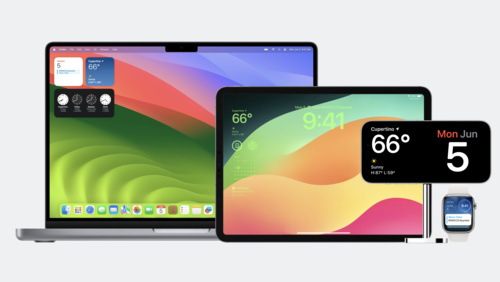
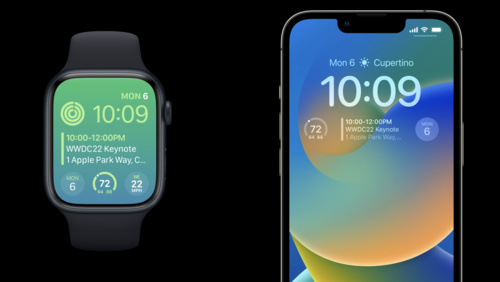
Nouveautés dans les widgets 24:28
Nouveautés dans les widgets
WWDC25
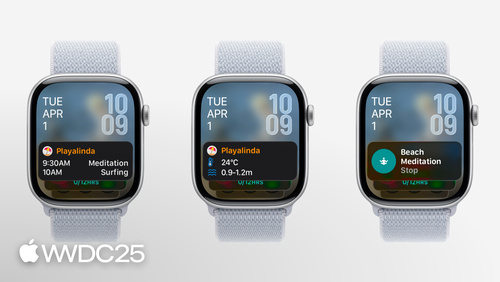
Nouveautés dans watchOS 26 20:56
Nouveautés dans watchOS 26
WWDC25
Créez une app SwiftUI avec le nouveau design 22:17
Créez une app SwiftUI avec le nouveau design
WWDC25
Découvrez le nouveau système de conception 18:14
Découvrez le nouveau système de conception
WWDC25
Optimiser les performances de SwiftUI avec Instruments 35:36
Optimiser les performances de SwiftUI avec Instruments
WWDC25
Catch up on accessibility in SwiftUI 21:19
Catch up on accessibility in SwiftUI
WWDC24
What’s new in SwiftUI 23:13
What’s new in SwiftUI
WWDC24
Meet the Contact Access Button 15:43
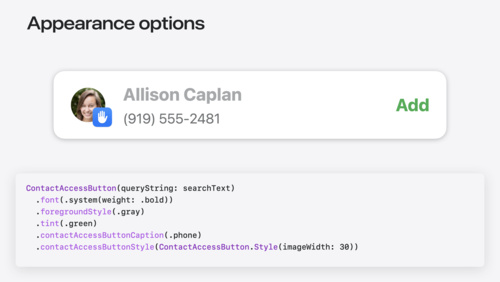
Meet the Contact Access Button
WWDC24
What’s new in UIKit 21:10
What’s new in UIKit
WWDC24
SwiftUI essentials 24:16
SwiftUI essentials
WWDC24
Evolve your document launch experience 10:08
Evolve your document launch experience
WWDC24
What’s new in Xcode 16 22:14
What’s new in Xcode 16
WWDC24
Demystify SwiftUI containers 18:12
Demystify SwiftUI containers
WWDC24
Support semantic search with Core Spotlight 10:55
Support semantic search with Core Spotlight
WWDC24
What’s new in SF Symbols 6 17:19
What’s new in SF Symbols 6
WWDC24
Create custom hover effects in visionOS 16:40
Create custom hover effects in visionOS
WWDC24
Tailor macOS windows with SwiftUI 10:56
Tailor macOS windows with SwiftUI
WWDC24
Build multilingual-ready apps 16:41
Build multilingual-ready apps
WWDC24
Create custom visual effects with SwiftUI 26:06
Create custom visual effects with SwiftUI
WWDC24
Get started with Writing Tools 12:24
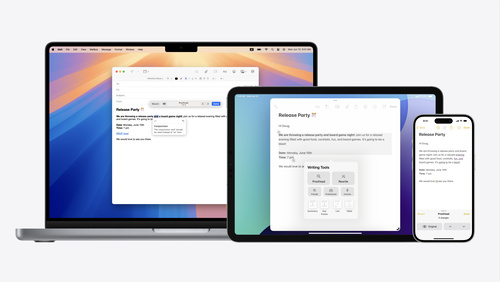
Get started with Writing Tools
WWDC24
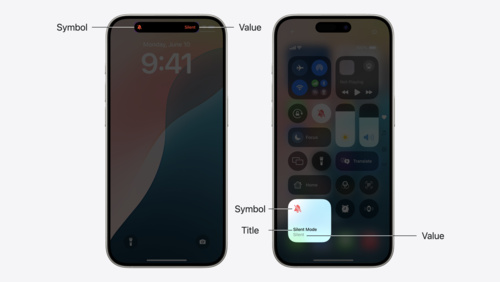
Extend your app’s controls across the system 18:09
Extend your app’s controls across the system
WWDC24
Enhance your UI animations and transitions 14:14
Enhance your UI animations and transitions
WWDC24
Work with windows in SwiftUI 12:55
Work with windows in SwiftUI
WWDC24
What’s new in AppKit 19:56
What’s new in AppKit
WWDC24
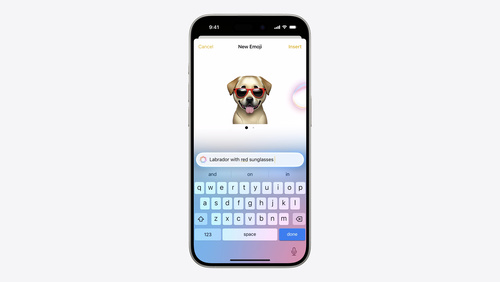
Bring expression to your app with Genmoji 11:17
Bring expression to your app with Genmoji
WWDC24
Swift Charts: Vectorized and function plots 13:29
Swift Charts: Vectorized and function plots
WWDC24
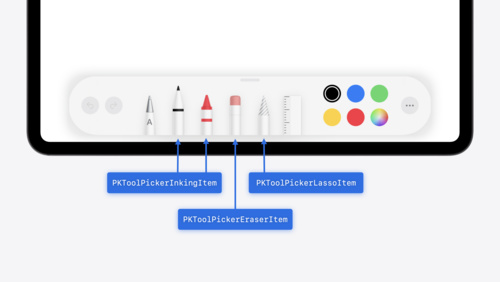
Squeeze the most out of Apple Pencil 14:58
Squeeze the most out of Apple Pencil
WWDC24
What’s new in watchOS 11 14:16
What’s new in watchOS 11
WWDC24
Migrate your TVML app to SwiftUI 17:30
Migrate your TVML app to SwiftUI
WWDC24
What’s new in StoreKit and In-App Purchase 23:00
What’s new in StoreKit and In-App Purchase
WWDC24
Dive deep into volumes and immersive spaces 32:17
Dive deep into volumes and immersive spaces
WWDC24
Elevate your tab and sidebar experience in iPadOS 15:46
Elevate your tab and sidebar experience in iPadOS
WWDC24
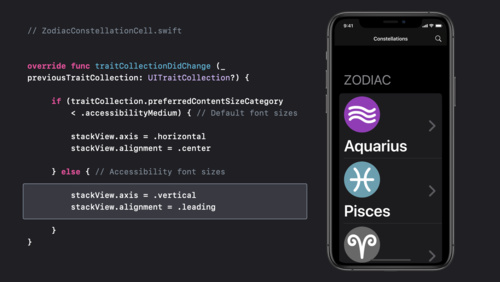
Get started with Dynamic Type 15:30
Get started with Dynamic Type
WWDC24
Design and build apps for watchOS 10 19:20
Design and build apps for watchOS 10
WWDC23
Enhance your iPad and iPhone apps for the Shared Space 12:03
Enhance your iPad and iPhone apps for the Shared Space
WWDC23
What’s new in UIKit 31:18
What’s new in UIKit
WWDC23
Bring widgets to new places 7:18
Bring widgets to new places
WWDC23
Meet SwiftUI for spatial computing 25:59
Meet SwiftUI for spatial computing
WWDC23
Meet StoreKit for SwiftUI 36:59
Meet StoreKit for SwiftUI
WWDC23
Design widgets for the Smart Stack on Apple Watch 12:26
Design widgets for the Smart Stack on Apple Watch
WWDC23
Demystify SwiftUI performance 21:48
Demystify SwiftUI performance
WWDC23
What’s new with text and text interactions 15:45
What’s new with text and text interactions
WWDC23
Explore pie charts and interactivity in Swift Charts 10:14
Explore pie charts and interactivity in Swift Charts
WWDC23
Go beyond the window with SwiftUI 23:53
Go beyond the window with SwiftUI
WWDC23
Animate symbols in your app 17:07
Animate symbols in your app
WWDC23
Build better document-based apps 13:56
Build better document-based apps
WWDC23
The SwiftUI cookbook for focus 23:17
The SwiftUI cookbook for focus
WWDC23
Unleash the UIKit trait system 29:50
Unleash the UIKit trait system
WWDC23
Inspectors in SwiftUI: Discover the details 13:03
Inspectors in SwiftUI: Discover the details
WWDC23
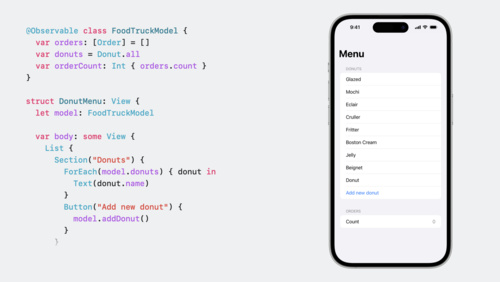
Discover Observation in SwiftUI 12:51
Discover Observation in SwiftUI
WWDC23
Evolve your ARKit app for spatial experiences 27:41
Evolve your ARKit app for spatial experiences
WWDC23
Animate with springs 22:52
Animate with springs
WWDC23
Explore SwiftUI animation 30:01
Explore SwiftUI animation
WWDC23
Build an app with SwiftData 18:54
Build an app with SwiftData
WWDC23
Create animated symbols 18:04
Create animated symbols
WWDC23
What’s new in SF Symbols 5 18:53
What’s new in SF Symbols 5
WWDC23
Build widgets for the Smart Stack on Apple Watch 24:08
Build widgets for the Smart Stack on Apple Watch
WWDC23
Run your iPad and iPhone apps in the Shared Space 14:17
Run your iPad and iPhone apps in the Shared Space
WWDC23
Design with SwiftUI 18:34
Design with SwiftUI
WWDC23
Meet watchOS 10 9:55
Meet watchOS 10
WWDC23
Beyond scroll views 14:46
Beyond scroll views
WWDC23
Meet UIKit for spatial computing 25:39
Meet UIKit for spatial computing
WWDC23
Take SwiftUI to the next dimension 19:30
Take SwiftUI to the next dimension
WWDC23
Unlock the power of grammatical agreement 18:21
Unlock the power of grammatical agreement
WWDC23
Update your app for watchOS 10 13:35
Update your app for watchOS 10
WWDC23
Discover String Catalogs 31:34
Discover String Catalogs
WWDC23
What’s new in AppKit 27:18
What’s new in AppKit
WWDC23
Wind your way through advanced animations in SwiftUI 18:11
Wind your way through advanced animations in SwiftUI
WWDC23
Bring widgets to life 18:47
Bring widgets to life
WWDC23
What’s new in SwiftUI 34:02
What’s new in SwiftUI
WWDC23
Elevate your windowed app for spatial computing 15:56
Elevate your windowed app for spatial computing
WWDC23
What's new in AppKit 22:56
What's new in AppKit
WWDC22
Complications and widgets: Reloaded 17:35
Complications and widgets: Reloaded
WWDC22
Enhance collaboration experiences with Messages 24:07
Enhance collaboration experiences with Messages
WWDC22
Build a desktop-class iPad app 20:18
Build a desktop-class iPad app
WWDC22
Integrate your custom collaboration app with Messages 28:29
Integrate your custom collaboration app with Messages
WWDC22
Create accessible Single App Mode experiences 14:08
Create accessible Single App Mode experiences
WWDC22
Add Shared with You to your app 18:29
Add Shared with You to your app
WWDC22
Get it right (to left) 33:46
Get it right (to left)
WWDC22
Use SwiftUI with AppKit 19:12
Use SwiftUI with AppKit
WWDC22
What's new in web accessibility 14:53
What's new in web accessibility
WWDC22
Use SwiftUI with UIKit 26:09
Use SwiftUI with UIKit
WWDC22
The craft of SwiftUI API design: Progressive disclosure 15:07
The craft of SwiftUI API design: Progressive disclosure
WWDC22
Display EDR content with Core Image, Metal, and SwiftUI 17:41
Display EDR content with Core Image, Metal, and SwiftUI
WWDC22
Bring multiple windows to your SwiftUI app 13:53
Bring multiple windows to your SwiftUI app
WWDC22
What's new in SwiftUI 33:45
What's new in SwiftUI
WWDC22
What's new in TextKit and text views 24:04
What's new in TextKit and text views
WWDC22
Get more mileage out of your app with CarPlay 20:54
Get more mileage out of your app with CarPlay
WWDC22
Go further with Complications in WidgetKit 10:38
Go further with Complications in WidgetKit
WWDC22
Meet the expanded San Francisco font family 18:29
Meet the expanded San Francisco font family
WWDC22
Display HDR video in EDR with AVFoundation and Metal 22:04
Display HDR video in EDR with AVFoundation and Metal
WWDC22
Bring your iOS app to the Mac 22:37
Bring your iOS app to the Mac
WWDC22
SwiftUI on iPad: Add toolbars, titles, and more 13:22
SwiftUI on iPad: Add toolbars, titles, and more
WWDC22
Swift Charts: Raise the bar 21:47
Swift Charts: Raise the bar
WWDC22
SwiftUI on iPad: Organize your interface 18:20
SwiftUI on iPad: Organize your interface
WWDC22
Hello Swift Charts 17:22
Hello Swift Charts
WWDC22
Explore EDR on iOS 20:36
Explore EDR on iOS
WWDC22
Adopt Variable Color in SF Symbols 17:13
Adopt Variable Color in SF Symbols
WWDC22
Meet Transferable 14:02
Meet Transferable
WWDC22
Adopt desktop-class editing interactions 20:59
Adopt desktop-class editing interactions
WWDC22
Compose custom layouts with SwiftUI 27:01
Compose custom layouts with SwiftUI
WWDC22
Meet desktop-class iPad 16:11
Meet desktop-class iPad
WWDC22
Build a productivity app for Apple Watch 24:06
Build a productivity app for Apple Watch
WWDC22
What's new in UIKit 24:14
What's new in UIKit
WWDC22
Build global apps: Localization by example 22:17
Build global apps: Localization by example
WWDC22
The SwiftUI cookbook for navigation 26:06
The SwiftUI cookbook for navigation
WWDC22
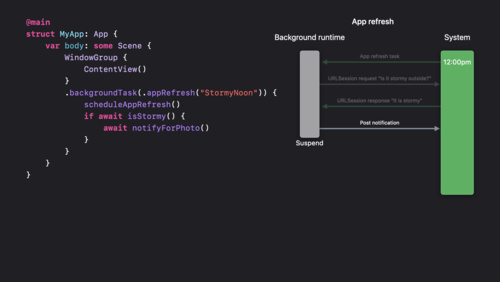
Efficiency awaits: Background tasks in SwiftUI 12:49
Efficiency awaits: Background tasks in SwiftUI
WWDC22
Meet Apple Watch Series 7 15:11
Meet Apple Watch Series 7
Tech Talks
What's New in Sharing 6:35
What's New in Sharing
Tech Talks
Developing Complications for Apple Watch Series 4 11:53
Developing Complications for Apple Watch Series 4
Tech Talks
Building Apps for iPhone XS, iPhone XS Max, and iPhone XR 9:01
Building Apps for iPhone XS, iPhone XS Max, and iPhone XR
Tech Talks
Bringing Your Apps to the New iPad Pro 8:47
Bringing Your Apps to the New iPad Pro
Tech Talks
Designing for iPhone X 12:50
Designing for iPhone X
Tech Talks
Building Apps for iPhone X 13:35
Building Apps for iPhone X
Tech Talks
Updating Your App for Apple TV 4K 2:49
Updating Your App for Apple TV 4K
Tech Talks
Using Web Inspector with tvOS Apps 4:01
Using Web Inspector with tvOS Apps
Tech Talks
What's new in UIKit 26:52
What's new in UIKit
WWDC21
Focus on iPad keyboard navigation 20:23
Focus on iPad keyboard navigation
WWDC21
What's new in watchOS 8 19:46
What's new in watchOS 8
WWDC21
What's new in Mac Catalyst 26:33
What's new in Mac Catalyst
WWDC21
SF Symbols in SwiftUI 10:57
SF Symbols in SwiftUI
WWDC21
Craft search experiences in SwiftUI 11:42
Craft search experiences in SwiftUI
WWDC21
Create accessible experiences for watchOS 23:26
Create accessible experiences for watchOS
WWDC21
Localize your SwiftUI app 17:36
Localize your SwiftUI app
WWDC21
Principles of great widgets 26:52
Principles of great widgets
WWDC21
Bring Core Data concurrency to Swift and SwiftUI 27:04
Bring Core Data concurrency to Swift and SwiftUI
WWDC21
Direct and reflect focus in SwiftUI 11:10
Direct and reflect focus in SwiftUI
WWDC21
Deliver a great playback experience on tvOS 10:35
Deliver a great playback experience on tvOS
WWDC21
Streamline your localized strings 27:04
Streamline your localized strings
WWDC21
Build apps that share data through CloudKit and Core Data 24:35
Build apps that share data through CloudKit and Core Data
WWDC21
Add rich graphics to your SwiftUI app 23:56
Add rich graphics to your SwiftUI app
WWDC21
Explore the SF Symbols 3 app 12:47
Explore the SF Symbols 3 app
WWDC21
Take your iPad apps to the next level 36:16
Take your iPad apps to the next level
WWDC21
SwiftUI Accessibility: Beyond the basics 28:10
SwiftUI Accessibility: Beyond the basics
WWDC21
SwiftUI on the Mac: The finishing touches 17:28
SwiftUI on the Mac: The finishing touches
WWDC21
Qualities of great iPad and iPhone apps on Macs with M1 22:38
Qualities of great iPad and iPhone apps on Macs with M1
WWDC21
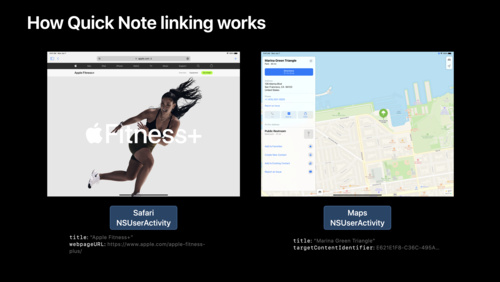
Adopt Quick Note 14:46
Adopt Quick Note
WWDC21
Qualities of a great Mac Catalyst app 24:20
Qualities of a great Mac Catalyst app
WWDC21
SF Symbols in UIKit and AppKit 15:06
SF Symbols in UIKit and AppKit
WWDC21
Meet TextKit 2 41:04
Meet TextKit 2
WWDC21
Build a workout app for Apple Watch 54:09
Build a workout app for Apple Watch
WWDC21
Make blazing fast lists and collection views 22:30
Make blazing fast lists and collection views
WWDC21
Your guide to keyboard layout 14:40
Your guide to keyboard layout
WWDC21
Discover concurrency in SwiftUI 22:54
Discover concurrency in SwiftUI
WWDC21
Meet the UIKit button system 20:08
Meet the UIKit button system
WWDC21
Demystify SwiftUI 40:17
Demystify SwiftUI
WWDC21
Add intelligence to your widgets 19:24
Add intelligence to your widgets
WWDC21
What’s new in SF Symbols 20:31
What’s new in SF Symbols
WWDC21
Discover built-in sound classification in SoundAnalysis 19:16
Discover built-in sound classification in SoundAnalysis
WWDC21
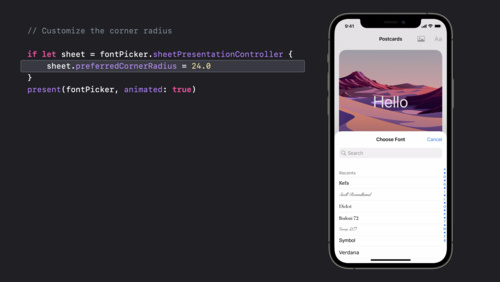
Customize and resize sheets in UIKit 12:12
Customize and resize sheets in UIKit
WWDC21
What's new in SwiftUI 40:13
What's new in SwiftUI
WWDC21
Showcase app data in Spotlight 16:33
Showcase app data in Spotlight
WWDC21
What's new in AppKit 21:32
What's new in AppKit
WWDC21
SwiftUI on the Mac: Build the fundamentals 17:29
SwiftUI on the Mac: Build the fundamentals
WWDC21
Handle the Limited Photos Library in your app 14:17
Handle the Limited Photos Library in your app
WWDC20
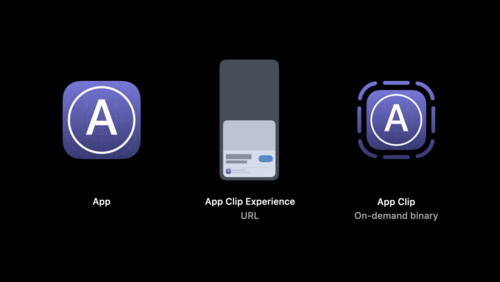
Streamline your App Clip 20:15
Streamline your App Clip
WWDC20
Meet Scribble for iPad 14:13
Meet Scribble for iPad
WWDC20
Introduction to SwiftUI 54:38
Introduction to SwiftUI
WWDC20
Lists in UICollectionView 16:54
Lists in UICollectionView
WWDC20
Modern cell configuration 29:40
Modern cell configuration
WWDC20
Accessibility design for Mac Catalyst 21:30
Accessibility design for Mac Catalyst
WWDC20
Build complications in SwiftUI 22:52
Build complications in SwiftUI
WWDC20
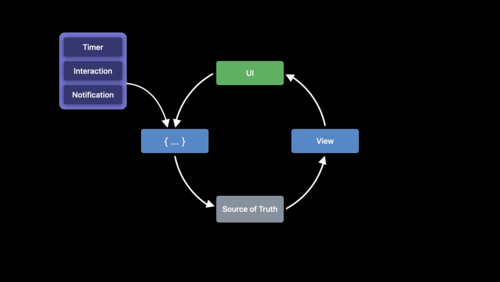
Data Essentials in SwiftUI 36:15
Data Essentials in SwiftUI
WWDC20
Core Data: Sundries and maxims 17:27
Core Data: Sundries and maxims
WWDC20
AutoFill everywhere 10:13
AutoFill everywhere
WWDC20
Meet Watch Face Sharing 14:25
Meet Watch Face Sharing
WWDC20
SF Symbols 2 18:54
SF Symbols 2
WWDC20
Meet the new Photos picker 14:33
Meet the new Photos picker
WWDC20
Build SwiftUI views for widgets 20:22
Build SwiftUI views for widgets
WWDC20
Widgets Code-along, part 2: Alternate timelines 15:18
Widgets Code-along, part 2: Alternate timelines
WWDC20
What's new in Core NFC 5:51
What's new in Core NFC
WWDC20
Meet Safari Web Extensions 27:47
Meet Safari Web Extensions
WWDC20
Optimize the interface of your Mac Catalyst app 37:32
Optimize the interface of your Mac Catalyst app
WWDC20
Build SwiftUI apps for tvOS 14:30
Build SwiftUI apps for tvOS
WWDC20
Stacks, Grids, and Outlines in SwiftUI 19:08
Stacks, Grids, and Outlines in SwiftUI
WWDC20
Configure and link your App Clips 22:57
Configure and link your App Clips
WWDC20
App accessibility for Switch Control 14:43
App accessibility for Switch Control
WWDC20
What's new in SwiftUI 27:44
What's new in SwiftUI
WWDC20
Design for the iPadOS pointer 41:34
Design for the iPadOS pointer
WWDC20
Structure your app for SwiftUI previews 33:42
Structure your app for SwiftUI previews
WWDC20
Build document-based apps in SwiftUI 12:02
Build document-based apps in SwiftUI
WWDC20
Design with iOS pickers, menus and actions 14:54
Design with iOS pickers, menus and actions
WWDC20
Keep your complications up to date 21:50
Keep your complications up to date
WWDC20
Create App Clips for other businesses 19:02
Create App Clips for other businesses
WWDC20
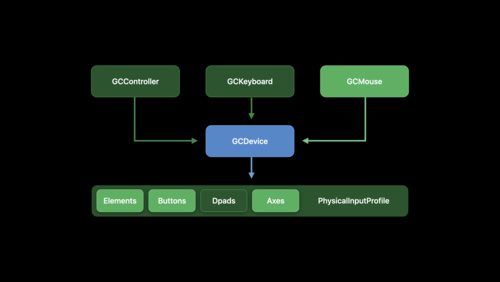
Bring keyboard and mouse gaming to iPad 14:04
Bring keyboard and mouse gaming to iPad
WWDC20
Create complications for Apple Watch 20:08
Create complications for Apple Watch
WWDC20
Sync a Core Data store with the CloudKit public database 18:18
Sync a Core Data store with the CloudKit public database
WWDC20
What's new in Mac Catalyst 15:27
What's new in Mac Catalyst
WWDC20
Master Picture in Picture on tvOS 18:33
Master Picture in Picture on tvOS
WWDC20
What's new in PencilKit 10:26
What's new in PencilKit
WWDC20
Handle trackpad and mouse input 24:05
Handle trackpad and mouse input
WWDC20
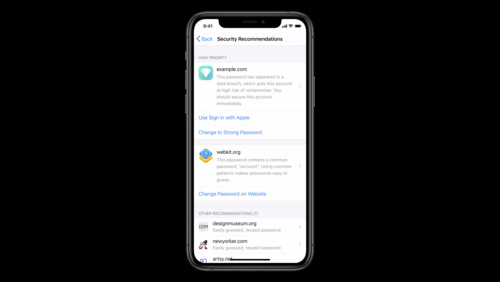
One-tap account security upgrades 24:06
One-tap account security upgrades
WWDC20
Widgets Code-along, part 1: The adventure begins 9:05
Widgets Code-along, part 1: The adventure begins
WWDC20
Make your app visually accessible 16:04
Make your app visually accessible
WWDC20
Support hardware keyboards in your app 11:34
Support hardware keyboards in your app
WWDC20
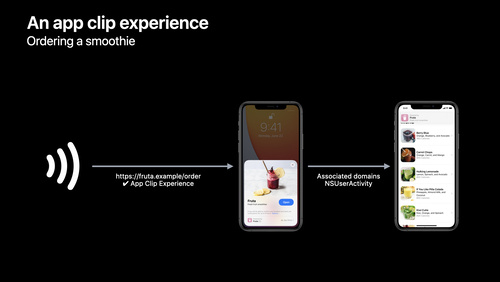
Explore App Clips 19:46
Explore App Clips
WWDC20
App essentials in SwiftUI 15:29
App essentials in SwiftUI
WWDC20
Advances in UICollectionView 9:55
Advances in UICollectionView
WWDC20
Build for the iPadOS pointer 22:50
Build for the iPadOS pointer
WWDC20
Adopt the new look of macOS 28:43
Adopt the new look of macOS
WWDC20
Build with iOS pickers, menus and actions 20:21
Build with iOS pickers, menus and actions
WWDC20
Meet WidgetKit 23:12
Meet WidgetKit
WWDC20
Widgets Code-along, part 3: Advancing timelines 9:06
Widgets Code-along, part 3: Advancing timelines
WWDC20
Inspect, modify, and construct PencilKit drawings 16:04
Inspect, modify, and construct PencilKit drawings
WWDC20
Build for iPad 23:46
Build for iPad
WWDC20
Advances in diffable data sources 11:55
Advances in diffable data sources
WWDC20
Discover search suggestions for Apple TV 11:18
Discover search suggestions for Apple TV
WWDC20
What’s New in File Management and Quick Look 23:55
What’s New in File Management and Quick Look
WWDC19
Introducing the Indoor Maps Program 26:17
Introducing the Indoor Maps Program
WWDC19
Exploring Tinted Graphic Complications 7:08
Exploring Tinted Graphic Complications
WWDC19
Advances in UI Data Sources 36:15
Advances in UI Data Sources
WWDC19
Creating an Accessible Reading Experience 8:47
Creating an Accessible Reading Experience
WWDC19
Introducing SF Symbols 39:32
Introducing SF Symbols
WWDC19
Introducing Multiple Windows on iPad 42:12
Introducing Multiple Windows on iPad
WWDC19
Accessibility in SwiftUI 38:06
Accessibility in SwiftUI
WWDC19
SwiftUI On All Devices 45:05
SwiftUI On All Devices
WWDC19
Building Custom Views with SwiftUI 40:11
Building Custom Views with SwiftUI
WWDC19
Adding Indoor Maps to your App and Website 52:46
Adding Indoor Maps to your App and Website
WWDC19
Core NFC Enhancements 30:43
Core NFC Enhancements
WWDC19
Targeting Content with Multiple Windows 11:11
Targeting Content with Multiple Windows
WWDC19
Architecting Your App for Multiple Windows 15:29
Architecting Your App for Multiple Windows
WWDC19
Accessibility Inspector 10:14
Accessibility Inspector
WWDC19
Data Flow Through SwiftUI 37:20
Data Flow Through SwiftUI
WWDC19
Writing Great Accessibility Labels 10:23
Writing Great Accessibility Labels
WWDC19
Integrating SwiftUI 38:22
Integrating SwiftUI
WWDC19
Introducing iPad Apps for Mac 41:27
Introducing iPad Apps for Mac
WWDC19
Mastering Xcode Previews 44:09
Mastering Xcode Previews
WWDC19
Window Management in Your Multitasking App 13:38
Window Management in Your Multitasking App
WWDC19
Taking iPad Apps for Mac to the Next Level 54:08
Taking iPad Apps for Mac to the Next Level
WWDC19
Advances in Collection View Layout 50:13
Advances in Collection View Layout
WWDC19
What’s New in MapKit and MapKit JS 51:08
What’s New in MapKit and MapKit JS
WWDC19
Using Core Data With CloudKit 31:49
Using Core Data With CloudKit
WWDC19
Making Apps with Core Data 33:11
Making Apps with Core Data
WWDC19
Introducing SwiftUI: Building Your First App 54:16
Introducing SwiftUI: Building Your First App
WWDC19
Font Management and Text Scaling 39:45
Font Management and Text Scaling
WWDC19
Making Apps More Accessible With Custom Actions 9:25
Making Apps More Accessible With Custom Actions
WWDC19
Implementing Dark Mode on iOS 38:58
Implementing Dark Mode on iOS
WWDC19
Large Content Viewer - Ensuring Readability for Everyone 13:08
Large Content Viewer - Ensuring Readability for Everyone
WWDC19
SwiftUI on watchOS 30:53
SwiftUI on watchOS
WWDC19
Visual Design and Accessibility 10:13
Visual Design and Accessibility
WWDC19
SwiftUI Essentials 58:28
SwiftUI Essentials
WWDC19
Creating Independent Watch Apps 28:03
Creating Independent Watch Apps
WWDC19
Introducing PencilKit 34:51
Introducing PencilKit
WWDC19
Mastering the Living Room With tvOS 48:34
Mastering the Living Room With tvOS
WWDC19
Modernizing Your UI for iOS 13 50:21
Modernizing Your UI for iOS 13
WWDC19
What’s New in AppKit for macOS 37:02
What’s New in AppKit for macOS
WWDC19
ResearchKit and CareKit Reimagined 50:39
ResearchKit and CareKit Reimagined
WWDC19
Introducing Desktop-class Browsing on iPad 49:44
Introducing Desktop-class Browsing on iPad
WWDC19
Great Developer Habits 34:34
Great Developer Habits
WWDC19
CarPlay Audio and Navigation Apps 38:33
CarPlay Audio and Navigation Apps
WWDC18
Introduction to Siri Shortcuts 48:46
Introduction to Siri Shortcuts
WWDC18
Optimizing App Assets 46:45
Optimizing App Assets
WWDC18
Extend Your App’s Presence with Deep Linking 3:46
Extend Your App’s Presence with Deep Linking
WWDC17
Developing Wireless CarPlay Systems 34:37
Developing Wireless CarPlay Systems
WWDC17
Express Yourself! 8:37
Express Yourself!
WWDC17
Extend Your App's Presence With Sharing 4:40
Extend Your App's Presence With Sharing
WWDC17
Get Started with Display P3 10:06
Get Started with Display P3
WWDC17
Localization Best Practices on tvOS 13:57
Localization Best Practices on tvOS
WWDC17
Rich Notifications 10:09
Rich Notifications
WWDC17
What’s New in iOS 11 8:47
What’s New in iOS 11
WWDC17
Now Playing and Remote Commands on tvOS 14:41
Now Playing and Remote Commands on tvOS
WWDC17
Size Classes and Core Components 8:41
Size Classes and Core Components
WWDC17
Enabling Your App for CarPlay 27:33
Enabling Your App for CarPlay
WWDC17
Deep Linking on tvOS 7:18
Deep Linking on tvOS
WWDC17
Enhancing VoIP Apps with CallKit 35:53
Enhancing VoIP Apps with CallKit
WWDC16
Deploying AirPrint in Enterprise 16:02
Deploying AirPrint in Enterprise
WWDC16
Protocol and Value Oriented Programming in UIKit Apps 39:51
Protocol and Value Oriented Programming in UIKit Apps
WWDC16
Introducing Safari View Controller 31:24
Introducing Safari View Controller
WWDC15

Aucune vidéo trouvée.